What is the kaizen event report form template?
A good kaizen event produces real change in a few days, then often fades because nobody wrote down what was changed, what the numbers were before and after, or which actions were still open on the last day.
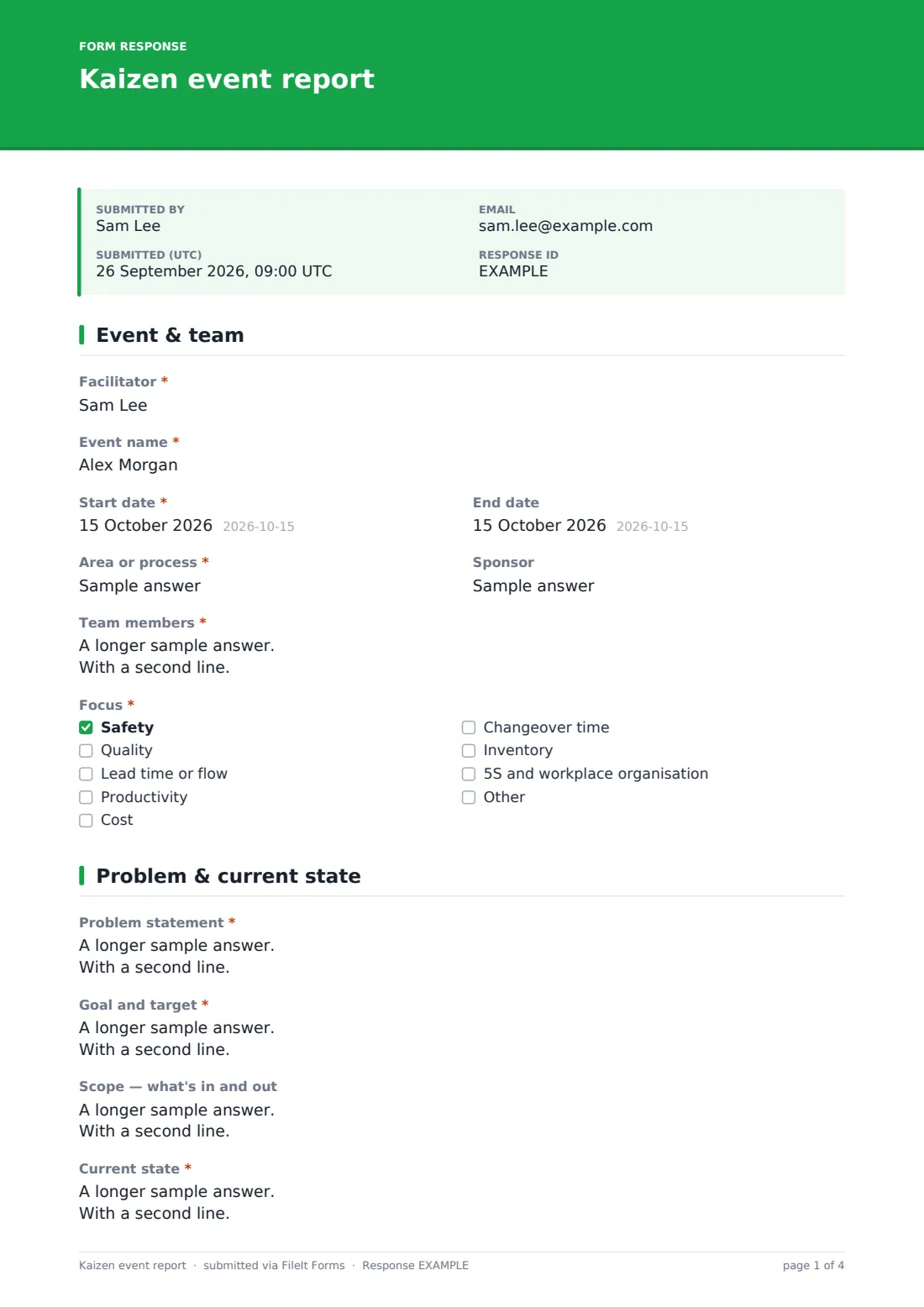
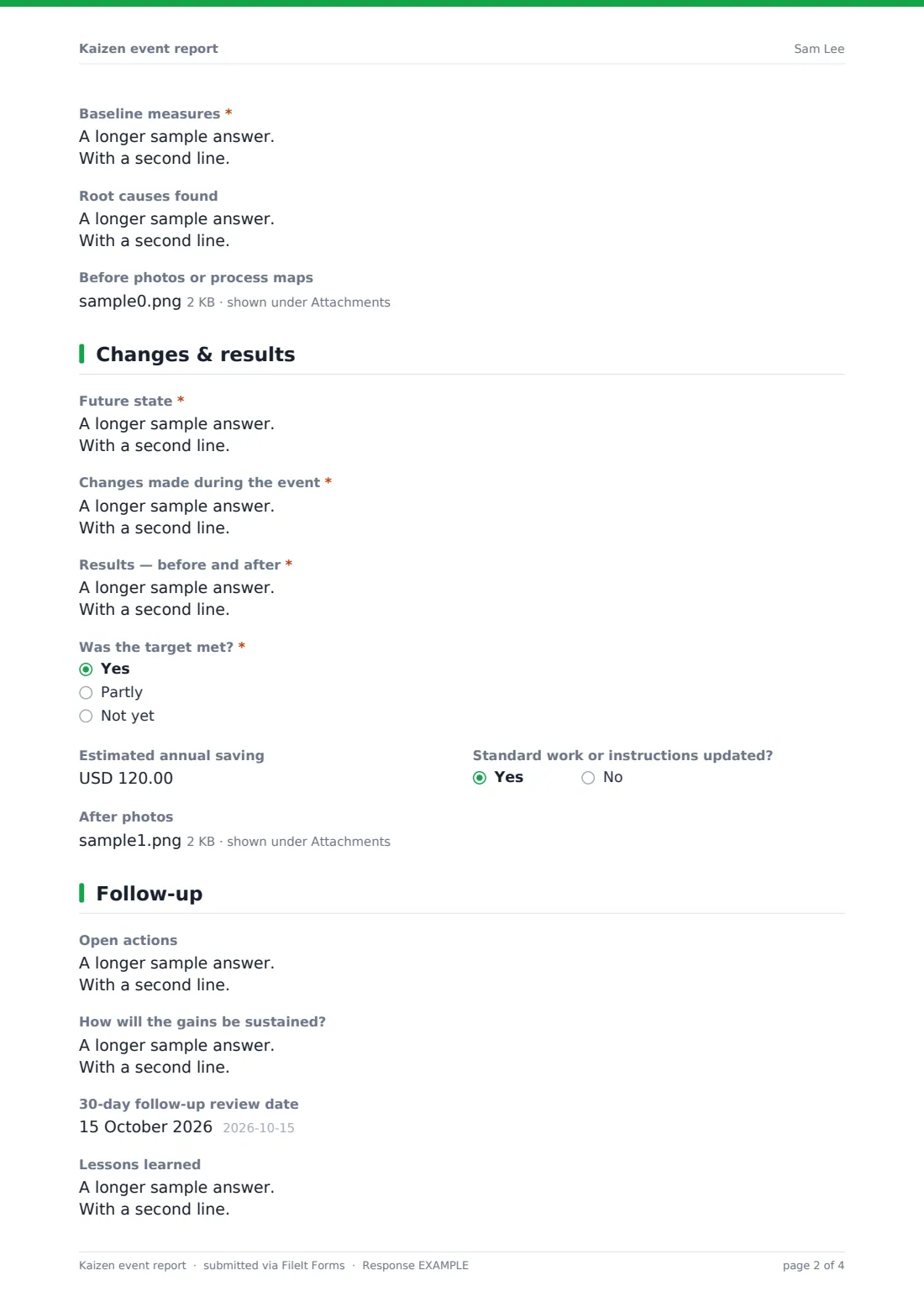
This report follows the usual structure of an event: who took part and what it focused on; the problem, goal, scope, current state, baseline measures and root causes; the future state, changes made, before and after results and whether the target was met; and the open actions, sustain plan, follow-up date and lessons learned.
Each report is saved as a PDF in your FileIt vault with before and after photos, so you build a library of improvements that other teams can learn from, and the 30-day review has something concrete to check against.
- Best for
- Lean and continuous improvement teams in manufacturing, logistics, healthcare and offices
- Filled in by
- The event facilitator, at the end of the event
- Time to complete
- About 15-20 minutes
- Includes
- Baseline and result measures, before and after photos, target met question, open actions, sustain plan and sign-off
Who uses a kaizen event report form?
- A three-to-five-day kaizen event on a production line
- A changeover reduction (SMED) workshop
- An office process improvement event, such as invoice approval
- A 5S blitz in a warehouse area
- Reporting results to a site leadership team
- Building a shared library of past improvements
Questions on this kaizen event report form
29 questions over 4 pages · includes signature, file upload, multiple pages, ratings.
1 Event & team
- Facilitator*
- Event name*
- Start date*
- End date
- Area or process*
- Sponsor
- Team members*
- Focus* Safety · Quality · Lead time or flow · Productivity · Cost · Changeover time · Inventory · 5S and workplace organisation
2 Problem & current state
- Problem statement*
- Goal and target*
- Scope — what's in and out
- Current state*
- Baseline measures*
- Root causes found
- Before photos or process maps
3 Changes & results
- Future state*
- Changes made during the event*
- Results — before and after*
- Was the target met?* Yes · Partly · Not yet
- Estimated annual saving
- Standard work or instructions updated?
- After photos
4 Follow-up
- Open actions
- How will the gains be sustained?
- 30-day follow-up review date
- Lessons learned
- How well did the event go overall?
- Facilitator's signature*
- Reviewed by sponsor
The kaizen event report form, page by page
1 Event & team
The facilitator, event name, start and end dates, area or process and sponsor come first. Team members are listed with their roles, and Focus covers safety, quality, flow, productivity, cost, changeover time, inventory and 5S.
2 Problem & current state
The problem statement, goal and target, current state and baseline measures are required, with optional scope and root causes. Before photos or process maps can be uploaded.
3 Changes & results
The future state, the changes made and before and after results are required, followed by whether the target was met. The estimated annual saving and whether standard work was updated are optional, along with after photos.
4 Follow-up
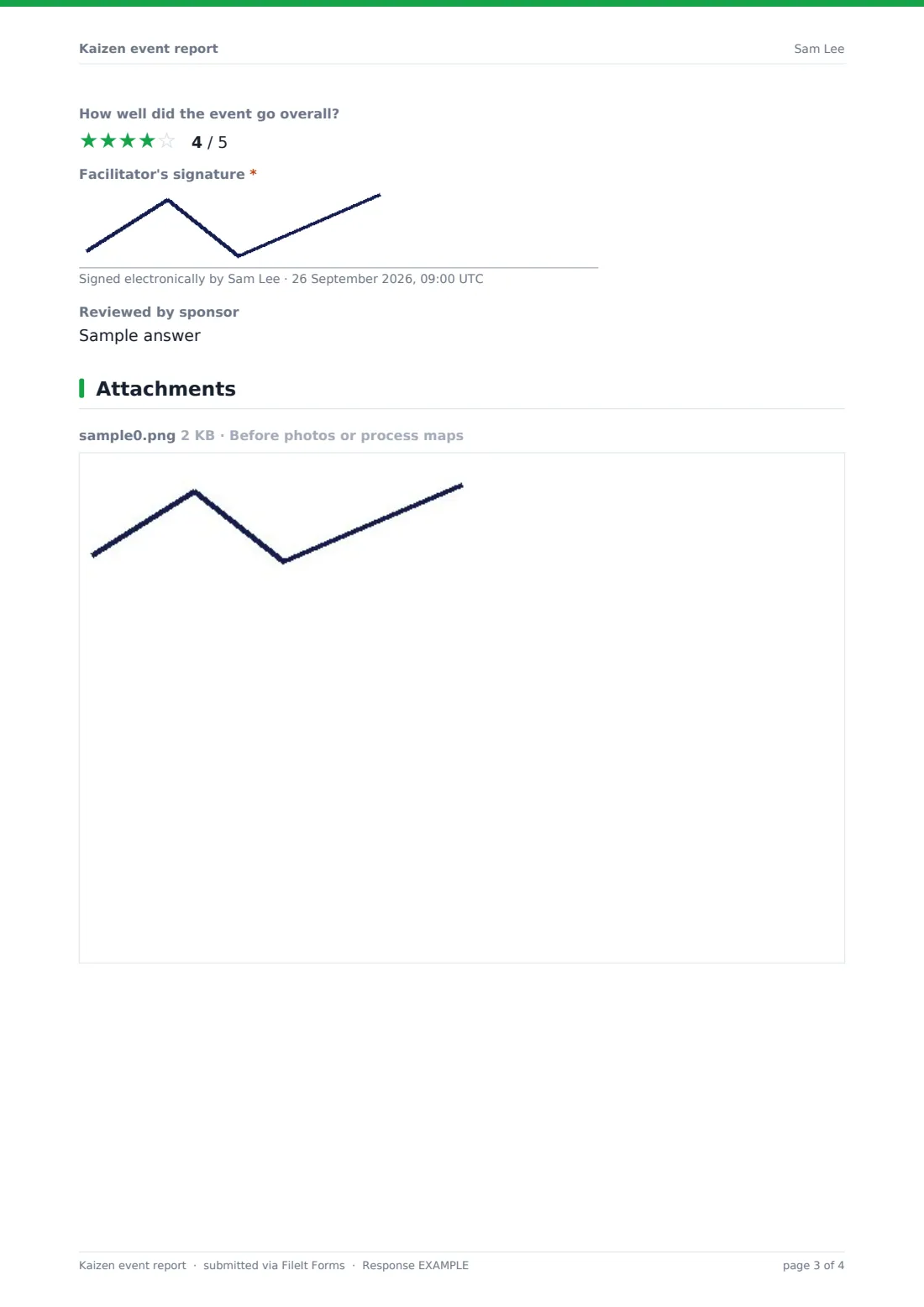
Open actions are listed with owners and due dates, with how the gains will be sustained, the 30-day follow-up review date and lessons learned. The facilitator rates the event, signs, and records the sponsor's review.
Make the template yours
- Add your site's improvement categories or value streams as a dropdown
- Turn the baseline and results boxes into number fields for metrics you always track
- Make the estimated saving required if your programme reports financial results
- Send notifications to the continuous improvement lead
- File reports into a vault folder per site or value stream
Tips for a better kaizen event report form
- Measure the baseline before the event starts, not from memory on the day
- Use the same metric and unit before and after
- Keep open actions few and specific, each with one owner
- Book the 30-day follow-up before the team disperses
- Only report savings that finance or the sponsor would recognise
Every response becomes a PDF in your vault
Each report is saved as a PDF in your FileIt vault with its photos and maps, ready to share with the sponsor or leadership team.
The Responses table lists events by area, focus and whether the target was met, and exports to CSV for a programme summary.
- Start from this template. It opens in the FileIt Forms designer — change any question, add pages, set the rules for when questions appear.
- Share it. Turn on a public link, or send it to people by email, each with their own link. They don’t need a FileIt account.
- Get the answers as PDFs. Each response is saved as a PDF in the vault folder you choose, with uploaded files attached — and listed in a Responses table you can export to CSV.
Kaizen event report form: frequently asked questions
Is this kaizen event report template free?
Yes. It's included in the FileIt Forms app on every account, including the free plan, and every question can be edited, removed or added to in the form designer.
Is this an A3 report?
It covers similar ground to an A3 (problem, current state, root cause, countermeasures, results and follow-up) but as a form rather than a single-page layout.
Can the team fill it in together?
One person submits it, usually the facilitator, often while the team reviews it on a screen at the end of the event.
Can we attach process maps?
Yes. Before photos or process maps can be uploaded as images, PDFs, spreadsheets or Word files.
How do we record the 30-day follow-up?
The report includes a follow-up date. At the review, you can submit a short note or a new response, or adapt a copy of the template for follow-ups.
Do facilitators need a FileIt account to fill it in?
No. Anyone with the form's link can submit it without creating an account. You can also email personal links to specific people.