What is the layered process audit form template?
Layered process audits are short, frequent checks of the same critical process steps, carried out by different levels of the organisation. A team leader might audit every shift, a manager weekly and the plant manager less often. The value comes from regularity and from leaders seeing the process for themselves.
This template records one audit. It identifies the auditor, their layer, the line, station, product and operator, then works through twelve yes/no checks grouped as standard work and safety, and quality and process controls. The auditor records how many answers were no.
Any 'No' opens the findings page: what was found, whether it was fixed on the spot, and whether anything needs escalating to someone, by a set date. Each audit is filed as a PDF in your FileIt vault, so you can show how often each station is checked and what was found.
- Best for
- Manufacturing plants and suppliers running an LPA programme
- Filled in by
- Team leaders, supervisors, managers and senior leaders
- Time to complete
- About 10 minutes at the station
- Includes
- Layer selection, twelve yes/no/N/A checks, findings that appear only when needed, escalation with due date, photos and signature
Who uses a layered process audit form?
- Daily team leader checks of critical stations
- Weekly manager audits on a rotating schedule
- Plant manager gemba walks with a structured checklist
- Customer-required LPA programmes in automotive supply
- Verifying that corrective actions from a past quality problem are still in place
- Training new supervisors on what to look for
Questions on this layered process audit form
23 questions over 3 pages · includes signature, file upload, conditional questions, multiple pages, ratings.
1 Audit details
- Auditor*
- Date*
- Time
- Shift
- Audit layer* Layer 1 — team leader or supervisor · Layer 2 — area or department manager · Layer 3 — plant manager or senior leader
- Line or area*
- Process or station*
- Part or product running
- Operator at the station
2 Process checks
- Standard work & safety* Yes · No · N/A
- Quality & process controls* Yes · No · N/A
- Number of 'No' answers*
3 Findings & actions
- Findings* asked only when it applies
- Were the findings fixed on the spot?* asked only when it applies Yes, all fixed · Some fixed · No — needs follow-up
- Immediate fixes made asked only when it applies
- Does anything need escalating?* asked only when it applies
- Escalated to* asked only when it applies
- Action due date asked only when it applies
- What needs to be done, and by whom?* asked only when it applies
- Photos
- Good practice observed
- Results discussed with the operator?
- Auditor's signature*
The layered process audit form, page by page
1 Audit details
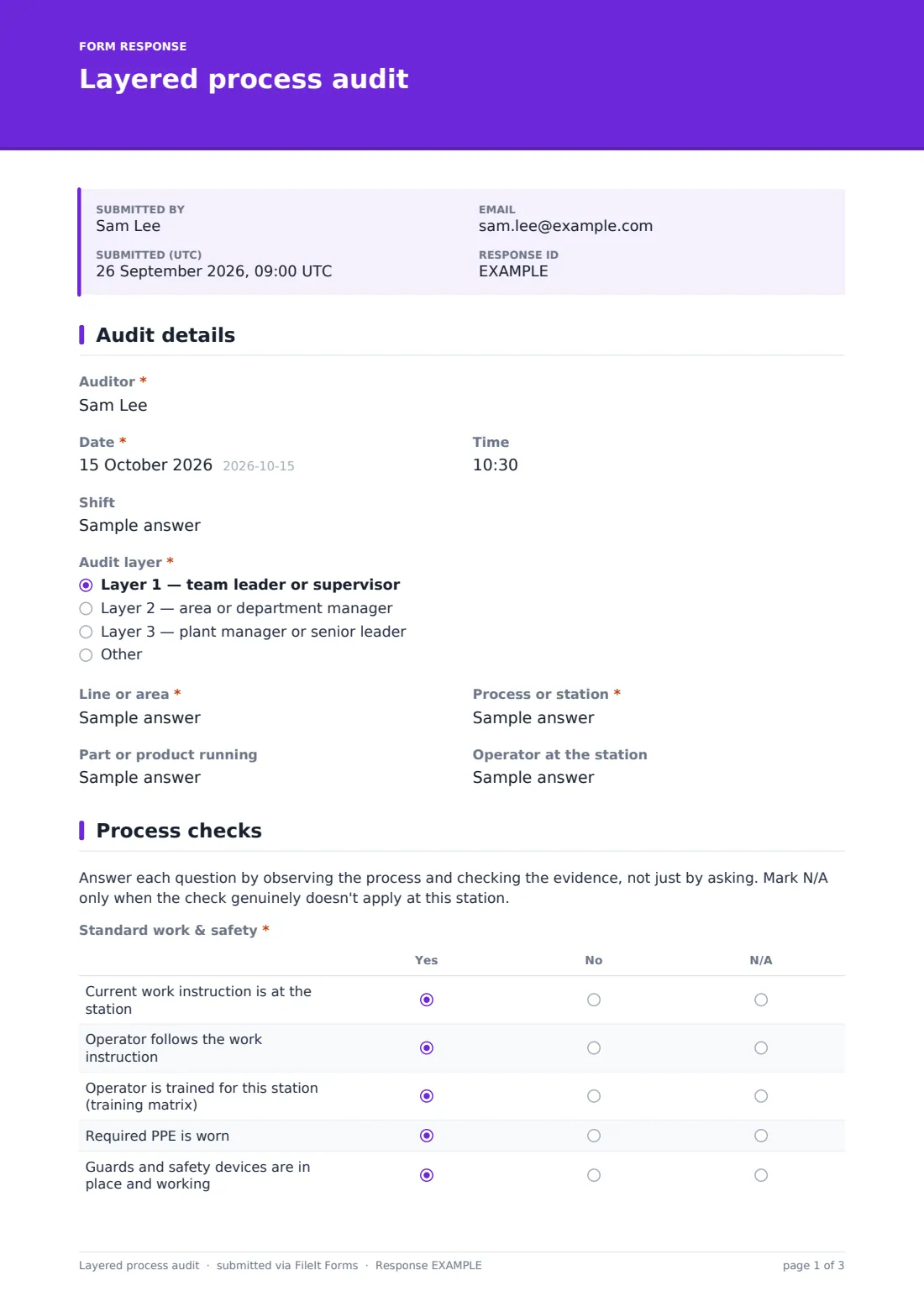
The auditor records the date, time and shift, and chooses the audit layer: team leader or supervisor, area or department manager, or plant manager or senior leader, with room for others such as quality. The line or area and process or station are required, with the part or product running and the operator at the station.
2 Process checks
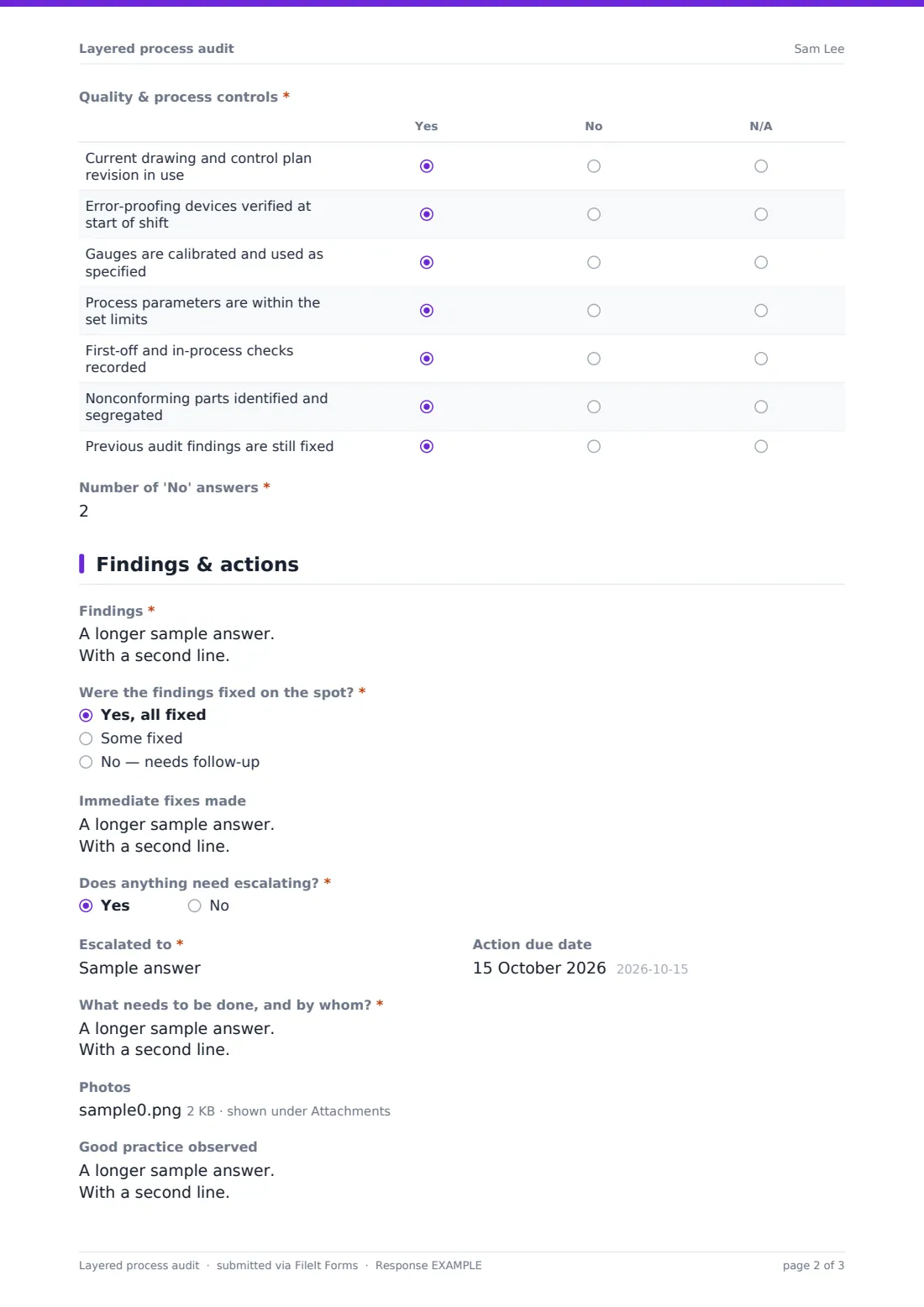
A note reminds auditors to observe and check evidence rather than ask. The Standard work & safety grid covers the work instruction, whether it's followed, training, PPE and guards. The Quality & process controls grid covers drawing and control plan revision, error-proofing verification, gauges, process parameters, recorded checks, segregation of nonconforming parts and whether previous findings are still fixed. Every row is yes, no or N/A, and the auditor enters the number of 'No' answers.
3 Findings & actions
If there was at least one 'No', the form requires the findings, whether they were fixed on the spot and whether anything needs escalating. Unless nothing was fixed, the auditor describes the immediate fixes. Escalations require who it went to and what needs doing, with a due date.
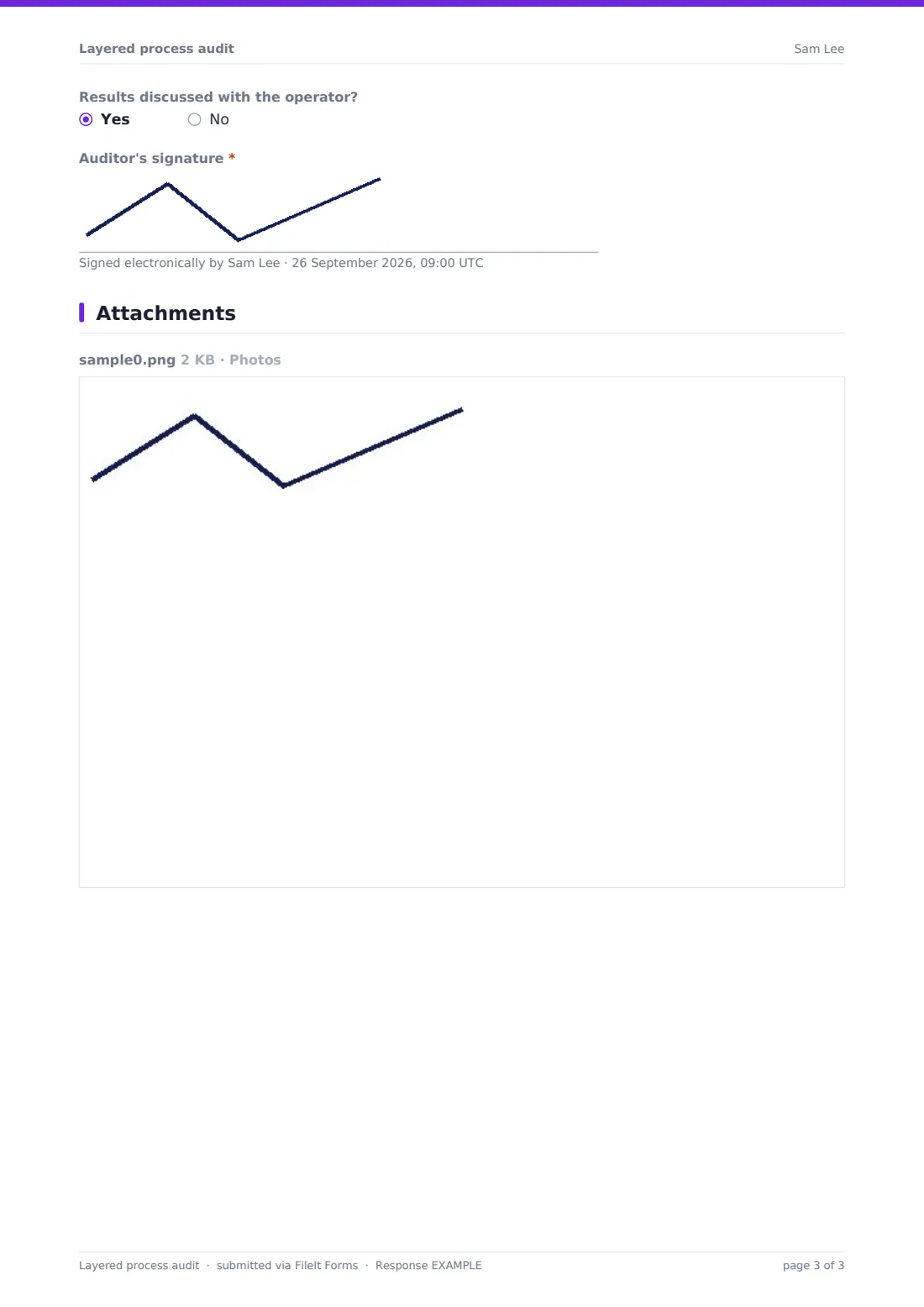
Photos, good practice observed, whether results were discussed with the operator and the auditor's signature complete every audit.
Make the template yours
- Replace the generic checks with the critical steps from your control plan for each station
- Create a copy per line or station so the questions match the process
- Rotate a few questions regularly so audits don't become routine
- Send notifications to the quality manager when something is escalated
- File audits into a vault folder per line to show audit frequency
Tips for a better layered process audit form
- Keep each audit short so it's done every time it's scheduled
- Ask the operator to show you, not tell you
- Fix what you can on the spot and record it
- Thank the operator and share good practice as well as findings
- Review 'No' answers across audits to find system problems, not just individual ones
Every response becomes a PDF in your vault
Each audit is saved as a PDF in your FileIt vault. With notifications on, escalated findings reach the right person as soon as the audit is submitted.
Export the Responses table to CSV to track audit completion by layer and the questions that most often get a 'No'.
- Start from this template. It opens in the FileIt Forms designer — change any question, add pages, set the rules for when questions appear.
- Share it. Turn on a public link, or send it to people by email, each with their own link. They don’t need a FileIt account.
- Get the answers as PDFs. Each response is saved as a PDF in the vault folder you choose, with uploaded files attached — and listed in a Responses table you can export to CSV.
Layered process audit form: frequently asked questions
Is this layered process audit template free?
Yes. It's included in the FileIt Forms app on every account, including the free plan, and every question can be edited, removed or added to in the form designer.
What's the difference between the layers?
Each layer is a level of the organisation auditing the same process: typically team leaders most often, then managers, then senior leaders. The form records which layer did each audit.
Does the form count the 'No' answers for me?
No. The auditor enters the number, which then decides whether the findings questions appear.
Can I change the questions for each station?
Yes. Edit the grid rows in the designer, or keep a copy of the template for each line or station.
Can we schedule audits?
The form records audits but doesn't schedule them. Many teams keep the LPA schedule separately and share the form link with each auditor.
Do auditors need a FileIt account to fill it in?
No. Anyone with the form's link can submit it without creating an account. You can also email personal links to specific people.