What is the holiday let turnover report form template?
Between one guest leaving and the next arriving, a holiday let needs cleaning, fresh linen, restocking and a check for anything broken or missing. When that's done by a cleaner or a cleaning company, the host needs to know it's been done — and needs evidence quickly if a guest has caused damage. A holiday let turnover report gives the cleaner a checklist and gives the host a dated record of every changeover.
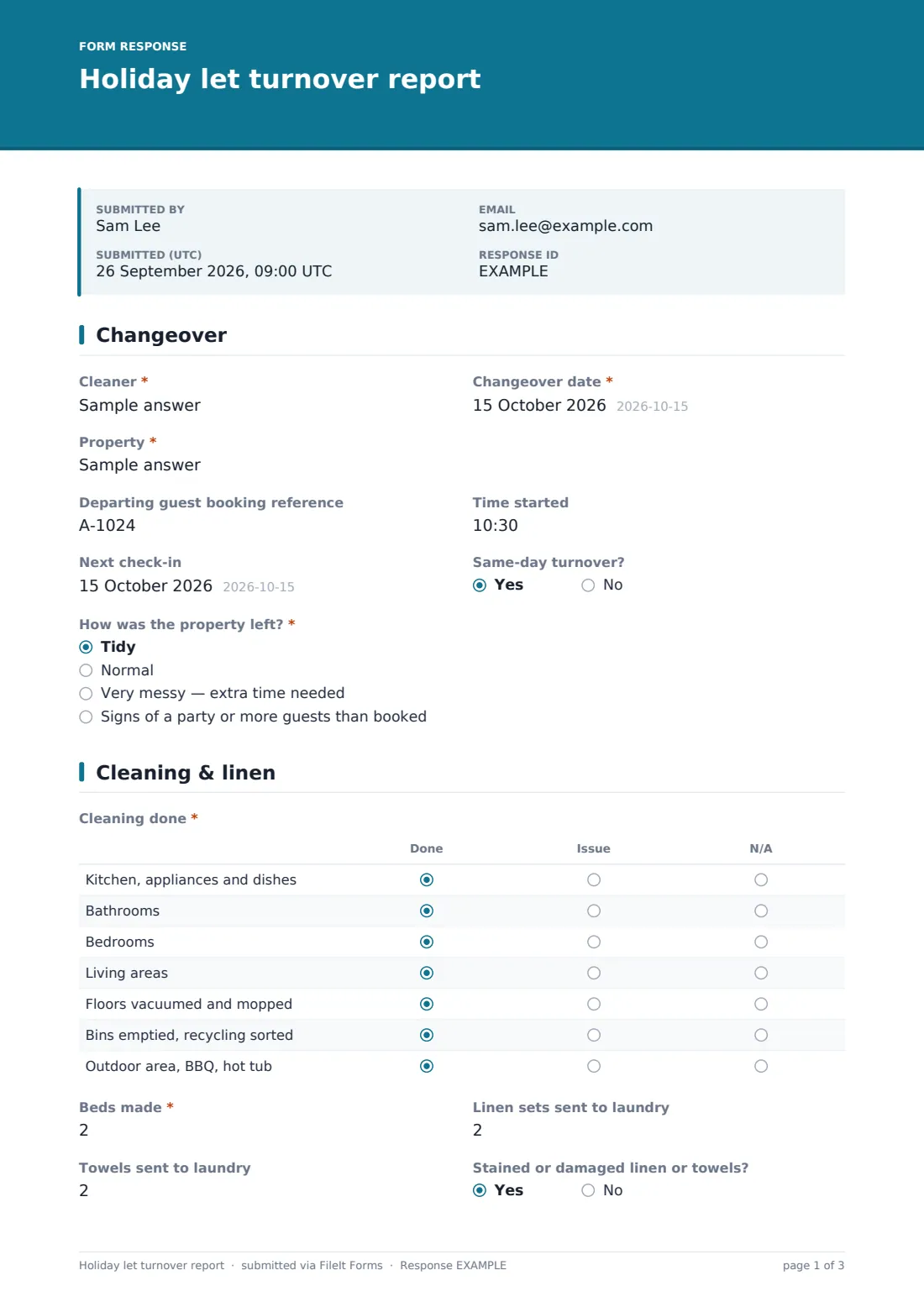
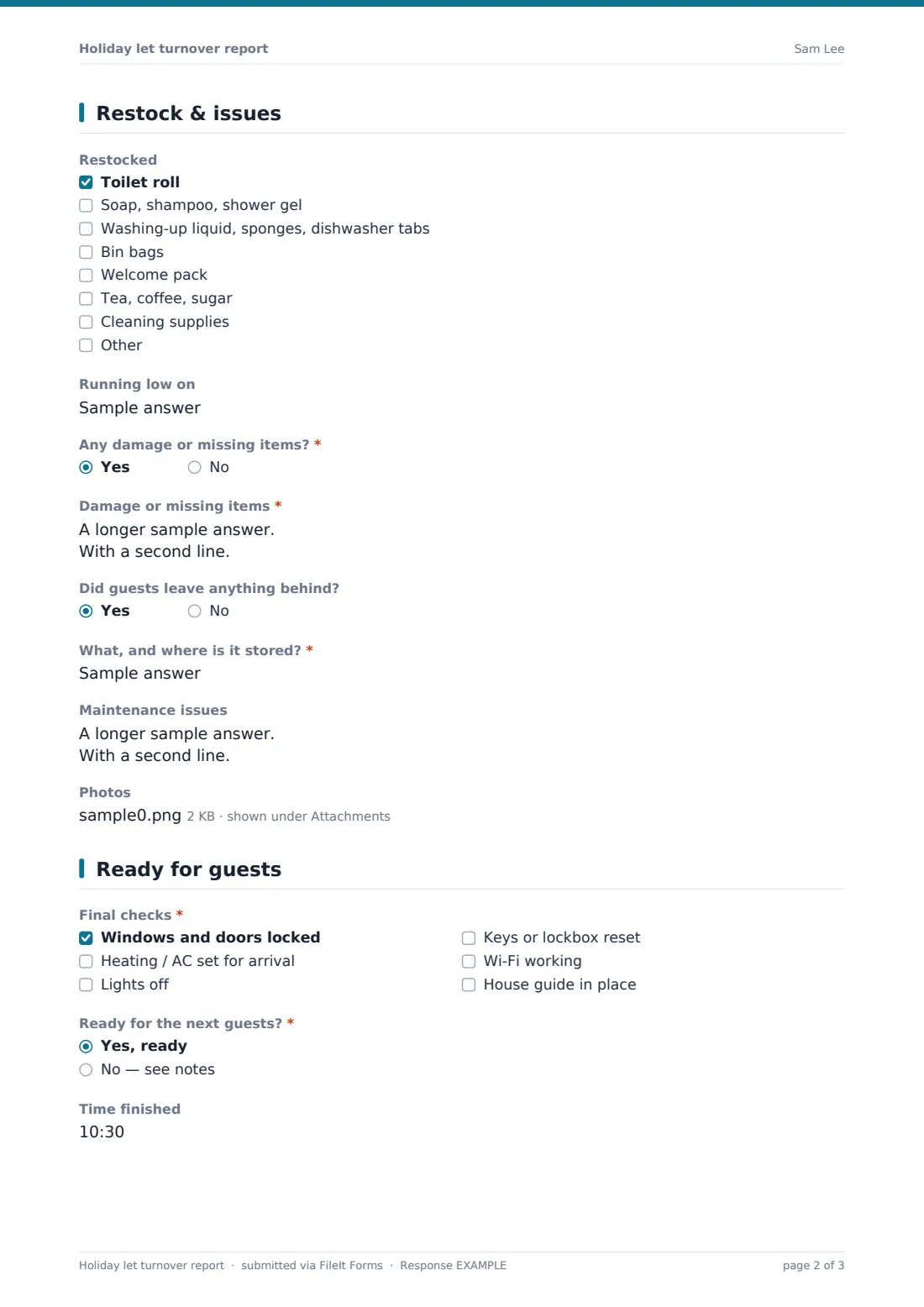
This template opens with the changeover details and "How was the property left?" — if there are signs of a party or more guests than booked, it asks what was found. "Cleaning done" is a grid by area, followed by beds made and linen and towels sent to laundry. The restock checklist covers toiletries, kitchen supplies, bin bags, welcome packs and cleaning supplies, with a box for what's running low. Damage, missing items, things guests left behind and maintenance issues are recorded with photos, and the final page confirms the property is ready.
It runs on FileIt's Forms app on a phone. Cleaners don't need a FileIt account, and each turnover is filed as a PDF in your vault.
- Best for
- Holiday let owners, short-term rental hosts, co-hosts and cleaning companies
- Filled in by
- The cleaner or housekeeper at each changeover
- Time to complete
- About 5 minutes at the end of the clean
- Includes
- Cleaning grid, linen counts, restock checklist, damage and lost property follow-ups, up to 10 photos, final checks
Who uses a holiday let turnover report form?
- Changeovers at a single holiday cottage
- Cleaning companies reporting to several hosts
- Same-day turnovers where timing is tight
- Recording guest damage with photos for a claim to the booking platform
- Tracking consumables so restocking doesn't run out
- Passing maintenance issues straight to the host
Questions on this holiday let turnover report form
27 questions over 4 pages · includes signature, file upload, conditional questions, multiple pages, ratings.
1 Changeover
- Cleaner*
- Changeover date*
- Property*
- Departing guest booking reference
- Time started
- Next check-in
- Same-day turnover?
- How was the property left?* Tidy · Normal · Very messy — extra time needed · Signs of a party or more guests than booked
- What did you find?* asked only when it applies
2 Cleaning & linen
- Cleaning done* Done · Issue · N/A
- Beds made*
- Linen sets sent to laundry
- Towels sent to laundry
- Stained or damaged linen or towels?
3 Restock & issues
- Restocked Toilet roll · Soap, shampoo, shower gel · Washing-up liquid, sponges, dishwasher tabs · Bin bags · Welcome pack · Tea, coffee, sugar · Cleaning supplies
- Running low on
- Any damage or missing items?*
- Damage or missing items* asked only when it applies
- Did guests leave anything behind?
- What, and where is it stored?* asked only when it applies
- Maintenance issues
- Photos
4 Ready for guests
- Final checks* Windows and doors locked · Heating / AC set for arrival · Lights off · Keys or lockbox reset · Wi-Fi working · House guide in place
- Ready for the next guests?* Yes, ready · No — see notes
- What's stopping it?* asked only when it applies
- Time finished
- Cleaner signature
The holiday let turnover report form, page by page
1 Changeover
Cleaner, date, property, the departing guest's booking reference, start time, next check-in date and whether it's a same-day turnover. "How was the property left?" ranges from tidy to signs of a party, which asks what was found.
2 Cleaning & linen
The "Cleaning done" grid marks kitchen, bathrooms, bedrooms, living areas, floors, bins and outdoor areas as done, issue or N/A. Beds made, linen sets and towels sent to laundry, and whether any linen or towels were stained or damaged.
3 Restock & issues
A restock checklist, "Running low on", then "Any damage or missing items?" with a description of what, where and whether it looks like guest damage or wear. Items left behind ask what and where they're stored. Maintenance issues and up to ten photos complete the page.
4 Ready for guests
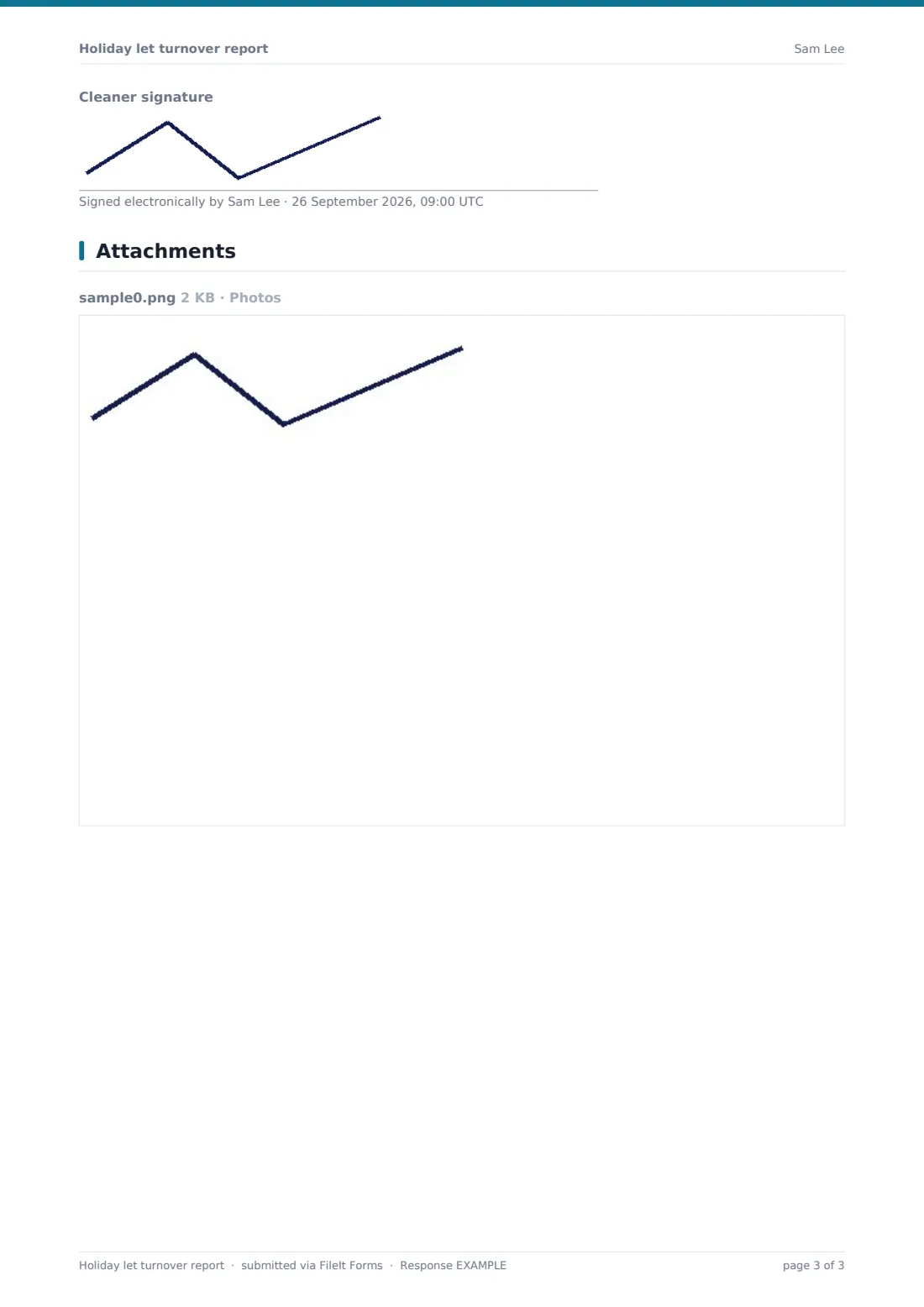
Final checks — windows and doors locked, heating or AC set, lights off, keys or lockbox reset, Wi-Fi working, house guide in place — and "Ready for the next guests?" If not, the cleaner says what's stopping it. Finish time and an optional signature close the report.
Make the template yours
- Turn the property question into a dropdown if you manage several lets
- Edit the restock list to match what you provide
- Add rows to the cleaning grid for hot tubs, saunas or games rooms
- Notify the host and co-host on every report
- File reports into a vault folder per property
- Add a question for laundry bag counts if you use a laundry service
Tips for a better holiday let turnover report form
- Photograph damage before cleaning up
- Report damage the same day — booking platforms often have short claim windows
- Keep lost property somewhere consistent and record where
- Use the low-stock box to plan your next supply run
- Check the Wi-Fi every time — it's a common guest complaint
- Pass maintenance issues on before the next guests arrive
Every response becomes a PDF in your vault
Each turnover report is filed as a PDF in your vault with photos attached, and the host is notified by email. The cleaner's submission time gives you a record of when the property was ready.
Search the Responses table by property or date, and export to CSV to see linen counts, restock needs and damage reports across all your changeovers.
- Start from this template. It opens in the FileIt Forms designer — change any question, add pages, set the rules for when questions appear.
- Share it. Turn on a public link, or send it to people by email, each with their own link. They don’t need a FileIt account.
- Get the answers as PDFs. Each response is saved as a PDF in the vault folder you choose, with uploaded files attached — and listed in a Responses table you can export to CSV.
Holiday let turnover report form: frequently asked questions
Is this holiday let turnover template free?
Yes. It's included in FileIt's Forms app on every plan, including free.
Do cleaners need a FileIt account?
No. They use the link you share, on their phone.
Does FileIt submit damage claims to booking platforms?
No. The report and photos give you evidence; you make any claim yourself.
Can one form cover several properties?
Yes. The property question identifies each one, and you can turn it into a dropdown.
Can the cleaner add photos?
Yes. Up to ten per report, straight from the phone camera.
How do I know the property is ready?
The last question asks whether it's ready for the next guests, and the notification email tells you as soon as the report is submitted.