What is the lost item report form template?
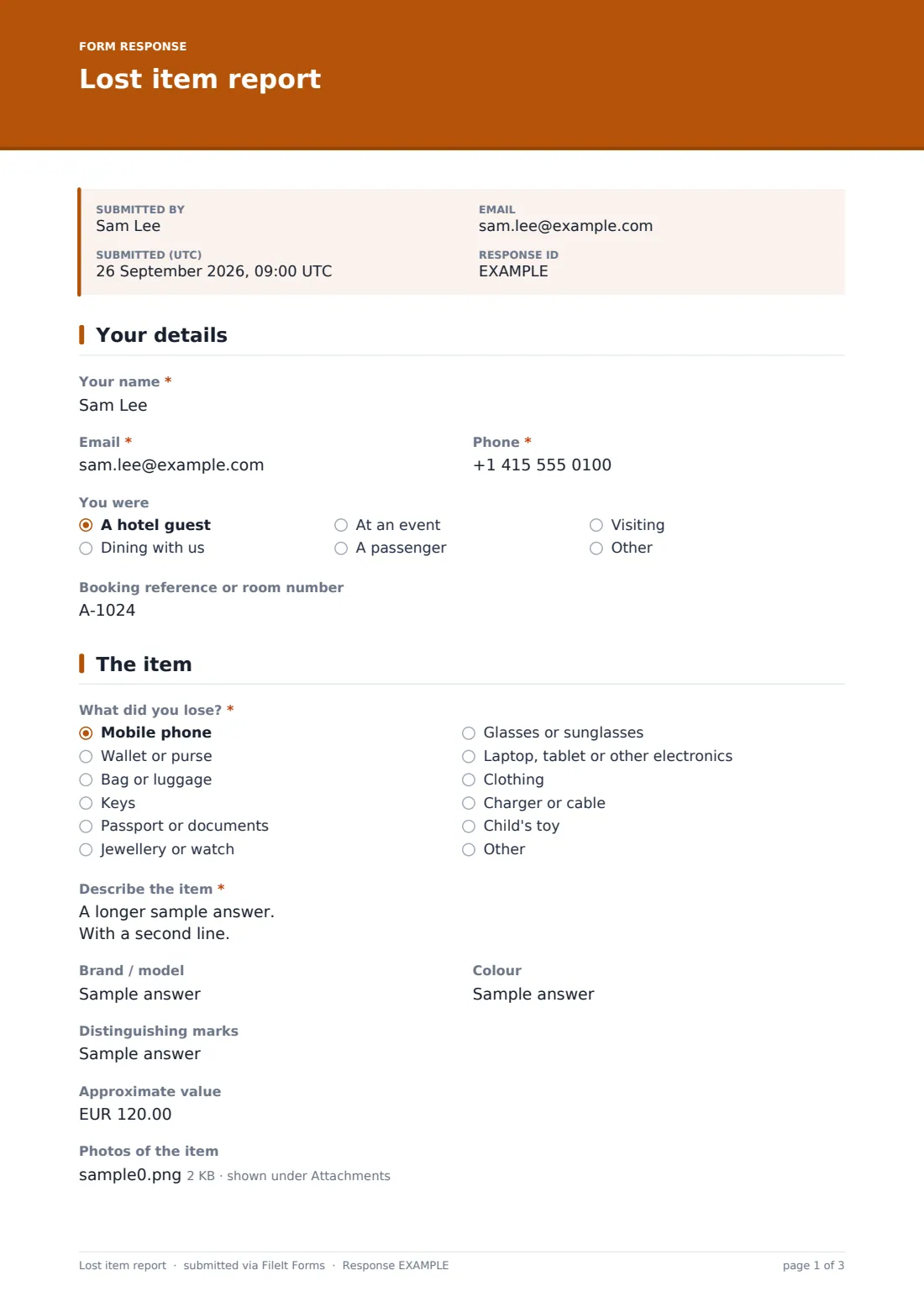
"I think I left my phone somewhere" is the start of a conversation that usually needs several more questions before anyone can check the lost property box with any confidence. This template asks all of it up front: what the item is, its brand, colour and any distinguishing marks, where and roughly when it was lost, and how the guest would like it returned if it turns up.
A dropdown of common categories — from phones and wallets to jewellery, documents and even a child's toy — speeds up the report, while a description box, optional photos, and a value estimate give staff enough to match the item confidently, including details "only the owner would know" that help confirm a rightful claim before anything is handed over.
Every report becomes a PDF filed in the venue's FileIt vault, including any photos attached, so lost property staff can search past reports quickly instead of relying on a logbook or scattered emails.
- Best for
- Hotels, restaurants, venues, tour operators and transport providers handling lost property
- Filled in by
- The guest, diner, passenger or visitor who lost the item
- Time to complete
- About 5 minutes
- Includes
- A category dropdown, optional photos, and conditional return-method questions
Who uses a lost item report form?
- A hotel guest who thinks they left something in their room or a common area
- A diner reporting an item left behind at a restaurant table
- An event organiser fielding lost-property reports from attendees during or after an event
- A transport operator, such as a shuttle or tour company, collecting reports from passengers
- A venue that wants a consistent, searchable record of lost-property reports instead of a paper logbook
- Confirming ownership before releasing a found item, using details only the true owner would know
Questions on this lost item report form
21 questions over 4 pages · includes file upload, conditional questions, multiple pages, consent checkbox.
1 Your details
- Your name*
- Email*
- Phone*
- You were A hotel guest · Dining with us · At an event · A passenger · Visiting
- Booking reference or room number
2 The item
- What did you lose?* Mobile phone · Wallet or purse · Bag or luggage · Keys · Passport or documents · Jewellery or watch · Glasses or sunglasses · Laptop, tablet or other electronics · Clothing · Charger or cable · Child's toy · Other
- What kind of item?* asked only when it applies
- Describe the item*
- Brand / model
- Colour
- Distinguishing marks
- Approximate value
- Photos of the item
3 Where and when
- Date lost*
- Approximate time
- Where do you think you lost it?*
- How sure are you it was lost here? Sure · Probably · Not sure
4 Getting it back
- If we find it* I'll collect it in person · Please send it to me (I'll pay postage) · Someone will collect it for me
- Delivery address* asked only when it applies
- Name of the person collecting* asked only when it applies
- Ownership*
The lost item report form, page by page
1 Your details
The form opens with the reporter's name, email and phone, then asks what brought them to the venue — a hotel guest, dining, at an event, a passenger, or visiting — along with an optional booking reference or room number to help staff cross-check quickly.
2 The item
A dropdown covers common categories: mobile phone, wallet or purse, bag or luggage, keys, passport or documents, jewellery or watch, glasses, laptop or electronics, clothing, charger or cable, a child's toy, or something else, with a follow-up field if "other" is chosen. A description box asks for size, material, contents, case or stickers — anything that would help staff recognise it — alongside optional brand, colour, an approximate value, and distinguishing marks like an engraving or name tag that only the true owner would know.
An optional photo upload accepts up to three images, and the help text suggests a photo of the reporter with the item, or of its box or receipt, as useful proof of ownership.
3 Where and when
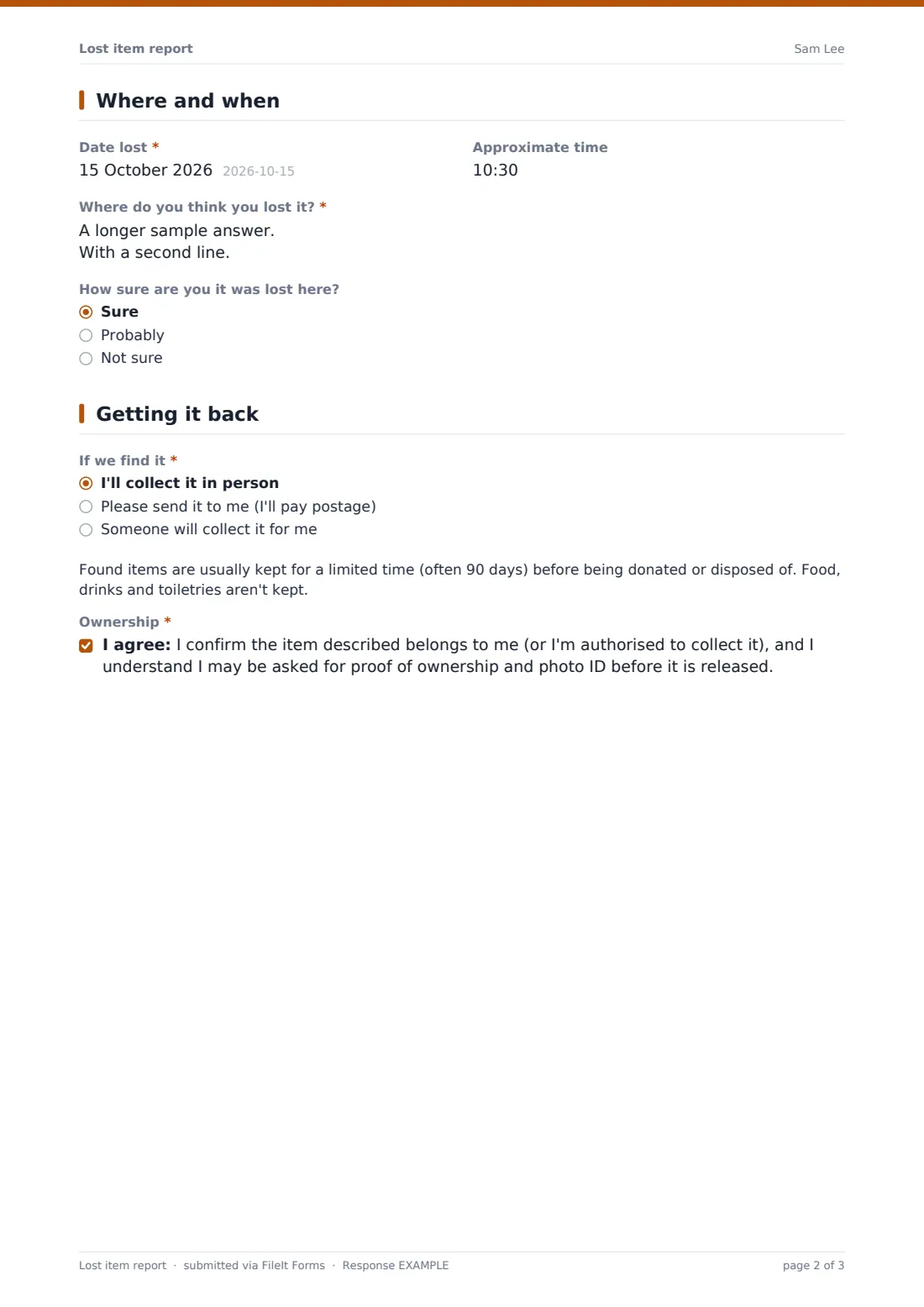
The reporter gives the date and approximate time the item was lost, describes where they think it happened — a specific room, the restaurant terrace, or the airport shuttle, for example — and rates how sure they are it was lost at this venue rather than somewhere else.
4 Getting it back
The reporter chooses how they'd like the item returned if it's found: collecting it in person, having it sent by courier at their own cost, or having someone else collect it on their behalf, each opening the relevant address or collector-name field. A note explains that found items are usually kept for a limited time before being donated or disposed of, and that food, drinks and toiletries aren't kept. The reporter finishes by confirming the item belongs to them, or that they're authorised to collect it, and accepting that they may be asked for proof of ownership and photo ID before it's released.
Make the template yours
- Adjust the item-category dropdown to match what's typically lost at your venue
- Set how long found items are usually held before disposal, matching your own policy in the note shown to reporters
- Route notifications to the specific department or desk responsible for lost property
- File reports into a vault folder organized by month or by location for quick searching later
- Add a matching internal "found item" log so staff can cross-check new reports against items already in storage
- Turn on an emailed PDF copy to the reporter so they have a record of what they submitted
- Adjust the currency on the value field to match where your venue operates
Tips for a better lost item report form
- Ask reporters for distinguishing marks or details only the true owner would know — it's the fastest way to confirm a match safely
- Always ask for photo ID before handing over a found item, even when the description matches well
- Log every report promptly so staff checking incoming found items can search recent submissions quickly
- Set clear expectations about how long items are held, and don't keep food, drinks or toiletries
- Be upfront with guests about courier costs if they choose to have an item shipped rather than collected
- Keep a consistent record of both lost reports and found items so the two can be matched even weeks apart
Every response becomes a PDF in your vault
As soon as a report is submitted, FileIt saves it as a PDF in your vault, with any photos attached, and staff are notified by email. If an emailed copy to the respondent is switched on, the reporter also receives their own PDF confirming what they submitted.
From there, most venues use the Responses table to search open reports against items found on site, and follow up by email once a match looks likely. Because each report includes the reporter's preferred return method, staff can move straight to arranging collection, courier or in-person pickup once ownership is confirmed.
- Start from this template. It opens in the FileIt Forms designer — change any question, add pages, set the rules for when questions appear.
- Share it. Turn on a public link, or send it to people by email, each with their own link. They don’t need a FileIt account.
- Get the answers as PDFs. Each response is saved as a PDF in the vault folder you choose, with uploaded files attached — and listed in a Responses table you can export to CSV.
Lost item report form: frequently asked questions
Is this lost and found report form template free?
Yes. It's included in FileIt's Forms app on every plan, including free, and every question can be edited to match your venue.
Does the guest need a FileIt account to report a lost item?
No. Share the form by public link on your website or send it by email — no FileIt account is needed to submit a report.
How do I get a copy of a submitted report?
Every report is saved automatically as a PDF in your vault, and you can turn on an emailed PDF copy sent to the person who lost the item.
How long do you keep found items before disposing of them?
This template includes a note explaining that found items are typically held for a limited period, often around 90 days, and that food, drinks and toiletries aren't kept — adjust this to match your own policy.
Does submitting this report guarantee the item will be found?
No — it logs the report so staff can check it against items that turn up, but it doesn't guarantee an item will be located.
What proof do I need to collect a found item?
The form asks reporters to confirm ownership, and most venues also ask for photo ID and a description that matches the item before releasing it.
Can someone else collect the item on my behalf?
Yes — choosing that return option opens a field for the collector's name, and they'll usually need to show photo ID when they arrive.