What is the candidate phone screen form template?
A screening call is short, but it decides who goes forward. When notes live in a notebook or a recruiter's head, it's hard to compare candidates fairly or hand them over to the hiring manager. A consistent phone screen form keeps the basics comparable across every candidate.
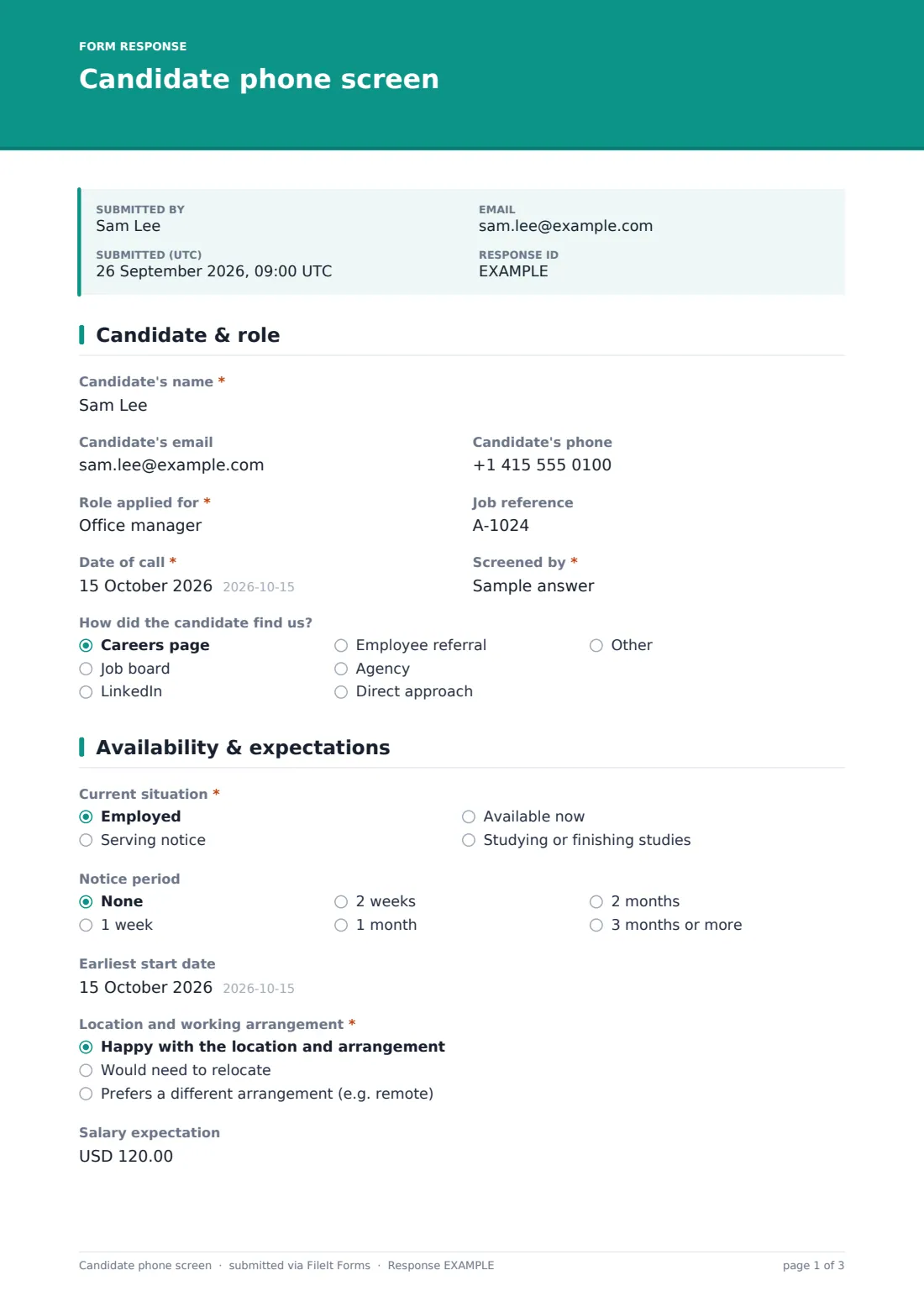
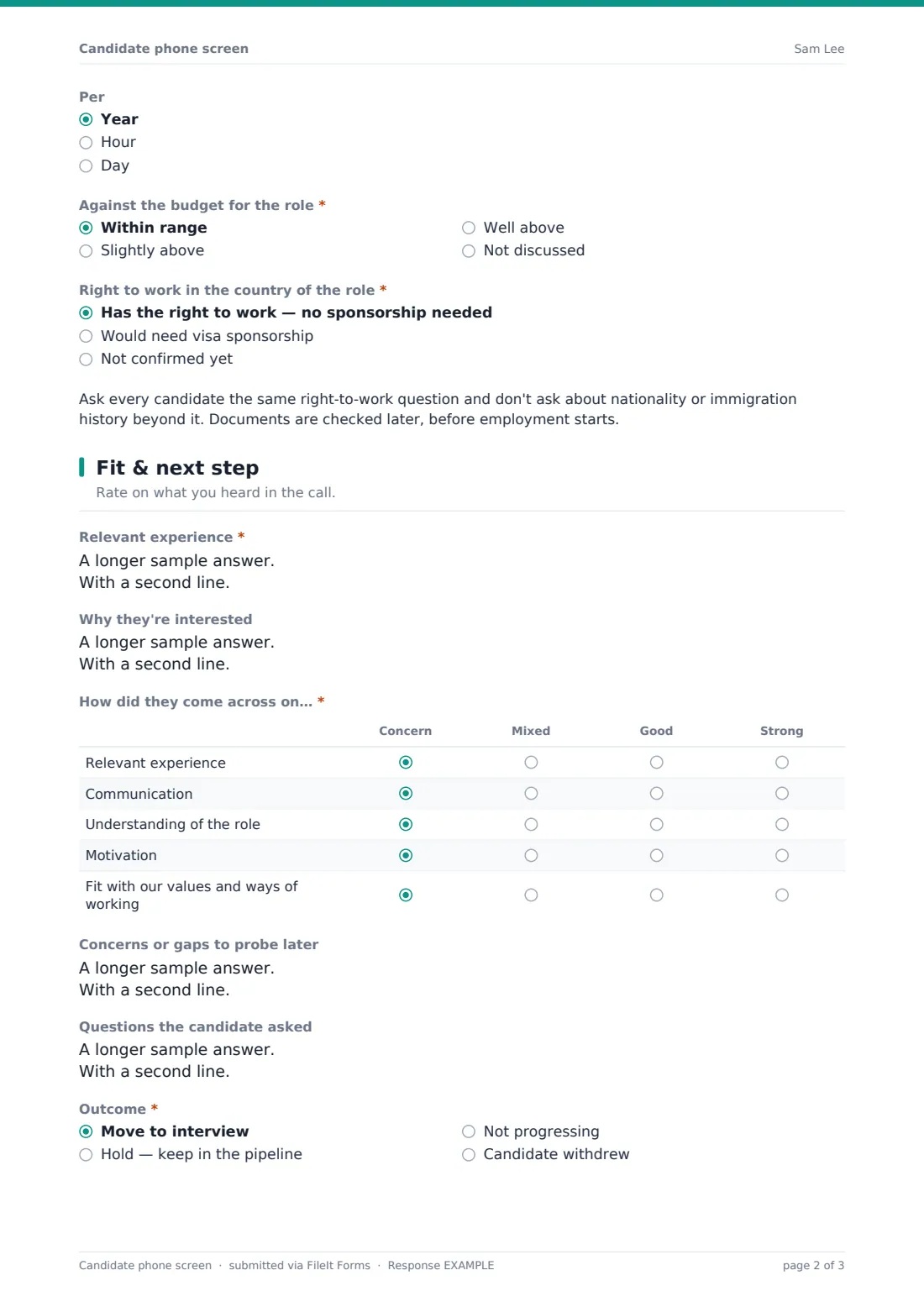
This candidate phone screen template covers the practical questions first — current situation, notice period, earliest start date, location and working arrangement, salary expectations against the budget, and right to work — then records the recruiter's view of fit with a simple rating grid and notes on experience, motivation and concerns.
It finishes with the outcome: move to interview, hold, not progressing or withdrew. Moving forward opens the next interview format and proposed date; not progressing asks for a reason based on the role's requirements. Every screen is saved as a PDF in your FileIt vault.
- Best for
- Recruiters and hiring managers running screening calls
- Filled in by
- The recruiter or hiring manager making the call
- Time to complete
- About 5 minutes after a 15–30 minute call
- Includes
- Availability and salary questions, right-to-work status, a fit rating grid, outcome and next steps
Who uses a candidate phone screen form?
- An in-house recruiter screening applicants before passing them to the hiring manager
- A hiring manager doing their own first calls for a small team
- Comparing several candidates' notice periods and salary expectations
- Recording why a candidate wasn't progressed, in job-related terms
- Handing a shortlist to interviewers with concerns to probe
- Keeping screening consistent across multiple recruiters
Questions on this candidate phone screen form
26 questions over 3 pages · includes conditional questions, multiple pages, ratings.
1 Candidate & role
- Candidate's name*
- Candidate's email
- Candidate's phone
- Role applied for*
- Job reference
- Date of call*
- Screened by*
- How did the candidate find us? Careers page · Job board · LinkedIn · Employee referral · Agency · Direct approach · Other
2 Availability & expectations
- Current situation* Employed · Serving notice · Available now · Studying or finishing studies
- Notice period None · 1 week · 2 weeks · 1 month · 2 months · 3 months or more
- Earliest start date
- Location and working arrangement* Happy with the location and arrangement · Would need to relocate · Prefers a different arrangement (e.g. remote)
- Details asked only when it applies
- Salary expectation
- Per Year · Hour · Day
- Against the budget for the role* Within range · Slightly above · Well above · Not discussed
- Right to work in the country of the role* Has the right to work — no sponsorship needed · Would need visa sponsorship · Not confirmed yet
3 Fit & next step
- Relevant experience*
- Why they're interested
- How did they come across on…* Concern · Mixed · Good · Strong
- Concerns or gaps to probe later
- Questions the candidate asked
- Outcome* Move to interview · Hold — keep in the pipeline · Not progressing · Candidate withdrew
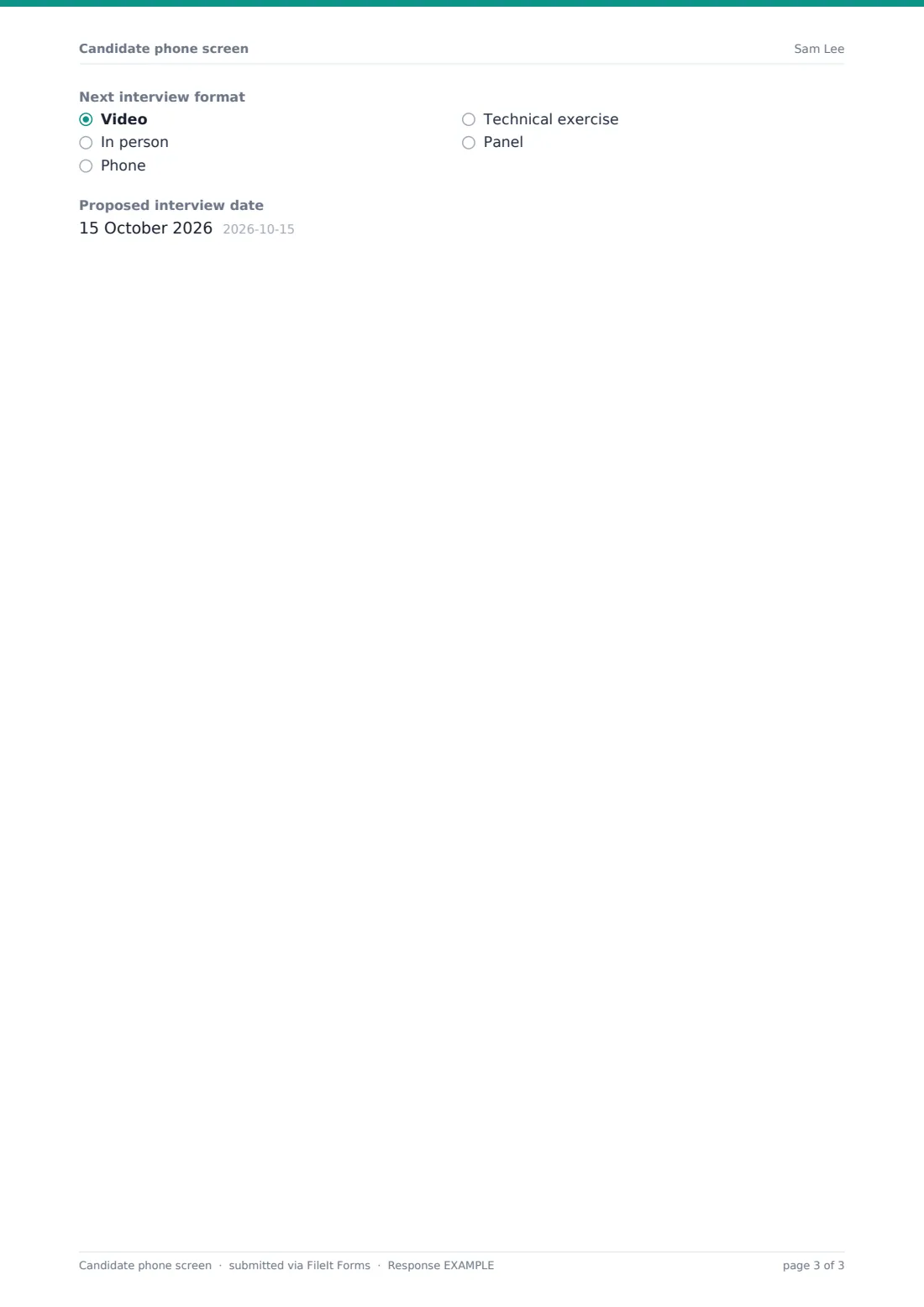
- Next interview format asked only when it applies Video · In person · Phone · Technical exercise · Panel
- Proposed interview date asked only when it applies
- Reason, based on the role's requirements* asked only when it applies
The candidate phone screen form, page by page
1 Candidate & role
The screener records the candidate's name, email and phone, the role and job reference, the date of the call, who screened them, and how the candidate found the role.
2 Availability & expectations
The candidate's current situation, notice period and earliest start date come first, then whether they're happy with the location and arrangement, would need to relocate or prefer something different, with details. Salary expectation is recorded with its basis — per year, hour or day — and compared to the budget. Right to work is recorded as confirmed, needing sponsorship or not yet confirmed, with a reminder to ask every candidate the same way.
3 Fit & next step
The screener summarises relevant experience and motivation, then rates the candidate on experience, communication, understanding of the role, motivation and fit with your values, from concern to strong. Concerns to probe and the candidate's own questions are noted. The outcome decides what comes next: an interview format and date, or a job-related reason for not progressing.
Make the template yours
- Add two or three role-specific knock-out questions to the availability page
- Change the salary currency and basis options to suit the role
- Edit the rating grid rows to match the role's key requirements
- Set the vault folder per vacancy so screens file with the role
- Notify the hiring manager automatically when a screen is submitted
Tips for a better candidate phone screen form
- Ask the same core questions of every candidate for the same role
- Record facts and what the candidate said, not impressions
- Base any rejection reason on the role's requirements
- Don't ask about nationality, age, family plans or health
- Tell candidates what happens next and when they'll hear back
Every response becomes a PDF in your vault
Each screen is saved as a PDF in your FileIt vault and the form owner is notified. Respondent copies are off by default because recruiters fill the form, not candidates.
Recruiters often use the Responses table as a lightweight pipeline: filter by outcome, share PDFs with hiring managers, and export to CSV to compare notice periods and salary expectations.
- Start from this template. It opens in the FileIt Forms designer — change any question, add pages, set the rules for when questions appear.
- Share it. Turn on a public link, or send it to people by email, each with their own link. They don’t need a FileIt account.
- Get the answers as PDFs. Each response is saved as a PDF in the vault folder you choose, with uploaded files attached — and listed in a Responses table you can export to CSV.
Candidate phone screen form: frequently asked questions
Is this phone screen form template free?
Yes — it's included with the Forms app on every FileIt account, including the free plan, alongside the rest of the template gallery.
Does the candidate fill this in?
No. It's for the recruiter or hiring manager to complete during or after the call.
How does it handle right-to-work questions?
It records whether the candidate has the right to work, would need sponsorship, or hasn't confirmed yet, with a reminder to ask everyone the same question and not to ask about nationality. Documents are checked later.
Can I track salary expectations against budget?
Yes. The form records the expectation, the basis (year, hour or day) and whether it's within, slightly above or well above the budget.
What happens when a candidate is moved forward?
Choosing 'Move to interview' opens the next interview format and a proposed date.
Can I change the rating criteria?
Yes. The rating grid rows and columns can be edited in the form designer.