What is the alumni details update form template?
Alumni records go out of date fast — people move, change jobs and change email addresses. Without current details, reunion invitations bounce and the alumni willing to help current students never hear about the chance.
This template gives former students one place to update their details: name and graduation year, contact details and how they'd like to be contacted, their job and industry, news to share and whether it can be featured, and what they'd like to be involved in, from reunions to mentoring and work experience.
Each update becomes a PDF in your vault, and the Responses table gives the alumni office a current list to work from.
- Best for
- Schools, colleges, universities and alumni associations
- Filled in by
- Former students
- Time to complete
- About 3–5 minutes
- Includes
- Contact preferences, career news with photo upload, involvement interests and directory opt-in
Who uses a alumni details update form?
- Annual alumni details updates
- Collecting class notes for the alumni newsletter
- Recruiting alumni mentors for current students
- Finding alumni to give careers talks or host interns
- Organising reunions by graduation year
- Building an opt-in alumni directory
Questions on this alumni details update form
23 questions over 4 pages · includes file upload, conditional questions, multiple pages, consent checkbox.
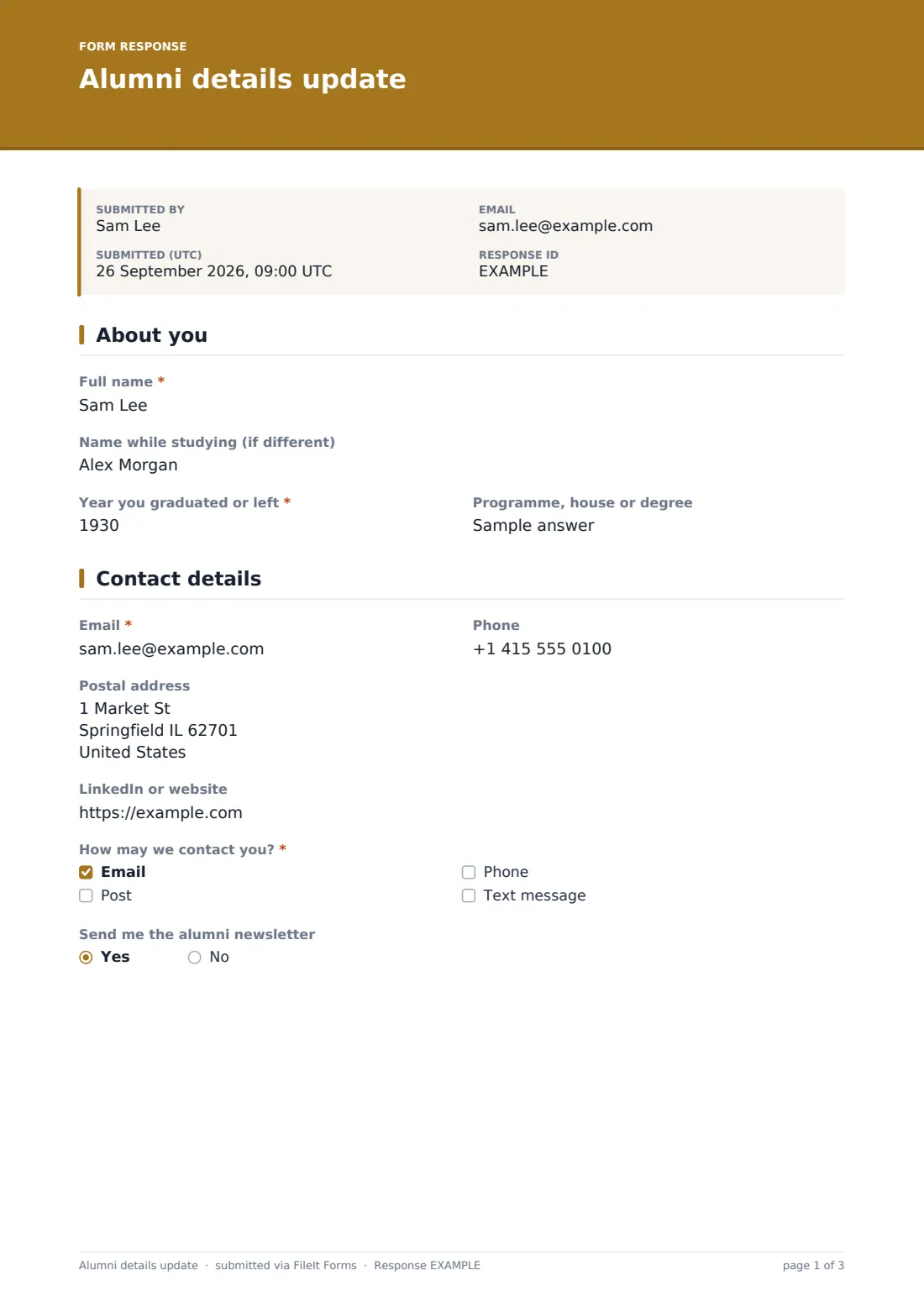
1 About you
- Full name*
- Name while studying (if different)
- Year you graduated or left*
- Programme, house or degree
2 Contact details
- Email*
- Phone
- Postal address
- LinkedIn or website
- How may we contact you?* Email · Post · Phone · Text message
- Send me the alumni newsletter
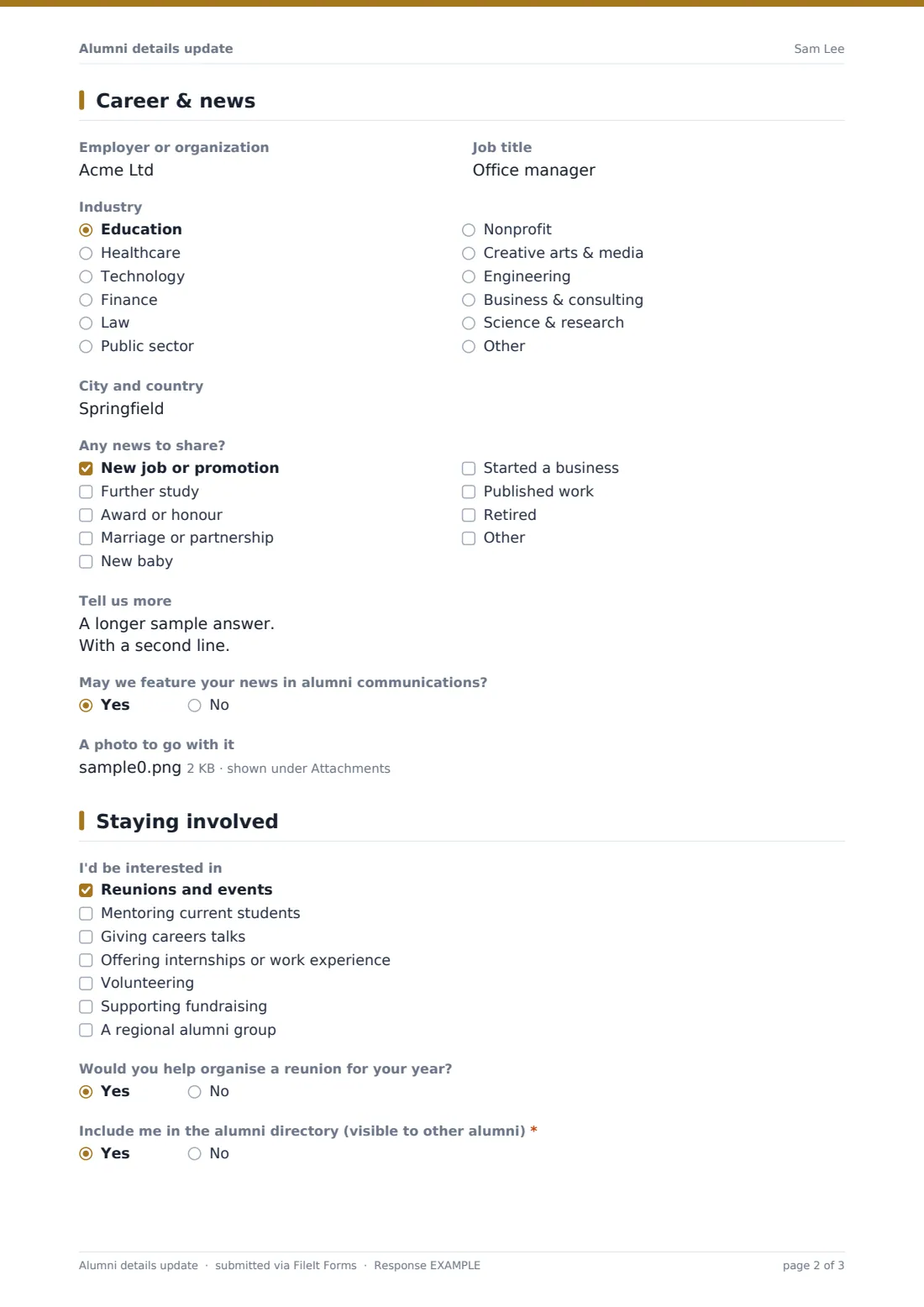
3 Career & news
- Employer or organization
- Job title
- Industry Education · Healthcare · Technology · Finance · Law · Public sector · Nonprofit · Creative arts & media · Engineering · Business & consulting · Science & research · Other
- City and country
- Any news to share? New job or promotion · Further study · Award or honour · Marriage or partnership · New baby · Started a business · Published work · Retired
- Tell us more asked only when it applies
- May we feature your news in alumni communications? asked only when it applies
- A photo to go with it asked only when it applies
4 Staying involved
- I'd be interested in Reunions and events · Mentoring current students · Giving careers talks · Offering internships or work experience · Volunteering · Supporting fundraising · A regional alumni group
- What could you mentor on? asked only when it applies
- Would you help organise a reunion for your year?
- Include me in the alumni directory (visible to other alumni)*
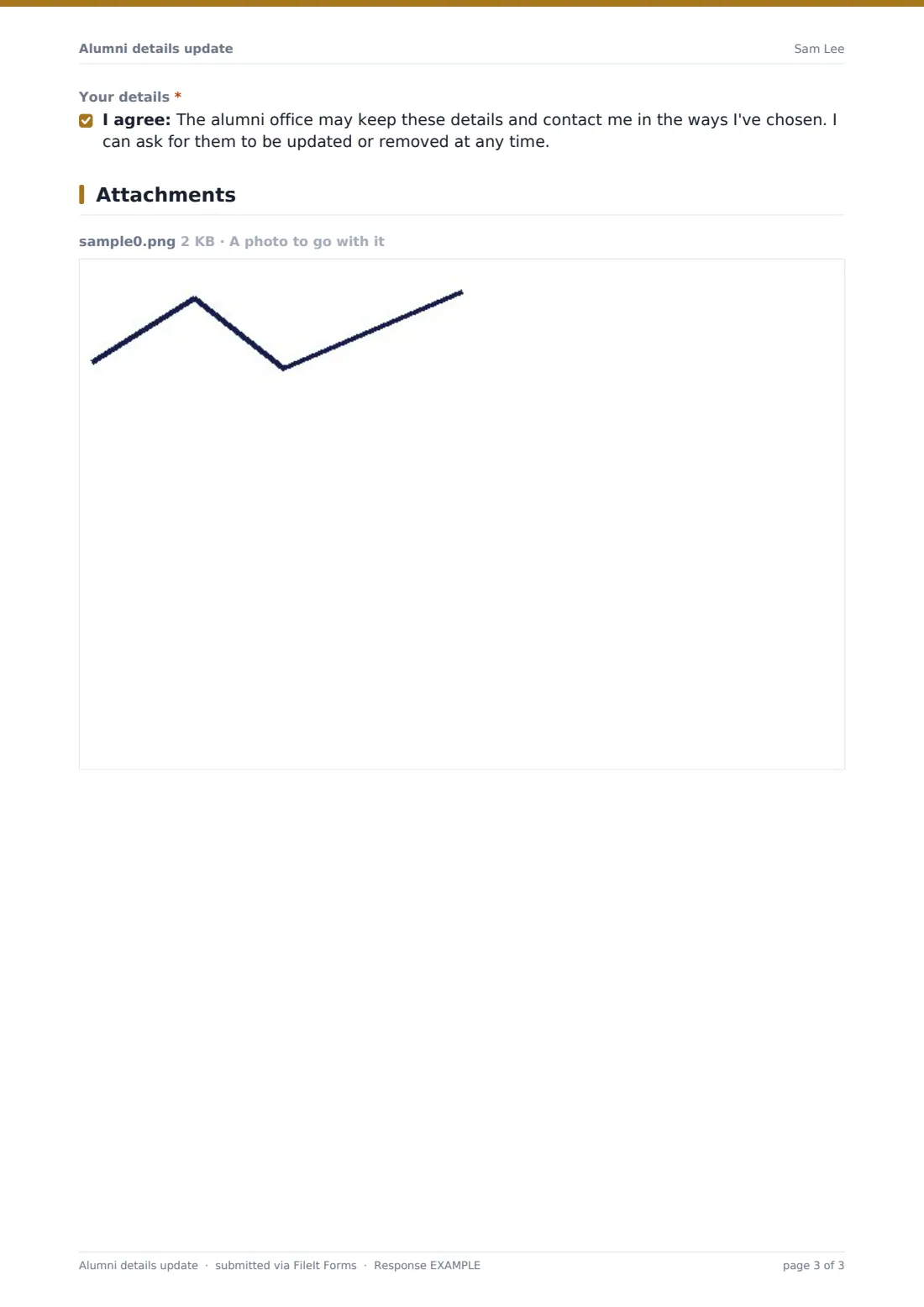
- Your details*
The alumni details update form, page by page
1 About you
Alumni give their full name and graduation year, with an optional name used while studying and programme, house or degree.
2 Contact details
Email is required, with optional phone, postal address and LinkedIn or website. A required checklist records how they may be contacted — email, post, phone or text — and a yes/no asks about the newsletter.
3 Career & news
Optional fields cover employer, job title, industry and location. A checklist invites news: a new job, further study, an award, marriage, a new baby, a new business, published work, retirement or something else. Ticking any news opens a box for more detail and a question about featuring it in alumni communications, which in turn allows a photo upload.
4 Staying involved
A checklist records interest in reunions, mentoring, careers talks, internships, volunteering, fundraising or a regional group. Choosing mentoring asks what they could mentor on. Alumni say whether they'd help organise a reunion and whether they want to be in the alumni directory, and agree the alumni office may keep their details and contact them in the ways they chose.
Make the template yours
- Add your alumni groups or regional chapters
- Replace the industry list with one that suits your alumni
- Link the form from your newsletter and reunion invitations
- File updates in a folder per graduation year
- Add a question about giving preferences if you run a fundraising program
- Remove the directory question if you don't publish one
Tips for a better alumni details update form
- Ask for updates once a year, not more often
- Respect contact preferences — only use the channels alumni chose
- Follow up mentoring offers quickly
- Ask permission before featuring news, as the form does
- Make removing details easy when alumni ask
- Share mentoring offers with careers staff
Every response becomes a PDF in your vault
When an update is submitted, FileIt saves it as a PDF with any photo and files it in the vault folder you've chosen. The alumni office is notified, and the alum can receive a copy.
Alumni offices use the CSV export to update their database or mailing list, the Responses table to pick out mentors or speakers, and the news answers for class notes in the next newsletter.
- Start from this template. It opens in the FileIt Forms designer — change any question, add pages, set the rules for when questions appear.
- Share it. Turn on a public link, or send it to people by email, each with their own link. They don’t need a FileIt account.
- Get the answers as PDFs. Each response is saved as a PDF in the vault folder you choose, with uploaded files attached — and listed in a Responses table you can export to CSV.
Alumni details update form: frequently asked questions
Is this alumni update template free?
Yes. It's included with the Forms app on every FileIt account, including the free plan.
Can alumni share news with a photo?
Yes. If they share news and agree to it being featured, they can upload a photo.
Does it record contact preferences?
Yes. Alumni choose email, post, phone or text, and whether they want the newsletter.
Can I find alumni willing to mentor?
Yes. Filter the Responses table or CSV export by the mentoring interest, and read what they can mentor on.
Do alumni need a FileIt account?
No. They update their details from a link without an account.
Can alumni update their details more than once?
Yes. Multiple responses are allowed by default, so alumni can submit a new update whenever something changes.