What is the workmanship callback request form template?
Callbacks usually arrive as a text with a blurry photo, a voicemail, or a message to whoever the customer happens to have the number for. By the time someone works out which job it was and when to go round, the customer has been waiting days. This callback request form collects everything needed to plan the visit in one go.
Customers identify the job with its address, invoice number and completion date, describe what's wrong and where, and upload photos. A safety question flags anything urgent, such as water coming through a ceiling, and a question about whether anyone else has worked on it since helps you judge whether it's a warranty matter before you arrive.
Every request becomes a PDF with the photos included, filed in the vault folder you choose, and you get an email as soon as one comes in. The Responses table gives you a running list of open callbacks you can filter or export.
- Best for
- Builders, installers and trades offering a workmanship guarantee
- Filled in by
- Past customers reporting a problem with completed work
- Time to complete
- About 4–6 minutes, plus taking photos
- Includes
- Photo uploads, safety follow-up, access notes, visit availability, cover acknowledgement
Who uses a workmanship callback request form?
- A bathroom fitter hears about a leaking shower tray three months after handover
- A roofer is told about a slipped tile after a storm and needs photos before going up
- A kitchen company handles a door that's dropped and no longer closes flush
- A decorator gets a report of cracking along a newly plastered ceiling line
- An electrician receives a report of a tripping circuit on work they certified
- A building firm collects snagging callbacks from new-build buyers in one format
Questions on this workmanship callback request form
24 questions over 3 pages · includes file upload, conditional questions, multiple pages, consent checkbox.
1 The job
- Your name*
- Email*
- Phone*
- Address where the work was done*
- Job, quote or invoice number
- When was the work finished?*
- What type of work was it?* Roofing or guttering · Plumbing · Electrical · Heating, cooling or ventilation · Carpentry or joinery · Plastering or decorating · Flooring or tiling · Kitchen or bathroom fitting · Windows or doors · Building work or extension · Landscaping or paving · Other
2 The problem
- Where exactly is the problem?*
- What best describes it?* Leak or damp · Crack, gap or movement · Something has stopped working · Loose, sticking or misaligned · Finish or cosmetic defect · Noise, rattle or vibration · Other
- Describe the problem*
- When did you first notice it?*
- Is it getting worse?* Yes, it's getting worse · No, it's about the same · Not sure
- Is it causing a safety risk or ongoing damage?*
- What's the risk or damage?* asked only when it applies
- Photos of the problem*
- Has anyone else worked on or changed it since we finished?*
- What was done, and by whom?* asked only when it applies
3 Access & availability
- How can we get in?* Someone will be home · Key safe or lockbox (we'll ask for the code) · A neighbour or friend has a key · Through a letting or managing agent
- Anything we should know about access?
- Which days suit you?* Monday · Tuesday · Wednesday · Thursday · Friday · Saturday
- Which times suit you?* Morning (8am–12pm) · Afternoon (12pm–5pm)
- Earliest date we can visit
- Best way to arrange the visit* Phone call · Text message · Email
- Warranty cover*
The workmanship callback request form, page by page
1 The job
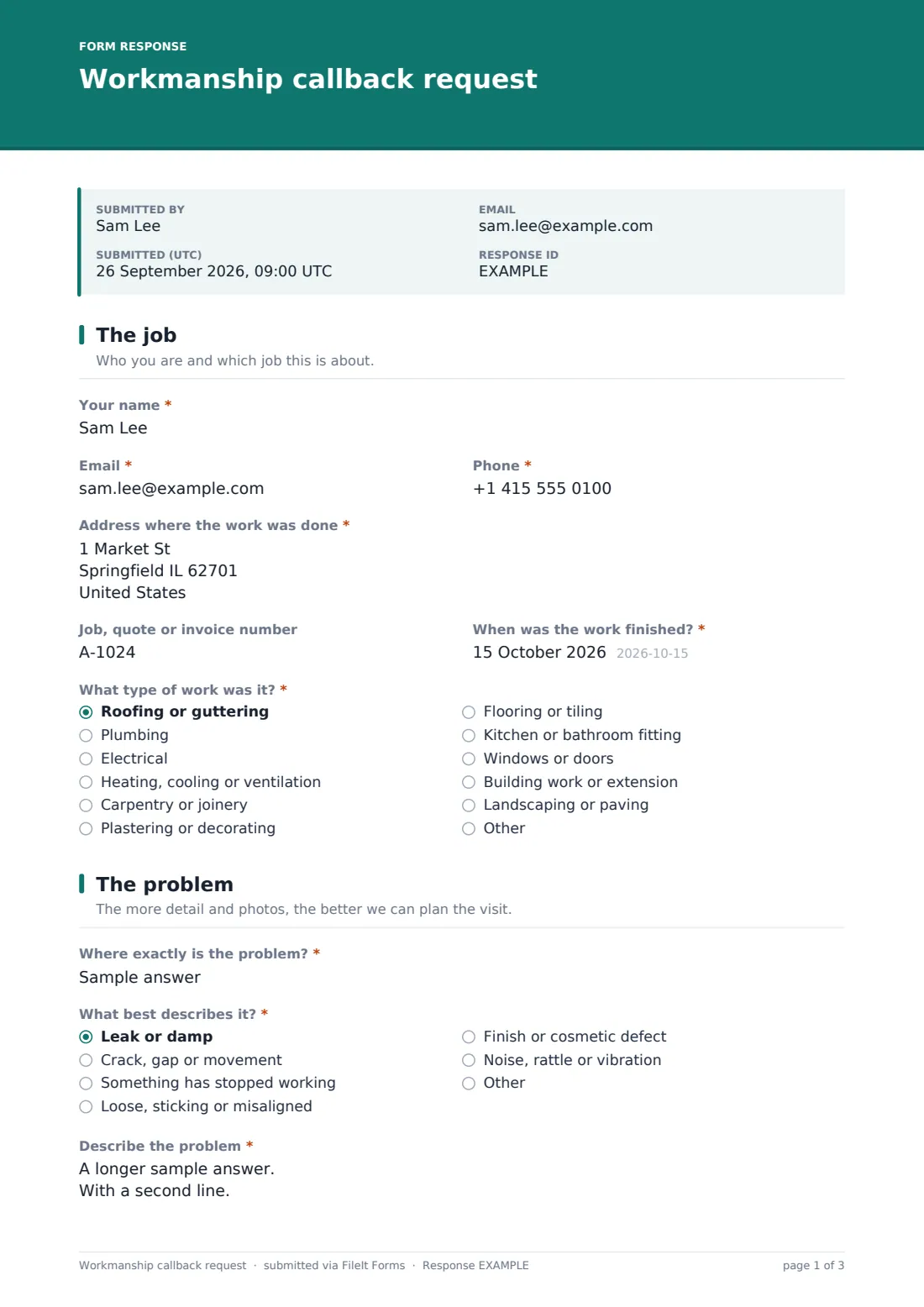
The customer gives their name, email and phone, the address where the work was done, and a job, quote or invoice number if they have one. They add when the work was finished and pick the type of work from a list — roofing, plumbing, electrical, heating, carpentry, kitchens and bathrooms and so on — so you can see straight away which team or subcontractor it concerns.
2 The problem
They say exactly where the problem is, choose what best describes it (a leak, a crack, something not working, a finish defect, a noise), and describe it in their own words, with when they first noticed it and whether it's getting worse.
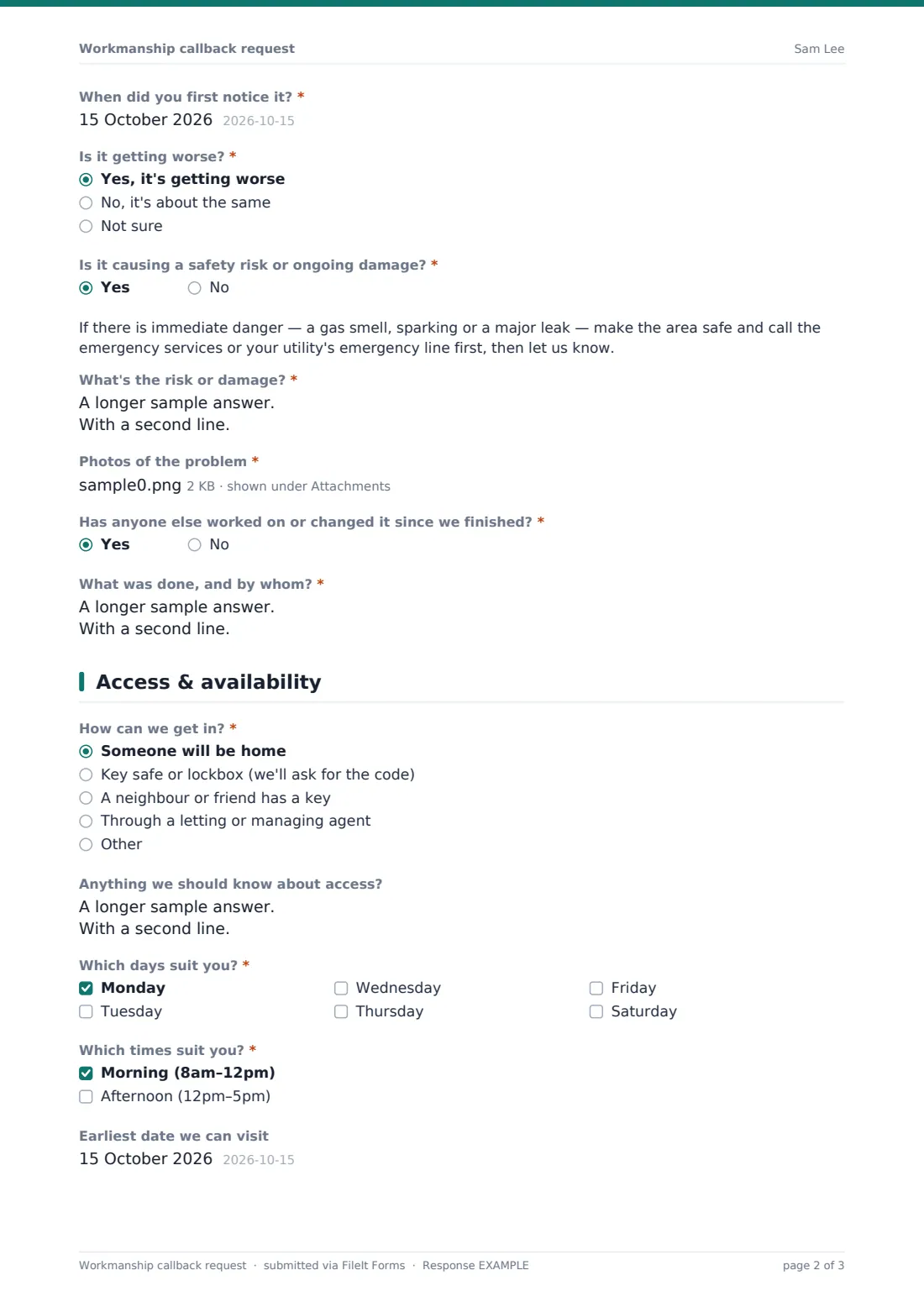
A yes/no safety question reveals a note about emergencies and asks what the risk or damage is. At least one photo is required, and up to six can be added. A final question asks whether anyone else has worked on or changed it since you finished, and if so what was done.
3 Access & availability
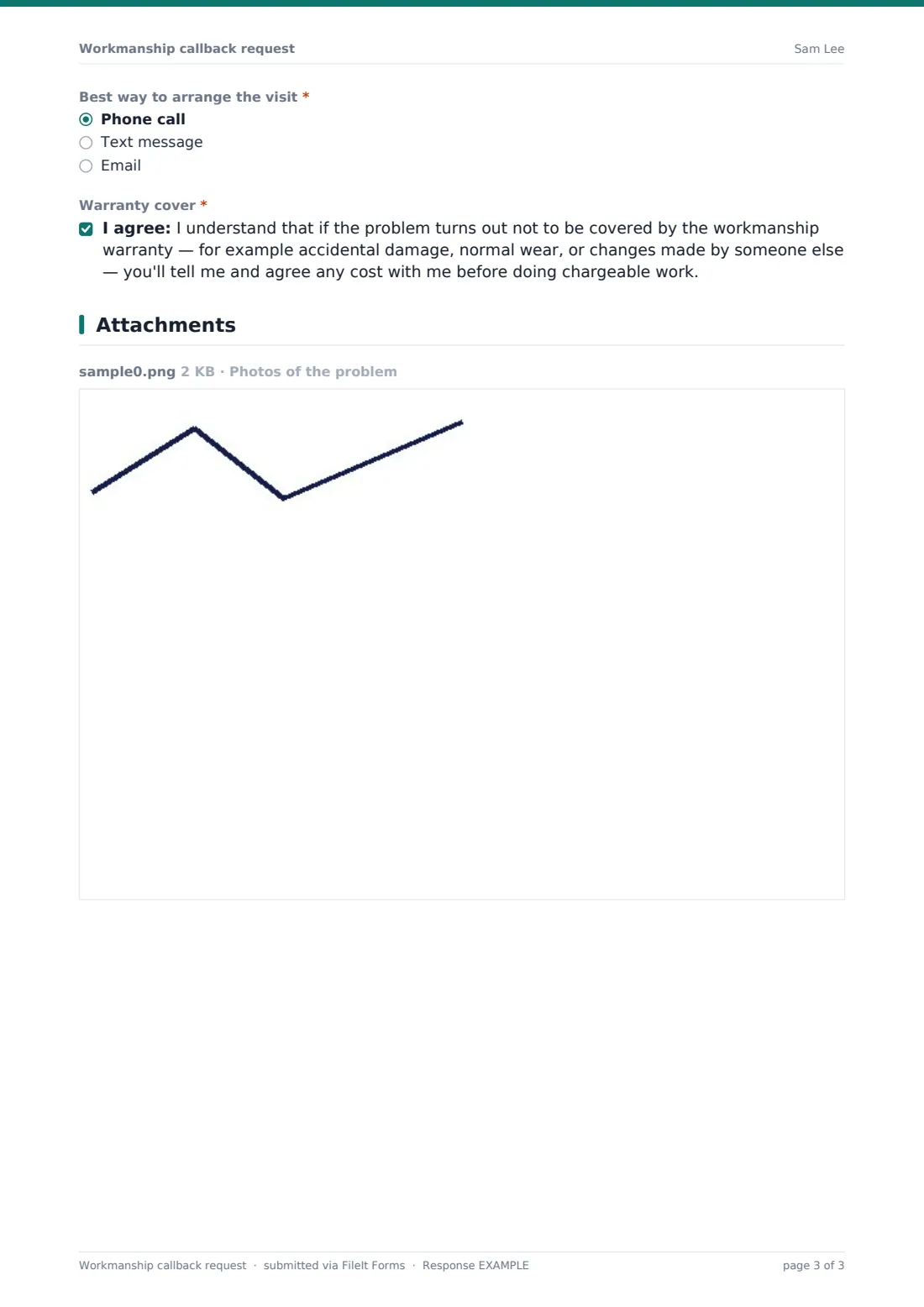
The last page covers how to get in (someone home, a key safe, a neighbour, an agent, or something else), access notes such as pets or parking, the days and times that suit, the earliest visit date and the best way to arrange it. The customer acknowledges that if the problem turns out not to be covered, you'll agree any cost with them before doing chargeable work.
Make the template yours
- Replace the Type of work list with the services you actually offer
- Edit the cover acknowledgement to match the wording and length of your own guarantee
- Remove Saturday, or add an evening slot, so the availability questions match the visits you actually offer
- Add your emergency out-of-hours number to the safety note
- Set the notification emails to reach whoever schedules visits, not just the owner
- File callbacks into a dedicated Warranty folder so they're kept apart from new enquiries
Tips for a better workmanship callback request form
- Link the form from your completion paperwork and invoices so customers know where to report problems
- Ask for one wide photo showing where the problem is before the close-ups; it saves a lot of guesswork
- Reply to every callback quickly, even just to acknowledge it; a fast response keeps a small issue from becoming a complaint
- Keep the PDFs: a pattern of callbacks on the same kind of job shows where a process or product needs to change
- If someone else altered the work, look before assuming it's not covered; the detail matters
Every response becomes a PDF in your vault
When a customer submits a callback, FileIt creates a PDF of the whole request, photos included, and saves it in the vault folder you've chosen. You're emailed immediately, and you can add other addresses, such as your scheduler or site manager, so they see it without needing a FileIt account. The customer gets their own copy too.
From there you contact the customer by their preferred method to book the visit. The Responses table lists every callback with its job type, issue and dates, and a CSV export is handy for reviewing warranty work across the year.
- Start from this template. It opens in the FileIt Forms designer — change any question, add pages, set the rules for when questions appear.
- Share it. Turn on a public link, or send it to people by email, each with their own link. They don’t need a FileIt account.
- Get the answers as PDFs. Each response is saved as a PDF in the vault folder you choose, with uploaded files attached — and listed in a Responses table you can export to CSV.
Workmanship callback request form: frequently asked questions
Is this warranty callback request template free?
Yes. It's one of the ready-made templates in the Forms app on every FileIt account, including the free plan. Use it as it is or change any question in the designer.
Do customers need a FileIt account to report a problem?
No. Share the form by public link or send personal email invitations, and anyone can fill it in and submit it without creating an account.
Can customers upload video of the problem?
The upload accepts photos and PDFs, up to six files. Video formats aren't supported by Forms uploads, so ask customers to send stills, or arrange a video call if you need to see it moving.
What happens when a customer says there's a safety risk?
A note appears telling them to make the area safe and call the emergency services or their utility first if there's immediate danger, and they're asked to describe the risk. The form doesn't alert you any faster than a normal submission, so check new callbacks promptly.
Does the form decide whether a problem is covered by our guarantee?
No. It collects the facts — when the work was done, what's wrong, and whether anyone else has altered it — so you can decide. The customer acknowledges you'll agree costs first if it isn't covered.
Can we use it for snagging lists at handover as well?
Yes, though for a formal handover the job completion sign-off template may suit better. Many firms use that at handover and this form for problems that appear later.
Can we route callbacks to different people by trade?
Each form files to one folder and notifies the addresses you set. If different teams handle different trades, duplicate the form per team and share the right link with each customer.