What is the tree work site assessment form template?
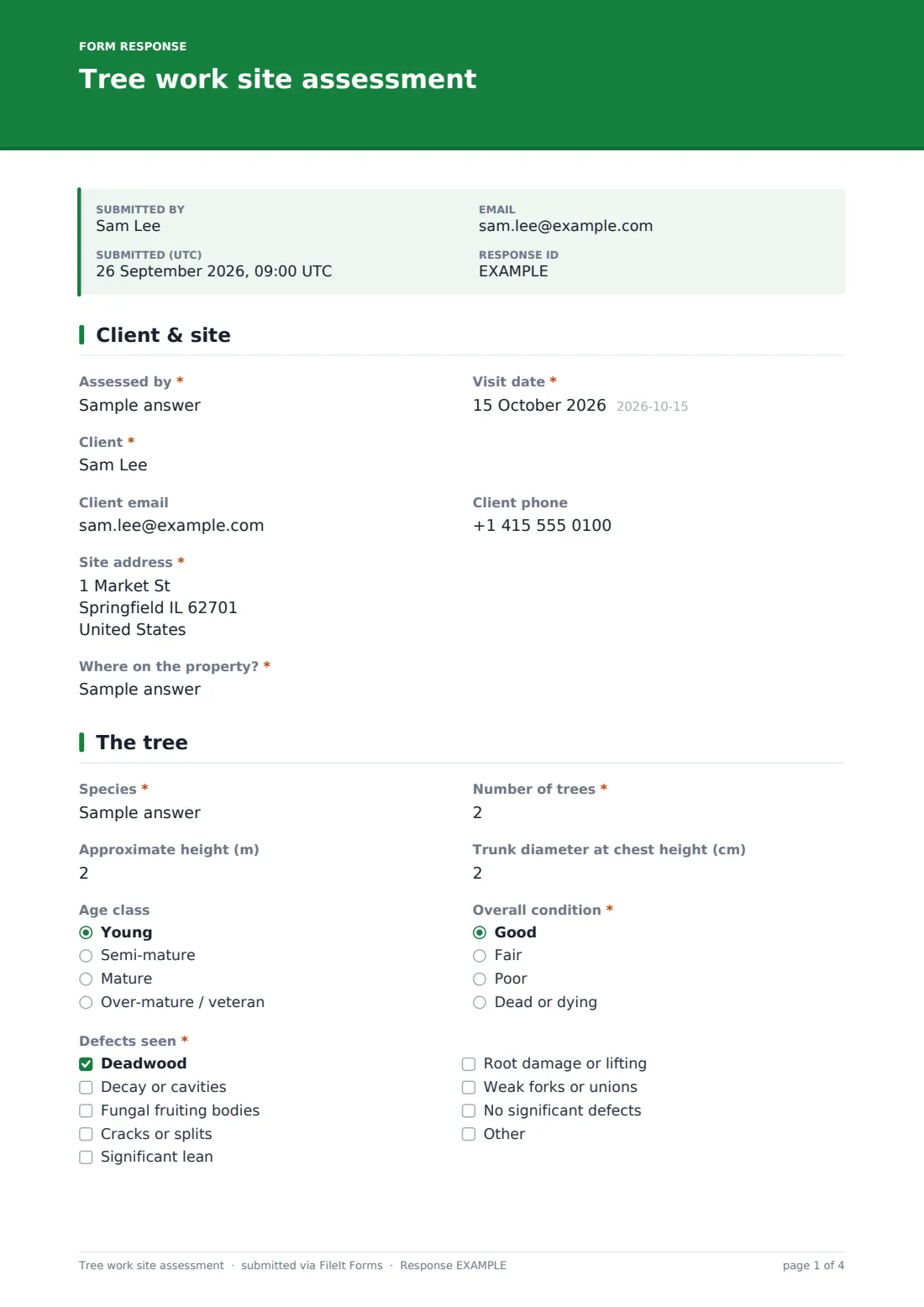
A tree work site assessment is what an arborist or tree surgeon records on the survey visit before quoting: the species and size, how healthy it looks, the defects seen, what it could hit if it failed, and exactly what work is proposed. Done well, it's the basis of a clear quote and the plan the crew follows on the day.
This template asks for the details in the order you'd look at them. "Defects seen" covers deadwood, decay, fungal fruiting bodies, cracks, lean, root damage and weak unions. "What could it hit?" records the targets — a house, a road, power lines, a neighbour's property. The work page lists crown reduction, thinning and lifting, deadwood removal, felling, dismantling, stump grinding, hedge cutting and pollarding, with a written specification, and checks whether permission is likely to be needed and whether there are signs of nesting birds or bats.
It runs on FileIt's Forms app on a phone or tablet. Photos upload from the camera, and each assessment is filed as a PDF in your vault, ready to attach to the quote.
- Best for
- Tree surgeons, arborists, landscapers and grounds maintenance teams
- Filled in by
- The assessor on the survey visit
- Time to complete
- About 10 minutes per tree or group
- Includes
- Defect and target checklists, risk rating, work specification, permission and wildlife prompts, access and hazard notes, photos
Who uses a tree work site assessment form?
- Survey visits before quoting for domestic tree work
- Assessing storm-damaged trees that need making safe
- Recording trees near buildings or power lines
- Grounds teams logging trees across a large site
- Documenting the reason for felling a tree
- Briefing the crew on access, hazards and method before the job
Questions on this tree work site assessment form
32 questions over 4 pages · includes file upload, conditional questions, multiple pages.
1 Client & site
- Assessed by*
- Visit date*
- Client*
- Client email
- Client phone
- Site address*
- Where on the property?*
2 The tree
- Species*
- Number of trees*
- Approximate height (m)
- Trunk diameter at chest height (cm)
- Age class Young · Semi-mature · Mature · Over-mature / veteran
- Overall condition* Good · Fair · Poor · Dead or dying
- Defects seen* Deadwood · Decay or cavities · Fungal fruiting bodies · Cracks or splits · Significant lean · Root damage or lifting · Weak forks or unions · No significant defects
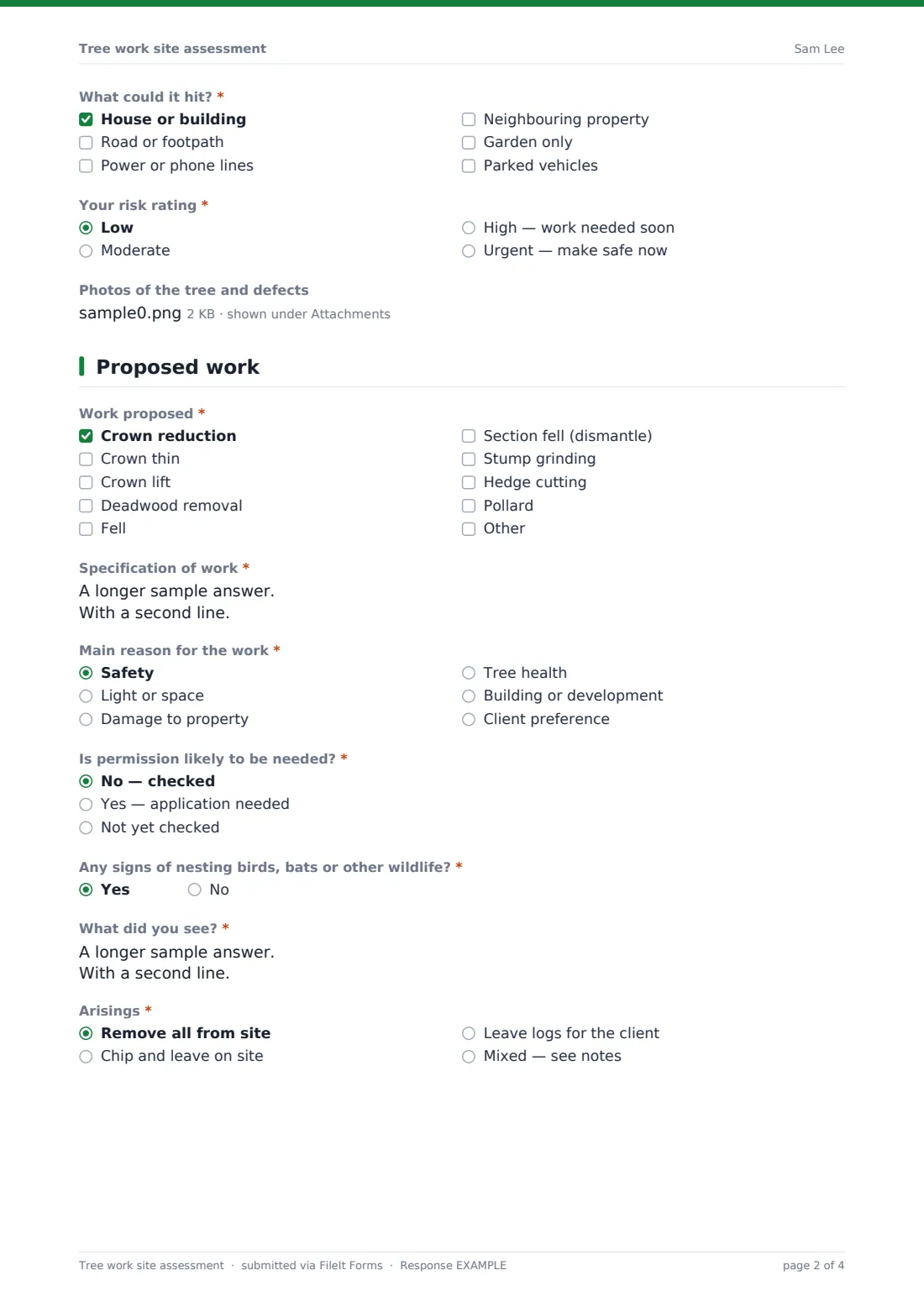
- What could it hit?* House or building · Road or footpath · Power or phone lines · Neighbouring property · Garden only · Parked vehicles
- Your risk rating* Low · Moderate · High — work needed soon · Urgent — make safe now
- Photos of the tree and defects
3 Proposed work
- Work proposed* Crown reduction · Crown thin · Crown lift · Deadwood removal · Fell · Section fell (dismantle) · Stump grinding · Hedge cutting · Pollard
- Specification of work*
- Main reason for the work* Safety · Light or space · Damage to property · Tree health · Building or development · Client preference
- Is permission likely to be needed?* No — checked · Yes — application needed · Not yet checked
- Any signs of nesting birds, bats or other wildlife?*
- What did you see?* asked only when it applies
- Arisings* Remove all from site · Chip and leave on site · Leave logs for the client · Mixed — see notes
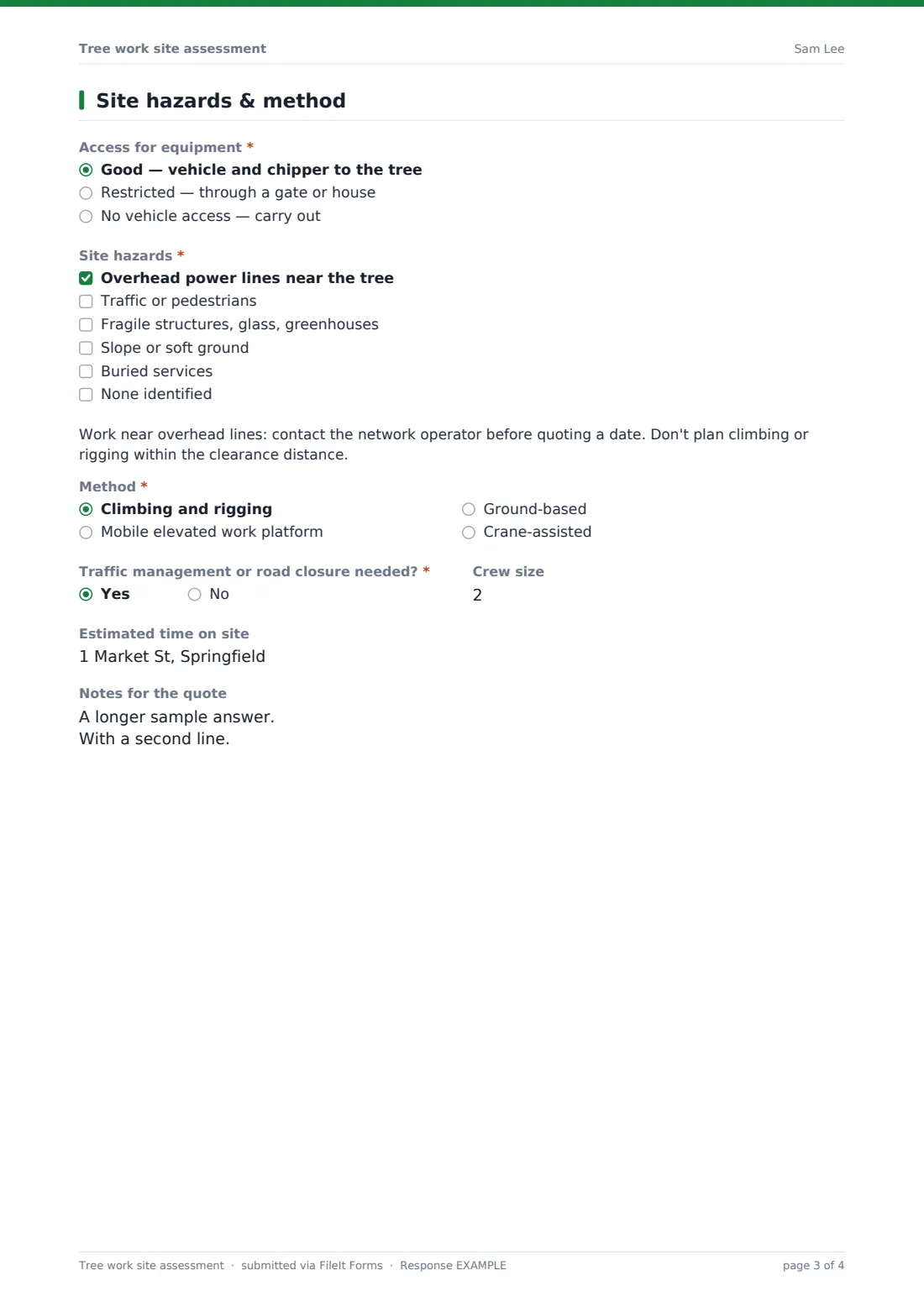
4 Site hazards & method
- Access for equipment* Good — vehicle and chipper to the tree · Restricted — through a gate or house · No vehicle access — carry out
- Narrowest access width (cm) asked only when it applies
- Site hazards* Overhead power lines near the tree · Traffic or pedestrians · Fragile structures, glass, greenhouses · Slope or soft ground · Buried services · None identified
- Method* Climbing and rigging · Mobile elevated work platform · Ground-based · Crane-assisted
- Traffic management or road closure needed?*
- Crew size
- Estimated time on site
- Notes for the quote
The tree work site assessment form, page by page
1 Client & site
Assessor and visit date, the client's name, email and phone, the site address and "Where on the property?" so the crew can find the right tree.
2 The tree
Species and number of trees, approximate height, trunk diameter at chest height, age class and overall condition. "Defects seen" and "What could it hit?" are checklists, and the assessor gives a risk rating from low to urgent. Up to eight photos of the tree and its defects can be attached.
3 Proposed work
"Work proposed" is a checklist backed by a free-text "Specification of work". The assessor records the main reason, and "Is permission likely to be needed?" — anything other than no shows a reminder not to start until permission is confirmed. A wildlife question opens a description when signs of nesting birds or bats are seen, and the arisings choice records whether waste is removed, chipped or left as logs.
4 Site hazards & method
Access for equipment, with the narrowest width when it's restricted, then a checklist of site hazards; overhead power lines show a warning note. The method — climbing and rigging, a platform, ground-based or crane-assisted — whether traffic management is needed, crew size, estimated time on site and notes for the quote complete the assessment.
Make the template yours
- Edit the permission question's help text to name the rules that apply in your area
- Add a currency question if you want the price on the same record
- Add a client signature to approve the work there and then
- File assessments into a vault folder per client or per site
- Change height and diameter units in the labels if you work in feet and inches
- Send yourself and the office a notification on every submission
Tips for a better tree work site assessment form
- Photograph defects close up and the whole tree from a distance
- Write the specification so the client and the crew read it the same way
- Check permissions before giving a start date
- Note wildlife on the survey, not on the day of the work
- Measure the access — a chipper that won't fit changes the price
- Flag urgent risks to the client before you leave site
Every response becomes a PDF in your vault
The assessment is filed as a PDF in your vault with every photo attached, and you're notified by email. Send the PDF with your quote so the client sees exactly what's proposed and why.
Search the Responses table by client or address to find past assessments, and export to CSV to keep track of trees you've been asked to revisit.
- Start from this template. It opens in the FileIt Forms designer — change any question, add pages, set the rules for when questions appear.
- Share it. Turn on a public link, or send it to people by email, each with their own link. They don’t need a FileIt account.
- Get the answers as PDFs. Each response is saved as a PDF in the vault folder you choose, with uploaded files attached — and listed in a Responses table you can export to CSV.
Tree work site assessment form: frequently asked questions
Is this tree work assessment template free?
Yes. It's included with the Forms app on every FileIt account, including free.
Does the form tell me whether I need permission?
No. It prompts you to check and record the outcome. The rules depend on your area and the tree.
Can I use it on site?
Yes. It works on phones and tablets, and photos upload straight from the camera.
Can the client sign to accept the work?
Add a signature field on the last page in the designer, and the client can sign on your device.
Can I record several trees?
Use the number of trees question for a group of similar trees, or submit one form per tree for separate specifications.
Does the client need a FileIt account?
No. You fill the form in, and can email them the PDF.