What is the landscaping visit report form template?
Maintenance clients pay for visits they often never see. A short visit report, with photos, shows them what was done and gives your business a record of time, materials and issues across every site you look after.
This template is built for a crew lead on a phone. Services are a checklist, treatment products are required whenever a weed or pest treatment was done, and irrigation questions appear only when the system was checked. Issues and extra-work recommendations are captured so they turn into quotes, not forgotten notes.
Each report is filed as a PDF in your FileIt vault with before-and-after photos, and the client can sign on site if they're there.
- Best for
- Landscapers, grounds maintenance companies, HOAs and facilities teams
- Filled in by
- The crew lead at the end of each visit
- Time to complete
- About 3–5 minutes
- Includes
- Services checklist, treatment record, issues follow-up, photos, crew hours
Who uses a landscaping visit report form?
- A maintenance crew logs weekly visits to an HOA's common areas
- A landscaper records a spring or autumn clean-up for a homeowner
- A grounds team keeps records of treatments applied at a business park
- A crew lead flags a dying tree or drainage problem for a quote
- A facilities manager checks contractor visits against the contract
- A company totals crew hours per site for job costing
Questions on this landscaping visit report form
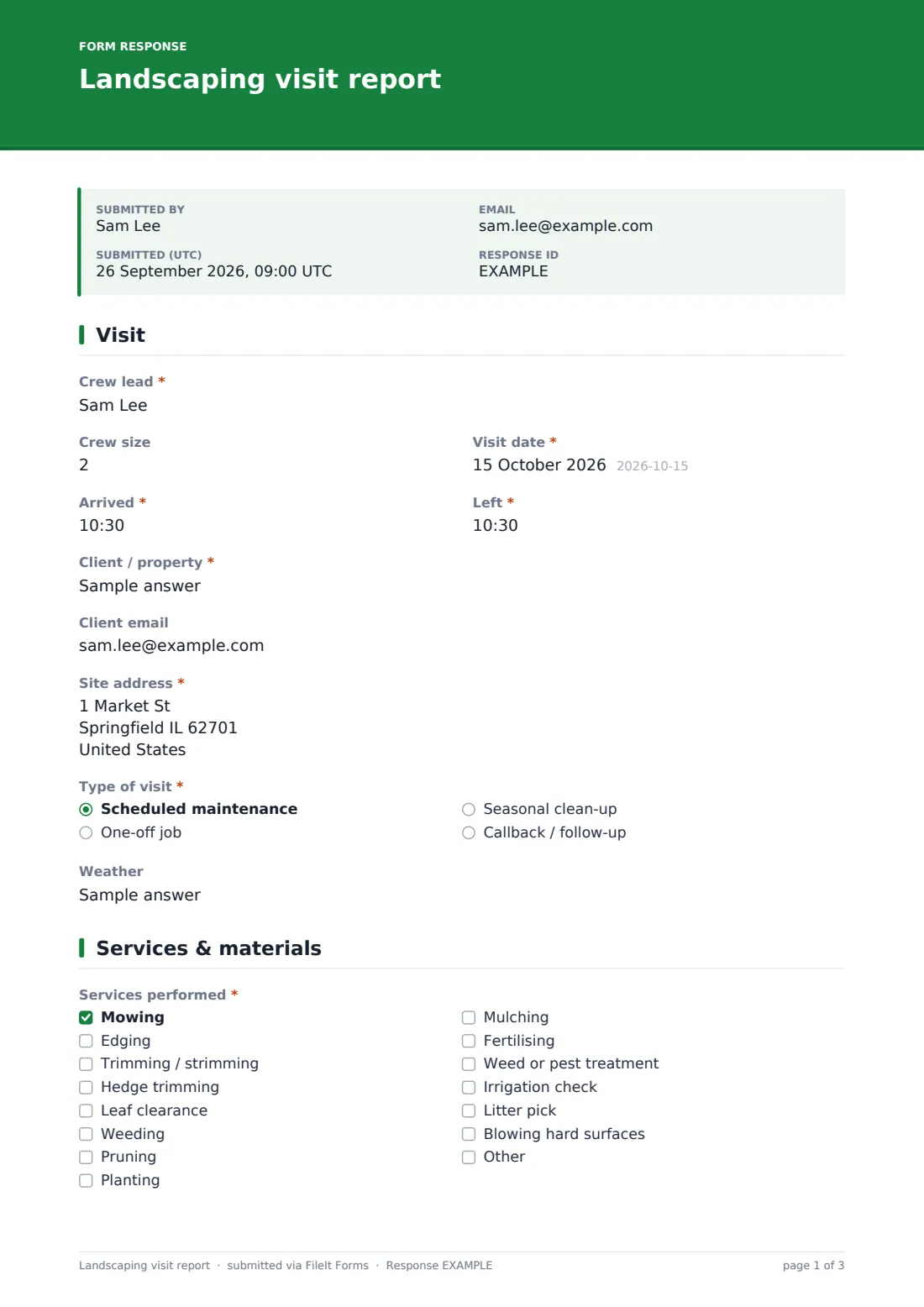
29 questions over 3 pages · includes signature, file upload, conditional questions, multiple pages.
1 Visit
- Crew lead*
- Crew size
- Visit date*
- Arrived*
- Left*
- Client / property*
- Client email
- Site address*
- Type of visit* Scheduled maintenance · One-off job · Seasonal clean-up · Callback / follow-up
- Weather
2 Services & materials
- Services performed* Mowing · Edging · Trimming / strimming · Hedge trimming · Leaf clearance · Weeding · Pruning · Planting · Mulching · Fertilising · Weed or pest treatment · Irrigation check
- Treatment products used* asked only when it applies
- Irrigation* asked only when it applies Working normally · Adjusted schedule or heads · Fault found
- Irrigation fault* asked only when it applies
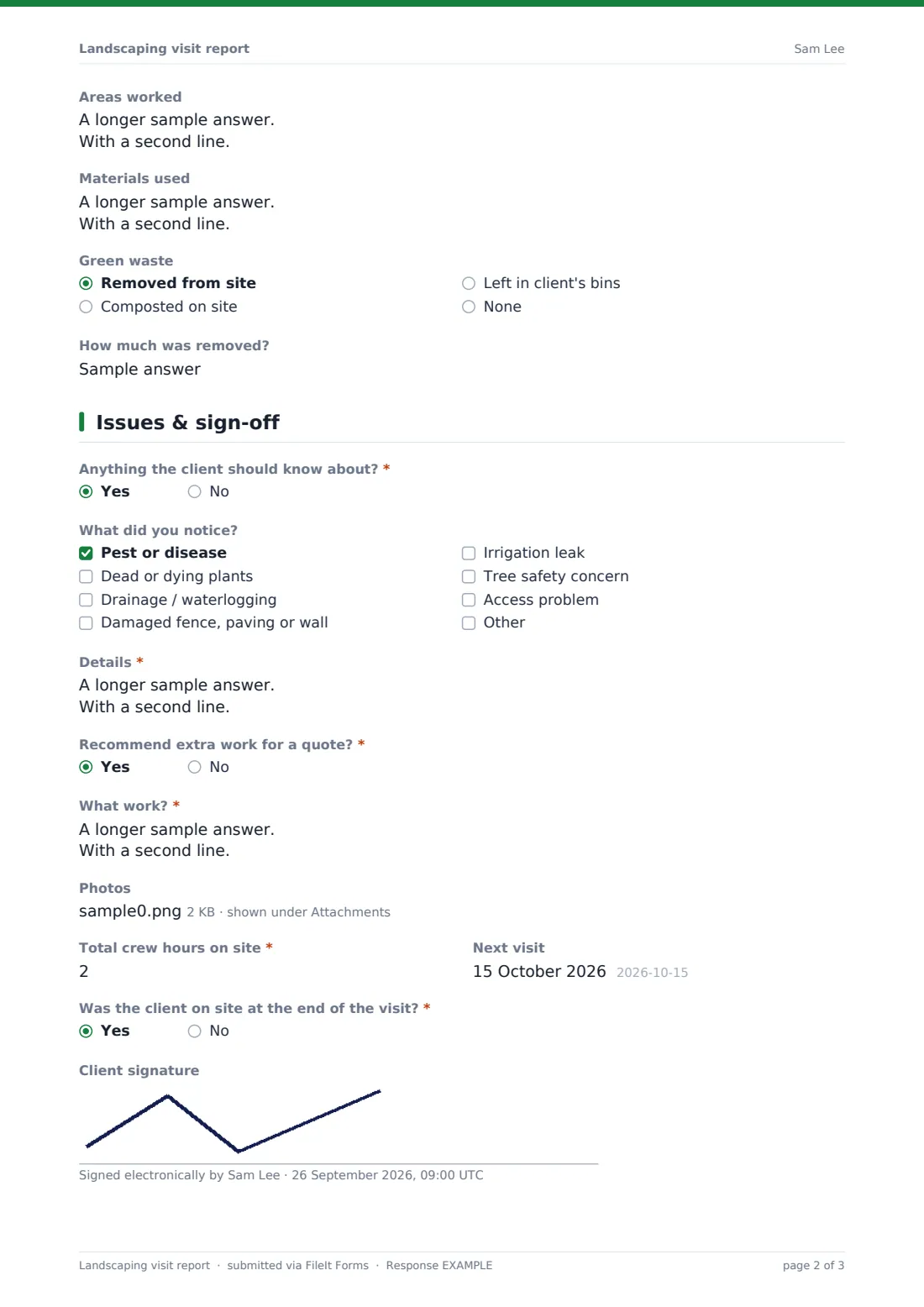
- Areas worked
- Materials used
- Green waste Removed from site · Composted on site · Left in client's bins · None
- How much was removed? asked only when it applies
3 Issues & sign-off
- Anything the client should know about?*
- What did you notice? asked only when it applies Pest or disease · Dead or dying plants · Drainage / waterlogging · Damaged fence, paving or wall · Irrigation leak · Tree safety concern · Access problem
- Details* asked only when it applies
- Recommend extra work for a quote?*
- What work?* asked only when it applies
- Photos
- Total crew hours on site*
- Next visit
- Was the client on site at the end of the visit?*
- Client signature asked only when it applies
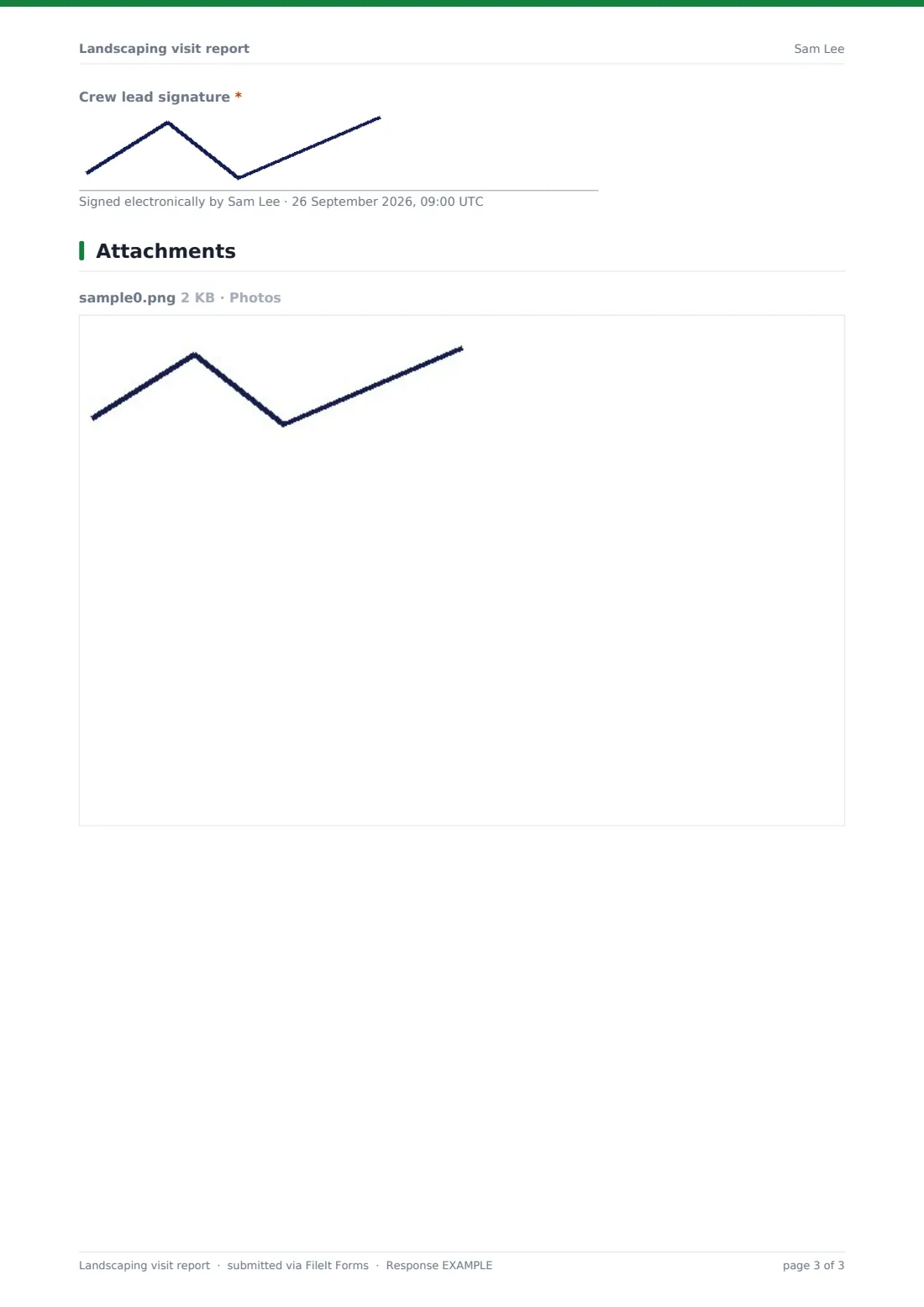
- Crew lead signature*
The landscaping visit report form, page by page
1 Visit
The crew lead, crew size, visit date and arrival and departure times are recorded, followed by the client or property, the client's email for their copy, and the site address. The type of visit is scheduled maintenance, one-off job, seasonal clean-up, or callback, and the weather can be noted.
2 Services & materials
A required checklist of fourteen services covers mowing, edging, trimming, hedges, leaves, weeding, pruning, planting, mulching, fertilising, weed or pest treatment, irrigation, litter and blowing, with an "other" option.
Ticking weed or pest treatment requires the products used, rate and area. Ticking the irrigation check requires its status, and a fault requires a description. Areas worked, materials used, how green waste was handled and how much was removed complete the page.
3 Issues & sign-off
Required yes/no questions ask whether there's anything the client should know about and whether extra work should be quoted. Issues are ticked from a list — pests, dead plants, drainage, damaged hardscape, irrigation leaks, tree safety, access — with details required. Photos, total crew hours (required) and the next visit date follow. If the client was on site, they can sign, and the crew lead always signs.
Make the template yours
- Replace the services list with the services in your contracts
- Add a field for the chemical applicator's license number where your area requires one
- File reports into a folder per client or per site
- Make the client email required so every client receives each visit report
- Make photos required for every visit
- Add a satisfaction rating for the client to complete when they sign
Tips for a better landscaping visit report form
- Take before and after photos from the same spot
- Record treatment products and rates every time — it's the record you'll be asked for
- Flag issues early, while they're cheap to fix
- Turn recommendations into quotes the same week
- Log crew hours accurately; they drive your pricing on renewal
- Note access problems so the next crew isn't caught out
Every response becomes a PDF in your vault
Each visit becomes a PDF in your FileIt vault with photos attached. If the crew entered the client's email, the client is sent a copy, and the office can be notified by email.
Most landscaping businesses review recommended extra work in the Responses table to prepare quotes, and export crew hours to CSV for job costing and contract renewals.
- Start from this template. It opens in the FileIt Forms designer — change any question, add pages, set the rules for when questions appear.
- Share it. Turn on a public link, or send it to people by email, each with their own link. They don’t need a FileIt account.
- Get the answers as PDFs. Each response is saved as a PDF in the vault folder you choose, with uploaded files attached — and listed in a Responses table you can export to CSV.
Landscaping visit report form: frequently asked questions
Is this landscaping visit report template free?
Yes. It's included with the Forms app on every FileIt account, including the free plan, and you can edit any question to fit the way you work.
Do crews need a FileIt account?
No. Share the form link with crew leads and they submit from their phones.
Can I record chemicals applied?
Yes. Ticking weed or pest treatment requires the product, rate and area treated.
Can the client sign?
Yes, if they're on site. Answer yes to the client-present question and a signature field appears.
Can I track hours per site?
Yes. Crew hours are required on every report; filter or export the Responses table by site.
Can I use it for snow clearing too?
Use the snow removal log template for winter work — it covers depth, de-icing materials and hazards.