
What is the snow removal log form template?
Winter maintenance contractors are paid per push, per salt run or per season, and they're the first people asked when someone falls in a car park. A detailed, time-stamped log of each visit supports both invoicing and any claim that follows.
This template records the site and crew, the conditions on arrival, the work done area by area, and hazards, damage and return visits. De-icer quantity and units appear only when a material was used, damage requires photos, and a return visit asks when.
Each visit becomes a PDF in your FileIt vault with its photos attached, so you can show exactly what was done at each site and when.
- Best for
- Snow and ice contractors, landscapers with winter contracts, and facilities teams
- Filled in by
- The plow operator or crew lead at each site
- Time to complete
- About 3–4 minutes per site
- Includes
- Area grid, de-icer quantity, hazard and damage follow-ups, photos
Who uses a snow removal log form?
- A plow operator logs each commercial lot on an overnight route
- A contractor backs up per-push invoices with site logs
- A facilities team records walkway salting at a hospital or school
- A crew documents damage to a curb or light pole caused while plowing
- A property manager checks the contractor's visits during a storm
- An insurer asks for records of treatment after a slip-and-fall claim
Questions on this snow removal log form
29 questions over 4 pages · includes signature, file upload, conditional questions, multiple pages, ratings.
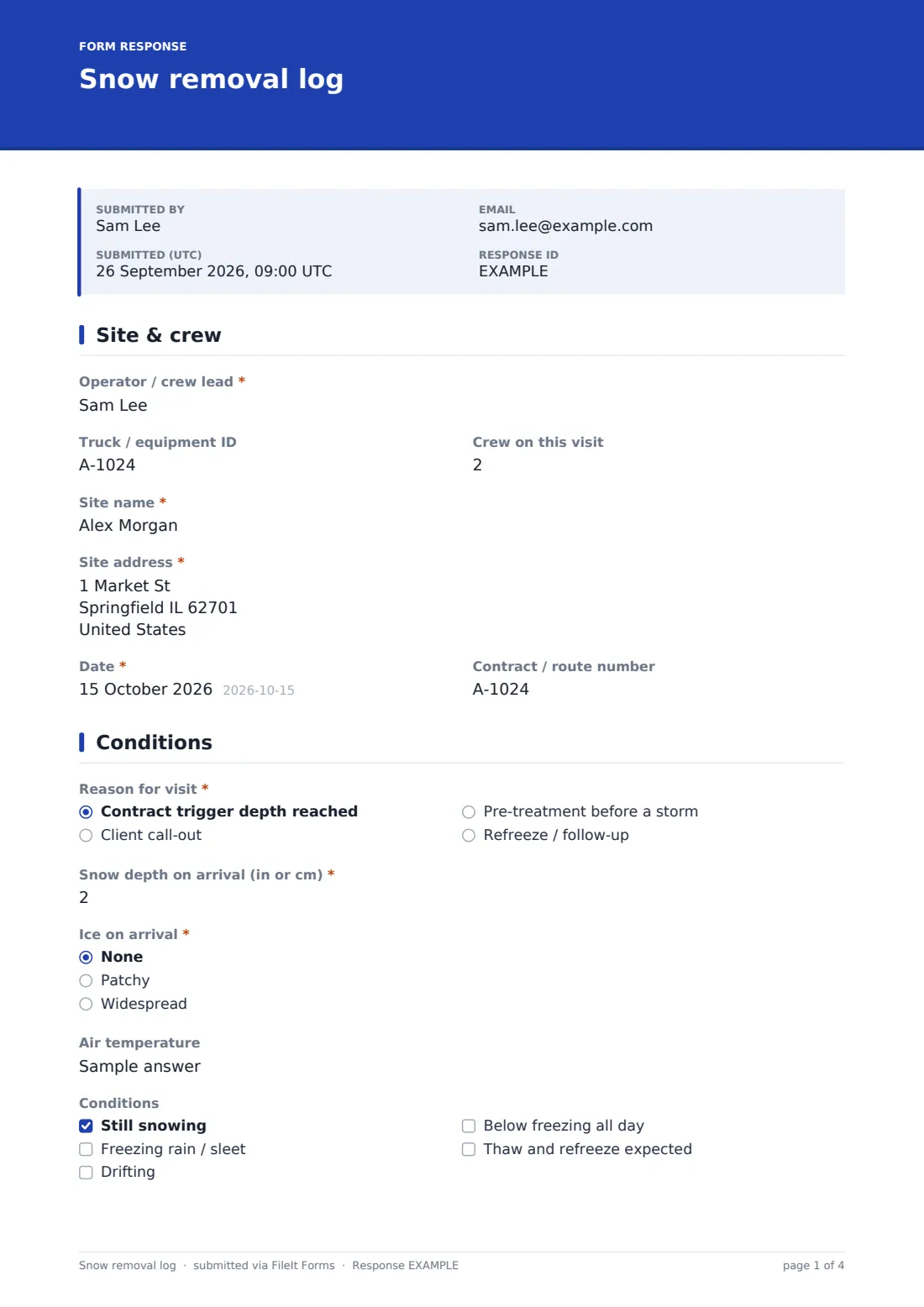
1 Site & crew
- Operator / crew lead*
- Truck / equipment ID
- Crew on this visit
- Site name*
- Site address*
- Date*
- Contract / route number
2 Conditions
- Reason for visit* Contract trigger depth reached · Client call-out · Pre-treatment before a storm · Refreeze / follow-up
- Snow depth on arrival (in or cm)*
- Ice on arrival* None · Patchy · Widespread
- Air temperature
- Conditions Still snowing · Freezing rain / sleet · Drifting · Below freezing all day · Thaw and refreeze expected
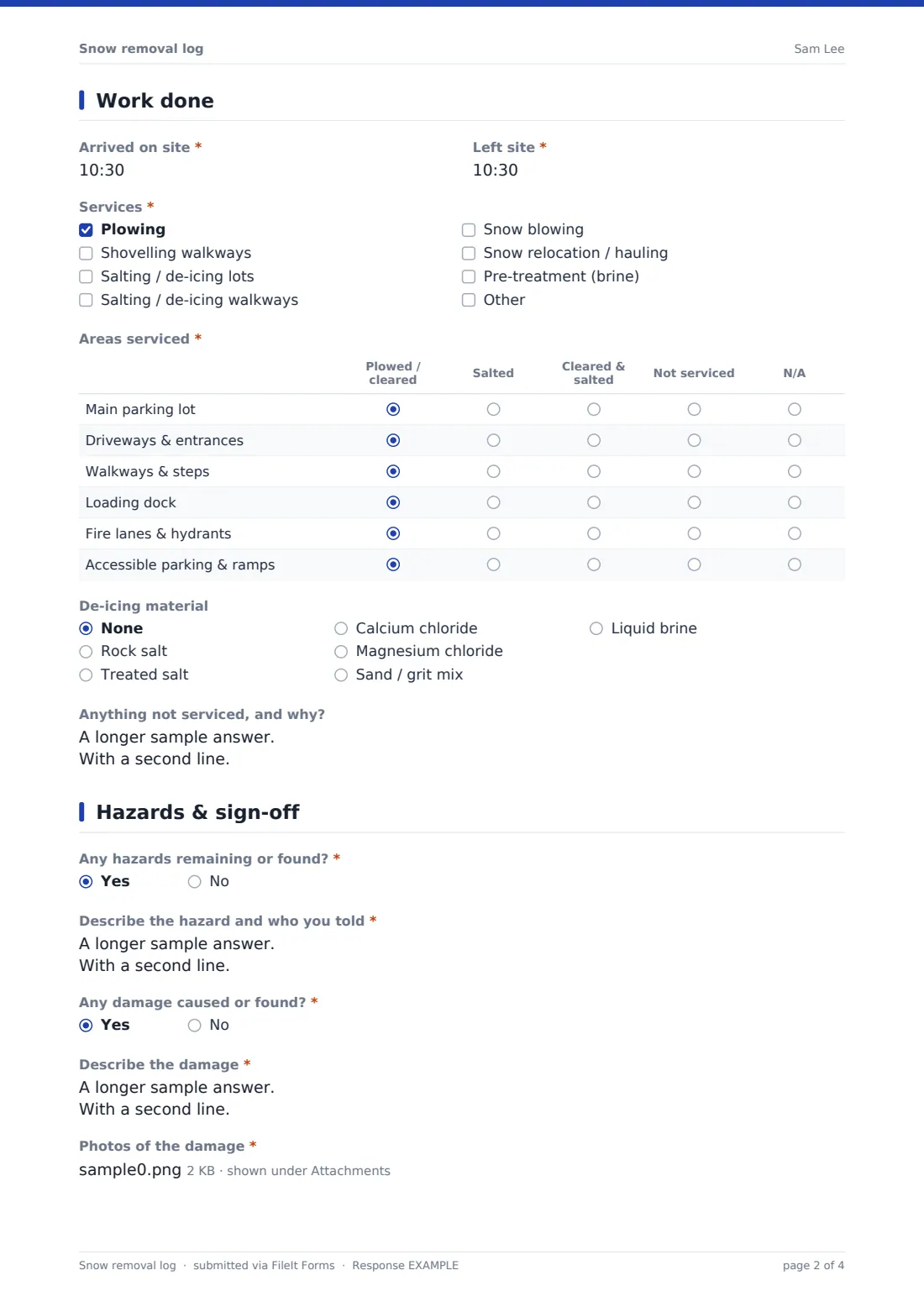
3 Work done
- Arrived on site*
- Left site*
- Services* Plowing · Shovelling walkways · Salting / de-icing lots · Salting / de-icing walkways · Snow blowing · Snow relocation / hauling · Pre-treatment (brine)
- Areas serviced* Plowed / cleared · Salted · Cleared & salted · Not serviced · N/A
- De-icing material None · Rock salt · Treated salt · Calcium chloride · Magnesium chloride · Sand / grit mix · Liquid brine
- Quantity used asked only when it applies
- Unit asked only when it applies lb · kg · tons · tonnes · bags · gallons · litres · cubic yards
- Anything not serviced, and why?
4 Hazards & sign-off
- Any hazards remaining or found?*
- Describe the hazard and who you told* asked only when it applies
- Any damage caused or found?*
- Describe the damage* asked only when it applies
- Photos of the damage* asked only when it applies
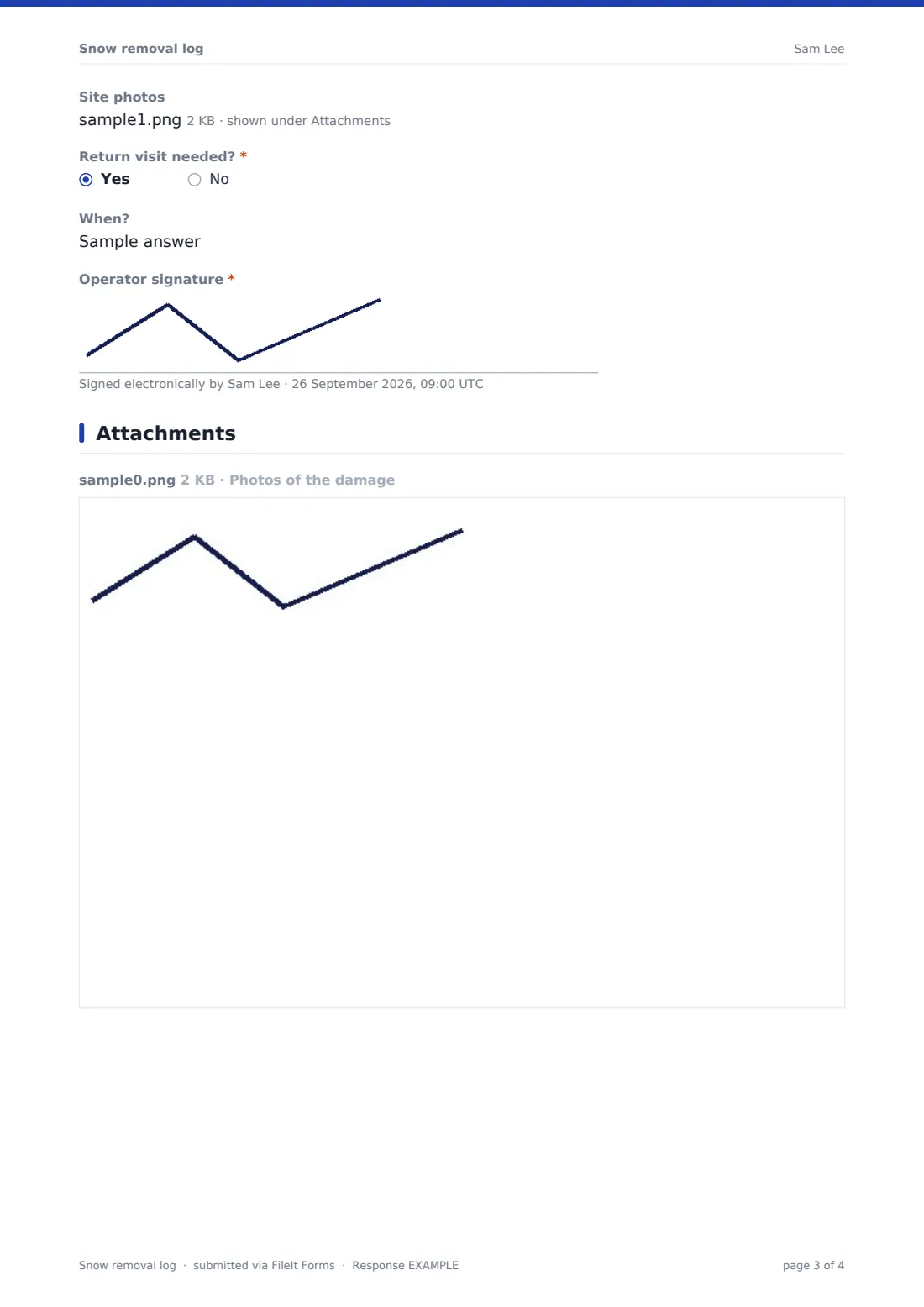
- Site photos
- Return visit needed?*
- When? asked only when it applies
- Operator signature*
The snow removal log form, page by page
1 Site & crew
The operator or crew lead, truck or equipment ID and crew size come first, then the site name, address, date and contract or route number.
2 Conditions
The reason for the visit is required: contract trigger depth, client call-out, pre-treatment before a storm, or refreeze follow-up. Snow depth and ice on arrival are required, with air temperature and a checklist of conditions such as still snowing, freezing rain, drifting or an expected refreeze.
3 Work done
Arrival and departure times and the services performed are required. A required grid records six areas — main lot, driveways and entrances, walkways and steps, loading dock, fire lanes and hydrants, and accessible parking and ramps — as plowed, salted, both, not serviced or N/A.
The de-icing material is chosen from rock salt, treated salt, chlorides, sand mix or brine; if one was used, the quantity and unit appear. A field records anything not serviced and why.
4 Hazards & sign-off
Required yes/no questions ask about remaining hazards and about damage caused or found. Hazards need a description and who was told; damage needs a description and photos. Site photos, a required return-visit question with timing, and the operator's signature complete the log.
Make the template yours
- Replace the area grid rows with the zones in each site's contract
- Change the default units and material list to match your supplies
- File logs by site, so each client has a full winter's record
- Notify the property manager on every submission
- Make site photos required
- Add a field for the trigger depth written into each contract
Tips for a better snow removal log form
- Log each visit before leaving the site, not at the end of the night
- Photograph cleared and treated areas, especially steps and entrances
- Record areas you couldn't service and why — blocked lots are common
- Report damage straight away, even if it was there before you arrived
- Note refreeze risk so the next run is planned
- Record material quantities accurately; they drive invoicing and restocking
Every response becomes a PDF in your vault
Each log is filed as a PDF in your FileIt vault with photos attached, and the office or client can be notified by email.
Contractors usually export the Responses table to CSV after each storm to build invoices, and keep each site's logs together for the whole season.
- Start from this template. It opens in the FileIt Forms designer — change any question, add pages, set the rules for when questions appear.
- Share it. Turn on a public link, or send it to people by email, each with their own link. They don’t need a FileIt account.
- Get the answers as PDFs. Each response is saved as a PDF in the vault folder you choose, with uploaded files attached — and listed in a Responses table you can export to CSV.
Snow removal log form: frequently asked questions
Is this snow removal log template free?
Yes. It's included with the Forms app on every FileIt account, including the free plan, and you can edit any question to fit the way you work.
Can operators fill it in from the truck?
Yes. It's designed for a phone, and operators don't need a FileIt account.
Does it record how much salt was used?
Yes. Choose the material and the form asks for the quantity and unit.
Can I use it for pre-treatment runs?
Yes. Choose "Pre-treatment before a storm" as the reason, and pre-treatment (brine) as a service.
What about damage to the property?
Answer yes to damage and a description and photos are required.
Will this protect me in a slip-and-fall claim?
It gives you a dated, detailed record of what was done at each visit. How it's used in a claim depends on your contract, your insurer and local law.