What is the ticket refund or transfer request form template?
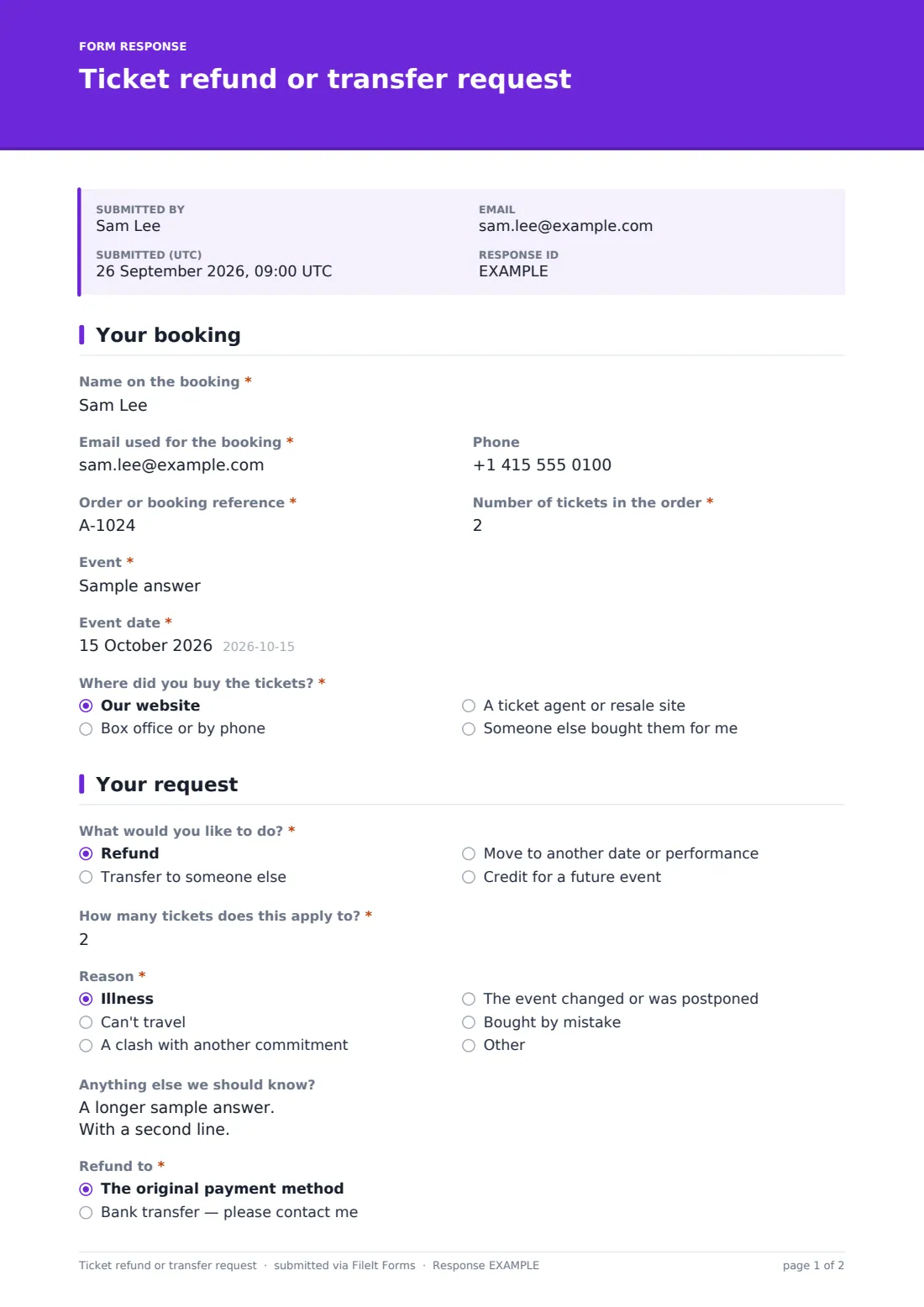
Every event box office gets the same emails: "I can't come, can I have my money back?", "Can my friend use my ticket?", "Can I swap to Saturday?". Each one needs the booking reference, how many tickets, and what exactly the person wants, and the first reply is usually asking for those. This ticket refund or transfer request form collects them in one go.
The ticket holder identifies the booking, then picks what they'd like: a refund, a transfer to someone else, a move to another date or performance, or credit for a future event. The form asks only what that choice needs — the new holder's name and email for a transfer, the preferred new date for a move, and how the refund should be paid for a refund. A short note appears for people who bought through an agent or resale site, explaining that the seller usually handles changes.
Requests are filed as PDFs in your FileIt vault, giving the box office a dated record of each request and the policy the ticket holder agreed to.
- Best for
- Theatres, festivals, conferences, clubs and event organisers selling tickets
- Filled in by
- The ticket buyer
- Time to complete
- About 3 minutes
- Includes
- Four request types with their own follow-ups, optional document upload, policy consent
Who uses a ticket refund or transfer request form?
- A theatre handling name changes and date swaps for a long-running show
- A festival processing refunds after a day is cancelled for weather
- A conference allowing ticket transfers to a colleague
- A community event offering credit instead of refunds
- Keeping a record of each request alongside your refund policy
Questions on this ticket refund or transfer request form
18 questions over 2 pages · includes file upload, conditional questions, multiple pages, consent checkbox.
1 Your booking
- Name on the booking*
- Email used for the booking*
- Phone
- Order or booking reference*
- Number of tickets in the order*
- Event*
- Event date*
- Where did you buy the tickets?* Our website · Box office or by phone · A ticket agent or resale site · Someone else bought them for me
2 Your request
- What would you like to do?* Refund · Transfer to someone else · Move to another date or performance · Credit for a future event
- How many tickets does this apply to?*
- Reason* Illness · Can't travel · A clash with another commitment · The event changed or was postponed · Bought by mistake
- Anything else we should know?
- New ticket holder* asked only when it applies
- New ticket holder's email* asked only when it applies
- Preferred new date or performance* asked only when it applies
- Refund to* asked only when it applies The original payment method · Bank transfer — please contact me
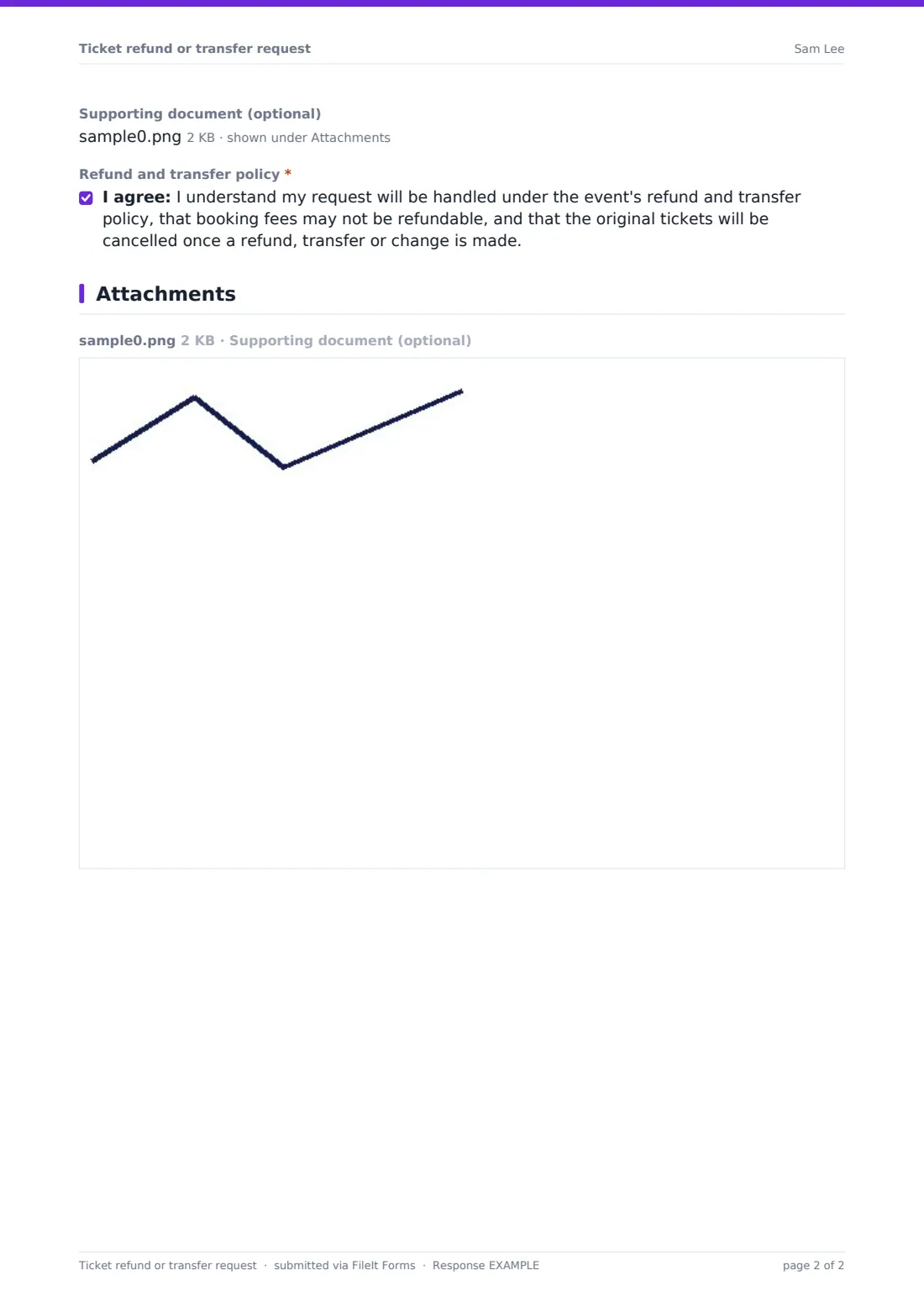
- Supporting document (optional)
- Refund and transfer policy*
The ticket refund or transfer request form, page by page
1 Your booking
The buyer gives the "Name on the booking", the "Email used for the booking", a phone number, the "Order or booking reference" and the "Number of tickets in the order", then names the event and its date. "Where did you buy the tickets?" offers your website, box office or phone, a ticket agent or resale site, or a gift from someone else. Choosing an agent shows a short note that the seller usually handles changes.
2 Your request
"What would you like to do?" offers a refund, a transfer to someone else, a move to another date or performance, or credit for a future event. "How many tickets does this apply to?" allows a partial request. "Reason" covers illness, being unable to travel, a clash, the event changing or being postponed, buying by mistake, or another reason, with a box for anything else.
A transfer asks for the "New ticket holder" and their email. A move asks for the "Preferred new date or performance". A refund asks where to send it, and help text says the form never asks for card numbers. An optional supporting document can be uploaded if your policy asks for one. Finally, the buyer accepts that the request is handled under your policy, booking fees may not be refundable, and the original tickets will be cancelled once the change is made.
Make the template yours
- Remove request types you don't offer, such as refunds or credit
- Rewrite the consent statement so it matches your published ticket policy
- Change the reply time in the cover text and confirmation message
- Turn the event field into a dropdown of your current events
- File requests in a folder per event to deal with a cancellation in one batch
- Add your box office mailbox to the notification emails
Tips for a better ticket refund or transfer request form
- Link to the form from your ticket confirmation emails and FAQ page
- Check the booking reference before replying, especially for transfers
- Process requests in the order they arrive — the Responses table shows submission times
- Use the CSV export after a cancellation to see how many people want refunds versus credit
- Tell agent and resale buyers quickly if you can't help, so they can contact the seller
Every response becomes a PDF in your vault
Each request is filed as a PDF in your vault and the box office gets an email notice. The ticket holder receives a copy of their request, including the policy statement they agreed to.
Search the Responses table by booking reference, name or event. Export to CSV to work through refunds, transfers and date changes as a list, and keep the PDFs as your record of what was asked.
- Start from this template. It opens in the FileIt Forms designer — change any question, add pages, set the rules for when questions appear.
- Share it. Turn on a public link, or send it to people by email, each with their own link. They don’t need a FileIt account.
- Get the answers as PDFs. Each response is saved as a PDF in the vault folder you choose, with uploaded files attached — and listed in a Responses table you can export to CSV.
Ticket refund or transfer request form: frequently asked questions
Is this ticket refund form template free?
Yes. It's one of the ready-made templates in the Forms app on every FileIt account, including the free plan.
Does the form issue refunds automatically?
No. It collects the request. Refunds, transfers and date changes are done in your ticketing or payment system.
Does it collect card or bank details?
No. The refund question offers the original payment method or a bank transfer, and help text says you'll get in touch for bank details rather than asking on the form.
Can someone transfer only some of their tickets?
Yes. "How many tickets does this apply to?" lets the buyer request a change for part of an order.
Can I use it if we don't give refunds?
Yes. Remove the refund option in the designer and keep transfers, date changes or credit.
Can ticket holders attach a document?
Yes, optionally. Up to two files can be uploaded, and they're attached to the vault document for that request.