What is the project status report form template?
Status reports tend to drift: one week it's a long email, the next a slide, and the sponsor never quite knows whether the project is on track. A fixed structure makes the reports quicker to write and much quicker to read, and makes it obvious when something has changed.
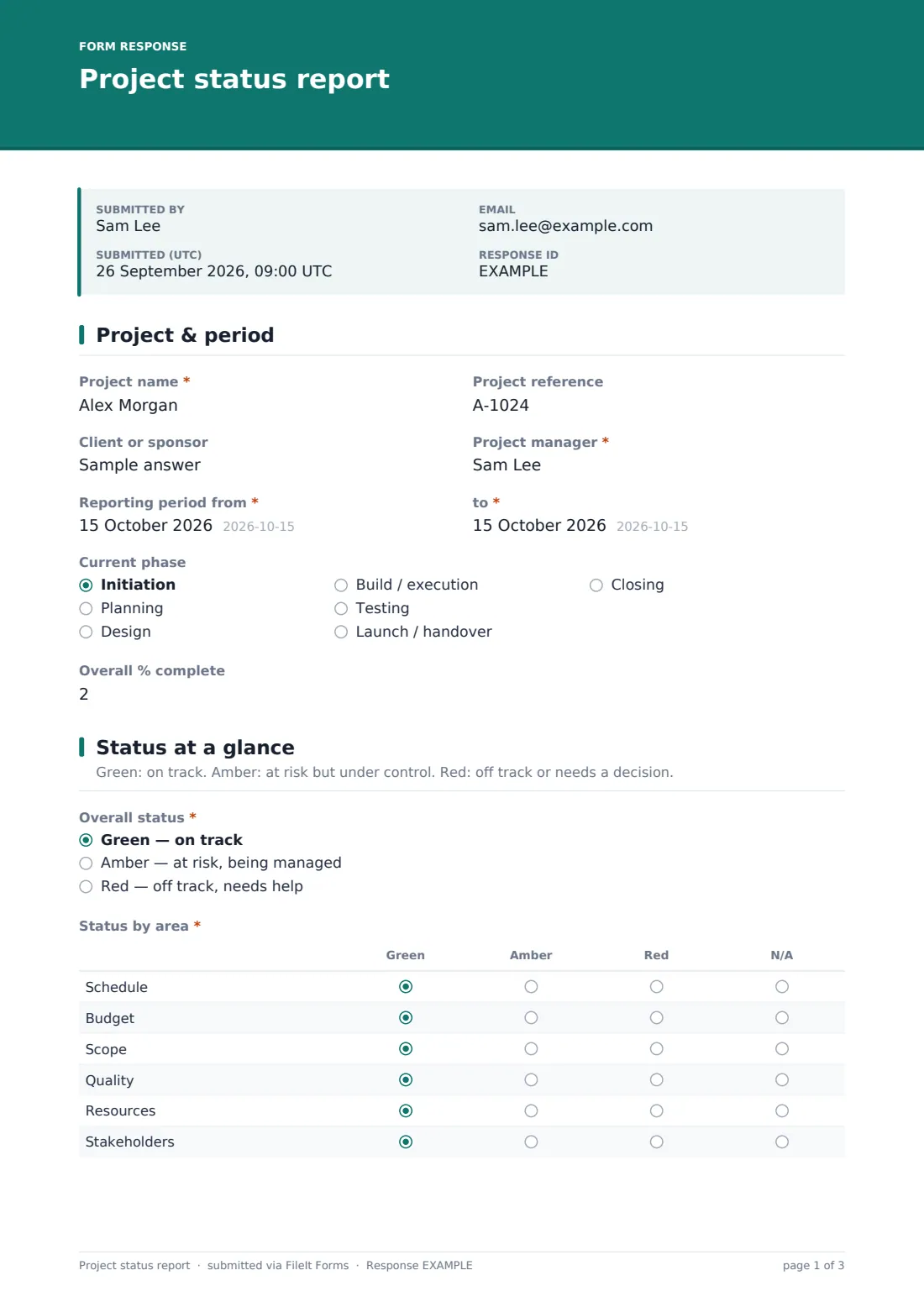
This project status report template asks for the overall RAG status first, then a green, amber or red rating for schedule, budget, scope, quality, resources and stakeholders, and a short executive summary. It then covers what was done, what slipped, key milestones, budget against forecast, top risks and open issues, change requests and any decision you need from the sponsor, and finishes with the plan for the next period.
Each report is saved as a dated PDF in your FileIt vault, so you keep a clean history of the project's status over time — useful at steering meetings and invaluable at the closeout review.
- Best for
- Project managers, agencies, PMOs and team leads reporting to sponsors or clients
- Filled in by
- The project manager or workstream lead, each reporting period
- Time to complete
- About 10–15 minutes
- Includes
- Overall RAG, a status-by-area grid, budget and forecast figures, risks, issues, decisions needed and file uploads
Who uses a project status report form?
- Weekly status updates from an agency to a client
- Monthly reports to a steering committee or project sponsor
- A PMO collecting the same report from every project in a portfolio
- Construction, fit-out or IT projects that need a written record of progress
- Grant-funded projects reporting internally between formal funder reports
- Workstream leads reporting into an overall programme manager
Questions on this project status report form
30 questions over 5 pages · includes file upload, conditional questions, multiple pages, ratings.
1 Project & period
- Project name*
- Project reference
- Client or sponsor
- Project manager*
- Reporting period from*
- to*
- Current phase Initiation · Planning · Design · Build / execution · Testing · Launch / handover · Closing
- Overall % complete
2 Status at a glance
- Overall status* Green — on track · Amber — at risk, being managed · Red — off track, needs help
- Status by area* Green · Amber · Red · N/A
- Compared with the last report Improving · No change · Getting worse
- Executive summary*
- What's driving the red status, and what would bring it back to green?* asked only when it applies
3 Progress & milestones
- Accomplished this period*
- Planned but not completed
- Key milestones
- Approved budget
- Spent to date
- Forecast at completion
- Forecast completion date
4 Risks, issues & decisions
- Top risks
- Open issues
- Any change requests raised or approved this period?
- Change requests asked only when it applies
- Do you need a decision or help from the sponsor?*
- What decision, from whom, and by when?* asked only when it applies
5 Next steps
- Planned for next period*
- Next report due
- Supporting files
- Your email*
The project status report form, page by page
1 Project & period
Enter the project name and reference, the client or sponsor, the project manager, the reporting period dates, the current phase and an overall percentage complete.
2 Status at a glance
Choose an overall status of green, amber or red, then rate schedule, budget, scope, quality, resources and stakeholders in a grid, with N/A where an area doesn't apply. Say whether things are improving, unchanged or getting worse, and write a short executive summary. A red overall status opens a required question about what's driving it and what would bring it back to green.
3 Progress & milestones
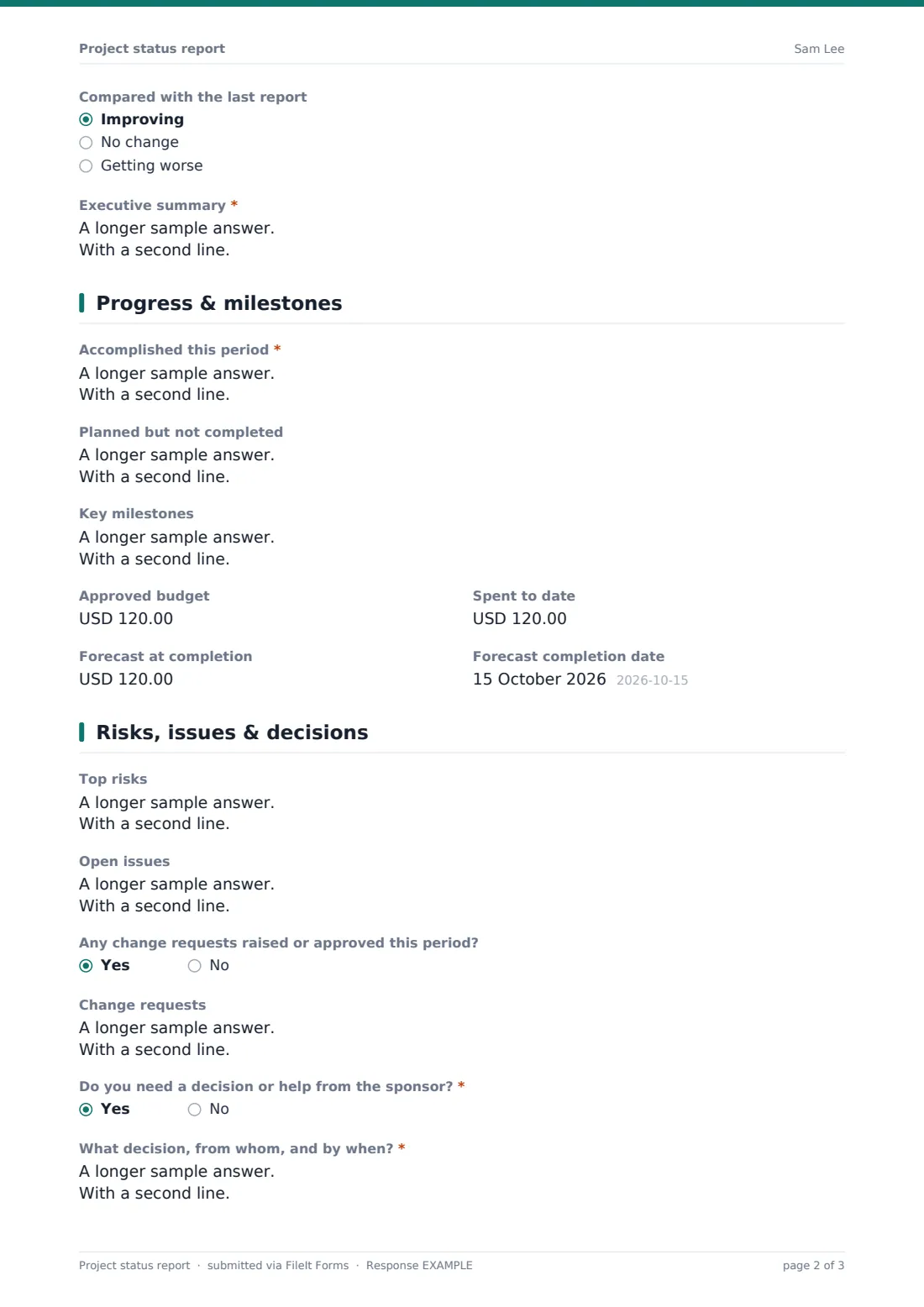
List what was accomplished this period and what was planned but not completed, with the reasons. Key milestones go one per line with planned and forecast dates. Budget figures — approved, spent to date and forecast at completion — sit alongside the forecast completion date.
4 Risks, issues & decisions
Record the top risks with likelihood, impact and mitigation, and the open issues with owners. A yes to change requests opens a box to describe them. If you need a decision or help from the sponsor, a required question asks what, from whom and by when.
5 Next steps
Finish with the work planned for next period, the date the next report is due, any supporting files such as the plan or a RAID log, and your email.
Make the template yours
- Change the currency on the budget fields, or remove them if budget is reported separately
- Rename the rows in the status grid to match your own reporting areas
- Replace the phase list with the stages of your delivery method
- Make one copy of the form per project and put the project name in its document title so each project's reports file together
- Send the form as a request to each project manager on a regular schedule
- Add the sponsor's email to the notification list so they see each report as it arrives
Tips for a better project status report form
- Be honest with amber — it's much easier to get help early than to explain a sudden red
- Write the executive summary last, once you've gone through the detail
- Keep risks (might happen) and issues (already happening) separate
- Always say exactly what decision you need and by when; vague requests don't get answered
- Use the same reporting day each period so trends are easy to compare
Every response becomes a PDF in your vault
When a report is submitted, FileIt saves it as a PDF with any attachments, files it in your vault and emails you. The project manager can also get a copy to forward to stakeholders.
Over the life of a project the Responses table becomes a status history. Export it to CSV to chart RAG ratings over time, or open any report's PDF to see exactly what was reported in a given week.
- Start from this template. It opens in the FileIt Forms designer — change any question, add pages, set the rules for when questions appear.
- Share it. Turn on a public link, or send it to people by email, each with their own link. They don’t need a FileIt account.
- Get the answers as PDFs. Each response is saved as a PDF in the vault folder you choose, with uploaded files attached — and listed in a Responses table you can export to CSV.
Project status report form: frequently asked questions
Is this project status report template free?
Yes. It's part of FileIt's Forms app on every plan, including the free plan, and every question can be edited.
What does RAG mean?
Red, amber, green. Green means on track, amber means at risk but being managed, and red means off track or in need of a decision. The form explains this on the status page.
Can I use it for several projects?
Yes. Each report starts with the project name and reference, so one form can collect reports from many projects, or you can make a copy per project.
Can I change the currency?
Yes. The budget fields default to US dollars and you can switch them to any three-letter currency code in the designer.
Can I attach the project plan?
Yes. The last page accepts up to five files such as a plan, chart or risk log.
Where do reports go?
Each report is saved as a PDF in your FileIt vault and appears in the Responses table, where you can review and export them.