What is the iT project request form template?
Project ideas reach IT through corridors, emails and steering committees, each with a different level of detail. That makes it hard to compare them, and the loudest request often wins over the most valuable one.
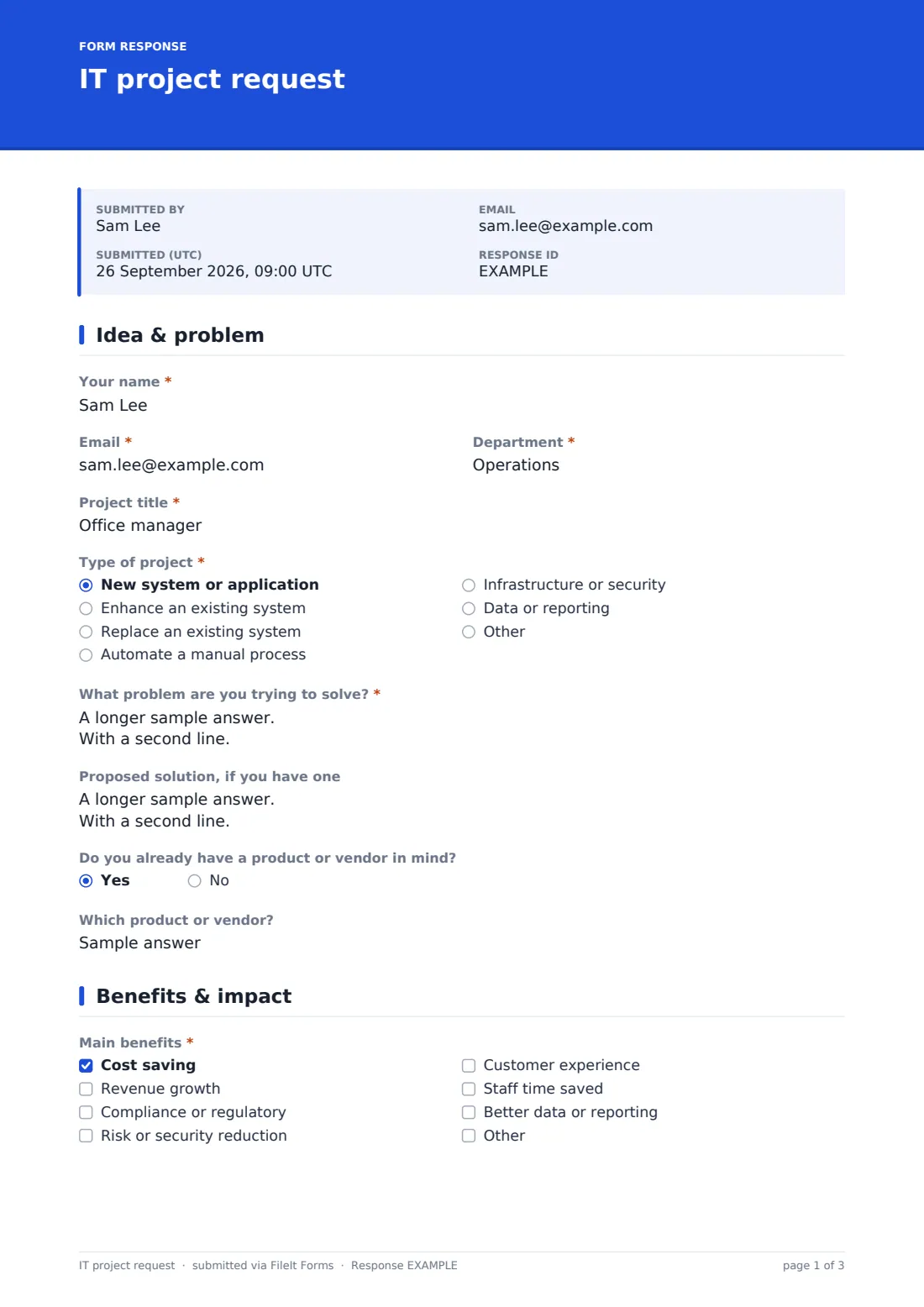
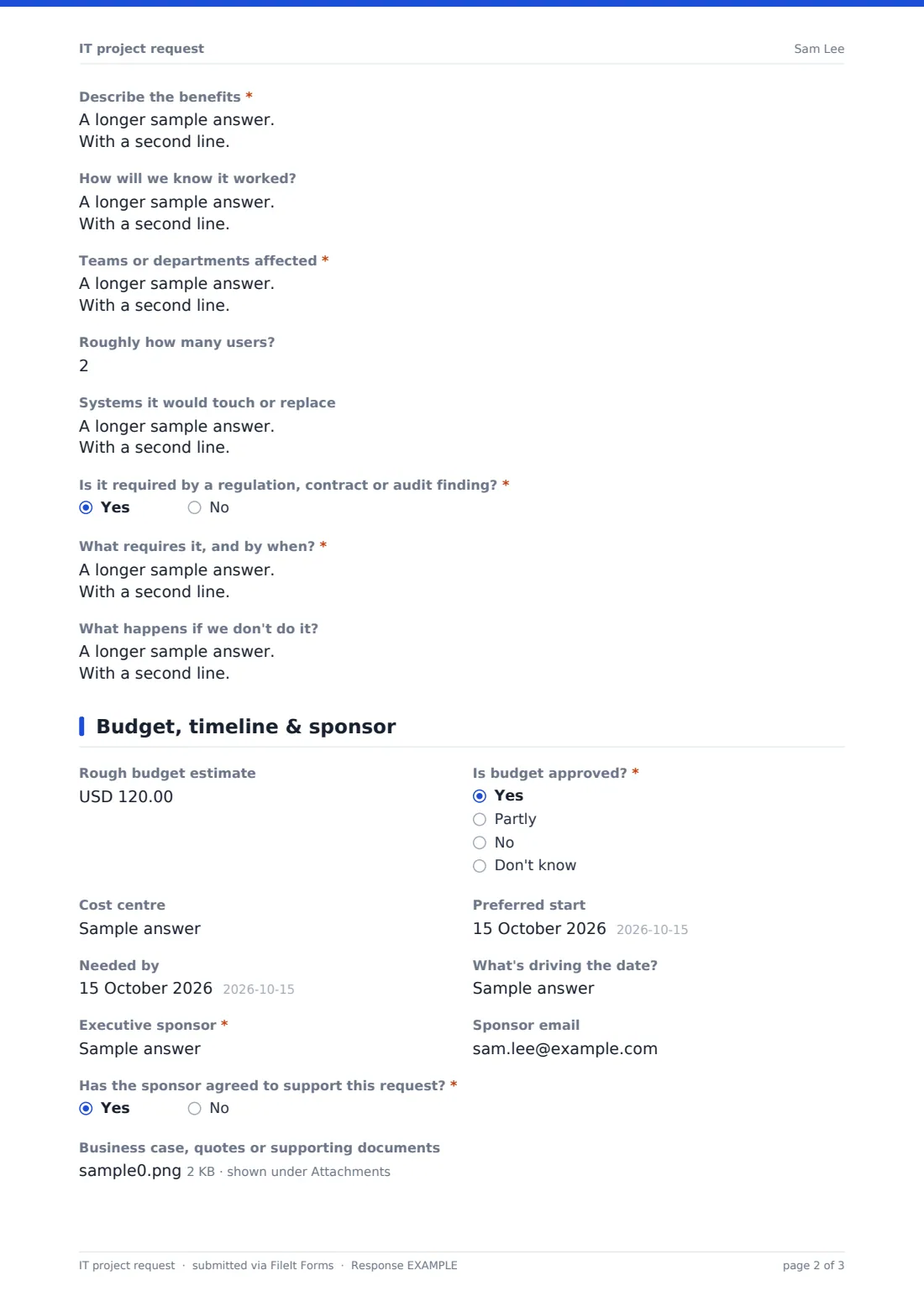
This intake form asks every requester the same questions over three pages: the project title, type, problem and any proposed solution or vendor; the benefits, how success will be measured, who and what is affected, and whether it's mandatory; and the rough budget, whether it's funded, the timeline, and an executive sponsor who has agreed to support it.
It's an intake form, not a full business case. Submissions are saved as PDFs in your FileIt vault and can be exported from the Responses table for an intake or portfolio review meeting.
- Best for
- IT departments, PMOs and digital teams running a project intake process
- Filled in by
- Business staff or managers with a project idea
- Time to complete
- About 10 minutes
- Includes
- Vendor and mandatory follow-ups, benefits checklist, success measures, budget and funding status, sponsor confirmation and attachments
Who uses a iT project request form?
- Collecting project ideas ahead of annual planning
- A PMO running monthly intake reviews
- Business units proposing automation of manual processes
- Requests driven by an audit finding or new regulation
- Comparing requests across departments with the same information
- Small IT teams replacing ad-hoc project emails
Questions on this iT project request form
29 questions over 3 pages · includes file upload, conditional questions, multiple pages.
1 Idea & problem
- Your name*
- Email*
- Department*
- Project title*
- Type of project* New system or application · Enhance an existing system · Replace an existing system · Automate a manual process · Infrastructure or security · Data or reporting
- What problem are you trying to solve?*
- Proposed solution, if you have one
- Do you already have a product or vendor in mind?
- Which product or vendor? asked only when it applies
2 Benefits & impact
- Main benefits* Cost saving · Revenue growth · Compliance or regulatory · Risk or security reduction · Customer experience · Staff time saved · Better data or reporting
- Describe the benefits*
- How will we know it worked?
- Teams or departments affected*
- Roughly how many users?
- Systems it would touch or replace
- Is it required by a regulation, contract or audit finding?*
- What requires it, and by when?* asked only when it applies
- What happens if we don't do it?
3 Budget, timeline & sponsor
- Rough budget estimate
- Is budget approved?* Yes · Partly · No · Don't know
- Cost centre asked only when it applies
- Preferred start
- Needed by
- What's driving the date?
- Executive sponsor*
- Sponsor email
- Has the sponsor agreed to support this request?*
- Business case, quotes or supporting documents
- Anything else
The iT project request form, page by page
1 Idea & problem
The requester's name, email and department, a project title and the type of project are required. What problem are you trying to solve? is required and asks who is affected, how often and what it costs today; the proposed solution is optional. If they already have a product or vendor in mind, the form asks which.
2 Benefits & impact
Main benefits covers cost, revenue, compliance, risk, customer experience, time saved and data, followed by a required description and how success will be measured. Affected teams are required, with a rough number of users and the systems involved.
The form asks whether it's required by a regulation, contract or audit finding; a yes asks what requires it and by when. The page ends with what happens if nothing is done.
3 Budget, timeline & sponsor
A rough budget estimate and whether budget is approved, with a cost centre unless the answer is no. Preferred start, needed-by date and what's driving the date follow. The executive sponsor is required, with their email and confirmation that they've agreed to support the request. Supporting documents and notes complete the form.
Make the template yours
- Add a scoring section for your intake committee, such as strategic alignment and effort
- Replace the Department field with a dropdown of your business units
- Change the currency on the budget question
- Send notifications to the PMO mailbox
- Set a closing date to collect ideas for a planning cycle
Tips for a better iT project request form
- Describe the problem before the solution; IT may know a simpler option
- Quantify benefits even roughly, such as hours saved per week
- Get the sponsor's agreement before submitting
- Flag mandatory deadlines clearly so they're planned first
- Tell requesters what happened to their idea, even if it's declined
Every response becomes a PDF in your vault
Each request is saved as a PDF in your FileIt vault with its attachments, and the requester receives a copy. With notifications on, the PMO is emailed each new request.
Export the Responses table to CSV to review all requests side by side at an intake or portfolio meeting.
- Start from this template. It opens in the FileIt Forms designer — change any question, add pages, set the rules for when questions appear.
- Share it. Turn on a public link, or send it to people by email, each with their own link. They don’t need a FileIt account.
- Get the answers as PDFs. Each response is saved as a PDF in the vault folder you choose, with uploaded files attached — and listed in a Responses table you can export to CSV.
IT project request form: frequently asked questions
Is this IT project request template free?
Yes. It's included in the FileIt Forms app on every account, including the free plan, and every question can be edited, removed or added to in the form designer.
Is this a business case?
No. It's an intake form to decide whether an idea is worth developing further. Larger projects usually need a fuller business case afterwards.
Does it score or prioritise requests?
No. It collects the same information for every request so your team can score them consistently. You can add your own scoring questions.
Can requesters attach a vendor quote?
Yes. Business cases, quotes and other documents can be uploaded on the last page.
What if the requester doesn't know the budget?
The budget estimate is optional and the funding question includes Don't know.
Do requesters need a FileIt account to fill it in?
No. Anyone with the form's link can submit it without creating an account. You can also email personal links to specific people.