What is the report & dashboard request form template?
"Can I get a dashboard of sales?" can mean a dozen different things. Which sales, measured how, broken down by what, for whom, refreshed how often, and to support which decision? Without those answers, BI teams build something, wait for feedback and build it again.
This form starts with the business question and the decisions it should support, then moves to metrics and how they're calculated, breakdowns, filters, the time period and where the data lives. A sensitive data question makes sure personal or salary data is handled with the right access. The last page covers the audience, delivery format, refresh frequency, preferred tool, deadline and who will own the report afterwards.
Requests for changes to existing reports and one-off extracts use the same form. Each request is saved as a PDF in your FileIt vault, giving the data team a clear brief and an intake history.
- Best for
- Data, analytics and BI teams taking requests from the business
- Filled in by
- Anyone who needs a report, dashboard or extract
- Time to complete
- About 8 minutes
- Includes
- Change request follow-up, metric definitions, data source checklist, sensitive data access question, mockup upload, refresh and deadline
Who uses a report & dashboard request form?
- A sales leader asking for a regional pipeline dashboard
- Finance requesting a monthly management report
- HR asking for headcount and turnover reporting with restricted access
- Changes to an existing dashboard's filters or metrics
- A one-off data extract for a board paper
- Prioritising a backlog of reporting requests
Questions on this report & dashboard request form
27 questions over 3 pages · includes file upload, conditional questions, multiple pages.
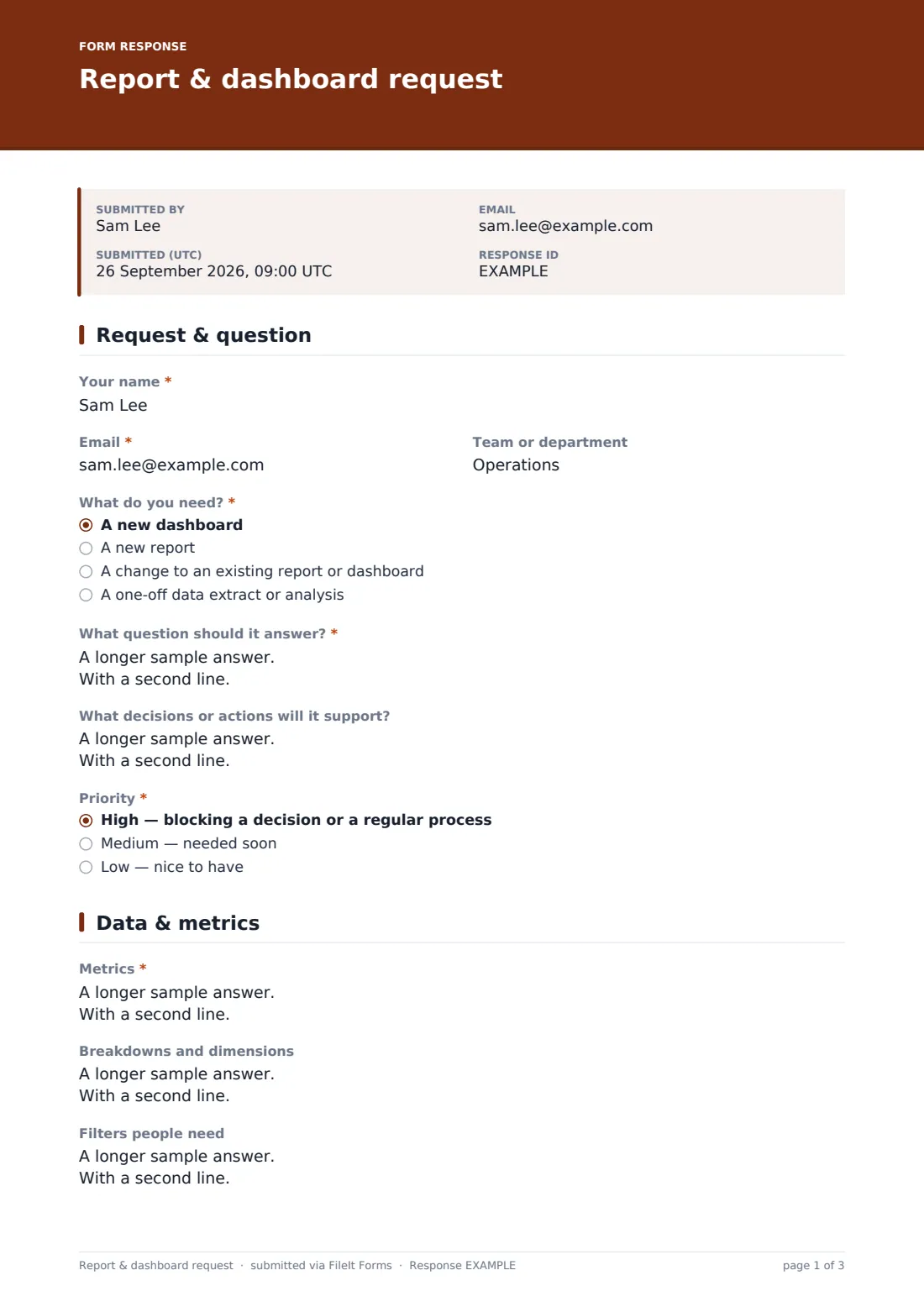
1 Request & question
- Your name*
- Email*
- Team or department
- What do you need?* A new dashboard · A new report · A change to an existing report or dashboard · A one-off data extract or analysis
- Which report or dashboard?* asked only when it applies
- What should change?* asked only when it applies
- What question should it answer?*
- What decisions or actions will it support?
- Priority* High — blocking a decision or a regular process · Medium — needed soon · Low — nice to have
2 Data & metrics
- Metrics*
- Breakdowns and dimensions
- Filters people need
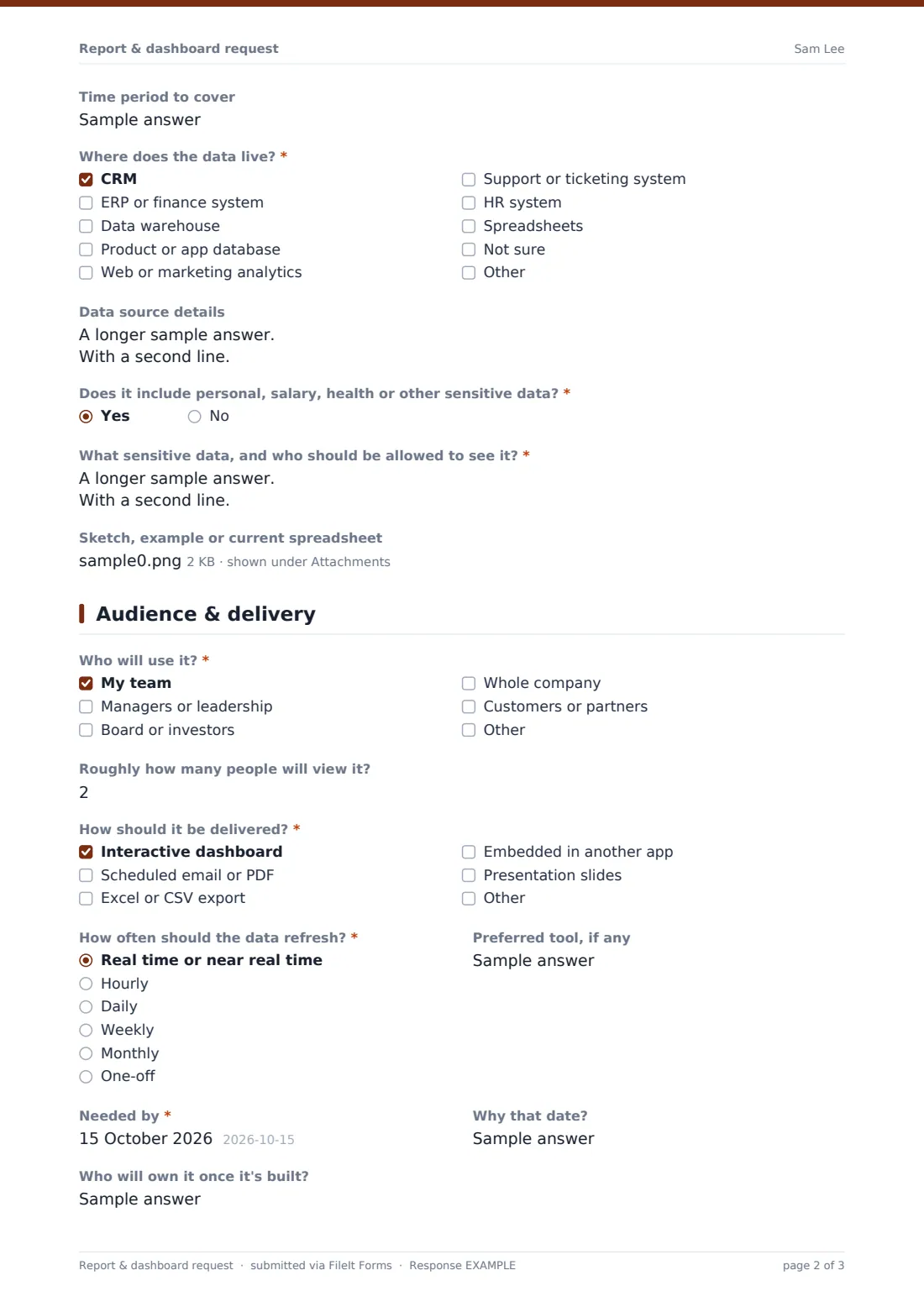
- Time period to cover
- Where does the data live?* CRM · ERP or finance system · Data warehouse · Product or app database · Web or marketing analytics · Support or ticketing system · HR system · Spreadsheets · Not sure
- Data source details
- Does it include personal, salary, health or other sensitive data?*
- What sensitive data, and who should be allowed to see it?* asked only when it applies
- Sketch, example or current spreadsheet
3 Audience & delivery
- Who will use it?* My team · Managers or leadership · Board or investors · Whole company · Customers or partners
- Roughly how many people will view it?
- How should it be delivered?* Interactive dashboard · Scheduled email or PDF · Excel or CSV export · Embedded in another app · Presentation slides
- How often should the data refresh?* Real time or near real time · Hourly · Daily · Weekly · Monthly · One-off
- Preferred tool, if any
- Needed by*
- Why that date?
- Who will own it once it's built?
- Anything else
The report & dashboard request form, page by page
1 Request & question
The requester's name, email and team come first. What do you need? is a new dashboard, a new report, a change to an existing one or a one-off extract; a change asks which report and what should change.
What question should it answer? is required, with an optional box for the decisions or actions it will support, and a required priority from high to low.
2 Data & metrics
Metrics are required, ideally with how each is calculated. Breakdowns, filters and the time period follow, then a required checklist of where the data lives, from CRM and ERP to spreadsheets, with a box for source details.
The form asks whether the report includes personal, salary, health or other sensitive data; a yes requires what data and who should see it. A sketch, example or current spreadsheet can be attached.
3 Audience & delivery
Who will use it? and How should it be delivered? are required checklists, with a rough number of viewers. Refresh frequency and the deadline are required, along with an optional preferred tool and why the date matters. The requester names who will own the report once it's built and adds anything else.
Make the template yours
- Replace the tool question with your BI platform's workspaces or areas
- Add a dropdown of your existing reports for change requests
- Add a business value or effort question if you score requests for prioritisation
- Send notifications to the data team's intake mailbox
- Set the confirmation message to describe your usual turnaround
Tips for a better report & dashboard request form
- Agree metric definitions before building; most rework comes from different definitions of the same word
- Ask what decision the report supports; if there isn't one, it may not need to be a dashboard
- Name an owner on the business side for every report
- Check access rules early for anything with personal or salary data
- Retire reports nobody uses so new requests get attention
Every response becomes a PDF in your vault
Each request is saved as a PDF in your FileIt vault with any mockups attached and, with notifications on, emailed to the data team.
The Responses table lists requests by type, priority and deadline, and can be exported to CSV to review the backlog.
- Start from this template. It opens in the FileIt Forms designer — change any question, add pages, set the rules for when questions appear.
- Share it. Turn on a public link, or send it to people by email, each with their own link. They don’t need a FileIt account.
- Get the answers as PDFs. Each response is saved as a PDF in the vault folder you choose, with uploaded files attached — and listed in a Responses table you can export to CSV.
Report & dashboard request form: frequently asked questions
Is this report and dashboard request template free?
Yes. It's included in the FileIt Forms app on every account, including the free plan, and every question can be edited, removed or added to in the form designer.
Does it connect to our BI tool?
No. FileIt Forms collects and stores the request. Your team builds the report in whichever tool it uses.
Why does the form ask about sensitive data?
Reports with personal, salary or health data usually need restricted access. Asking up front means access can be set correctly from the start.
Can people attach a sketch of what they want?
Yes. Sketches, examples or a current spreadsheet can be uploaded on the data page.
Can it be used for changes to existing reports?
Yes. Choose a change to an existing report or dashboard, and the form asks which one and what should change.
Do requesters need a FileIt account to fill it in?
No. Anyone with the form's link can submit it without creating an account. You can also email personal links to specific people.