What is the integration request form template?
"Can we connect the CRM to billing?" sounds like one question, but the answer depends on a dozen others: which records, which direction, how often, how many, who owns each system, whether personal data is involved and what should happen when the sync fails. Getting those answers usually takes several meetings.
This integration request form asks them in one go. The requester explains the problem and the benefit, then describes the source and target systems, direction and conflict rules, the data that moves, when it should run, the volume and any connection options they know about. The last page covers owners, data sensitivity, authentication, error handling and budget.
Each request is saved as a PDF in your FileIt vault with any diagrams or field mappings attached, so IT, the business owner and any vendor are working from the same brief.
- Best for
- IT teams, operations and RevOps teams, and internal developers taking integration requests
- Filled in by
- Business teams that want systems connected
- Time to complete
- About 8–12 minutes
- Includes
- Two-way sync follow-up, personal data note, diagram upload, budget logic
Who uses a integration request form?
- Sales operations asking to sync CRM customers into the billing system
- HR requesting new starters flow from the HR system into IT provisioning
- Finance asking for bank transactions to import into accounting daily
- A support team wanting helpdesk tickets created from website forms
- Marketing asking for sign-ups to reach the email platform in real time
- Replacing a weekly CSV export and import with an automated job
Questions on this integration request form
28 questions over 3 pages · includes file upload, conditional questions, multiple pages.
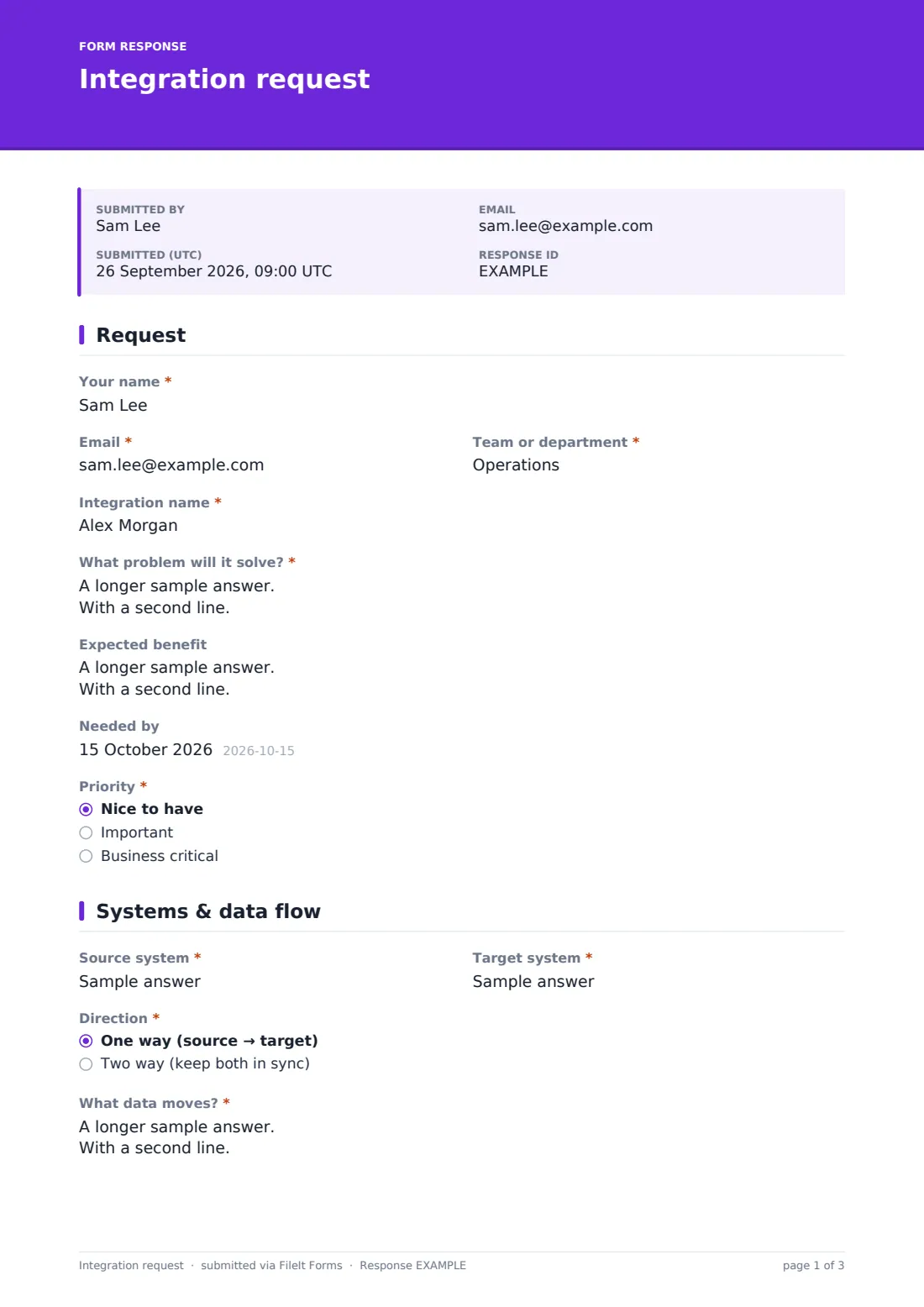
1 Request
- Your name*
- Email*
- Team or department*
- Integration name*
- What problem will it solve?*
- Expected benefit
- Needed by
- Priority* Nice to have · Important · Business critical
- What's driving the date? asked only when it applies
2 Systems & data flow
- Source system*
- Target system*
- Direction* One way (source → target) · Two way (keep both in sync)
- If the same record changes in both, which wins?* asked only when it applies
- What data moves?*
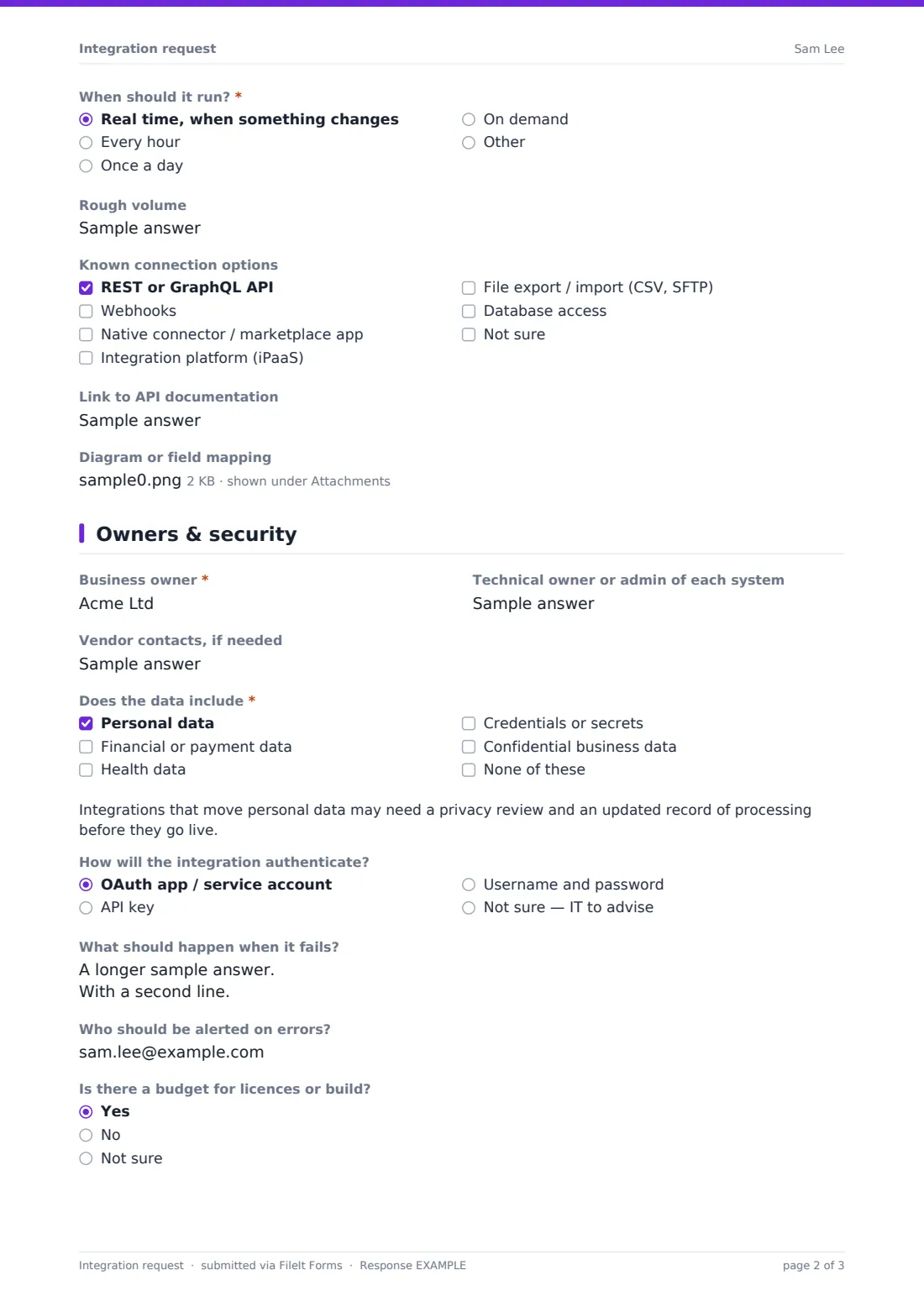
- When should it run?* Real time, when something changes · Every hour · Once a day · On demand
- Rough volume
- Known connection options REST or GraphQL API · Webhooks · Native connector / marketplace app · Integration platform (iPaaS) · File export / import (CSV, SFTP) · Database access · Not sure
- Link to API documentation
- Diagram or field mapping
3 Owners & security
- Business owner*
- Technical owner or admin of each system
- Vendor contacts, if needed
- Does the data include* Personal data · Financial or payment data · Health data · Credentials or secrets · Confidential business data · None of these
- How will the integration authenticate? OAuth app / service account · API key · Username and password · Not sure — IT to advise
- What should happen when it fails?
- Who should be alerted on errors?
- Is there a budget for licences or build? Yes · No · Not sure
- Approximate budget asked only when it applies
The integration request form, page by page
1 Request
The requester gives their name, email and team, a short integration name, the problem it will solve and the expected benefit. A needed-by date and a priority follow; business-critical requests ask what's driving the date.
2 Systems & data flow
The source and target systems are named, and the direction is one way or two way — two-way syncs must say which system wins if the same record changes in both. The requester describes the records and key fields that move, when it should run (real time, hourly, daily or on demand), the rough volume, any known connection options such as APIs, webhooks, native connectors, iPaaS or file transfers, and a link to API documentation. A diagram or field mapping can be uploaded.
3 Owners & security
The business owner and technical owners are named, with vendor contacts if needed. The requester ticks whether the data includes personal, financial, health, credential or confidential data; personal data shows a note about privacy review. The form asks how the integration will authenticate, what should happen on failure, who to alert on errors and whether there's a budget. A final note reminds people not to paste API keys or passwords.
Make the template yours
- Replace free-text system names with a dropdown of your approved systems
- Add your preferred integration platform to the connection options
- Link your data classification policy from the data question's help text
- Change the currency on the budget field
- Route requests to an architecture or IT intake mailbox
- Add an approval section for the business owner if your process needs one
Tips for a better integration request form
- Ask for the manual process as it works today — it's often the best specification
- Be explicit about which system is the source of truth for each field
- Start one-way where you can; two-way syncs are harder to get right
- Plan error handling and alerts before go-live, not after the first silent failure
- Use service accounts rather than a person's login for integrations
- Review integrations that move personal data with whoever handles privacy
Every response becomes a PDF in your vault
Each request is saved as a PDF in your FileIt vault with any diagrams attached, and the form owner is emailed. The requester can receive a copy of what they submitted.
Use the Responses table to review requests by priority or team, and export to CSV to build a backlog in whatever tool your team plans work in.
- Start from this template. It opens in the FileIt Forms designer — change any question, add pages, set the rules for when questions appear.
- Share it. Turn on a public link, or send it to people by email, each with their own link. They don’t need a FileIt account.
- Get the answers as PDFs. Each response is saved as a PDF in the vault folder you choose, with uploaded files attached — and listed in a Responses table you can export to CSV.
Integration request form: frequently asked questions
Is this integration request template free?
Yes. It's a starter template in the FileIt Forms app, available on every plan including free.
Does FileIt build the integration?
No. The form collects and records the request. Your IT team or developers design and build it.
What if the requester doesn't know the technical details?
Most technical questions are optional or offer a not-sure answer. The required ones focus on the problem, the systems and the data, which the business side usually knows.
Should people include API keys?
No. The form tells them not to. Arrange a secure way to exchange credentials separately.
Can I attach a field mapping spreadsheet?
Yes. The diagram upload accepts PDF, images, Excel, CSV and Word files, up to three.
Why ask about personal data?
Moving personal data between systems can affect your privacy obligations. The form flags it early so the right people can review the request.