What is the b2B customer onboarding checklist form template?
Onboarding a business customer involves a lot of moving parts — contacts on both sides, single sign-on, data imports, integrations, admin and end-user training — and it's easy for one step to stall without anyone noticing until the go-live date slips. A shared, consistent checklist makes those gaps visible.
This onboarding checklist records the account and target dates, the customer's sponsor and project contacts, the goals agreed at kickoff, a status grid for each setup step, the integrations in scope, a training grid by audience, and the go-live status with risks or delays explained. It ends with next steps and a place to attach the project plan.
Each submission is saved as a PDF in your FileIt vault. Filling it in again at each milestone gives you a dated trail of how the implementation progressed, which is useful at handover and at renewal.
- Best for
- Customer success, implementation and account management teams at B2B and SaaS companies
- Filled in by
- The account manager or onboarding lead, often at each milestone
- Time to complete
- About 6–10 minutes
- Includes
- Status grids for setup and training, go-live logic for at-risk or delayed accounts, file upload
Who uses a b2B customer onboarding checklist form?
- A SaaS company tracking implementation for each new business customer
- A customer success team reviewing onboarding status in a weekly meeting
- An agency recording setup and training for a new retained client
- A managed service provider onboarding a new business onto its platform
- A sales team handing a newly signed account over to implementation
- An operations lead checking which accounts are at risk before quarter end
Questions on this b2B customer onboarding checklist form
30 questions over 4 pages · includes file upload, conditional questions, multiple pages, ratings.
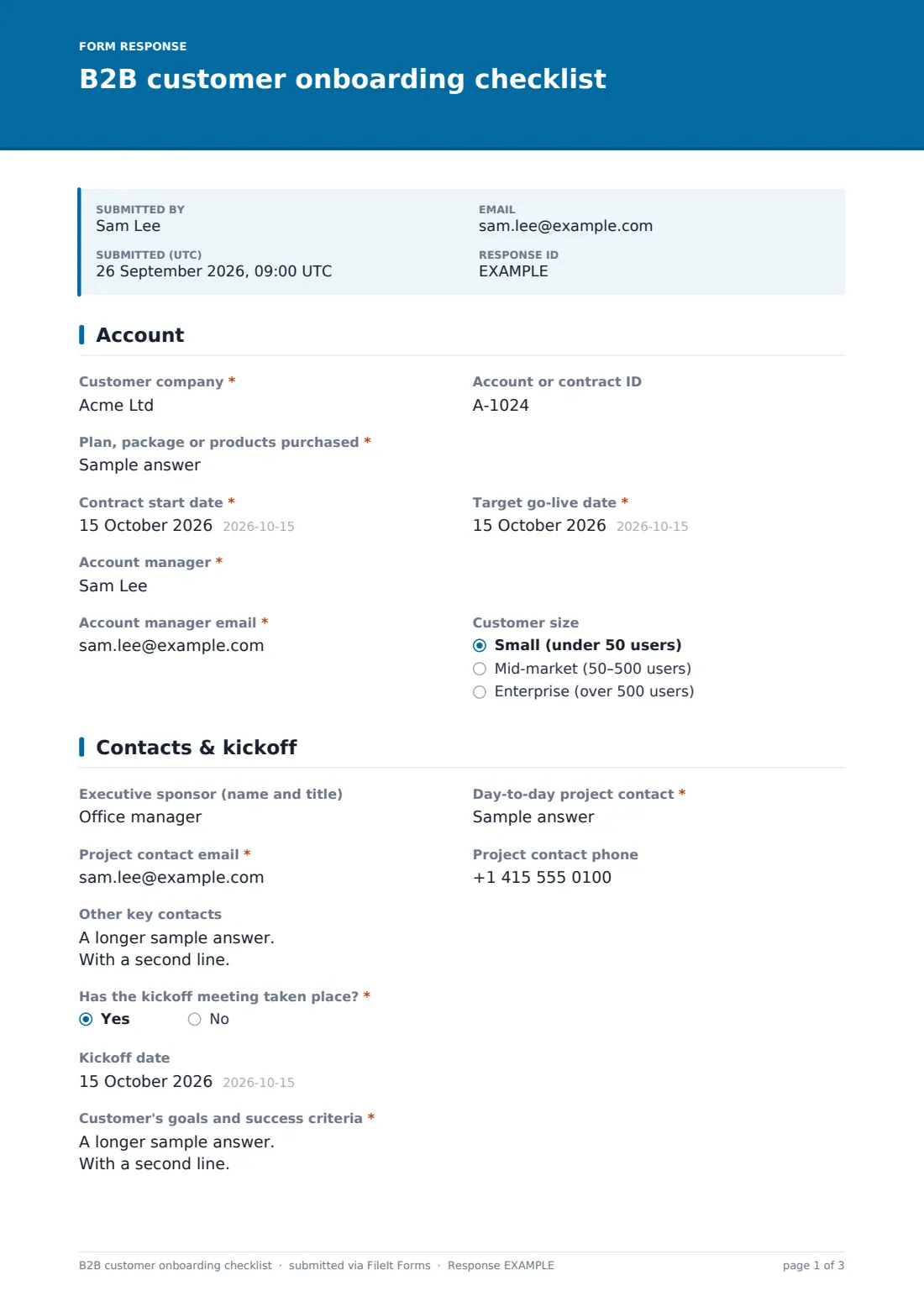
1 Account
- Customer company*
- Account or contract ID
- Plan, package or products purchased*
- Contract start date*
- Target go-live date*
- Account manager*
- Account manager email*
- Customer size Small (under 50 users) · Mid-market (50–500 users) · Enterprise (over 500 users)
2 Contacts & kickoff
- Executive sponsor (name and title)
- Day-to-day project contact*
- Project contact email*
- Project contact phone
- Other key contacts
- Has the kickoff meeting taken place?*
- Kickoff date asked only when it applies
- Customer's goals and success criteria* asked only when it applies
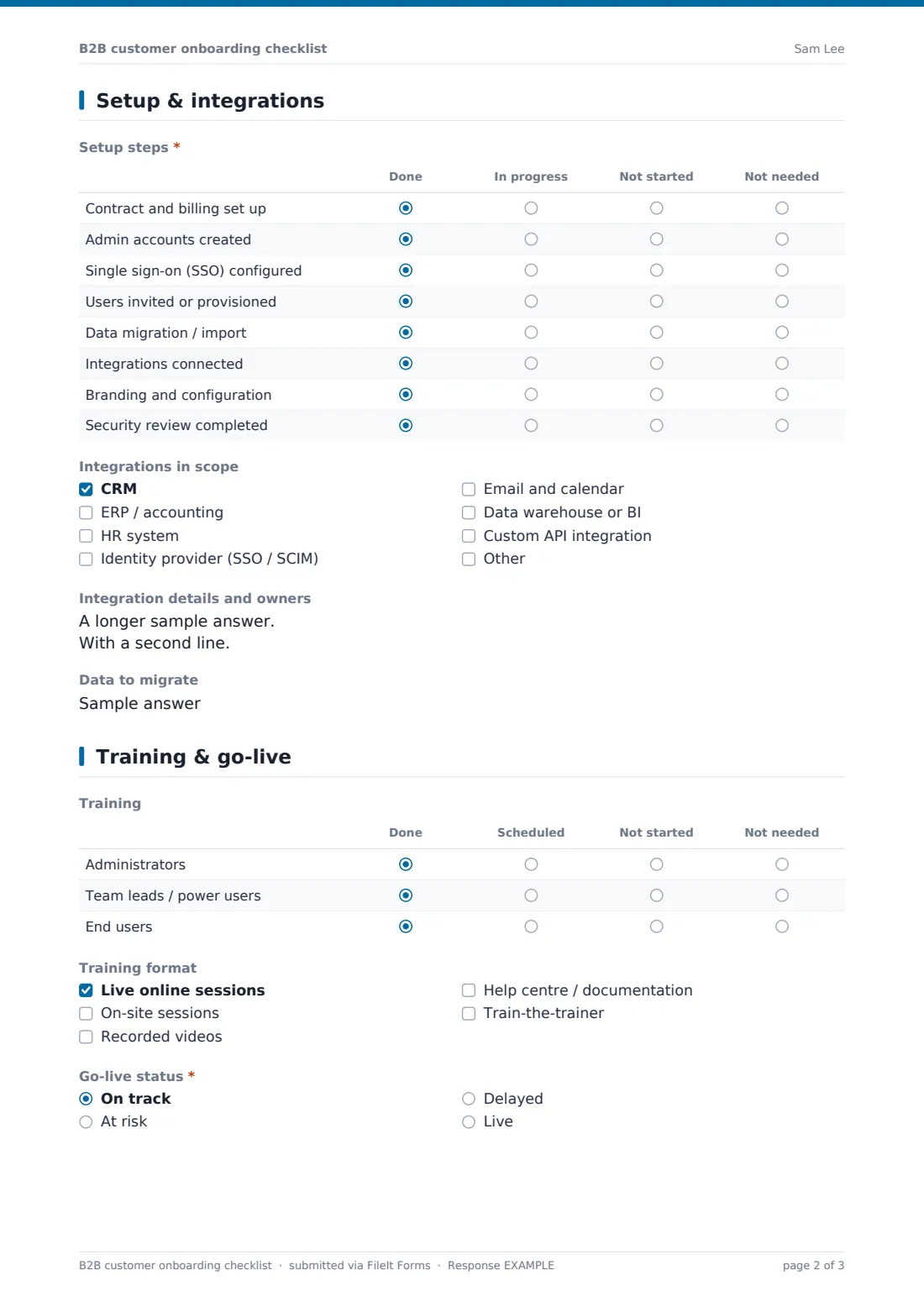
3 Setup & integrations
- Setup steps* Done · In progress · Not started · Not needed
- Integrations in scope CRM · ERP / accounting · HR system · Identity provider (SSO / SCIM) · Email and calendar · Data warehouse or BI · Custom API integration
- Integration details and owners asked only when it applies
- Data to migrate
4 Training & go-live
- Training Done · Scheduled · Not started · Not needed
- Training format Live online sessions · On-site sessions · Recorded videos · Help centre / documentation · Train-the-trainer
- Go-live status* On track · At risk · Delayed · Live
- Actual go-live date asked only when it applies
- Risks, blockers and what's needed to clear them* asked only when it applies
- Reason for delay and new target date* asked only when it applies
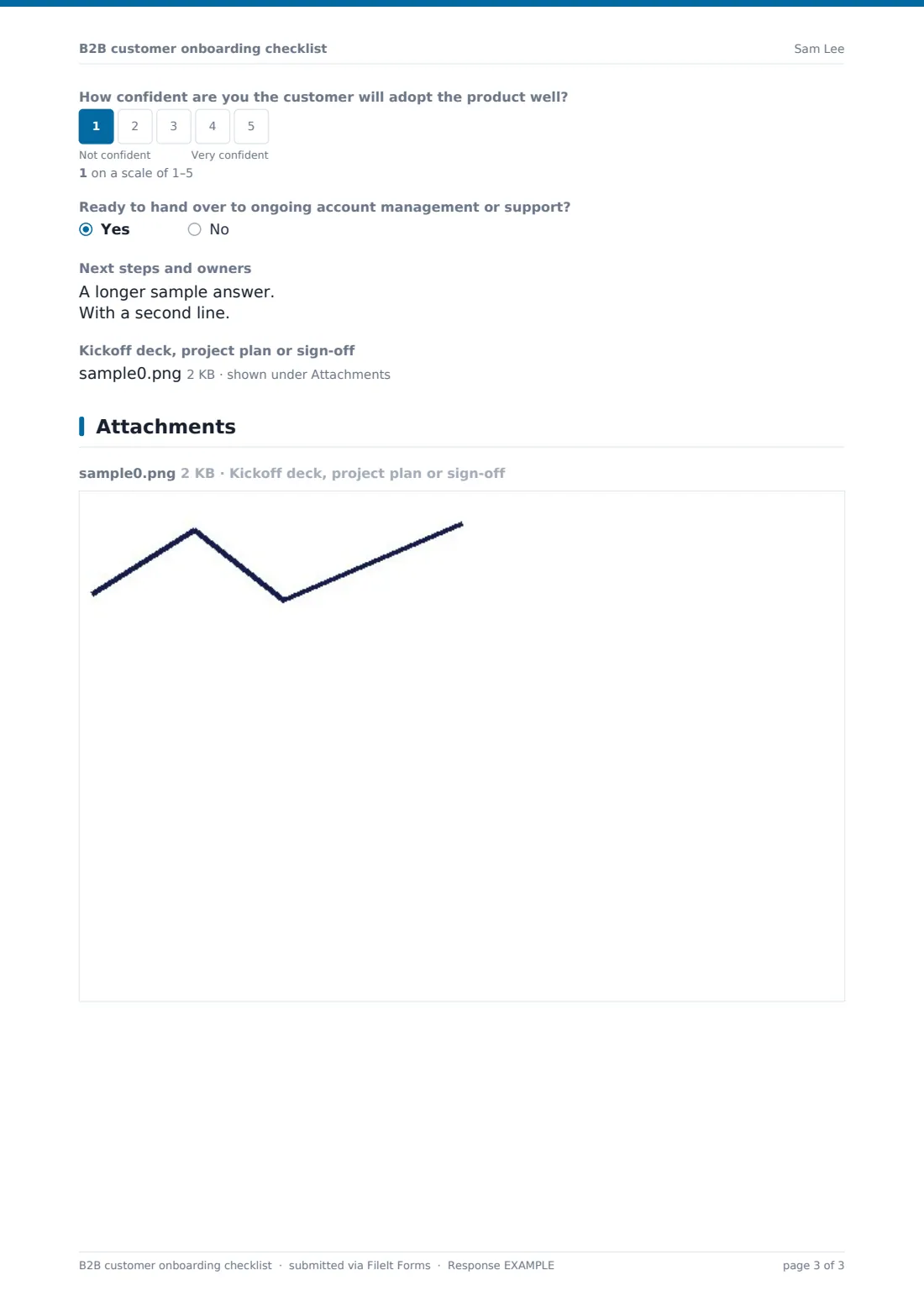
- How confident are you the customer will adopt the product well?
- Ready to hand over to ongoing account management or support?
- Next steps and owners
- Kickoff deck, project plan or sign-off
The b2B customer onboarding checklist form, page by page
1 Account
The first page identifies the customer company, account or contract ID and the plan or products purchased, with the contract start date and target go-live date. The account manager's name and email are recorded, along with a customer size band from small to enterprise.
2 Contacts & kickoff
The executive sponsor, day-to-day project contact with their email and phone, and other key contacts such as billing or IT are captured here. If the kickoff meeting has taken place, the form asks for its date and — required — the customer's goals and success criteria for the first 90 days.
3 Setup & integrations
A status grid covers eight setup steps, from contract and billing through admin accounts, SSO, user provisioning, data migration, integrations, configuration and security review, each marked done, in progress, not started or not needed. The integrations in scope are ticked from a list, which reveals a box for details and owners, and a short field describes the data to migrate.
4 Training & go-live
A second grid tracks training for administrators, power users and end users, with the formats being used. Go-live status is on track, at risk, delayed or live: at risk asks for blockers, delayed asks for the reason and new date, and live asks for the actual go-live date. A 1–5 confidence scale, a handover question, next steps and an upload for the kickoff deck or project plan finish the checklist.
Make the template yours
- Rename the setup grid rows to match your own implementation plan
- Add your product's specific integrations to the integrations list
- Add a customer health or risk rating field if your team uses one
- Send a personal link to each account manager for their accounts
- File checklists into a vault folder per customer so milestones sit together
- Add a CSAT question for the customer's own view once they're live
Tips for a better b2B customer onboarding checklist form
- Agree success criteria at kickoff and write them down — they're what renewal conversations come back to
- Submit the checklist at kickoff, mid-way and at go-live so you can see how status changed
- Treat an at-risk go-live as a prompt to involve the executive sponsor early
- Record integration owners on both sides; integrations are where timelines most often slip
- Train administrators first — they'll support end users after you hand over
- Attach the signed-off project plan so the whole story is in one PDF
Every response becomes a PDF in your vault
Each checklist is saved as a PDF in your FileIt vault, with the setup and training grids laid out clearly and any attachments alongside. With notifications on, a team lead or manager can be emailed each time a checklist is filed.
In the Responses table you can filter by go-live status to find at-risk or delayed accounts, and export to CSV to report on onboarding across the whole book of business.
- Start from this template. It opens in the FileIt Forms designer — change any question, add pages, set the rules for when questions appear.
- Share it. Turn on a public link, or send it to people by email, each with their own link. They don’t need a FileIt account.
- Get the answers as PDFs. Each response is saved as a PDF in the vault folder you choose, with uploaded files attached — and listed in a Responses table you can export to CSV.
B2B customer onboarding checklist form: frequently asked questions
Is this onboarding checklist template free?
Yes. It's included in the FileIt Forms app on every plan, including free, and every question can be edited.
Who fills this in — us or the customer?
It's designed for your account manager or onboarding lead. If you'd like input from the customer, add a separate intake form or share the relevant questions with them.
Can we keep a history as onboarding progresses?
Yes. Multiple submissions are allowed, so the account manager can submit the checklist at each milestone and each one is saved as its own dated PDF.
Does it sync with our CRM?
No. FileIt Forms doesn't connect to CRMs. You can export responses to CSV and import them elsewhere if you need to.
Can we change the setup steps?
Yes. The rows and status columns in both grids can be renamed, added or removed in the designer.
What happens when a go-live is marked at risk?
The form asks for the risks and blockers before it can be submitted. It doesn't alert anyone automatically beyond the normal submission notification, so agree how your team will follow up.