What is the price match request form template?
A price match promise only works if requests are handled quickly and fairly. When customers ask by phone or email, staff often have to go looking for the competitor's page, check whether the item really is identical and in stock, and work out whether delivery or membership prices change the picture.
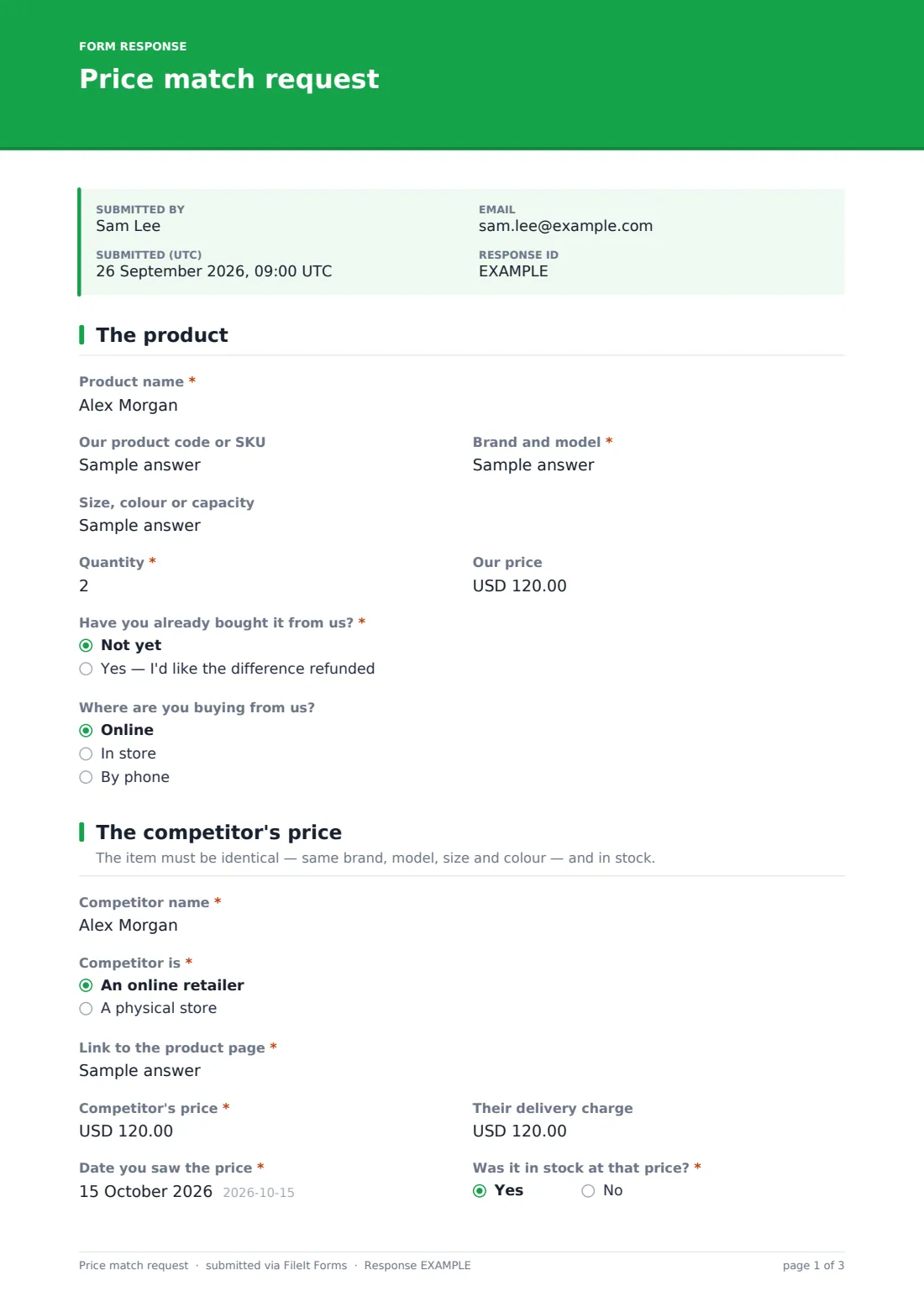
This price match request form asks for the exact product — brand, model, size or colour, quantity and your price — and whether the customer has already bought it and wants the difference back. It then collects the competitor's name, a link or store location, the price, delivery charge, date seen and stock status, whether the price came with conditions such as membership or clearance, and a required screenshot or photo as proof.
Each request is saved as a PDF in your FileIt vault with the evidence attached, so you have a consistent record of decisions if a customer or colleague asks later.
- Best for
- Retailers, online shops and dealers with a price match policy
- Filled in by
- Customers asking you to match a competitor's price
- Time to complete
- About 3 minutes
- Includes
- Product details, purchased-already path, competitor link or location, price and delivery cost, conditions checklist, required proof upload
Who uses a price match request form?
- An electronics or appliance retailer with a published price match guarantee
- An online shop handling refunds of the difference after purchase
- A furniture or mattress store matching local competitors
- A bike, outdoor or sports shop matching online prices
- A builders' merchant matching quotes for trade customers
- Linking from the product page's 'Seen it cheaper?' button
Questions on this price match request form
27 questions over 3 pages · includes file upload, conditional questions, multiple pages, consent checkbox.
1 The product
- Product name*
- Our product code or SKU
- Brand and model*
- Size, colour or capacity
- Quantity*
- Our price
- Have you already bought it from us?* Not yet · Yes — I'd like the difference refunded
- Order or receipt number* asked only when it applies
- Purchase date* asked only when it applies
- Where are you buying from us? Online · In store · By phone
- Which store? asked only when it applies
2 The competitor's price
- Competitor name*
- Competitor is* An online retailer · A physical store
- Link to the product page* asked only when it applies
- Store location* asked only when it applies
- Competitor's price*
- Their delivery charge
- Date you saw the price*
- Was it in stock at that price?*
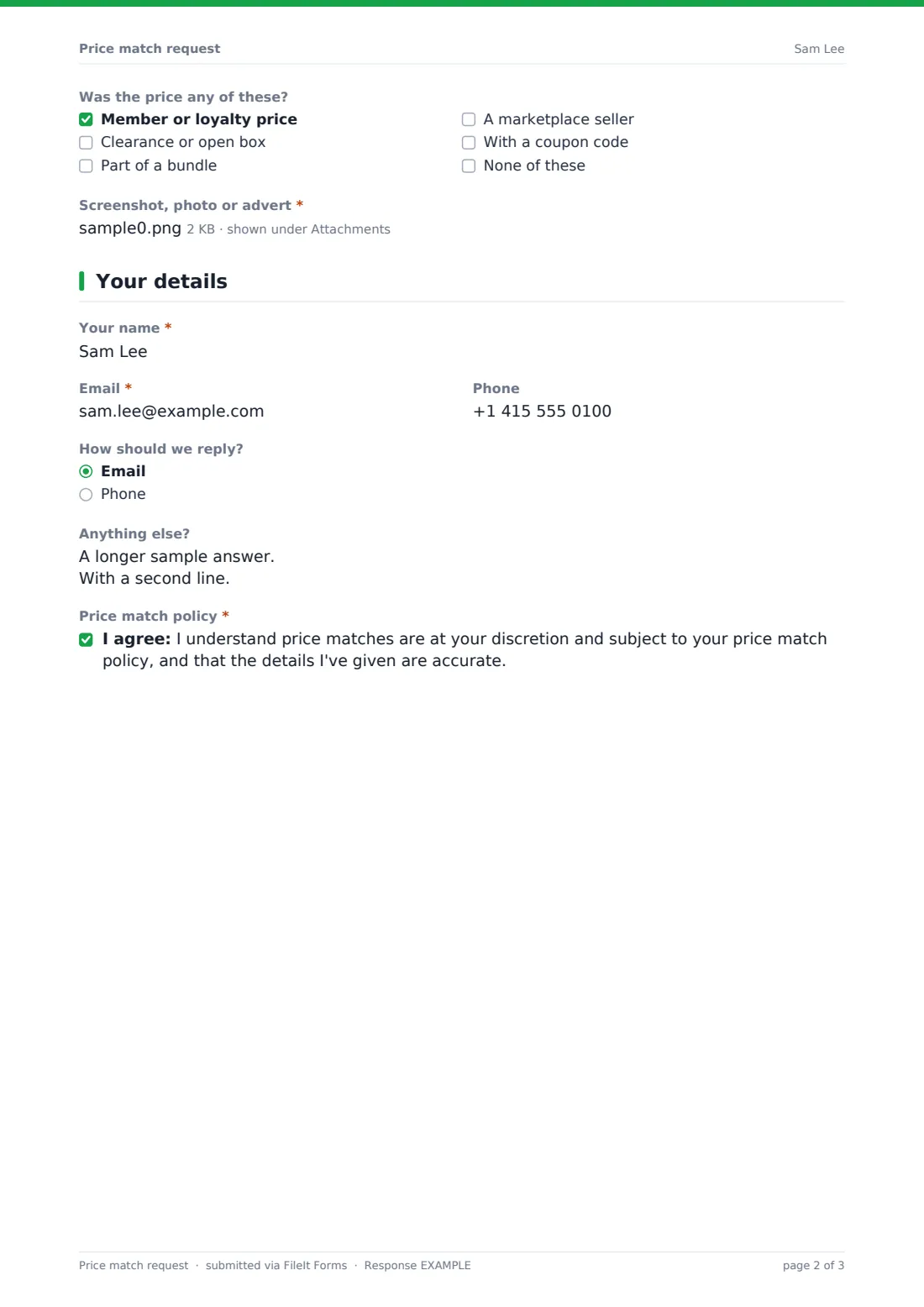
- Was the price any of these? Member or loyalty price · Clearance or open box · Part of a bundle · A marketplace seller · With a coupon code · None of these
- Screenshot, photo or advert*
3 Your details
- Your name*
- Email*
- Phone
- How should we reply? Email · Phone
- Anything else?
- Price match policy*
The price match request form, page by page
1 The product
The customer gives the product name, your product code, brand and model, size or colour, quantity and your price. If they've already bought it and want the difference refunded, they add the order or receipt number and purchase date. They say whether they're buying online, in store or by phone, with the store name for in-store purchases.
2 The competitor's price
They name the competitor and say whether it's an online retailer (with a required product link) or a physical store (with a required location). They give the competitor's price and delivery charge, the date they saw it and whether it was in stock, and tick any conditions — member price, clearance, bundle, marketplace seller or coupon. A screenshot, photo or advert is required as proof.
3 Your details
Finally the customer enters their name, email and phone, chooses how you should reply, adds any notes and confirms they understand price matches are at your discretion under your policy.
Make the template yours
- Paste the key points of your price match policy into the cover text
- Change the currency on the price fields
- Remove the refund-the-difference path if you only match before purchase
- Edit the conditions list to reflect the exclusions in your policy
- Notify the store manager or pricing team with the notification email setting
- Set the confirmation message to say how quickly you respond
Tips for a better price match request form
- Compare the total including delivery, not just the headline price
- Check the competitor's page promptly — prices change quickly
- Apply your policy the same way every time; the PDF record helps with consistency
- Watch for marketplace sellers and member-only prices if your policy excludes them
- Tell the customer the outcome either way, with the reason if you decline
Every response becomes a PDF in your vault
When a customer submits a request, FileIt saves it as a PDF with the proof attached, files it in your vault and emails you. The customer can receive a copy of their request.
In the Responses table you can see every request with the competitor and price, and export them to CSV — useful for spotting which competitors and products come up most often.
- Start from this template. It opens in the FileIt Forms designer — change any question, add pages, set the rules for when questions appear.
- Share it. Turn on a public link, or send it to people by email, each with their own link. They don’t need a FileIt account.
- Get the answers as PDFs. Each response is saved as a PDF in the vault folder you choose, with uploaded files attached — and listed in a Responses table you can export to CSV.
Price match request form: frequently asked questions
Is this price match form free?
Yes. It's a starter template in FileIt's Forms app, available on every plan including the free plan.
Does the form approve the price match?
No. It collects the request and proof; your staff decide under your own policy and reply to the customer.
Can customers ask for a refund of the difference?
Yes. If they say they've already bought the item, the form asks for the order number and purchase date.
Is proof required?
Yes. A screenshot, photo or advert upload is required, and online competitors also need a product link.
Can I change the currency?
Yes. The price fields default to US dollars and can be set to any three-letter currency code.
Where are requests stored?
Each request is saved as a PDF in your FileIt vault and listed in the Responses table.