What is the in-kind donation form form template?
An in-kind donation is a gift of goods or services rather than money: a van-load of winter coats, a laptop for the office, a signed print for the auction, or a plumber's afternoon. Charities, food banks, churches and schools take these gifts all the time, but the details often arrive by phone or on a scrap of paper — and then someone has to chase the donor for an address when they ask for a receipt.
This in-kind donation form collects it all in one go: who is giving, what they're giving and in what condition, the donor's own estimate of its value, whether it's meant for a particular program, and how it will be handed over. Collection details only appear when the donor asks you to collect, and an hours field only appears for donated services.
Every submission becomes a PDF in your FileIt vault, so you have a dated record of each gift to work from when you send the acknowledgement, update your stock list or report in-kind support to your board.
- Best for
- Charities, food banks, thrift shops, churches and schools accepting donated goods or services
- Filled in by
- The donor, with no account needed
- Time to complete
- About 3–5 minutes
- Includes
- Item categories, photos, estimated value, drop-off or collection, and a donor declaration
Who uses a in-kind donation form form?
- A furniture bank lining up collections of sofas, beds and tables from the public
- A school or PTA gathering prizes for an auction or raffle and recording who gave what
- A shelter or food bank logging bulk gifts from local businesses
- A charity recording donated professional services, such as design, legal or repair work, with the hours given
- A church accepting donated goods for a clothing drive or a family in need
Questions on this in-kind donation form form
23 questions over 3 pages · includes signature, file upload, conditional questions, multiple pages, consent checkbox.
1 About you
- Giving as* An individual or family · A business · A congregation, school or community group · Another organisation
- Your name*
- Organisation name* asked only when it applies
- Email*
- Phone
- Address
2 Your donation
- What are you donating?* Food or groceries · Clothing or shoes · Household goods or bedding · Furniture · Toys, books or games · Computers or office equipment · Medical or hygiene supplies · Items for an auction or raffle · A vehicle · Professional services or time
- Describe the items or services*
- Quantity
- Condition New / unused · Like new · Good, gently used · Fair — some wear · Not applicable (services)
- Your estimated value
- Hours of service donated asked only when it applies
- Photos
- Should this go to a particular program or appeal?
- Which program or appeal?* asked only when it applies
3 Delivery & receipt
- How will the donation reach us?* I'll drop it off · Please collect it · I'll ship or have it delivered · It's a service delivered on site
- Planned drop-off date asked only when it applies
- Best time to collect* asked only when it applies Weekday morning · Weekday afternoon · Weekday evening · Weekend
- Collection details asked only when it applies
- Would you like a written acknowledgement of your gift?*
- How may we acknowledge your gift?* You may list my name among supporters · Please keep it anonymous
- Donor declaration*
- Signature
The in-kind donation form form, page by page
1 About you
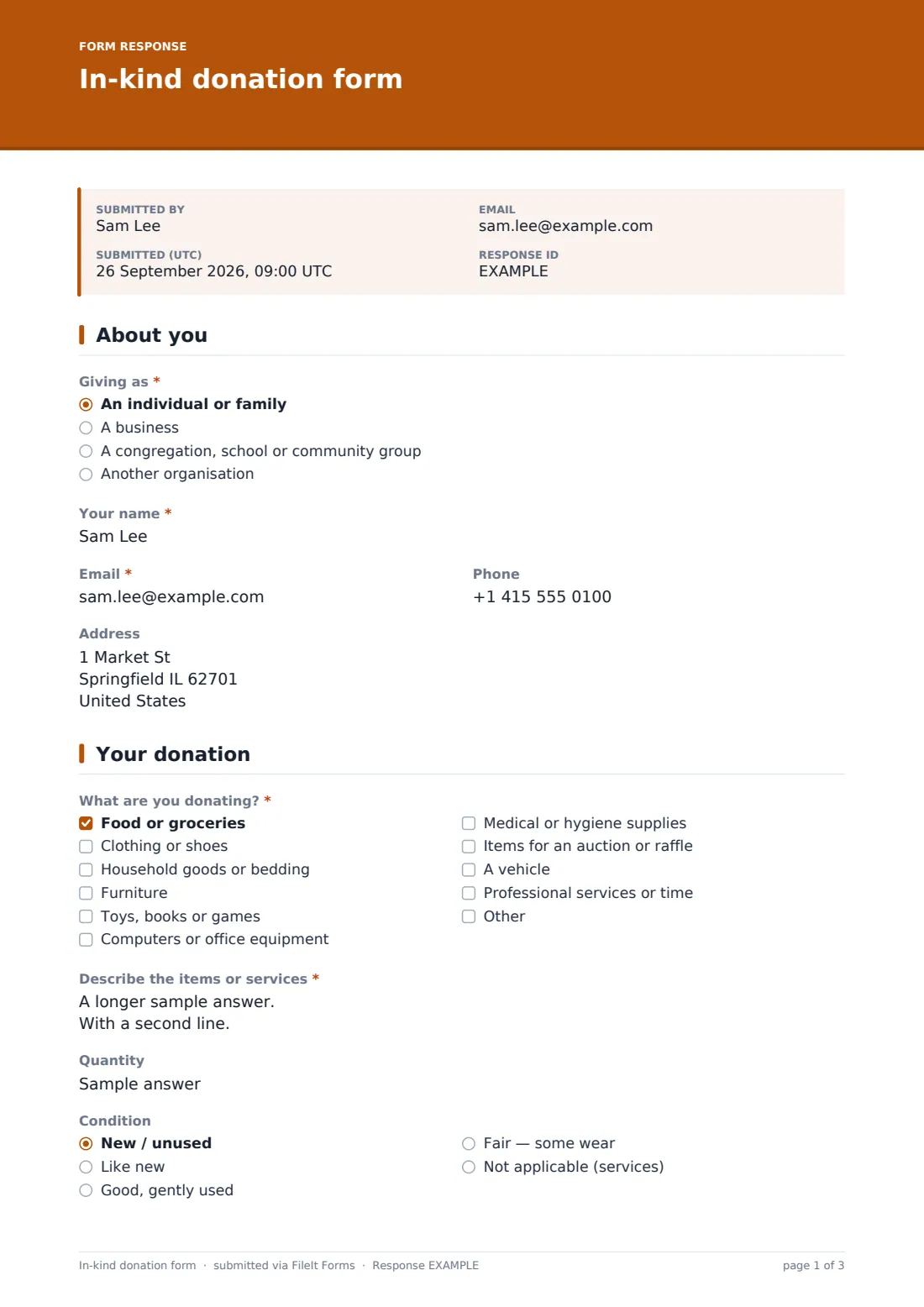
The form starts with Giving as — an individual or family, a business, a congregation, school or community group, or another organisation. Anything other than an individual reveals a required Organisation name. Your name and Email are required; Phone is optional, and Address is marked as needed only if the donor wants a written receipt by post.
2 Your donation
What are you donating? is a checkbox list covering food, clothing, household goods, furniture, toys and books, computers, medical or hygiene supplies, auction items, vehicles and professional services, with an Other option. The donor then describes the items (required), and can add a Quantity, the Condition and Your estimated value — the help text makes clear this is the donor's own good-faith estimate, not an appraisal by you.
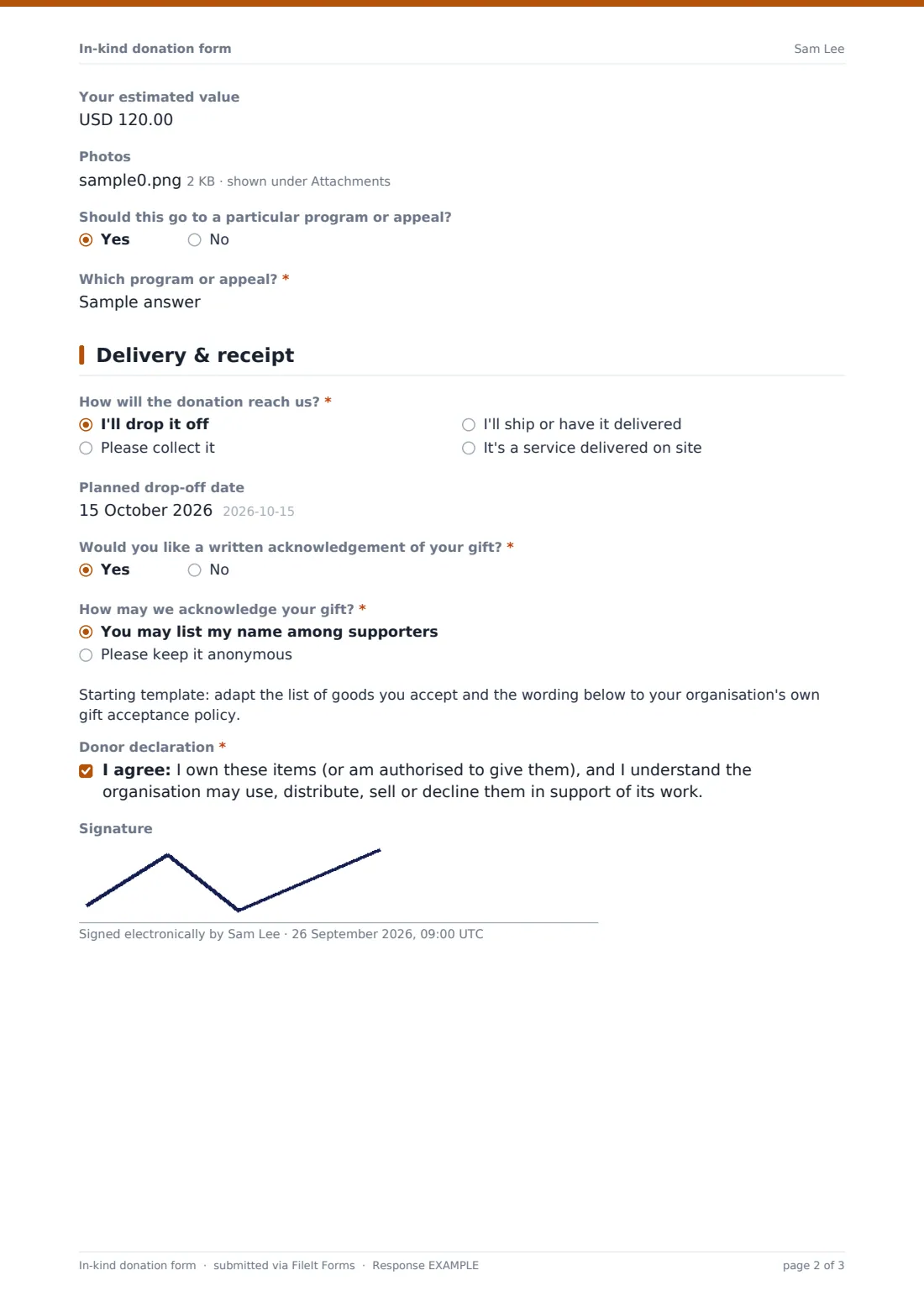
If services are ticked, an Hours of service donated field appears. Up to five photos can be attached, and a yes/no question asks whether the gift should go to a particular program or appeal, which opens a required field naming it.
3 Delivery & receipt
How will the donation reach us? offers drop-off, collection, shipping or a service delivered on site. Drop-off asks for a planned date; collection asks for the best time window and collection details like parking and stairs. The donor then says whether they want a written acknowledgement and whether they may be named among supporters or stay anonymous. The page ends with a donor declaration confirming they own the items and that you may use, distribute, sell or decline them — plus an optional signature.
Make the template yours
- Trim the category list to the goods you actually accept, and add a paragraph listing what you can't take (for example mattresses or car seats)
- Replace the collection-window dropdown with the days your van actually runs
- Change the currency on the estimated value field to match your country
- Edit the declaration wording so it matches your gift acceptance policy
- Set the vault folder in Settings so all in-kind gifts file together, separately from cash donations
- Add NotifyEmails for your warehouse or volunteer coordinator so they see collection requests straight away
Tips for a better in-kind donation form form
- Ask for photos of larger items before agreeing to collect — it saves wasted trips for things you can't use
- Keep the estimated value as the donor's figure; many organisations prefer not to put a value on donated goods themselves
- Acknowledge gifts promptly, listing the items described rather than a vague 'donated goods'
- Record restricted gifts carefully so they reach the program the donor chose
- Check the items against the form when they arrive and note any difference on the donor's record
Every response becomes a PDF in your vault
Each in-kind donation is saved as a PDF in the vault folder you choose, and you get an email for every new submission. If you've left the copy setting on, the donor receives their own PDF too — a handy record of what they offered.
The Responses table lets you filter by category, handover method or restricted gifts, so you can build a collection run for the week or a list of acknowledgements still to send. Export to CSV when you need an in-kind total for a report.
- Start from this template. It opens in the FileIt Forms designer — change any question, add pages, set the rules for when questions appear.
- Share it. Turn on a public link, or send it to people by email, each with their own link. They don’t need a FileIt account.
- Get the answers as PDFs. Each response is saved as a PDF in the vault folder you choose, with uploaded files attached — and listed in a Responses table you can export to CSV.
In-kind donation form form: frequently asked questions
Is this in-kind donation form template free?
Yes. It's one of the ready-made templates in the Forms app on every FileIt account, including the free plan. Use it as it is or change any question in the designer.
Do people need a FileIt account to fill it in?
No. Anyone with the public link, or a personal invitation you send by email, can fill it in without signing up.
Does the form put a value on the donation for the donor?
No. The estimated value field records the donor's own estimate. The form doesn't appraise anything, and the help text suggests donors check with a tax adviser about how in-kind gifts are treated where they live.
Can it handle donated services as well as goods?
Yes. Ticking professional services or time reveals a field for the number of hours donated, and the handover question includes a service delivered on site.
Can donors attach photos?
Yes — up to five images or PDFs per submission, which is useful when you need to decide whether you can accept an item.
Can I stop people offering things we can't accept?
Edit the category list in the designer, and add a paragraph at the top of the donation page listing items you don't take.