
What is the date & time poll form template?
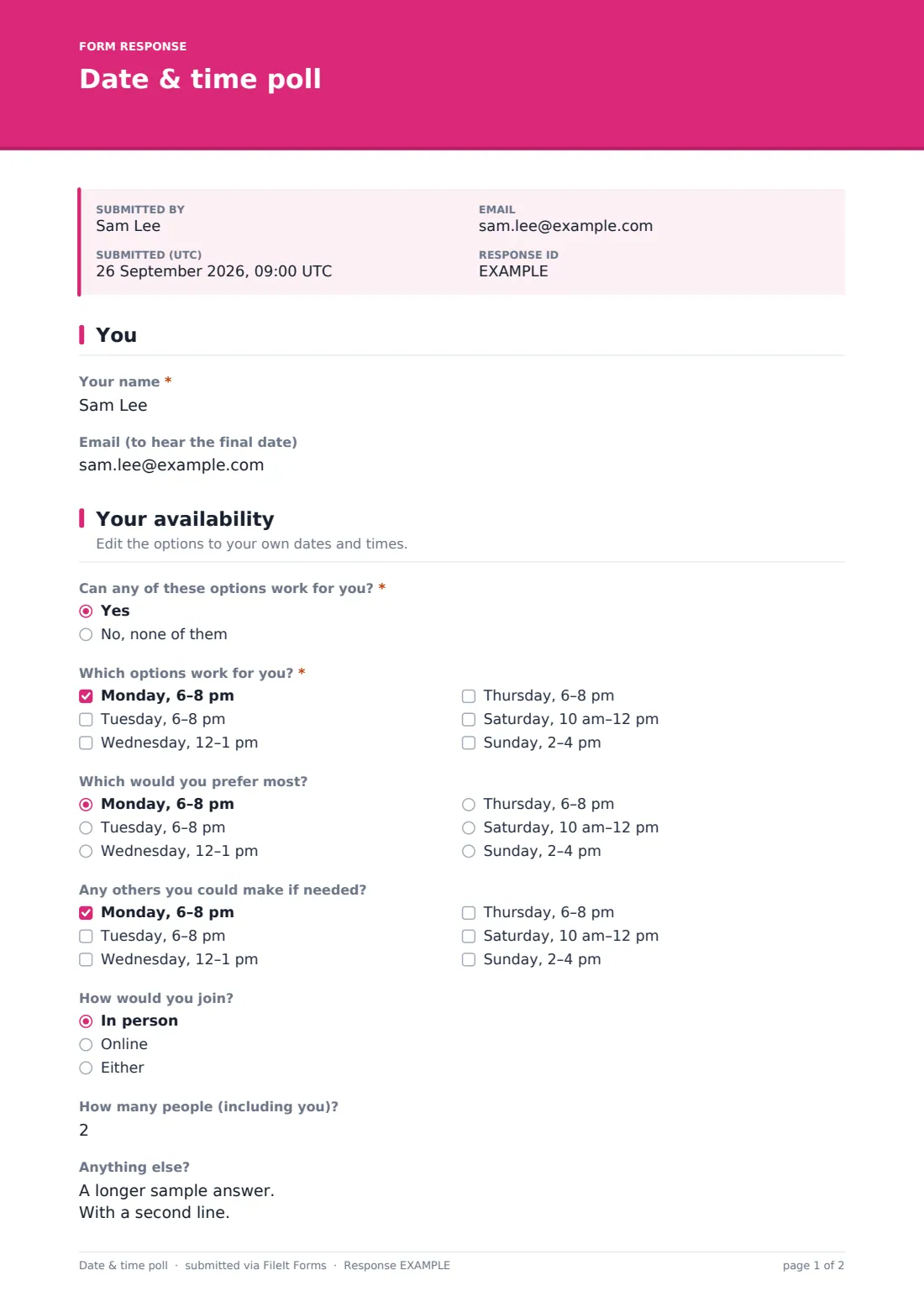
Find a date that suits everyone: people tick every slot that works, pick a favourite, suggest alternatives if none fit, and say how they'd join. Start from this template in FileIt Forms, adjust it in the designer, then share it by link or send it to people by email. Each response is saved as a PDF in your FileIt vault.
Questions on this date & time poll form
10 questions over 2 pages · includes conditional questions, multiple pages.
1 You
- Your name*
- Email (to hear the final date)
2 Your availability
- Can any of these options work for you?* Yes · No, none of them
- Which options work for you?* asked only when it applies Monday, 6–8 pm · Tuesday, 6–8 pm · Wednesday, 12–1 pm · Thursday, 6–8 pm · Saturday, 10 am–12 pm · Sunday, 2–4 pm
- Which would you prefer most? asked only when it applies Monday, 6–8 pm · Tuesday, 6–8 pm · Wednesday, 12–1 pm · Thursday, 6–8 pm · Saturday, 10 am–12 pm · Sunday, 2–4 pm
- Any others you could make if needed? asked only when it applies Monday, 6–8 pm · Tuesday, 6–8 pm · Wednesday, 12–1 pm · Thursday, 6–8 pm · Saturday, 10 am–12 pm · Sunday, 2–4 pm
- Suggest another day and time* asked only when it applies
- How would you join? In person · Online · Either
- How many people (including you)?
- Anything else?
Every response becomes a PDF in your vault
- Start from this template. It opens in the FileIt Forms designer — change any question, add pages, set the rules for when questions appear.
- Share it. Turn on a public link, or send it to people by email, each with their own link. They don’t need a FileIt account.
- Get the answers as PDFs. Each response is saved as a PDF in the vault folder you choose, with uploaded files attached — and listed in a Responses table you can export to CSV.