What is the corporate event planning brief form template?
Event planners lose days to briefs that arrive as a two-line email: "Party for 150 in December, what can you do?" This corporate event brief asks the questions a first proposal really depends on — what the event should achieve, who's coming, when, what the budget has to cover, whether a venue is already booked, and what food, AV and extras are expected.
The form follows the client's situation. A fixed date gets a date picker; a vague one gets a free-text timeframe. Clients with a venue give its name; clients who want suggestions pick a city and venue styles instead. If they're not the decision-maker, the form asks who else signs off, and if guests are travelling it asks how many rooms are needed.
Each brief is filed as a PDF in your FileIt vault with any brand guidelines or past agendas attached, so everyone on your team starts from the same page.
- Best for
- Event planners, agencies, venue sales teams and in-house events teams
- Filled in by
- The client or internal organiser commissioning the event
- Time to complete
- About 10–15 minutes
- Includes
- Objectives, date options, guest numbers, budget and what it covers, venue preferences, catering, AV, file uploads
Who uses a corporate event planning brief form?
- An event agency qualifying new corporate enquiries from its website
- An in-house events team collecting requests from departments
- A hotel or venue sales team gathering requirements before quoting
- A company planning its annual conference or sales kick-off
- An HR team organising a year-end party or team offsite
- A marketing team briefing a product launch agency
Questions on this corporate event planning brief form
39 questions over 4 pages · includes file upload, conditional questions, multiple pages, ratings.
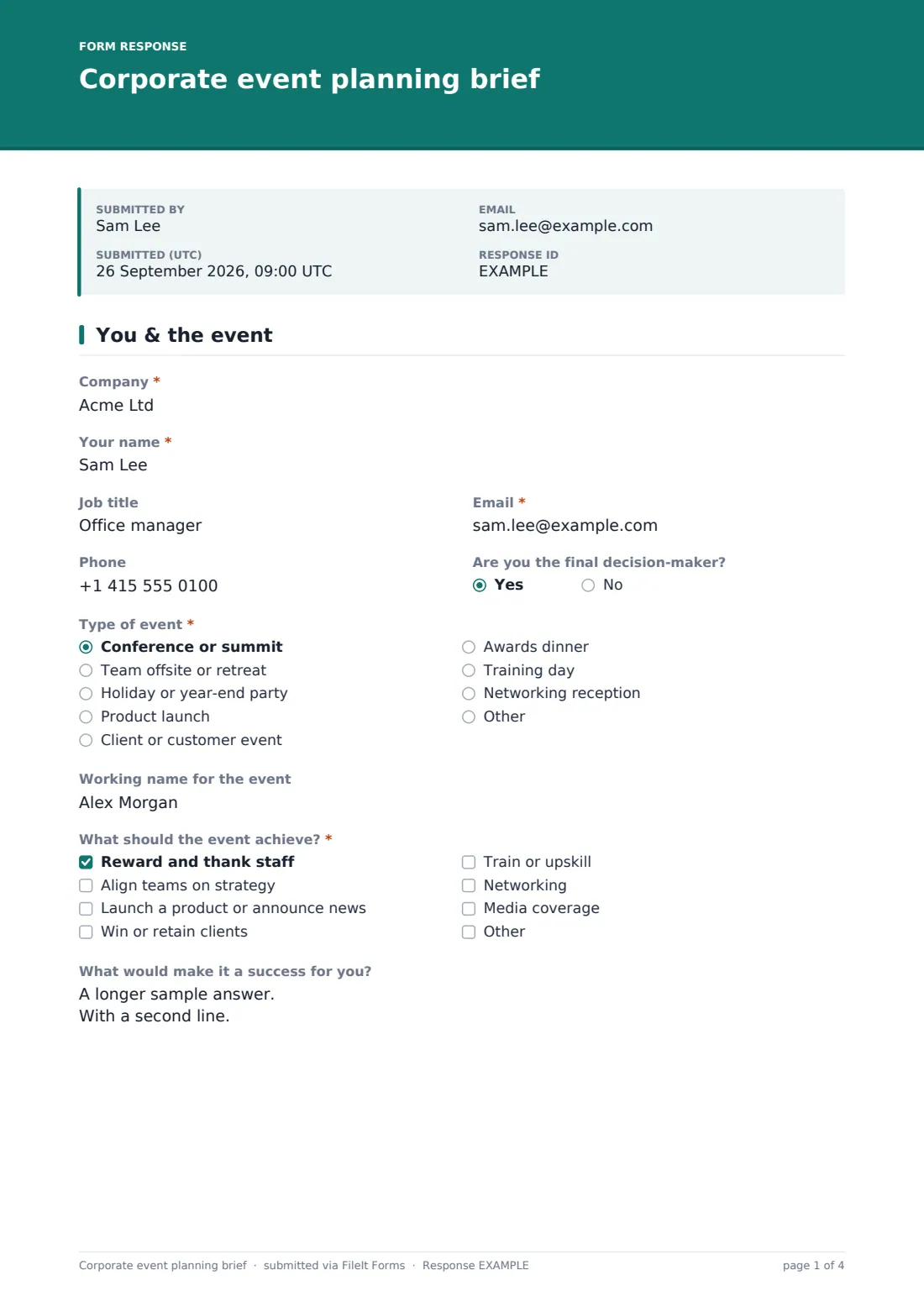
1 You & the event
- Company*
- Your name*
- Job title
- Email*
- Phone
- Are you the final decision-maker?
- Who else signs off? asked only when it applies
- Type of event* Conference or summit · Team offsite or retreat · Holiday or year-end party · Product launch · Client or customer event · Awards dinner · Training day · Networking reception · Other
- Working name for the event
- What should the event achieve?* Reward and thank staff · Align teams on strategy · Launch a product or announce news · Win or retain clients · Train or upskill · Networking · Media coverage
- What would make it a success for you?
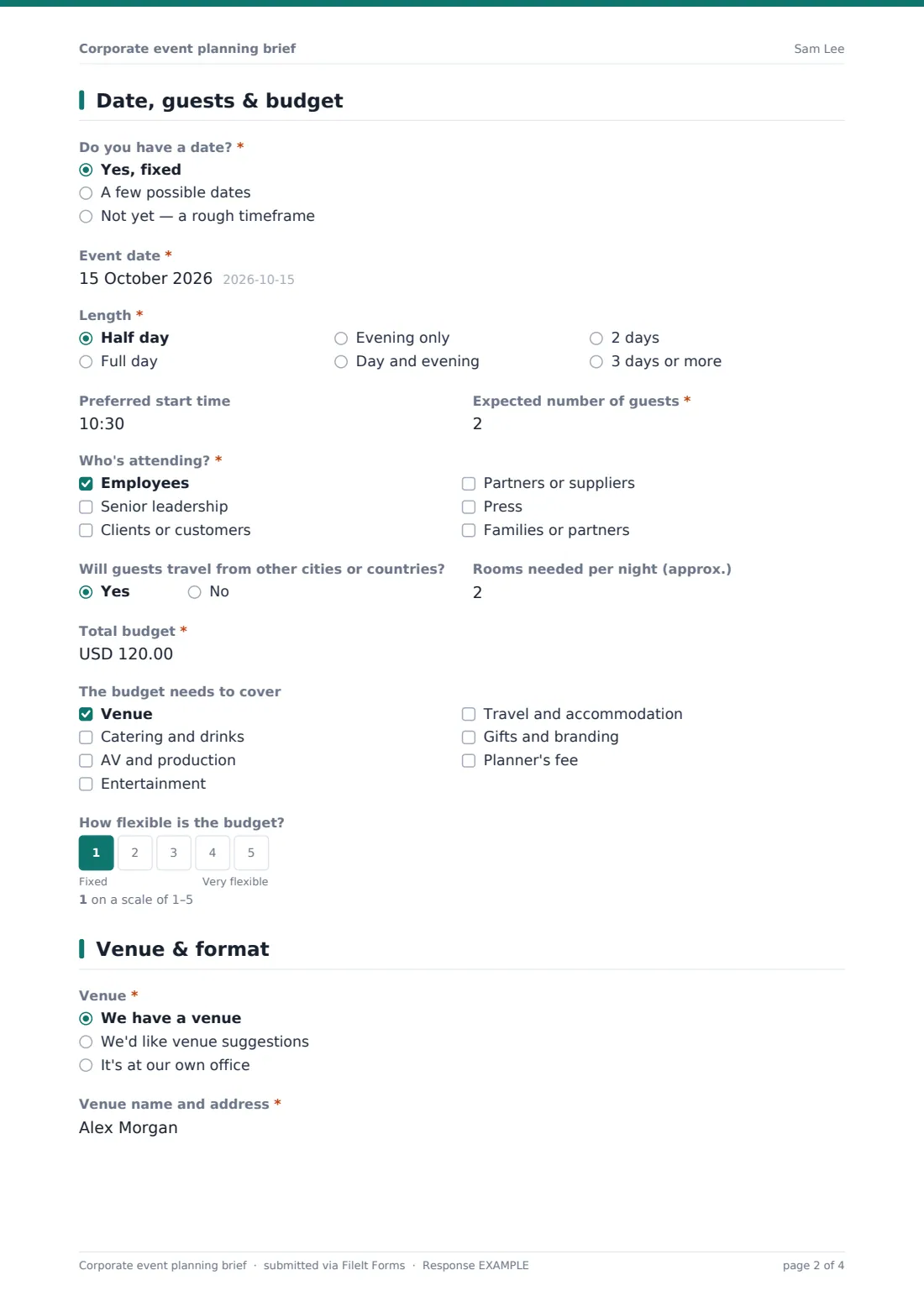
2 Date, guests & budget
- Do you have a date?* Yes, fixed · A few possible dates · Not yet — a rough timeframe
- Event date* asked only when it applies
- Possible dates or timeframe* asked only when it applies
- Length* Half day · Full day · Evening only · Day and evening · 2 days · 3 days or more
- Preferred start time
- Expected number of guests*
- Who's attending?* Employees · Senior leadership · Clients or customers · Partners or suppliers · Press · Families or partners
- Will guests travel from other cities or countries?
- Rooms needed per night (approx.) asked only when it applies
- Total budget*
- The budget needs to cover Venue · Catering and drinks · AV and production · Entertainment · Travel and accommodation · Gifts and branding · Planner's fee
- How flexible is the budget?
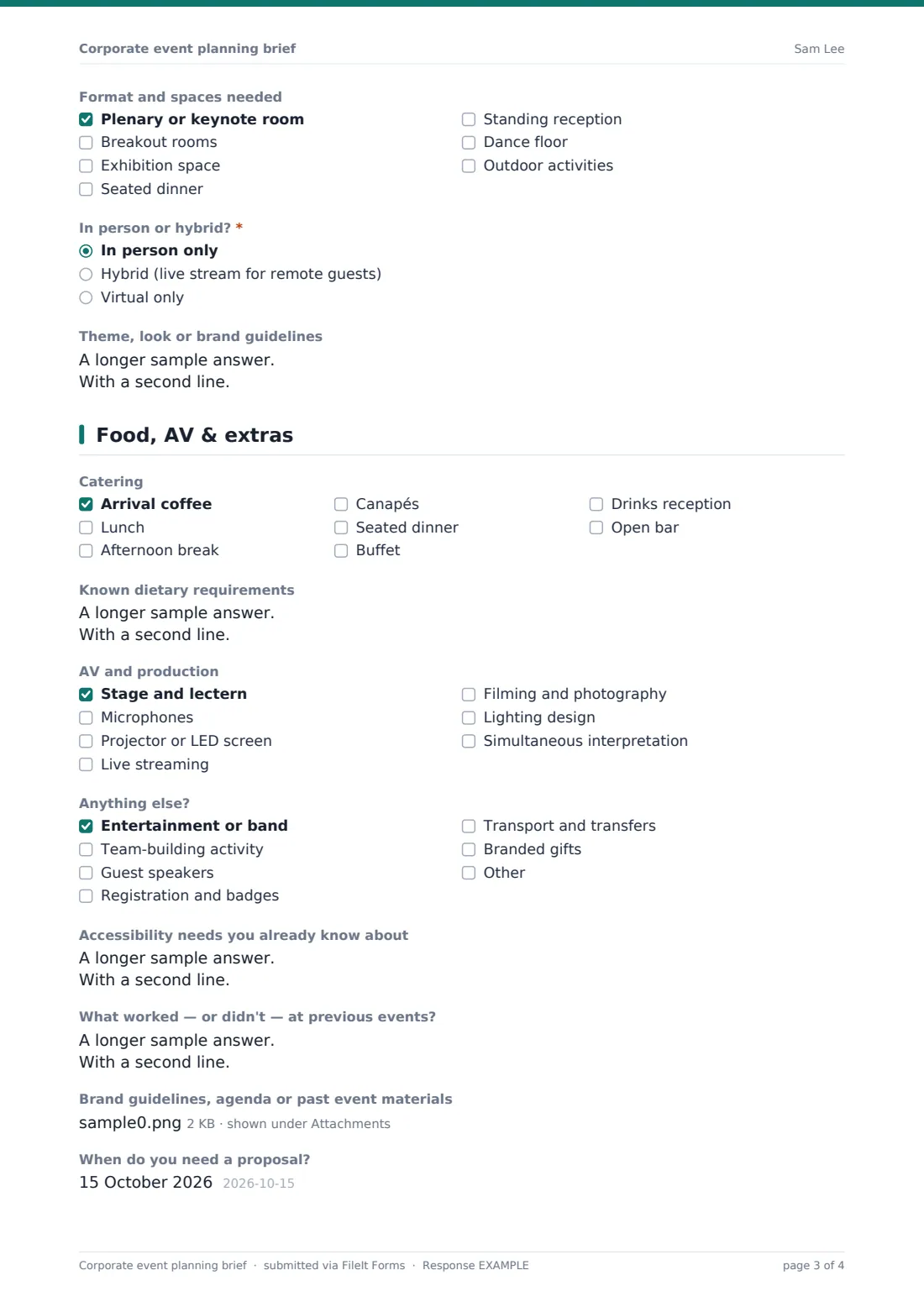
3 Venue & format
- Venue* We have a venue · We'd like venue suggestions · It's at our own office
- Venue name and address* asked only when it applies
- Preferred city or area* asked only when it applies
- Venue style asked only when it applies Hotel · Conference centre · Restaurant or private dining · Unusual or iconic venue · Countryside or outdoor · Rooftop or bar
- Format and spaces needed Plenary or keynote room · Breakout rooms · Exhibition space · Seated dinner · Standing reception · Dance floor · Outdoor activities
- In person or hybrid?* In person only · Hybrid (live stream for remote guests) · Virtual only
- Theme, look or brand guidelines
4 Food, AV & extras
- Catering Arrival coffee · Lunch · Afternoon break · Canapés · Seated dinner · Buffet · Drinks reception · Open bar
- Known dietary requirements
- AV and production Stage and lectern · Microphones · Projector or LED screen · Live streaming · Filming and photography · Lighting design · Simultaneous interpretation
- Anything else? Entertainment or band · Team-building activity · Guest speakers · Registration and badges · Transport and transfers · Branded gifts
- Accessibility needs you already know about
- What worked — or didn't — at previous events?
- Brand guidelines, agenda or past event materials
- When do you need a proposal?
- Best way to follow up Phone call · Email · Video call
The corporate event planning brief form, page by page
1 You & the event
The client gives their company, name, job title, email and phone, and says whether they're the final decision-maker — if not, the form asks who else signs off. They choose the type of event, add a working name, tick objectives such as rewarding staff, launching a product or winning clients, and describe what success looks like.
2 Date, guests & budget
A fixed date opens a date picker; possible dates or a rough timeframe open a text box instead. The page covers length, start time, expected guests, who's attending and whether guests are travelling (which opens an approximate number of rooms per night). The budget question comes with a checklist of what it must cover and a 1–5 flexibility scale.
3 Venue & format
The client says whether they have a venue, want suggestions or are using their own office. With a venue they give its name and address; wanting suggestions opens a preferred area and venue styles. They then pick spaces needed, whether it's in person, hybrid or virtual, and describe any theme or brand guidelines.
4 Food, AV & extras
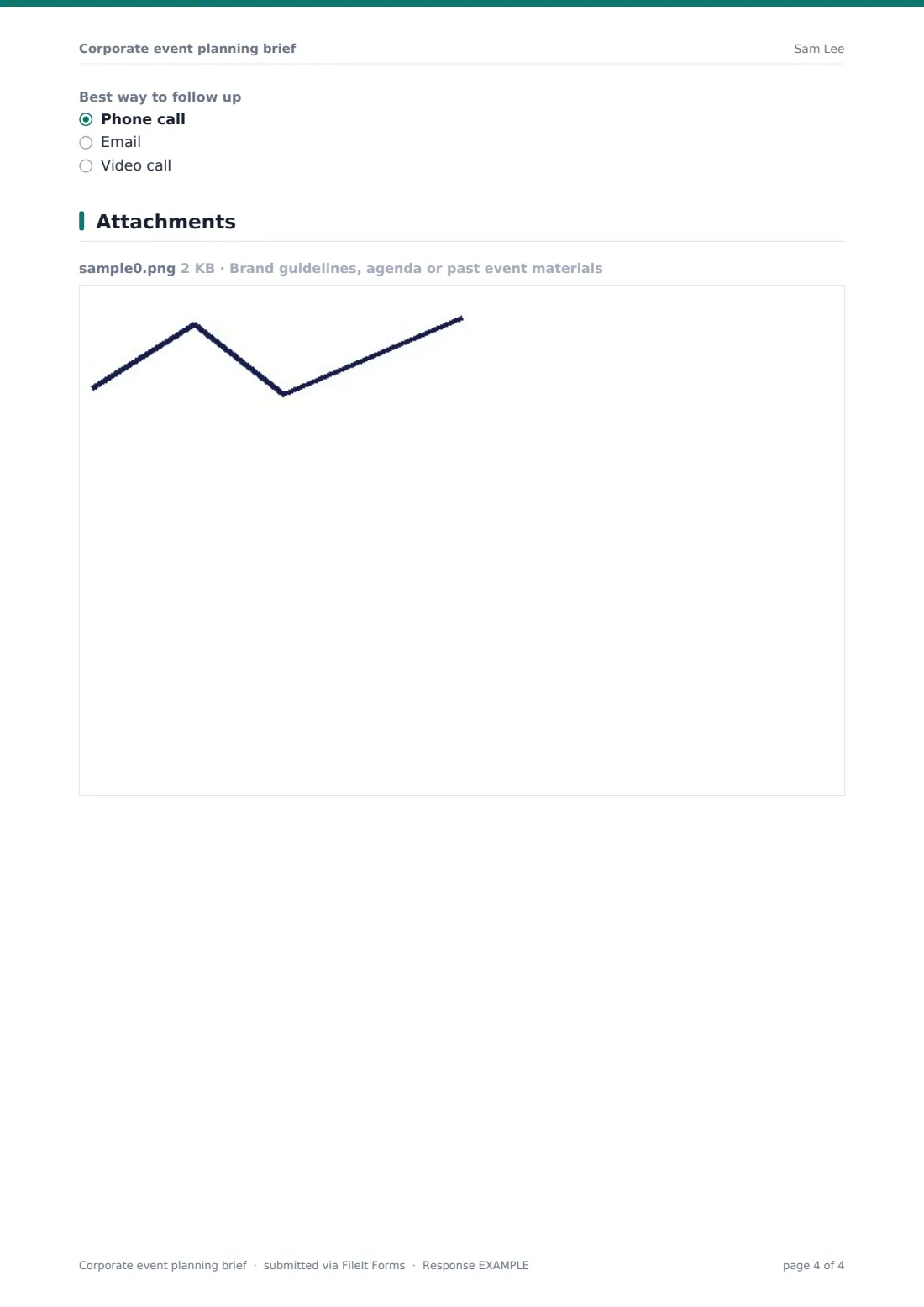
Checklists cover catering, AV and production, and extras such as entertainment, team building, speakers, registration, transport and gifts. There's room for known dietary and accessibility needs, lessons from previous events, uploads of brand guidelines or agendas, a proposal deadline and the best way to follow up.
Make the template yours
- Change the currency on the budget question to match your market
- Trim the event types to the kinds of events you actually run
- Add your services to the extras checklist so clients can see everything you offer
- Send it as a personal email request to a client after an enquiry call, so the brief is tied to them
- Add your whole team's emails to the notification list so briefs don't sit in one inbox
- File briefs into a client folder with the company name in the document title
Tips for a better corporate event planning brief form
- Always ask what the budget covers — the same figure means very different things with and without venue hire
- Use the success question in your proposal; mirroring the client's own words shows you listened
- If the client isn't the decision-maker, get the approver on the first call rather than the last
- Treat guest numbers as a range and plan venues with some headroom
- Follow up quickly on briefs with close dates — good venues book up months ahead
Every response becomes a PDF in your vault
The brief is saved as a PDF in your vault with any uploaded files attached, and you get an email notification straight away. The client receives a copy of their brief if the respondent copy is on, which is handy to refer back to on the first call.
Use the Responses table to see all incoming briefs by event type, date and budget, and export to CSV if you track your pipeline elsewhere.
- Start from this template. It opens in the FileIt Forms designer — change any question, add pages, set the rules for when questions appear.
- Share it. Turn on a public link, or send it to people by email, each with their own link. They don’t need a FileIt account.
- Get the answers as PDFs. Each response is saved as a PDF in the vault folder you choose, with uploaded files attached — and listed in a Responses table you can export to CSV.
Corporate event planning brief form: frequently asked questions
Is this corporate event brief template free?
Yes. It's included in the Forms app on every FileIt account, including the free plan, and every question is editable.
Does the client need a FileIt account?
No. Send a public link from your website or a personal email request — clients fill it in without signing up.
What if the client doesn't have a date yet?
The form asks whether the date is fixed. If it isn't, a free-text box lets them describe possible dates or a rough timeframe instead.
Can clients attach brand guidelines or an agenda?
Yes. Up to five files — PDFs, Word documents and images — can be uploaded and are attached to the brief PDF.
Can I use it for internal event requests?
Yes. In-house events teams can share it with departments; the objectives, budget and approver questions work just as well internally.