What is the event budget planner form template?
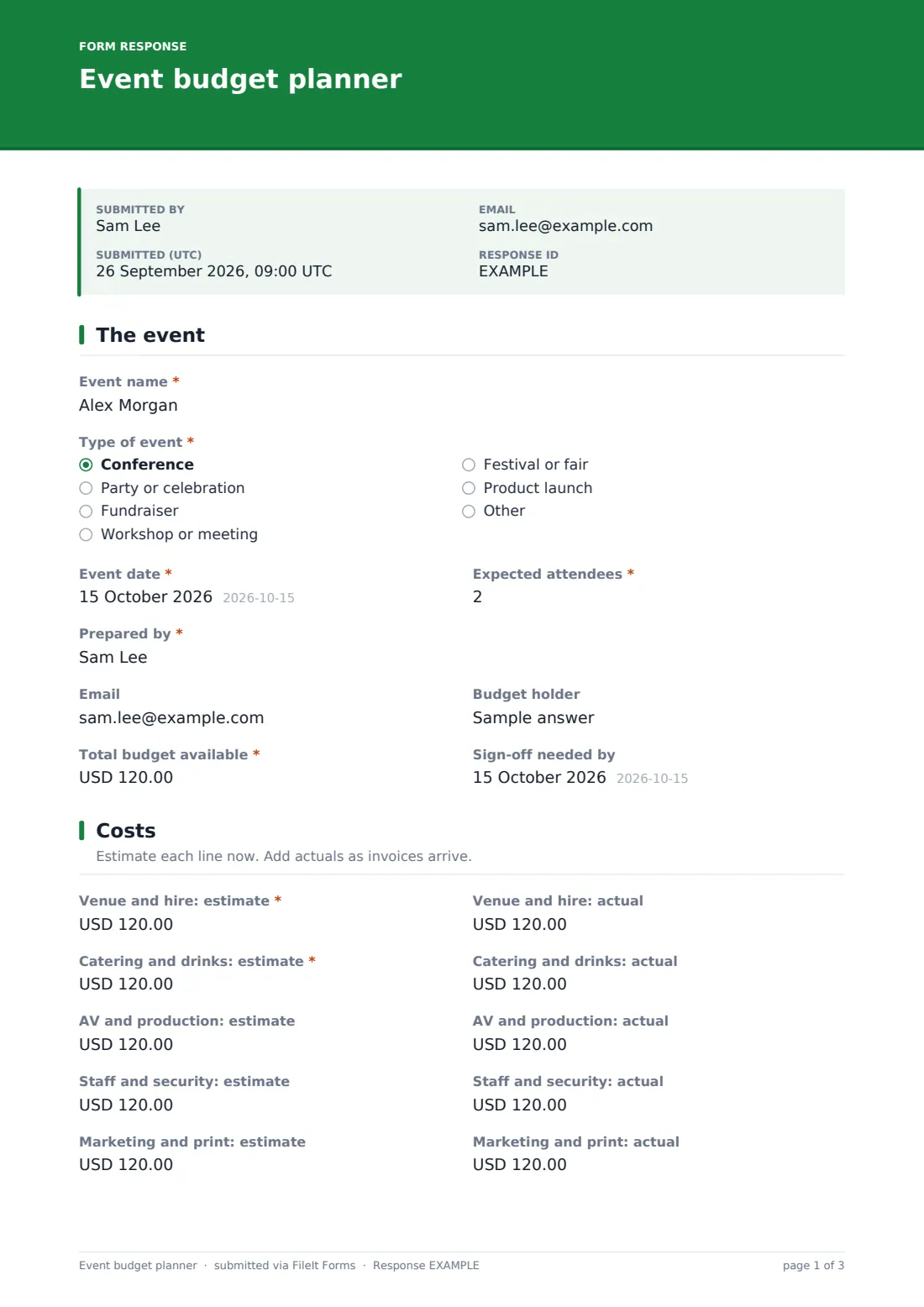
Event budgets usually start in a spreadsheet that only one person understands. This planner asks the same questions every time: what the event is, the budget available, an estimate and an actual for each of nine cost lines, where income comes from, and how much contingency you're holding.
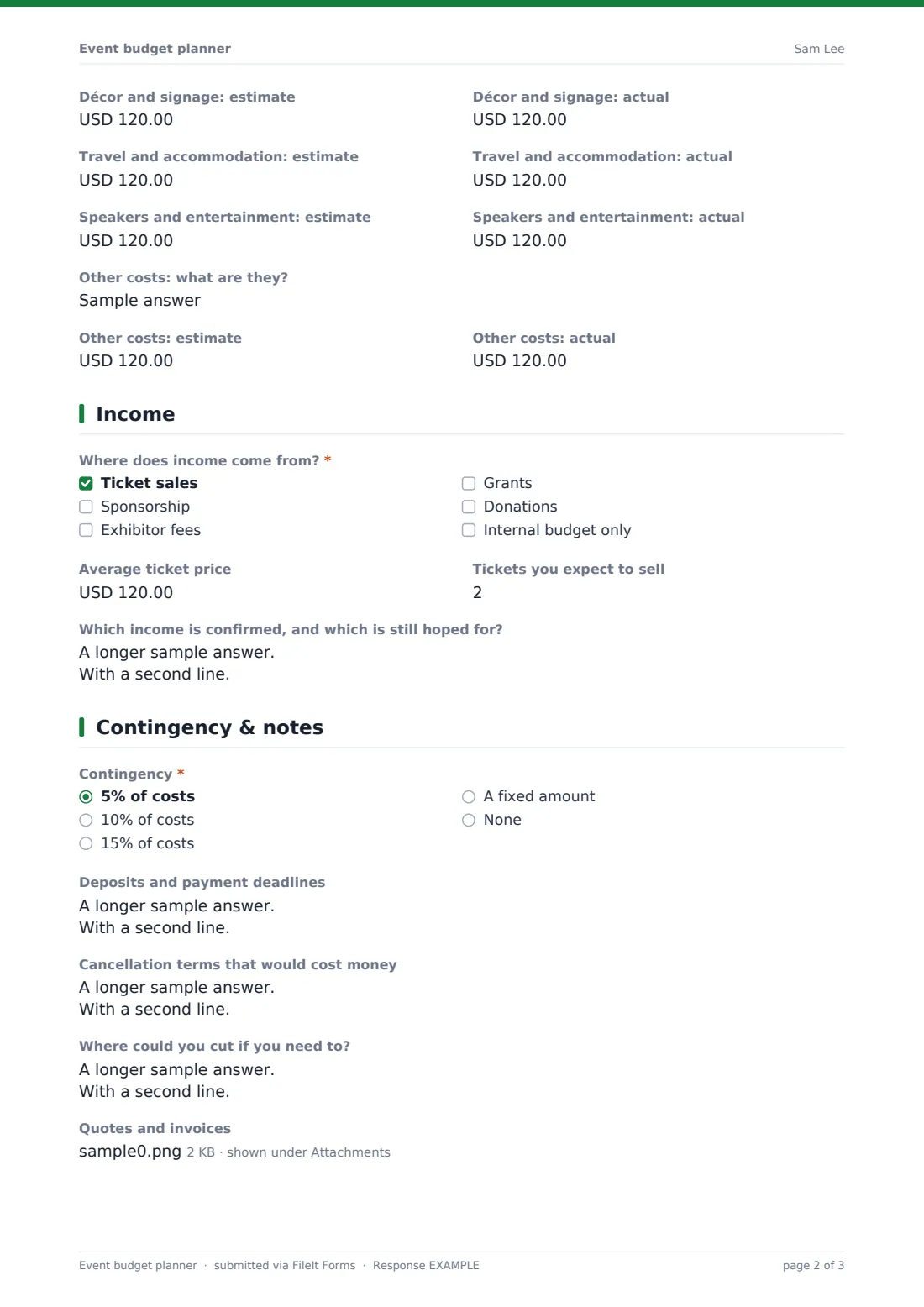
Each cost line has an estimate and an actual side by side: venue, catering, AV, staff and security, marketing, décor, travel, speakers and entertainment, and an "Other costs" line you describe. Ticking an income source asks for its amount, and ticket sales ask for the average price and how many you expect to sell. A fixed contingency asks for the amount.
The form doesn't add up the figures. Each version is saved as a PDF in FileIt, and the Responses table and CSV export make it easy to total and compare them.
- Best for
- Event planners, office managers, charities, schools and community groups
- Filled in by
- The event organiser or budget holder
- Time to complete
- About 15 minutes with quotes to hand
- Includes
- Event, attendees, budget holder, total budget, nine cost lines with estimate and actual, income sources and amounts, contingency, deposits, cancellation terms, savings, quotes
Who uses a event budget planner form?
- A company holiday party with a fixed budget
- A charity gala funded by tickets and sponsors
- A one-day conference with exhibitors
- A school prom or graduation event
- A community festival funded by grants
Questions on this event budget planner form
43 questions over 4 pages · includes file upload, conditional questions, multiple pages.
1 The event
- Event name*
- Type of event* Conference · Party or celebration · Fundraiser · Workshop or meeting · Festival or fair · Product launch
- Event date*
- Expected attendees*
- Prepared by*
- Budget holder
- Total budget available*
- Sign-off needed by
2 Costs
- Venue and hire: estimate*
- Venue and hire: actual
- Catering and drinks: estimate*
- Catering and drinks: actual
- AV and production: estimate
- AV and production: actual
- Staff and security: estimate
- Staff and security: actual
- Marketing and print: estimate
- Marketing and print: actual
- Décor and signage: estimate
- Décor and signage: actual
- Travel and accommodation: estimate
- Travel and accommodation: actual
- Speakers and entertainment: estimate
- Speakers and entertainment: actual
- Other costs: what are they?
- Other costs: estimate
- Other costs: actual
3 Income
- Where does income come from?* Ticket sales · Sponsorship · Exhibitor fees · Grants · Donations · Internal budget only
- Average ticket price asked only when it applies
- Tickets you expect to sell asked only when it applies
- Sponsorship expected asked only when it applies
- Exhibitor fees expected asked only when it applies
- Grants expected asked only when it applies
- Donations expected asked only when it applies
- Which income is confirmed, and which is still hoped for?
4 Contingency & notes
- Contingency* 5% of costs · 10% of costs · 15% of costs · A fixed amount · None
- Contingency amount* asked only when it applies
- Deposits and payment deadlines
- Cancellation terms that would cost money
- Where could you cut if you need to?
- Quotes and invoices
- Notes
The event budget planner form, page by page
1 The event
"Event name", "Type of event", the date and "Expected attendees", who prepared it, their email, the budget holder, "Total budget available" and when sign-off is needed.
2 Costs
Nine cost lines, each with an estimate and an actual: venue and hire, catering and drinks, AV and production, staff and security, marketing and print, décor and signage, travel and accommodation, speakers and entertainment, and other costs you describe. The venue and catering estimates are required.
3 Income
"Where does income come from?" offers ticket sales, sponsorship, exhibitor fees, grants, donations or internal budget only. Each source asks for its expected amount, and ticket sales ask for the average price and number of tickets. A box records which income is confirmed and which is still hoped for.
4 Contingency & notes
"Contingency" is 5, 10 or 15 percent, a fixed amount or none. Boxes cover deposits and payment deadlines, cancellation terms, where you could cut, a notes box, and an upload for quotes and invoices, including spreadsheets.
Make the template yours
- Change the currency on every cost line to match your event
- Rename the cost lines to match your chart of accounts
- Add lines your events always have, such as permits, insurance or photography
- Remove the income page for internal events paid from one budget
- Notify finance when a budget is submitted for sign-off
Tips for a better event budget planner form
- Fill in a new copy when actuals come in, so each PDF is a dated version
- Get written quotes for the biggest lines first, usually venue and catering
- List deposit dates; they're often due long before the event
- Read cancellation terms before signing, not after
- Compare estimate and actual after the event to plan the next one
Every response becomes a PDF in your vault
Each budget is saved as a PDF in the vault folder you choose, with quotes attached. The budget holder or finance can be emailed when it's submitted.
Export the Responses table to CSV to total the lines, compare versions or put several events side by side in a spreadsheet.
- Start from this template. It opens in the FileIt Forms designer — change any question, add pages, set the rules for when questions appear.
- Share it. Turn on a public link, or send it to people by email, each with their own link. They don’t need a FileIt account.
- Get the answers as PDFs. Each response is saved as a PDF in the vault folder you choose, with uploaded files attached — and listed in a Responses table you can export to CSV.
Event budget planner form: frequently asked questions
Is this event budget template free?
Yes. It's one of the starter templates in the Forms app, included on every FileIt account, and you can edit any question.
Does the form total the costs?
No. FileIt Forms doesn't calculate. Each figure is saved as entered, and you can total them from the CSV export.
Can I update the budget later?
Each submission is a snapshot. Submit a new copy as figures change and keep the versions side by side.
Can I use it for any currency?
Yes. Change the currency on the amount questions in the designer.
Can a team share one budget?
Anyone with the link can submit a version. Share the PDF for review and have the budget holder submit the final one.