What is the event risk assessment form template?
Venues, councils and insurers often ask organisers for a risk assessment, and a good one is useful in its own right: it makes the team think through what could go wrong before the day. This template sets it out the same way every time, so assessments for different events can be compared.
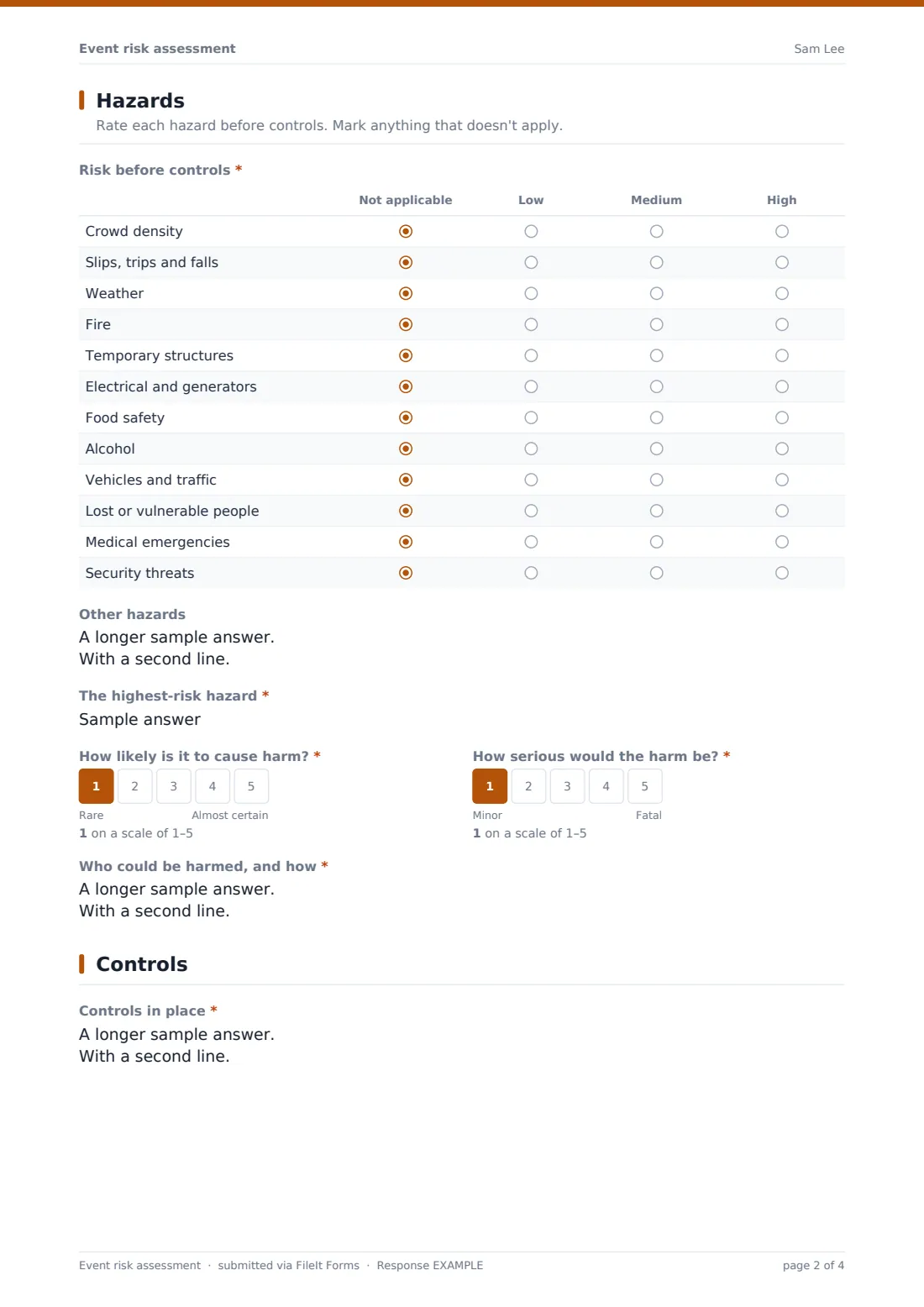
Two grids rate twelve common hazards, from crowd density and slips to food safety, alcohol, vehicles, lost people, medical emergencies and security threats, as Not applicable, Low, Medium or High, once before controls and once after. The highest-risk hazard is scored on 1-to-5 likelihood and severity scales. An outdoor event asks for a bad-weather plan.
Each signed assessment is saved as a PDF in FileIt with the site plan attached. It's a framework to work through, not a guarantee that every risk has been found.
- Best for
- Event organisers, venues, schools, charities, councils and community groups
- Filled in by
- The event lead or safety officer
- Time to complete
- About 30 minutes for a medium event
- Includes
- Event, venue, setting, peak attendance, groups present, activities, hazard grid before and after controls, likelihood and severity, controls, stewards, medical cover, weather plan, insurance, evacuation, owners, sign-off
Who uses a event risk assessment form?
- A summer fête on a school field
- A charity gala dinner with a bar and auction
- A music night in a community hall
- An outdoor food festival with generators and marquees
- A company conference with several hundred delegates
Questions on this event risk assessment form
35 questions over 4 pages · includes signature, file upload, conditional questions, multiple pages, consent checkbox, ratings.
1 Event & assessor
- Event name*
- Event date*
- Last day, if more than one
- Venue or site*
- Setting* Indoors · Outdoors · Both
- Expected peak attendance*
- Who will be there? Children · Older people · Disabled people · Members of the public · Contractors and crew · VIPs or high-profile guests
- Main activities*
- Assessor*
- Role
- Email*
2 Hazards
- Risk before controls* Not applicable · Low · Medium · High
- Other hazards
- The highest-risk hazard*
- How likely is it to cause harm?*
- How serious would the harm be?*
- Who could be harmed, and how*
3 Controls
- Controls in place*
- Risk after controls* Not applicable · Low · Medium · High
- Stewards or security staff
- Medical cover* Ambulance or paramedics on site · First aid team · Staff trained in first aid · None
- Will numbers be counted at entry?
- Bad weather plan and trigger points asked only when it applies
- Is public liability insurance in place?*
4 Emergencies & owners
- Emergency and evacuation procedure*
- Assembly point*
- How staff will communicate Radios · Mobile phones · PA system · Runners
- Have emergency services or the local authority been told about the event?
- Person in charge on the day*
- Their mobile*
- Who owns each control*
- Review this assessment by
- Site plan or supporting documents
- Confirmation*
- Signature*
The event risk assessment form, page by page
1 Event & assessor
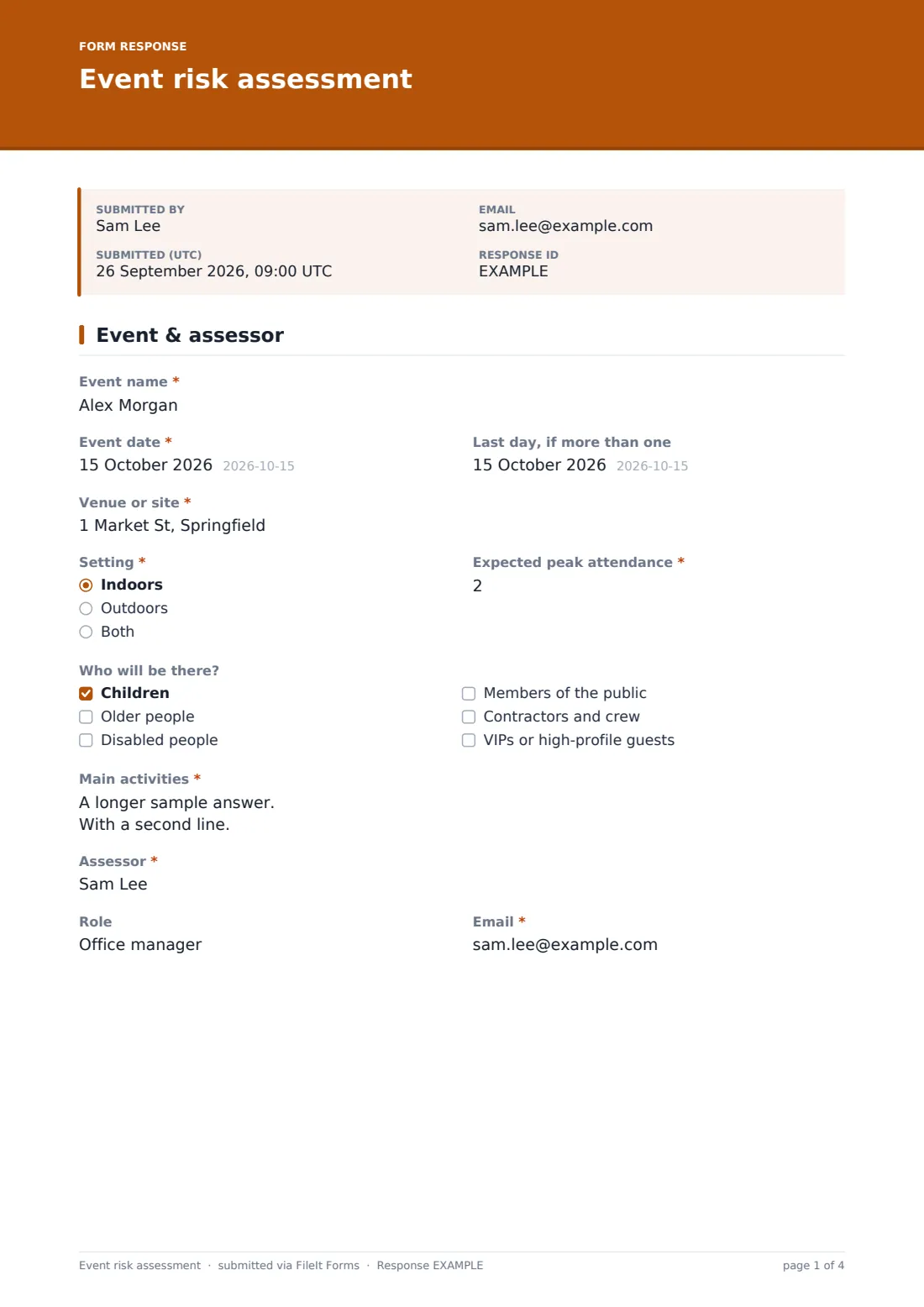
"Event name", dates, "Venue or site", "Setting" (indoors, outdoors or both) and "Expected peak attendance". "Who will be there?" flags children, older people, disabled people, the public, crew and VIPs. "Main activities" includes set-up and break-down, then the assessor's name, role and email.
2 Hazards
"Risk before controls" rates each of twelve hazards. "Other hazards" adds any not listed. The assessor names "The highest-risk hazard", scores its likelihood from Rare to Almost certain and its severity from Minor to Fatal, and describes "Who could be harmed, and how".
3 Controls
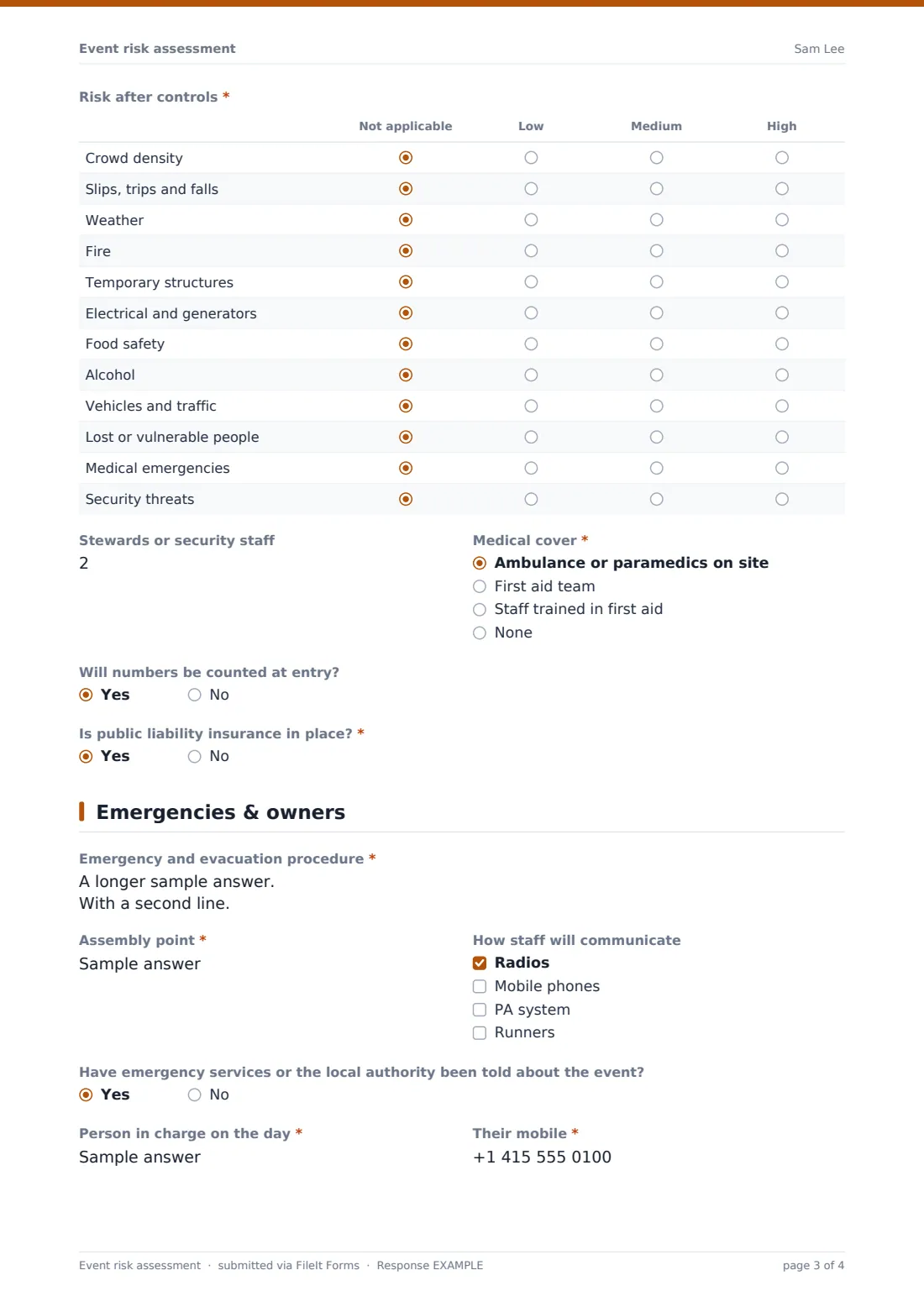
"Controls in place" sets out what will be done for each hazard, and "Risk after controls" rates them again. The page asks for the number of stewards or security staff, medical cover, whether numbers will be counted at entry, a bad-weather plan with trigger points if the event is outdoors, and whether public liability insurance is in place.
4 Emergencies & owners
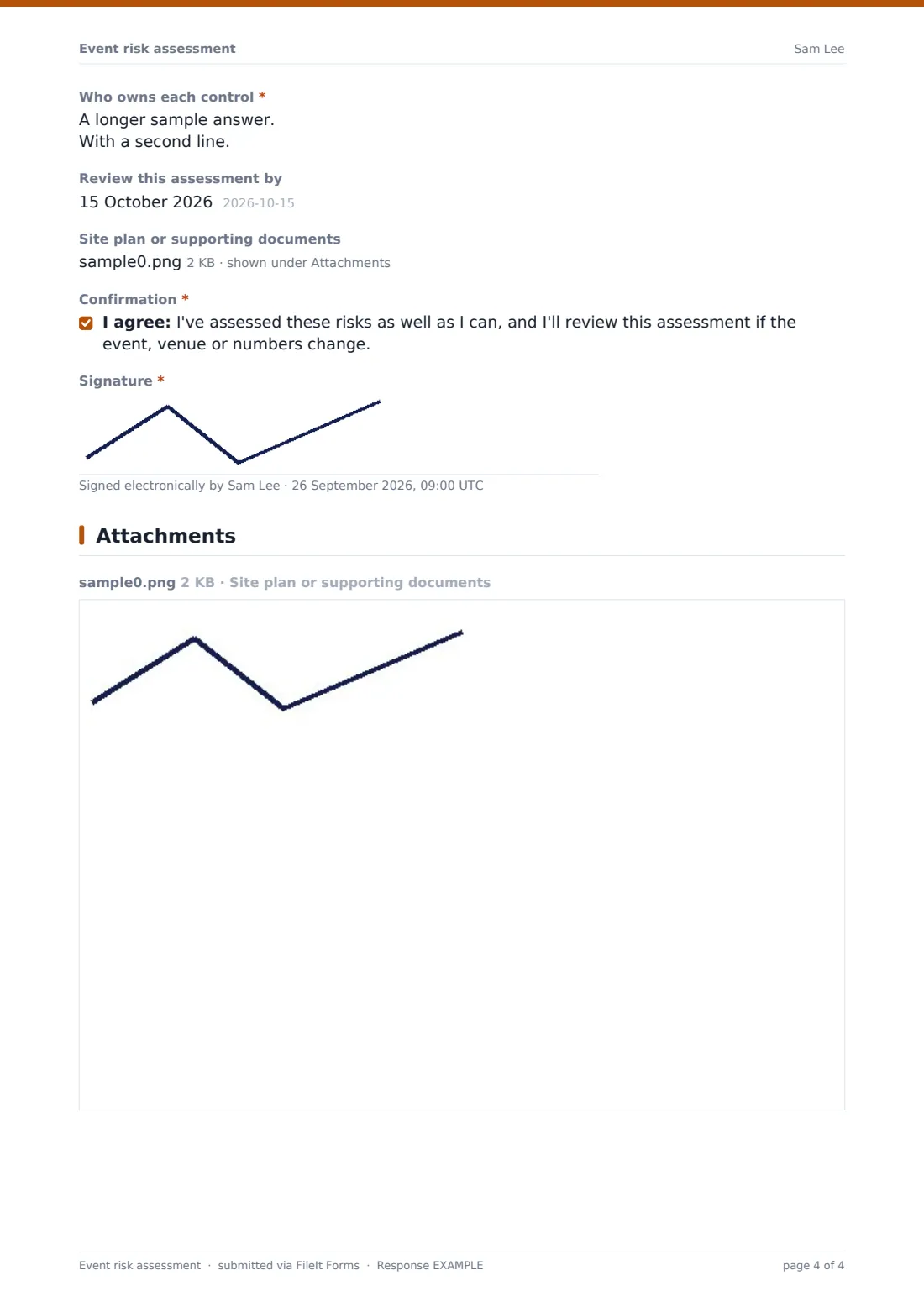
"Emergency and evacuation procedure", the assembly point, how staff will communicate, and whether the emergency services or local authority have been told. The person in charge on the day and their mobile, "Who owns each control", a review date, an upload for the site plan, a confirmation and a signature finish the assessment.
Make the template yours
- Rename the hazard rows to match your venue, such as water, animals or fireworks
- Change the likelihood and severity labels to match how your organisation scores risk
- Send personal links to event leads so their details are prefilled
- File assessments in a folder per event or per season
- Make the site plan upload required for outdoor events
Tips for a better event risk assessment form
- Walk the site before completing the hazards page
- Give every control a named owner, not just a team
- Brief stewards on the evacuation procedure using the PDF
- Review the assessment if numbers, the venue or the weather forecast change
- Keep past assessments; returning events can start from last year's answers
Every response becomes a PDF in your vault
Each signed assessment is saved as a PDF in the folder you choose, with the site plan attached, and the event team is emailed.
The Responses table lists assessments by event and date, and the CSV export shows ratings across events, so you can spot hazards that keep coming up.
- Start from this template. It opens in the FileIt Forms designer — change any question, add pages, set the rules for when questions appear.
- Share it. Turn on a public link, or send it to people by email, each with their own link. They don’t need a FileIt account.
- Get the answers as PDFs. Each response is saved as a PDF in the vault folder you choose, with uploaded files attached — and listed in a Responses table you can export to CSV.
Event risk assessment form: frequently asked questions
Is this event risk assessment template free?
Yes. It's one of the starter templates in the Forms app, included on every FileIt account, and you can edit any question.
Does completing the form mean our event is safe or legally compliant?
No. It helps you work through the risks in a structured way. What's legally required depends on where you are and the type of event, so check with your venue, local authority or a safety adviser.
Can we score risk as likelihood times severity?
The form records both scores for the highest-risk hazard. It doesn't multiply them, but you can do that from the CSV export.
Can several people work on one assessment?
Each submission is completed by one person. Share the PDF for comments and submit an updated version when it changes.
Does the form work on a phone during a site walk?
Yes. Forms work on phones, and photos or plans can be uploaded at the end.