What is the event run of show form template?
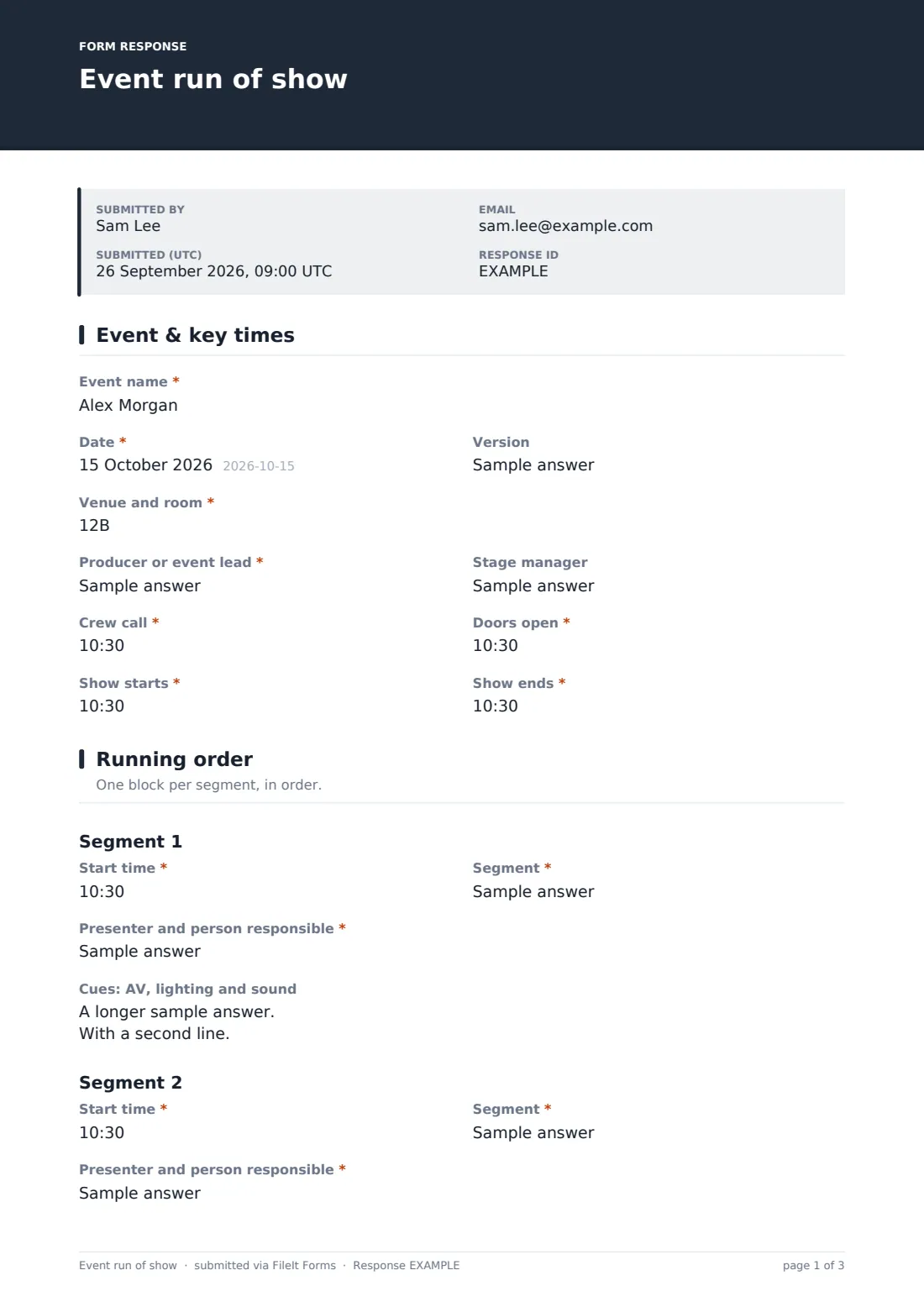
A run of show is the document everyone on the night works from: producer, stage manager, AV crew and presenters. This template captures the key times, then the running order one segment at a time, each with a start time, a name, who's on stage and who cues it, and the AV, lighting and sound cues.
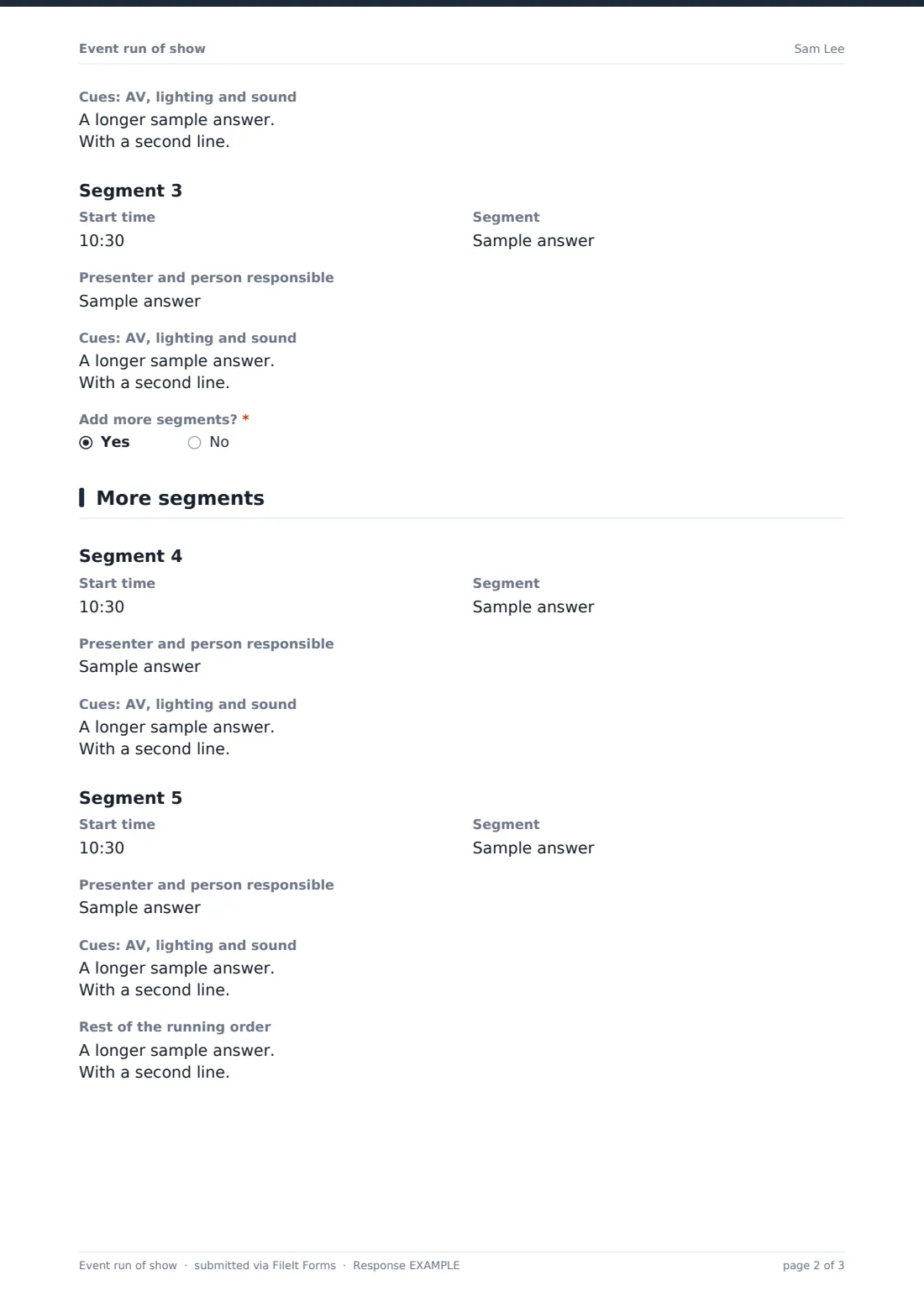
The first three segments are always shown. Answering yes to "Add more segments?" opens segments four and five and a box for the rest of the running order, one line per segment. The last page records the tech in use, crew comms and channel, what to cut if the show runs late, and backup plans.
Each version is saved as a PDF in FileIt with the script or slide list attached. Save a new version whenever timings change and send the latest PDF to the crew.
- Best for
- Event producers, AV companies, conference organisers, schools and churches
- Filled in by
- The producer or stage manager
- Time to complete
- About 20 minutes for a short programme
- Includes
- Event, version, venue, producer, stage manager, crew call, doors, start and end, segments with time, title, presenter and cues, tech in use, comms, overrun plan, backup plans, files
Who uses a event run of show form?
- A conference's opening plenary
- An awards night with presenters and walk-up music
- A product launch with videos and a live demo
- A school concert with several acts
- A charity gala with speeches, an auction and a band
Questions on this event run of show form
38 questions over 4 pages · includes file upload, conditional questions, multiple pages.
1 Event & key times
- Event name*
- Date*
- Version
- Venue and room*
- Producer or event lead*
- Stage manager
- Crew call*
- Doors open*
- Show starts*
- Show ends*
2 Running order
- Start time*
- Segment*
- Presenter and person responsible*
- Cues: AV, lighting and sound
- Start time*
- Segment*
- Presenter and person responsible*
- Cues: AV, lighting and sound
- Start time
- Segment
- Presenter and person responsible
- Cues: AV, lighting and sound
- Add more segments?*
3 More segments
- Start time asked only when it applies
- Segment asked only when it applies
- Presenter and person responsible asked only when it applies
- Cues: AV, lighting and sound asked only when it applies
- Start time asked only when it applies
- Segment asked only when it applies
- Presenter and person responsible asked only when it applies
- Cues: AV, lighting and sound asked only when it applies
- Rest of the running order asked only when it applies
4 Tech & contingencies
- Tech in use Projector or LED screen · Lapel mics · Handheld mics · Playback laptop · Lighting desk · Live stream · Walk-in music
- Crew comms Radios · Headsets · Phones
- Radio or comms channel
- If we run late
- Backup plans
- Script, slide list or stage plan
The event run of show form, page by page
1 Event & key times
"Event name", the date, a version label, "Venue and room", the producer and stage manager, then "Crew call", "Doors open", "Show starts" and "Show ends".
2 Running order
Segments one to three each have a start time, a segment name, "Presenter and person responsible", and "Cues: AV, lighting and sound". The first two are required. "Add more segments?" decides whether the next page appears.
3 More segments
Segments four and five follow the same layout, and "Rest of the running order" takes any further segments one line each.
4 Tech & contingencies
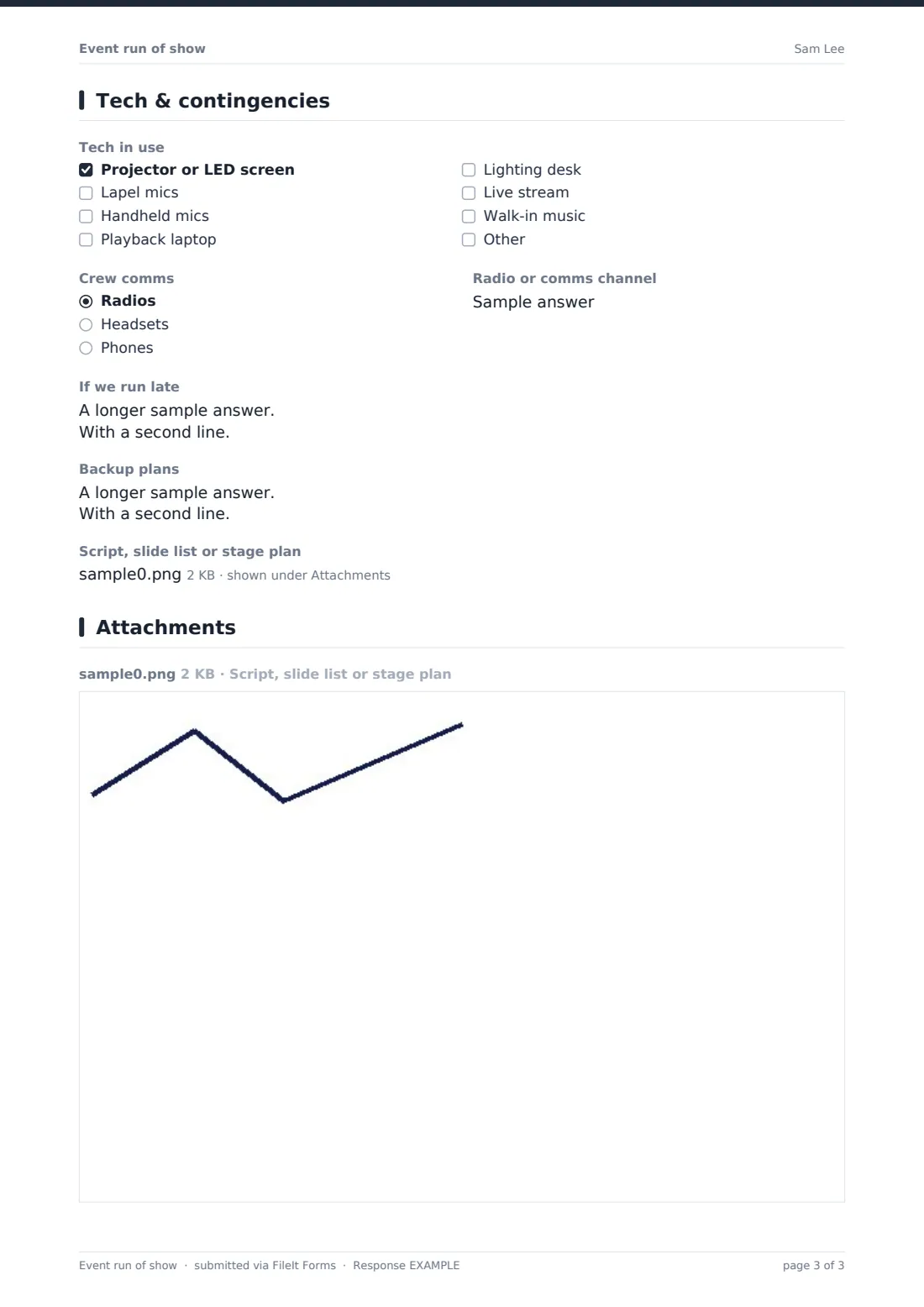
"Tech in use" lists screens, mics, a playback laptop, a lighting desk, a live stream and walk-in music. "Crew comms" and the channel, "If we run late" (which segments can be cut and who decides), "Backup plans" and an upload for the script, slide list or stage plan finish the sheet.
Make the template yours
- Add more segment blocks if your shows usually have more segments
- Add a duration field per segment if you plan in minutes rather than start times
- Rename the cue box to match your crew's terms, such as GO cues or LX and SQ numbers
- Use the version field and file each version in the event's folder
- Turn on notifications to the AV company so they see each new version
Tips for a better event run of show form
- Build in a few minutes of buffer before breaks and the finish
- Write cues as the operator will read them, such as "Lights to stage wash"
- Confirm presenters' walk-on music and slides the day before
- Decide in advance which segment gets cut if you overrun
- Print the latest version for the stage manager and the AV desk
Every response becomes a PDF in your vault
Each version is saved as a PDF in the folder you choose, with the script or slide list attached, and anyone on the notification list is emailed.
The Responses table keeps every version in order, so you can see what changed, and the CSV export lists segments and timings.
- Start from this template. It opens in the FileIt Forms designer — change any question, add pages, set the rules for when questions appear.
- Share it. Turn on a public link, or send it to people by email, each with their own link. They don’t need a FileIt account.
- Get the answers as PDFs. Each response is saved as a PDF in the vault folder you choose, with uploaded files attached — and listed in a Responses table you can export to CSV.
Event run of show form: frequently asked questions
Is this run of show template free?
Yes. It's one of the starter templates in the Forms app, included on every FileIt account, and you can edit any question.
Can I add more than five segments?
Yes. Use the "Rest of the running order" box, or add more segment blocks in the designer.
Does the form work out timings?
No. You enter the start time for each segment. The form doesn't calculate durations or overruns.
Can the crew edit the run of show?
Each submission is a version. Whoever owns the show submits a new one when things change.
Do crew members need a FileIt account to read it?
No. Send them the PDF, or email them a copy when it's submitted.