What is the venue site inspection checklist form template?
Site visits blur together. By the third venue in a day it's hard to remember which one had pillars in the ballroom, which charged extra for microphones and which had no lift to the first floor. This checklist gives every inspection the same structure, so you can compare venues on the details that matter.
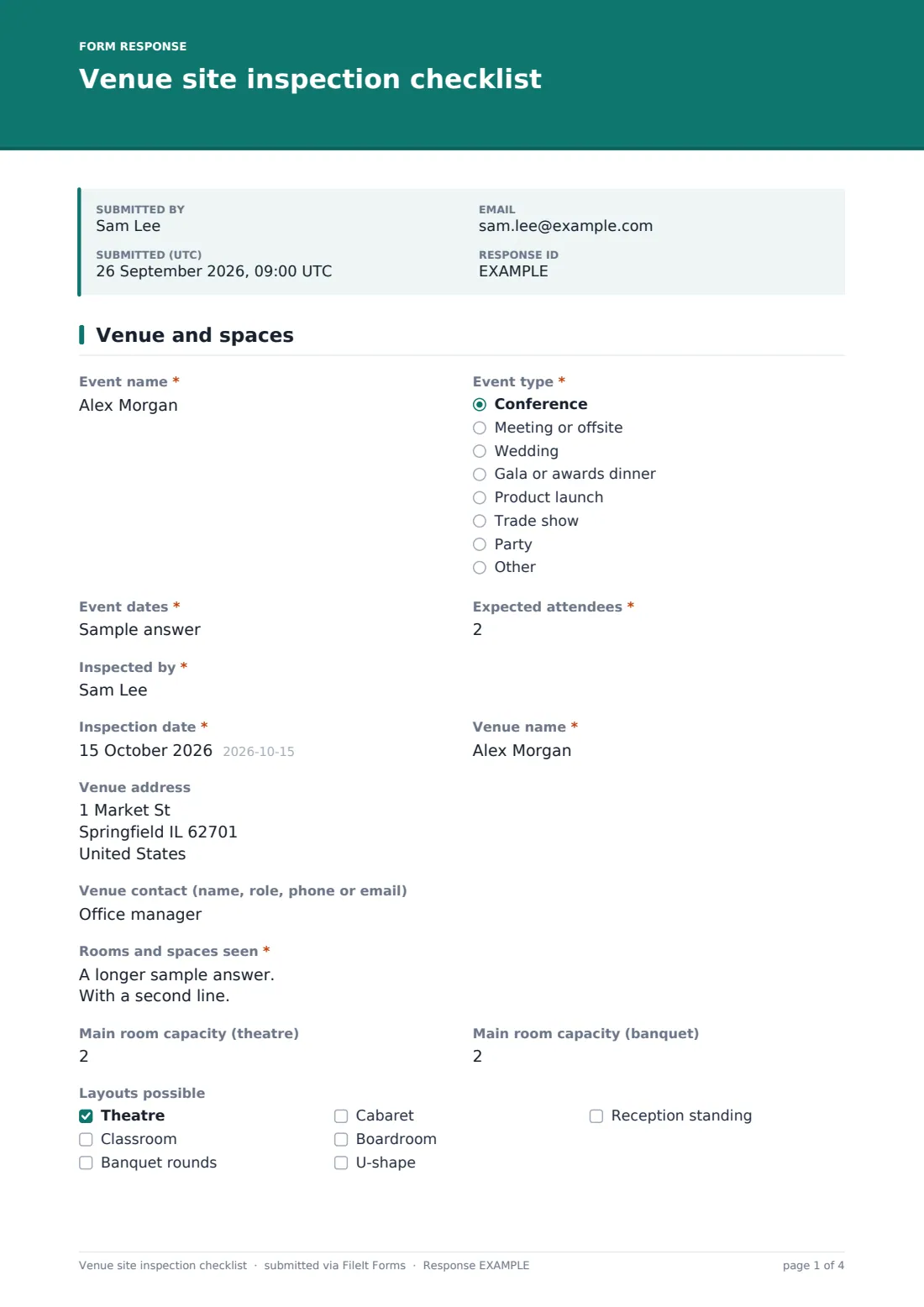
The first page captures the event and the venue: event name, type, dates and expected attendees, then the rooms and spaces seen, capacity for theatre and banquet layouts, possible layouts and the feel of the main room. An audio-visual grid marks each item, from projector and screen to an in-house technician, as included, extra cost or not available.
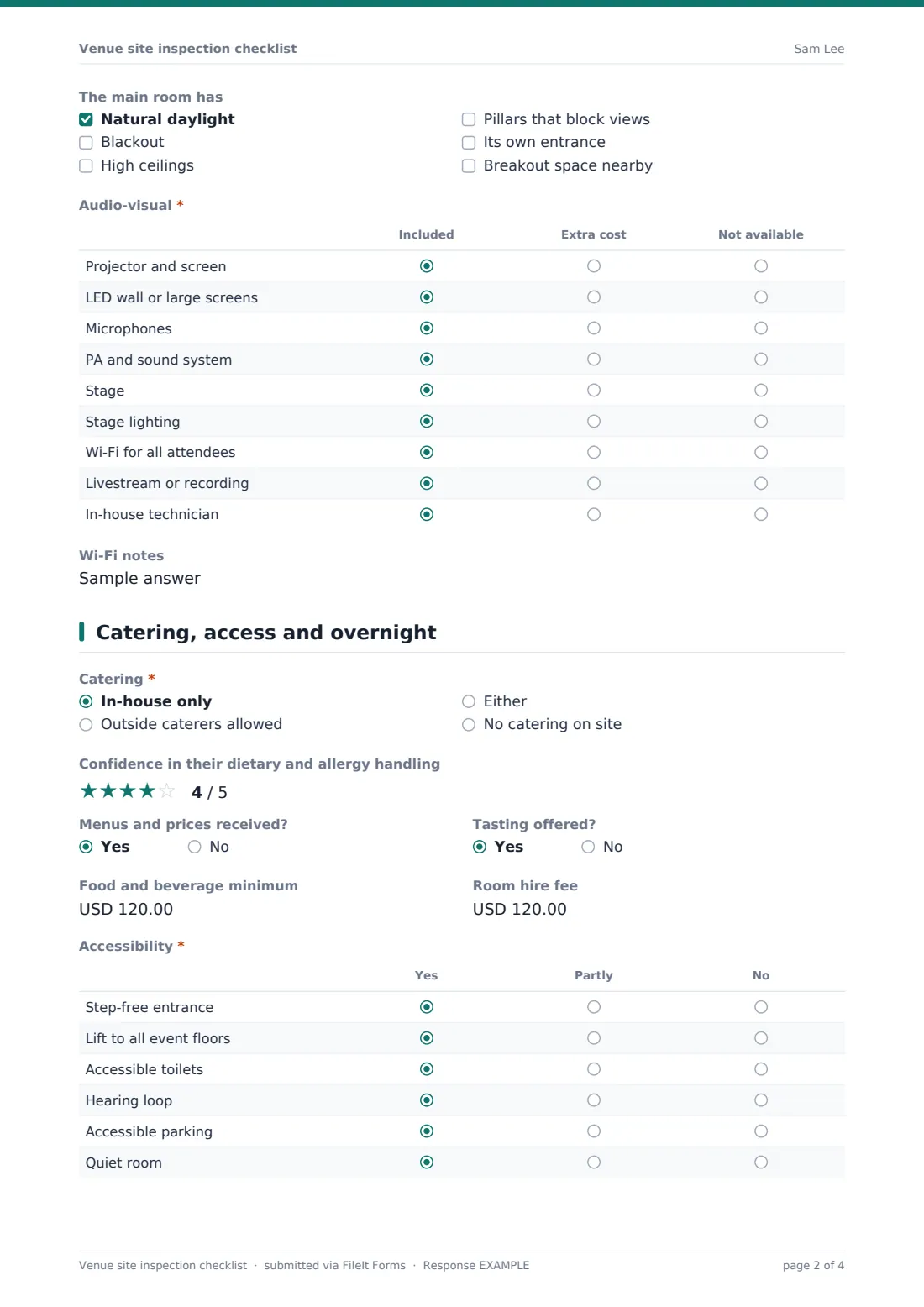
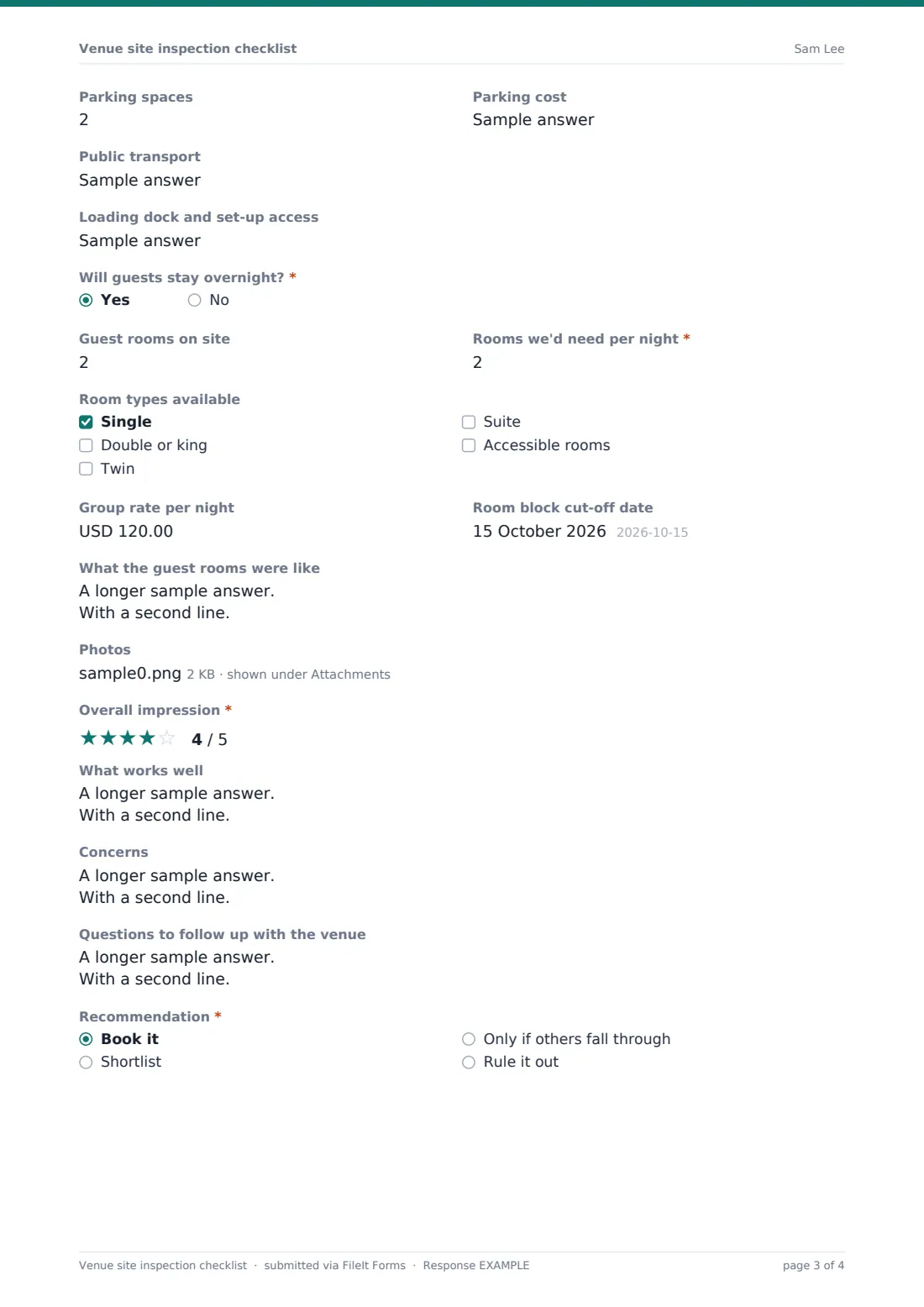
The second page covers catering, accessibility, parking, public transport and load-in. Answering yes to "Will guests stay overnight?" adds the guest-room questions: rooms on site, how many you'd need per night, room types, the group rate, the cut-off date and what the rooms were like. Add photos, an overall rating, pros, concerns and a recommendation, and FileIt files the visit as a PDF.
- Best for
- Event planners, wedding planners, corporate event teams and association meeting planners
- Filled in by
- The planner on the site visit
- Time to complete
- 15 to 20 minutes during the walk-round
- Includes
- Capacity and layouts, an AV grid, catering and costs, an accessibility grid, guest-room questions, photos and a recommendation
Who uses a venue site inspection checklist form?
- A corporate planner shortlisting three hotels for an annual conference
- A wedding planner visiting barns and country houses with a couple
- An association comparing cities and venues for next year's meeting
- Checking whether a venue really has step-free access before booking
- Sharing a visit report with a client who couldn't attend
- Keeping notes on venues you might use for future events
Questions on this venue site inspection checklist form
40 questions over 2 pages · includes file upload, conditional questions, multiple pages, ratings.
1 Venue and spaces
- Event name*
- Event type* Conference · Meeting or offsite · Wedding · Gala or awards dinner · Product launch · Trade show · Party · Other
- Event dates*
- Expected attendees*
- Inspected by*
- Inspection date*
- Venue name*
- Venue address
- Venue contact (name, role, phone or email)
- Rooms and spaces seen*
- Main room capacity (theatre)
- Main room capacity (banquet)
- Layouts possible Theatre · Classroom · Banquet rounds · Cabaret · Boardroom · U-shape · Reception standing
- The main room has Natural daylight · Blackout · High ceilings · Pillars that block views · Its own entrance · Breakout space nearby
- Audio-visual* Included · Extra cost · Not available
- Wi-Fi notes
2 Catering, access and overnight
- Catering* In-house only · Outside caterers allowed · Either · No catering on site
- Confidence in their dietary and allergy handling
- Menus and prices received?
- Tasting offered?
- Food and beverage minimum
- Room hire fee
- Accessibility* Yes · Partly · No
- Parking spaces
- Parking cost
- Public transport
- Loading dock and set-up access
- Will guests stay overnight?*
- Guest rooms on site asked only when it applies
- Rooms we'd need per night* asked only when it applies
- Room types available asked only when it applies Single · Double or king · Twin · Suite · Accessible rooms
- Group rate per night asked only when it applies
- Room block cut-off date asked only when it applies
- What the guest rooms were like asked only when it applies
- Photos
- Overall impression*
- What works well
- Concerns
- Questions to follow up with the venue
- Recommendation* Book it · Shortlist · Only if others fall through · Rule it out
The venue site inspection checklist form, page by page
1 Venue and spaces
Record the event name, event type, event dates and expected attendees, then who inspected the venue and when. Add the venue name, address and venue contact. "Rooms and spaces seen" is a free-text box for each space and what you'd use it for, followed by main room capacity for theatre and banquet layouts.
Tick the layouts possible and what the main room has: natural daylight, blackout, high ceilings, pillars that block views, its own entrance or breakout space nearby. The audio-visual grid marks projector and screen, LED wall, microphones, PA, stage, lighting, Wi-Fi for all attendees, livestreaming and an in-house technician as included, extra cost or not available, with a box for Wi-Fi notes.
2 Catering, access and overnight
Say whether catering is in-house only, outside caterers are allowed, either, or none. Rate your confidence in their dietary and allergy handling, note whether you got menus and a tasting, and record the food and beverage minimum and room hire fee. The accessibility grid covers step-free entrance, a lift, accessible toilets, a hearing loop, accessible parking and a quiet room. Then parking spaces and cost, public transport and loading dock access.
"Will guests stay overnight?" opens guest rooms on site, rooms needed per night, room types, the group rate, the cut-off date and what the rooms were like. Finish with up to 10 photos, an overall impression rating, what works well, concerns, questions to follow up and a recommendation: book it, shortlist, only if others fall through, or rule it out.
Make the template yours
- Change the currency for fees and rates
- Add AV rows for hybrid events, such as a camera operator or interpretation booths
- Remove the overnight section for local events
- Add your client's must-haves as required questions
- File inspections into a vault folder per event so the shortlist sits together
- Share the form with colleagues so everyone uses the same checklist
Tips for a better venue site inspection checklist form
- Visit at the same time of day as your event to see the light, noise and traffic
- Walk the route an attendee would take, from the car park or station to their seat
- Take photos of the main room from the back and from the stage
- Ask what's included before comparing prices. AV and service charges vary a lot
- Fill in the form before you leave the car park, while everything is fresh
Every response becomes a PDF in your vault
Each inspection is saved as a PDF in your FileIt vault with the photos, and a copy is emailed to you. Send it to your client or colleagues as a visit report.
When you've seen several venues, the Responses table lines them up side by side. Export to CSV to compare capacity, costs, ratings and recommendations in a spreadsheet.
- Start from this template. It opens in the FileIt Forms designer — change any question, add pages, set the rules for when questions appear.
- Share it. Turn on a public link, or send it to people by email, each with their own link. They don’t need a FileIt account.
- Get the answers as PDFs. Each response is saved as a PDF in the vault folder you choose, with uploaded files attached — and listed in a Responses table you can export to CSV.
Venue site inspection checklist form: frequently asked questions
Is this site inspection checklist free?
Yes. It's one of the ready-made templates in the Forms app on every FileIt account, including the free plan.
When do the guest room questions appear?
Only when you answer yes to "Will guests stay overnight?".
Can I add photos?
Yes, up to 10 per inspection. They're kept with the PDF in your vault.
Can I compare venues?
Fill in one inspection per venue. The Responses table and CSV export let you compare them.
Does it work on a phone during the walk-round?
Yes. It's built to fill in on a phone or tablet, and you can take photos straight from the camera.
Can I share the report with my client?
Yes. Download or email the PDF from your vault, or share the folder.