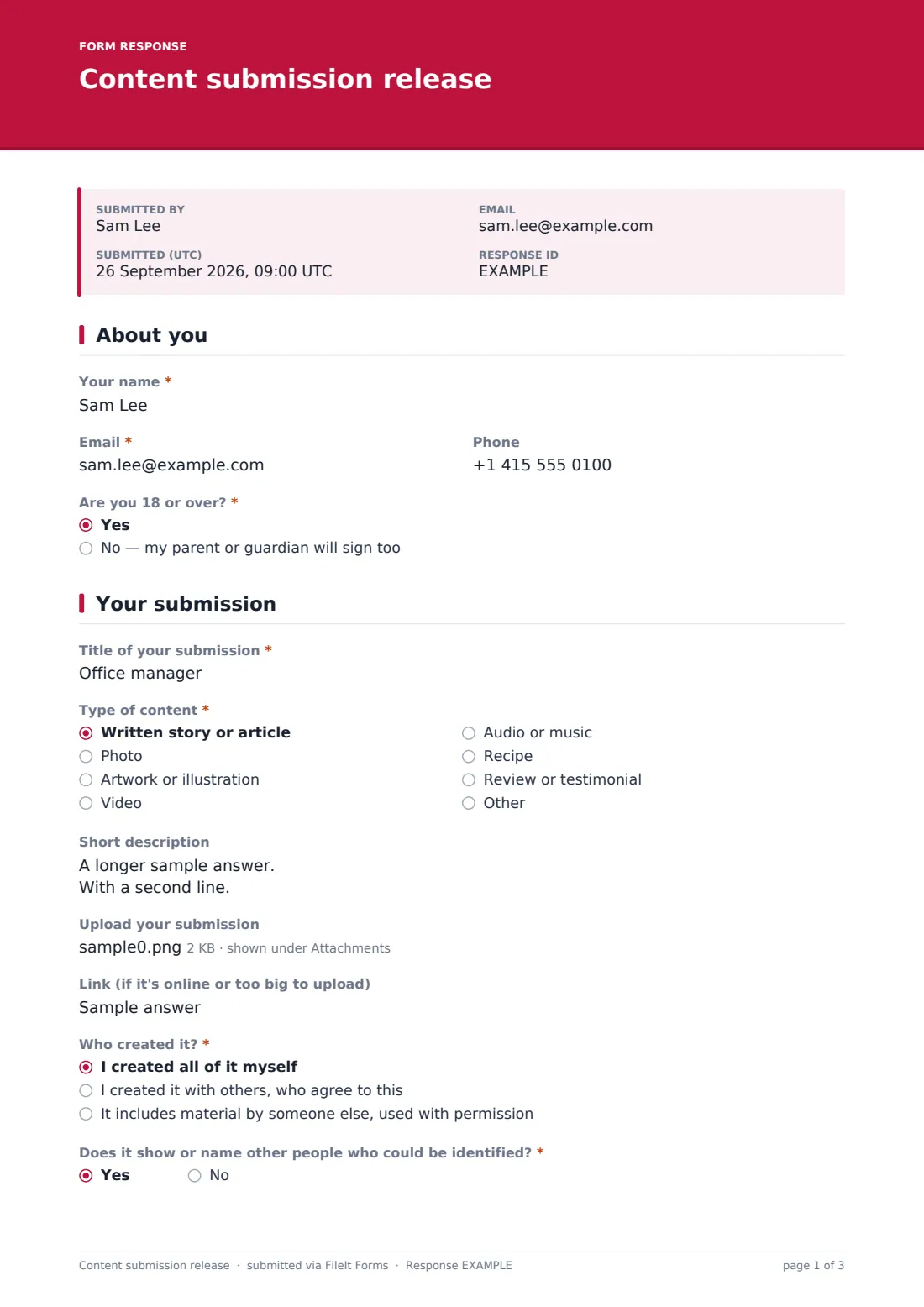
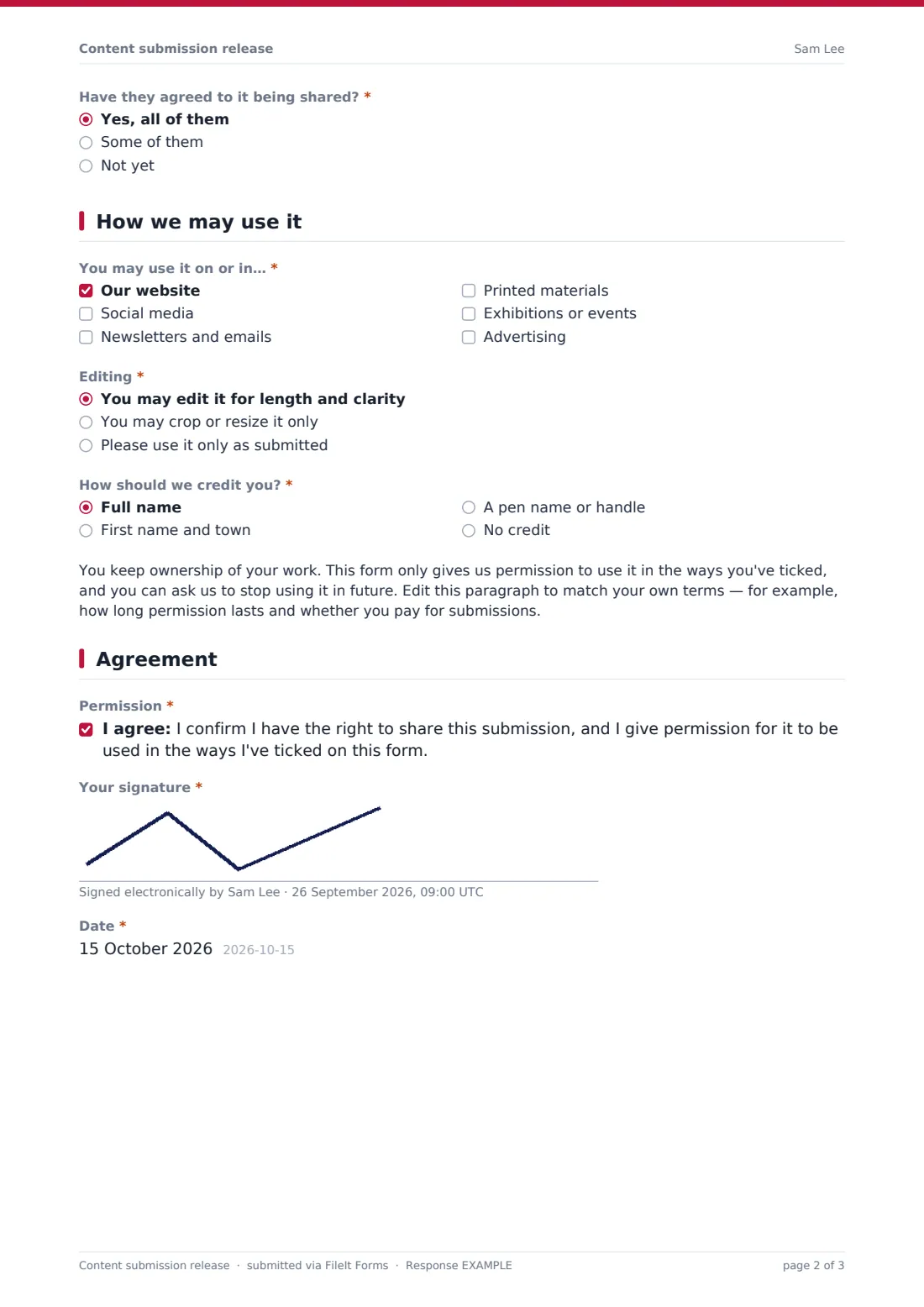
What is the content submission release form template?
Newsletters, community magazines, museums, schools and brands all ask people to send in their work. The submissions are easy to collect; knowing what you're allowed to do with each one is harder. Can you crop it? Put it in an advert? Print the author's full name?
This template pairs the submission with the permissions. People upload their story, photo, artwork, recipe or review (or link to a video), say whether they created it alone or with others, and flag if it shows other identifiable people. They then tick where you may use it, how much you may edit it and how they'd like to be credited.
A paragraph you can edit explains that they keep ownership. Under-18s add a parent or guardian, who also signs. Each submission and its permissions are filed together in your FileIt vault, with the uploaded files attached.
- Best for
- Publishers, newsletters, community groups, schools, museums, brands and contest organizers
- Filled in by
- Contributors, with a parent or guardian for under-18s
- Time to complete
- About 4 minutes
- Includes
- File upload or link, authorship and people checks, channels, editing and credit choices, signatures
Who uses a content submission release form?
- Reader stories or recipes for a newsletter or magazine
- Community photos for a website or calendar
- Student artwork for an exhibition or yearbook
- Customer reviews or photos for marketing
- Entries to a writing or photography showcase
- Member spotlights for an association
Questions on this content submission release form
23 questions over 4 pages · includes signature, file upload, conditional questions, multiple pages, consent checkbox.
1 About you
- Your name*
- Email*
- Phone
- Are you 18 or over?* Yes · No — my parent or guardian will sign too
- Parent or guardian's name* asked only when it applies
- Parent or guardian's email* asked only when it applies
2 Your submission
- Title of your submission*
- Type of content* Written story or article · Photo · Artwork or illustration · Video · Audio or music · Recipe · Review or testimonial · Other
- Short description
- Upload your submission
- Link (if it's online or too big to upload)
- Who created it?* I created all of it myself · I created it with others, who agree to this · It includes material by someone else, used with permission
- Name the other creators or the source and permission* asked only when it applies
- Does it show or name other people who could be identified?*
- Have they agreed to it being shared?* asked only when it applies Yes, all of them · Some of them · Not yet
3 How we may use it
- You may use it on or in…* Our website · Social media · Newsletters and emails · Printed materials · Exhibitions or events · Advertising
- Editing* You may edit it for length and clarity · You may crop or resize it only · Please use it only as submitted
- How should we credit you?* Full name · First name and town · A pen name or handle · No credit
- Pen name or handle* asked only when it applies
4 Agreement
- Permission*
- Your signature*
- Date*
- Parent or guardian's signature* asked only when it applies
The content submission release form, page by page
1 About you
Name and email are required, phone optional. 'Are you 18 or over?' is required; answering no reveals the parent or guardian's name and email, both required.
2 Your submission
'Title of your submission' and 'Type of content' are required — written story or article, photo, artwork or illustration, video, audio or music, recipe, review or testimonial, or other. Contributors can add a short description, upload up to five files and add a link for videos or large files. 'Who created it?' separates 'I created all of it myself' from work made with others or including someone else's material; either of those requires naming the other creators or the source and permission. 'Does it show or name other people who could be identified?' is required, and yes asks whether they've agreed.
3 How we may use it
'You may use it on or in…' — at least one of your website, social media, newsletters and emails, printed materials, exhibitions or events, and advertising. 'Editing' offers edit for length and clarity, crop or resize only, or use only as submitted. 'How should we credit you?' offers full name, first name and town, a pen name or handle (which asks for it), or no credit. A paragraph explains that they keep ownership and can ask you to stop, ready for your own terms.
4 Agreement
The contributor confirms they have the right to share the submission and gives permission for the uses ticked, then signs and dates. For under-18s, a parent or guardian's signature is required.
Make the template yours
- Edit the ownership paragraph to say how long permission lasts and whether you pay
- Remove channels you'll never use, such as advertising
- Change the accepted file types — add .webp or remove documents
- Set a close date and a response cap for a themed call for submissions
- File each submission to a folder per issue or exhibition
- Add your publication's name and theme to the cover text
Tips for a better content submission release form
- Keep a note of each item's credit and editing choice next to it in your publishing tool
- Respect 'use only as submitted' — even a crop can matter to an artist
- Ask for permission from identifiable people before publishing
- Remove work promptly if a contributor asks you to stop
- For children, use the guardian's email for any follow-up
- Check images are the contributor's own before publishing
Every response becomes a PDF in your vault
Each submission is saved as a PDF titled with the contributor's name and date in your chosen vault folder, with the uploaded files attached to the same document. The contributor is emailed a copy.
Search the Responses tab by title or name, download the files from any response, and export to CSV to build a list of submissions with their credit and channel choices.
- Start from this template. It opens in the FileIt Forms designer — change any question, add pages, set the rules for when questions appear.
- Share it. Turn on a public link, or send it to people by email, each with their own link. They don’t need a FileIt account.
- Get the answers as PDFs. Each response is saved as a PDF in the vault folder you choose, with uploaded files attached — and listed in a Responses table you can export to CSV.
Content submission release form: frequently asked questions
Is this content submission release template free?
Yes. It's part of the Forms app, which every FileIt account includes.
Can people upload videos?
Uploads accept documents and images. For videos or large files, contributors paste a link instead.
Does the contributor give up their copyright?
The template's paragraph says they keep ownership and grant permission for the ticked uses. Edit it if your terms are different.
How do under-18s submit?
Answering no to 'Are you 18 or over?' asks for a parent or guardian, whose signature is then required.
Do contributors need a FileIt account?
No. They open the link and submit.
Is this legal advice?
No. It's a starting template. Rules differ between countries, states and sectors, so check the wording against your own situation and take advice where you need it.