What is the case management note form template?
Case notes are the backbone of any casework service: housing support, homelessness outreach, refugee resettlement, family support, benefits advice or church-based care. When every caseworker writes them differently — some in a notebook, some in email, some not at all — it becomes hard to hand a case over, spot risk early or show a funder what support people actually received.
This case management note gives every contact the same structure. It records who, when and how, the needs discussed, a summary of the conversation, any risk or safeguarding concern (with the detail and escalation required when there is one), services provided that day, progress toward the client's goals and clear next steps. A referral asks where to, and emergency funds ask how much.
Each note is saved as a dated PDF in your FileIt vault — you can file it under the client's own folder — so the case history builds up in one place.
- Best for
- Nonprofits, shelters, advice services and church care teams doing casework
- Filled in by
- Caseworkers, support workers or volunteers after each contact
- Time to complete
- About 5–10 minutes per note
- Includes
- Contact details, needs checklist, risk flags, services provided, next steps and attachments
Who uses a case management note form?
- A housing support worker logging a home visit and the actions agreed with the client
- A homelessness outreach team recording street contacts and referrals
- A benefits or debt advice service noting each appointment and emergency payments made
- A church or mosque welfare team keeping consistent notes on families they support
- A supervisor reviewing flagged cases at a weekly case meeting
Questions on this case management note form
24 questions over 3 pages · includes signature, file upload, conditional questions, multiple pages.
1 Contact
- Caseworker name*
- Client ID or case number*
- Client name
- Date of contact*
- Time
- Duration (minutes)
- Type of contact* In person — office · Home visit · Outreach / street · Phone · Video call · Text or email · With another professional (client not present)
- Others present
2 Discussion
- Needs discussed* Housing · Food · Income or benefits · Employment · Physical health · Mental health · Substance use · Legal or immigration · Childcare or parenting · Safety or domestic abuse · ID or documents · Transport
- Client update
- Summary of discussion*
- Client's goals or wishes in their own words
- Risk or safeguarding concerns* None identified · Some concerns — monitor · Immediate risk
- Describe the concern and action taken* asked only when it applies
- Has it been escalated to the safeguarding lead or emergency services?* asked only when it applies
3 Services & next steps
- Services provided at this contact Information or advice · Referral to another agency · Help with an application or form · Food parcel or voucher · Emergency funds · Transport or travel costs · Advocacy · Crisis support · Clothing or household goods
- Referred to* asked only when it applies
- Emergency funds given* asked only when it applies
- Progress toward the client's goals Making progress · No change · Setback · Goal achieved
- Next steps — what, who and by when*
- Next planned contact
- Flag for supervisor review?
- Attachments
- Caseworker signature
The case management note form, page by page
1 Contact
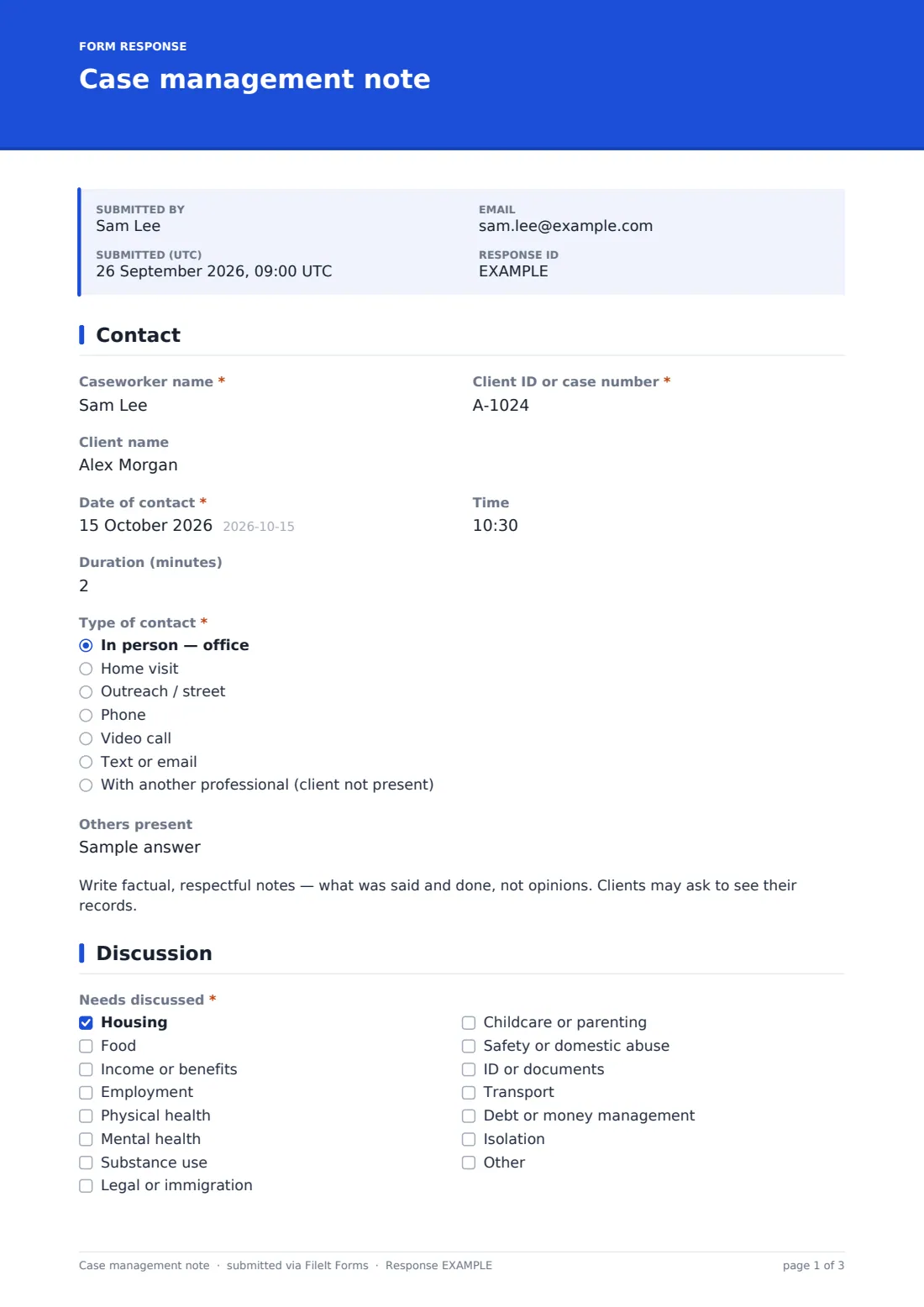
Caseworker name and client ID or case number are required; the client's name is optional if your case number already identifies them. Date, time and duration, then the type of contact — office, home visit, outreach, phone, video, text or email, or contact with another professional without the client — and anyone else present. A short reminder asks for factual, respectful notes.
2 Discussion
A needs checklist covers housing, food, income, employment, physical and mental health, substance use, legal, childcare, safety, documents, transport, debt and isolation. The client update and summary of discussion follow, with the client's goals in their own words. Risk or safeguarding concerns is required: any concern asks for the detail and action taken, and 'immediate risk' also asks whether it has been escalated.
3 Services & next steps
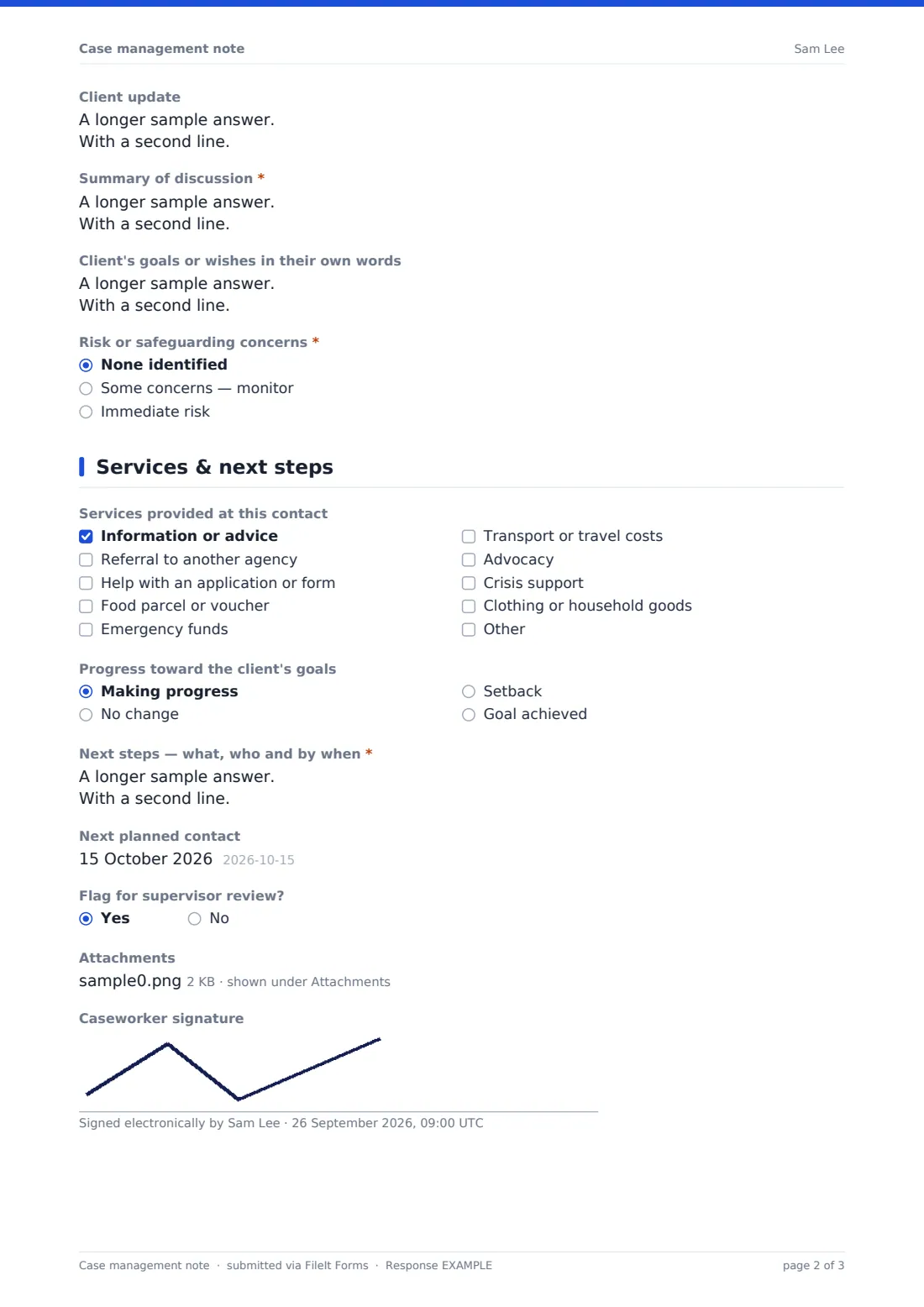
Services provided at the contact — advice, referral, application help, food, emergency funds, transport, advocacy, crisis support or goods. A referral asks who to; emergency funds ask the amount. Progress toward goals, next steps (what, who and by when), the next planned contact, a flag for supervisor review, up to five attachments and the caseworker's signature complete the note.
Make the template yours
- Replace the needs checklist with the categories your funder or database reports on
- Add a field for the client's key worker if it differs from the person writing the note
- Set the currency on the emergency funds field
- File notes into each client's folder in your vault using the folder setting per form, or one form per caseload
- Replace the caseworker name with a dropdown of your team, or require the email step in Settings if you want each note tied to a caseworker's email
Tips for a better case management note form
- Write the note the same day, while the details are fresh
- Record the client's words for their goals — it keeps the plan theirs
- Be specific in next steps: a named person and a date, not 'follow up'
- Use the supervisor flag for anything you'd want a second opinion on, not only risk
- Keep sensitive notes in a vault folder shared only with the people who need them
Every response becomes a PDF in your vault
Each note is saved as a PDF, dated and signed, in the vault folder you choose. You can also file it under a family member or entity if your account is organised by client.
The Responses table lets a supervisor filter by risk level, supervisor flag, need or caseworker, and export to CSV for monthly reporting on contacts, referrals and emergency funds.
- Start from this template. It opens in the FileIt Forms designer — change any question, add pages, set the rules for when questions appear.
- Share it. Turn on a public link, or send it to people by email, each with their own link. They don’t need a FileIt account.
- Get the answers as PDFs. Each response is saved as a PDF in the vault folder you choose, with uploaded files attached — and listed in a Responses table you can export to CSV.
Case management note form: frequently asked questions
Is this case management note template free?
Yes. It's one of the ready-made templates in the Forms app on every FileIt account, including the free plan. Use it as it is or change any question in the designer.
Who fills this in?
Your own caseworkers, support workers or volunteers — it's an internal form. Share the link with your team, or send it as a personal request.
Can I attach letters or documents?
Yes. Up to five files — PDFs, images or Word documents — can be attached to each note.
How are risk concerns handled?
Risk is a required question. Any concern asks for the detail and action taken, and 'immediate risk' also asks whether it has been escalated. You'll still need your own safeguarding procedure alongside it.
Can I see all notes for one client?
Filter the Responses table by client ID, or file notes into a folder per client in your vault.
Can I change the needs list?
Yes. Every option is editable in the designer.