What is the caregiver visit log form template?
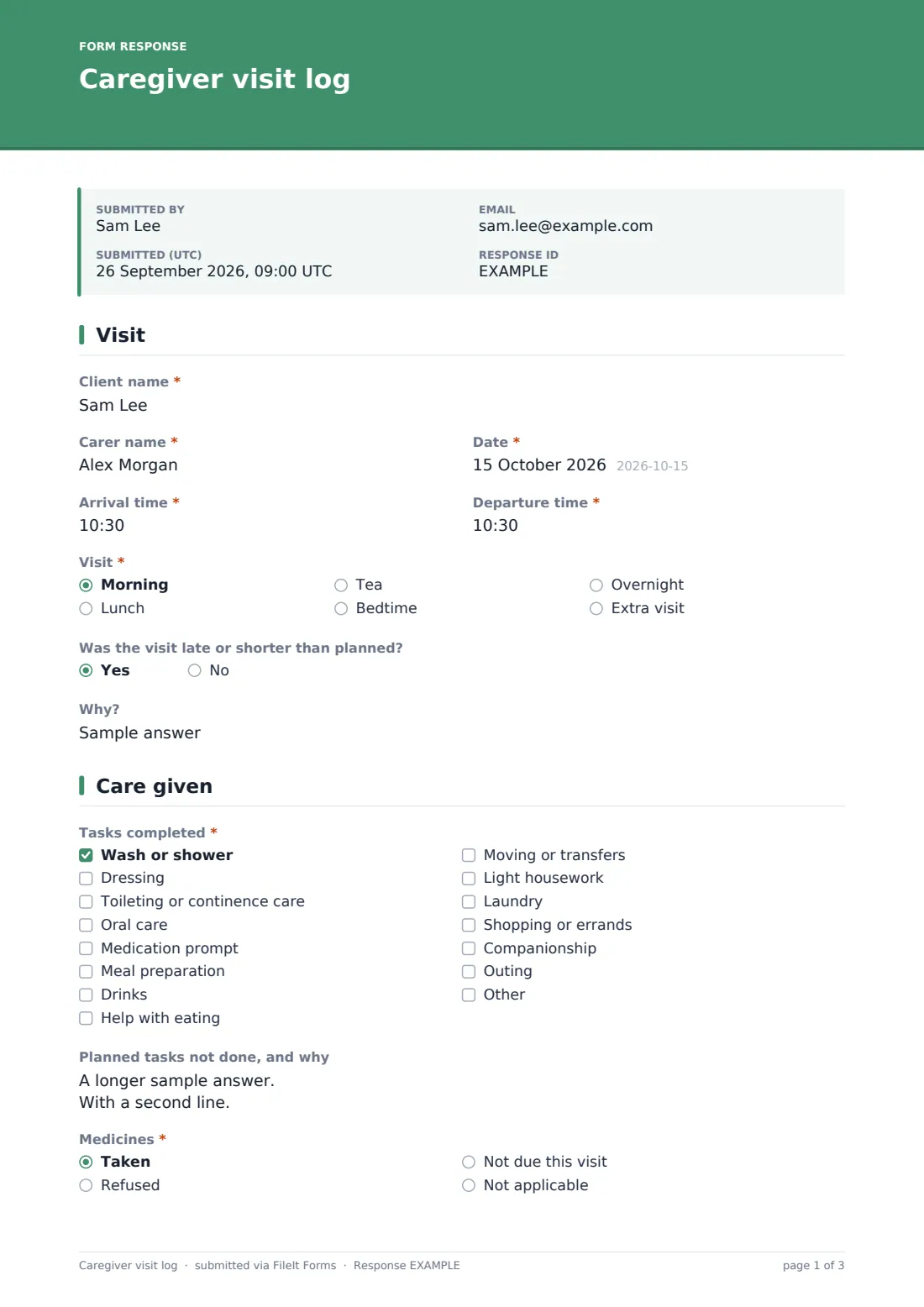
Families want to know how Mum's day went; agencies need proof of visit times and tasks; the next carer needs to know what happened earlier. A visit log answers all three. This template lets a home carer record each visit from a phone in a couple of minutes: arrival and departure, tasks done and not done, medicines, what was eaten and drunk, mood, anything noticed and any concern reported.
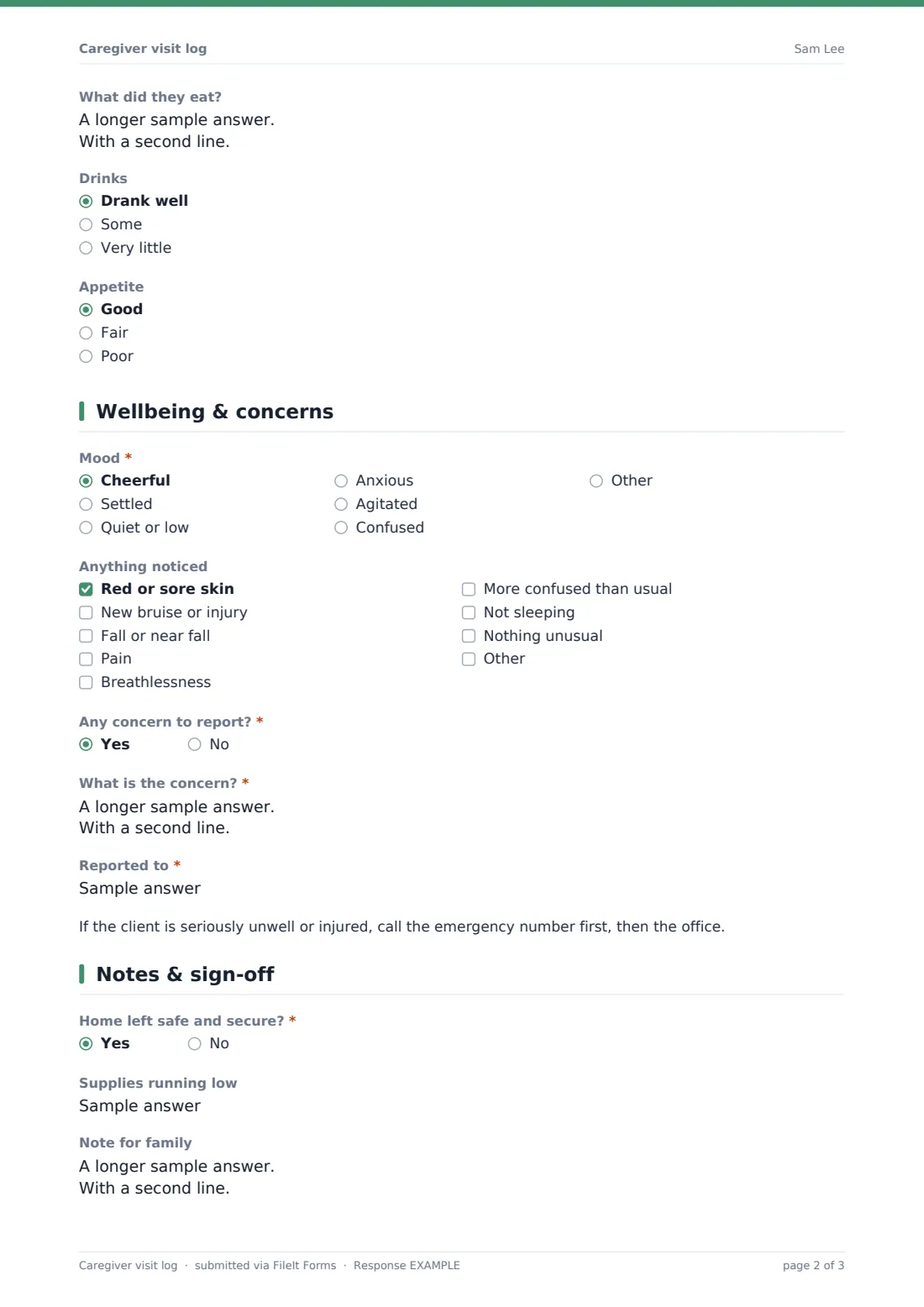
Concerns are handled carefully. Answering yes asks what the concern is and who it was reported to, and shows a reminder to call the emergency number first if the client is seriously unwell. Refused medicines ask what was refused and who was told. The visit closes with checks that the home was left secure, supplies running low, a note for the family and a note for the next carer.
Each visit is saved as a signed PDF in your FileIt vault, building a day-by-day record for every client.
- Best for
- Home care agencies, private carers and families employing carers directly
- Filled in by
- The carer, at the end of each visit
- Time to complete
- About 3 minutes
- Includes
- Visit times, task checklist, food and drink, mood, concern reporting, family note, signature
Who uses a caregiver visit log form?
- Daily visit notes for a home care agency
- Families sharing a log with a privately employed carer
- Live-in or overnight carers recording each shift
- Evidence of visit times and tasks for funders
- Handover between different carers visiting the same client
- Spotting gradual changes in appetite, mood or skin
Questions on this caregiver visit log form
25 questions over 4 pages · includes signature, conditional questions, multiple pages.
1 Visit
- Client name*
- Carer name*
- Date*
- Arrival time*
- Departure time*
- Visit* Morning · Lunch · Tea · Bedtime · Overnight · Extra visit
- Was the visit late or shorter than planned?
- Why? asked only when it applies
2 Care given
- Tasks completed* Wash or shower · Dressing · Toileting or continence care · Oral care · Medication prompt · Meal preparation · Drinks · Help with eating · Moving or transfers · Light housework · Laundry · Shopping or errands
- Planned tasks not done, and why
- Medicines* Taken · Refused · Not due this visit · Not applicable
- What was refused and who was told? asked only when it applies
- What did they eat?
- Drinks Drank well · Some · Very little
- Appetite Good · Fair · Poor
3 Wellbeing & concerns
- Mood* Cheerful · Settled · Quiet or low · Anxious · Agitated · Confused
- Anything noticed Red or sore skin · New bruise or injury · Fall or near fall · Pain · Breathlessness · More confused than usual · Not sleeping · Nothing unusual
- Any concern to report?*
- What is the concern?* asked only when it applies
- Reported to* asked only when it applies
4 Notes & sign-off
- Home left safe and secure?*
- Supplies running low
- Note for family
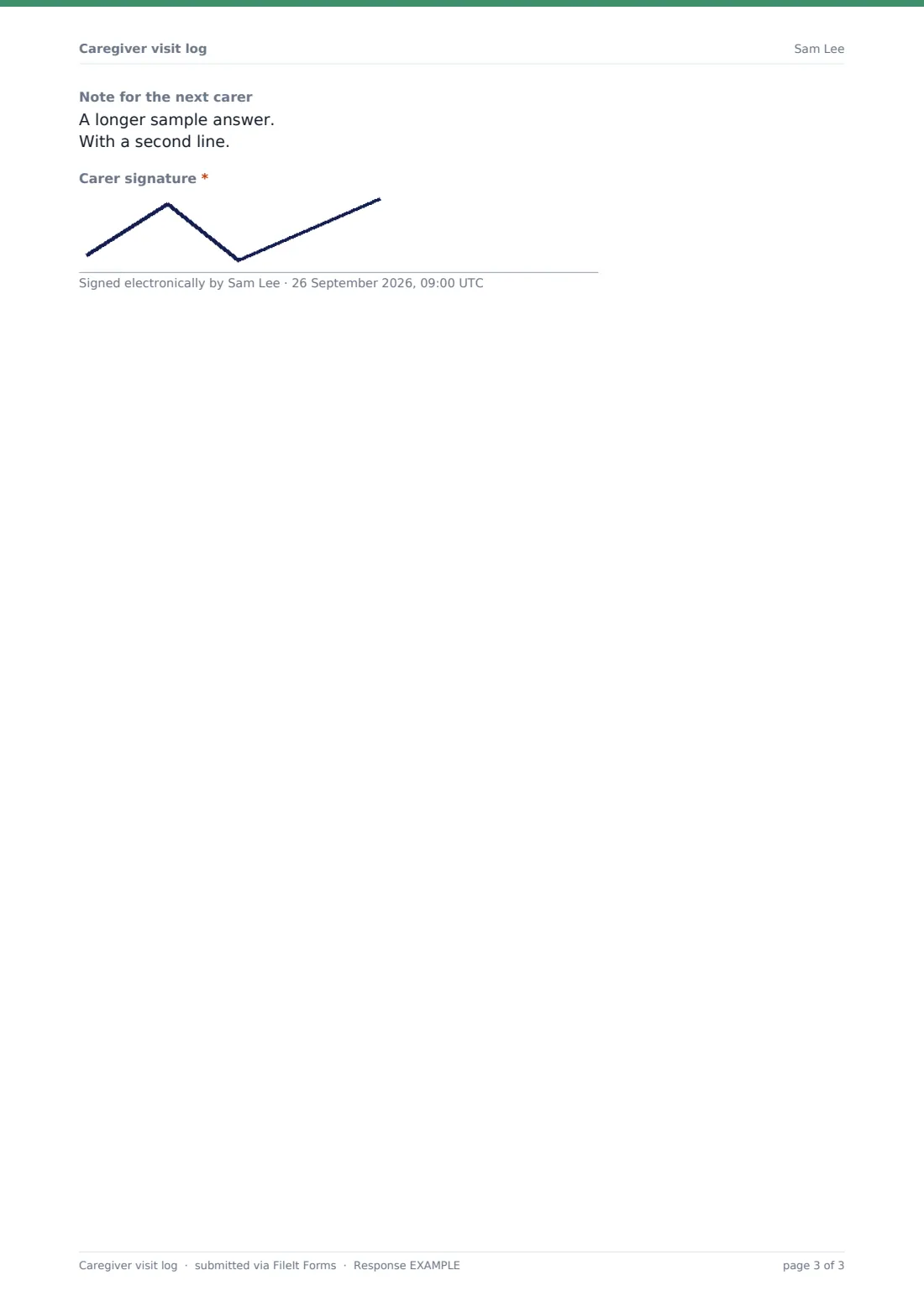
- Note for the next carer
- Carer signature*
The caregiver visit log form, page by page
1 Visit
Client name, carer name, date, arrival and departure times, which visit it was, and whether it was late or shorter than planned (with the reason).
2 Care given
A checklist of tasks from washing and dressing to meals, housework, errands, companionship and outings; planned tasks not done and why; whether medicines were taken or refused (refusals ask what and who was told); what was eaten; drinks and appetite.
3 Wellbeing & concerns
The client's mood and anything noticed — sore skin, bruises, falls, pain, breathlessness, confusion or poor sleep. A yes/no concern question; yes asks for details and who it was reported to, with a reminder to call the emergency number first in a serious situation.
4 Notes & sign-off
Confirmation the home was left safe and secure, supplies running low, a note for the family, a note for the next carer and the carer's signature.
Make the template yours
- Match the task list to each client's care plan
- Add the client's specific medicines or routines as help text
- Send notifications to a family member's email
- Remove the medicines question if carers never prompt medicines
- File each client's visits into their own folder
- Add a photo upload for skin checks if your policy allows it
Tips for a better caregiver visit log form
- Fill in the log before leaving, while it's fresh
- Write notes for family in plain, kind language
- Always record who a concern was reported to
- Read the previous visit's note for the next carer before starting
- Look back across the week for slow changes in eating, drinking or mood
Every response becomes a PDF in your vault
Each visit is saved as a signed PDF in your FileIt vault, and the office or family members you choose get an email.
The Responses table gives a running list of visits; export to CSV to check visit times against the rota.
- Start from this template. It opens in the FileIt Forms designer — change any question, add pages, set the rules for when questions appear.
- Share it. Turn on a public link, or send it to people by email, each with their own link. They don’t need a FileIt account.
- Get the answers as PDFs. Each response is saved as a PDF in the vault folder you choose, with uploaded files attached — and listed in a Responses table you can export to CSV.
Caregiver visit log form: frequently asked questions
Is this caregiver visit log free?
Yes. It's included in FileIt's Forms app on every account, including the free plan.
Can carers fill it in on a phone?
Yes. The form works on any phone browser and carers sign on screen.
Can families see the log?
Add a family member's email to notifications, or share the saved PDFs from your vault.
What happens when a concern is recorded?
The carer must say who they reported it to. Notifications go to the people you choose, so nominate someone who will act on them.
Does it replace a medication record?
No. It notes whether medicines were taken during the visit. Use the medication administration record where carers administer medicines.
Do carers need a FileIt account?
No. They use the form link.