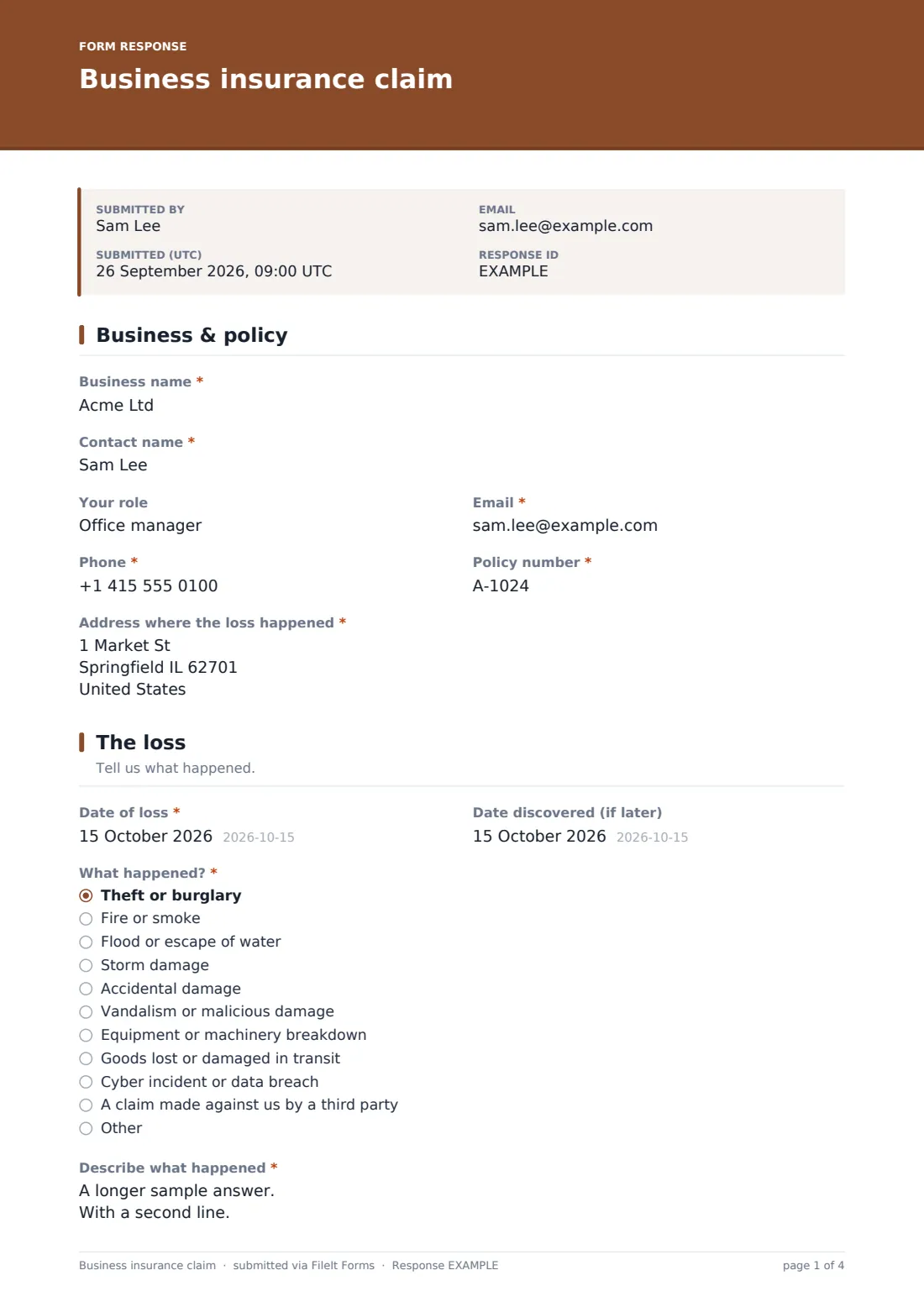
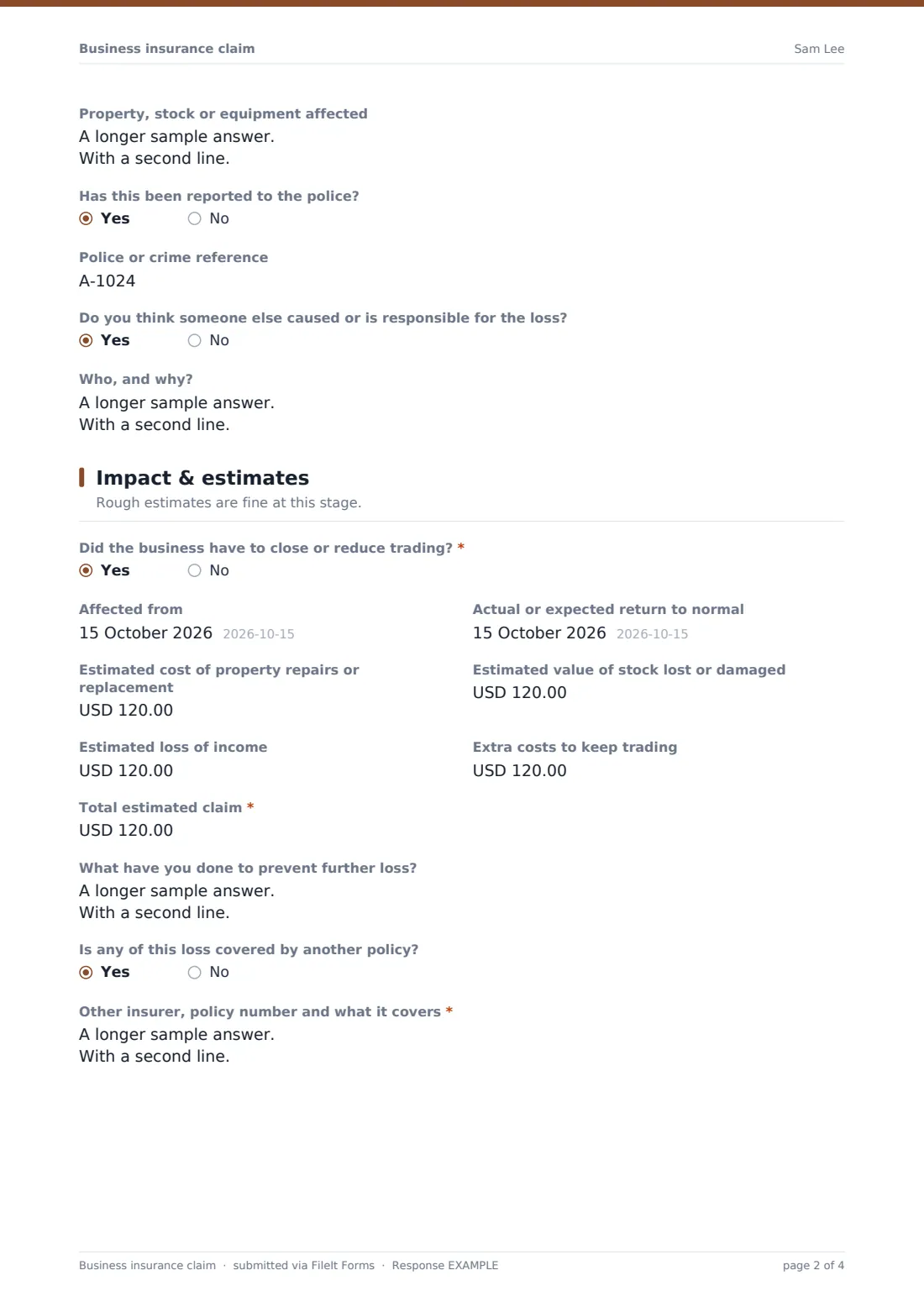
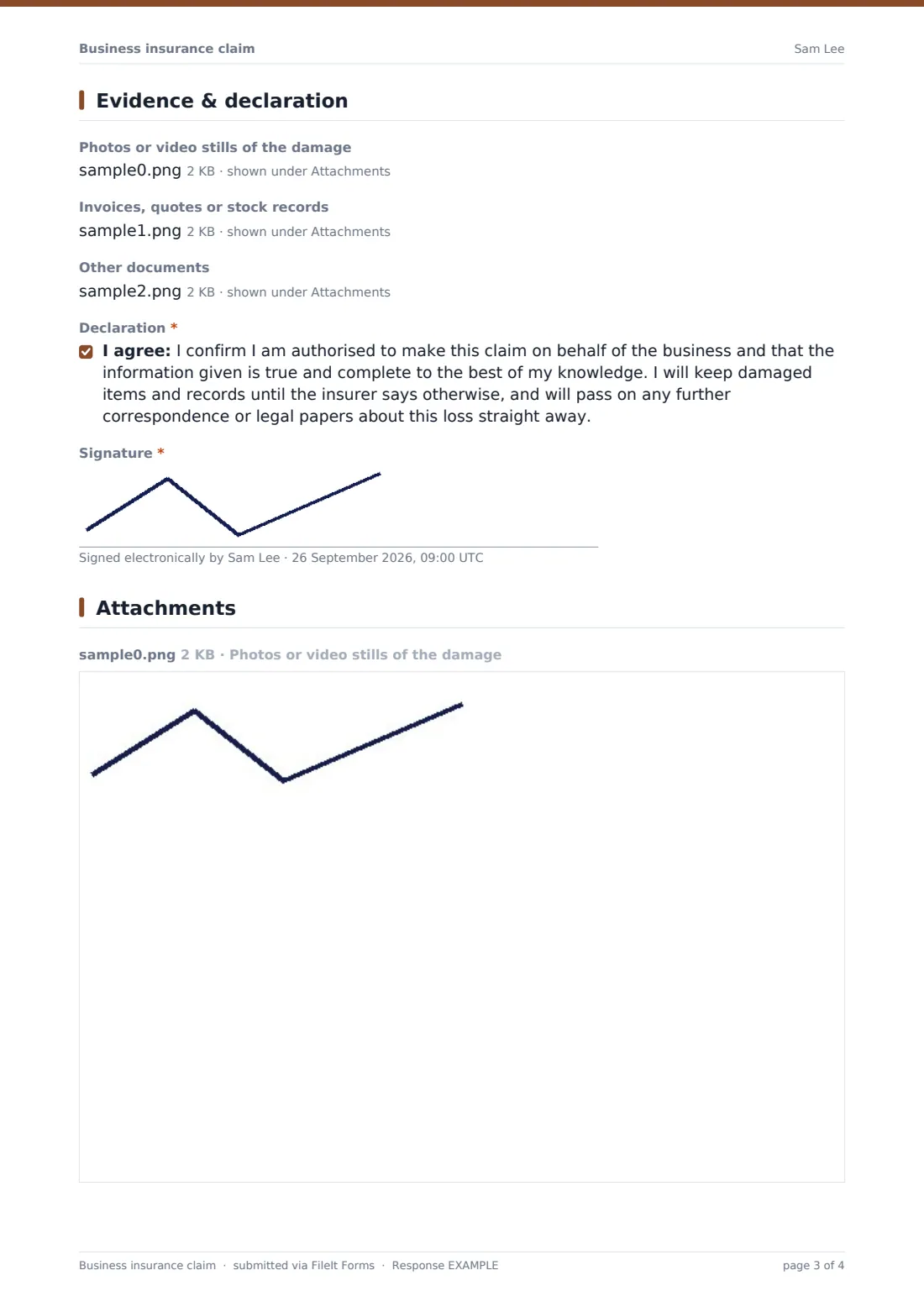
What is the business insurance claim form template?
When a business suffers a loss, the claim needs more than a description of the damage. Insurers and brokers also want to know whether trading stopped, what it's costing, what's been done to limit further loss, and whether anyone else is responsible. This template collects all of that in one structured report.
The loss type drives the follow-ups. A claim made against the business opens a required box about who is claiming and what they allege, with a reminder not to admit liability. A police report opens a reference field, and a suspected responsible party opens a box to explain. If trading was affected, the form asks for the dates and an estimate of lost income alongside property, stock and extra-cost estimates.
Photos, invoices, stock records and other documents can be uploaded, and the report is signed on behalf of the business. FileIt saves the whole claim with its evidence as a PDF in your vault.
- Best for
- Commercial brokers, insurers and businesses reporting a loss
- Filled in by
- The business owner or an authorised manager
- Time to complete
- About 15 minutes, longer with evidence to upload
- Includes
- Ten loss types, liability and police branches, business interruption estimates, three upload fields and a signed declaration
Who uses a business insurance claim form?
- A shop reporting a break-in and stolen stock
- A restaurant closed after a burst pipe, claiming repairs and lost income
- A small firm reporting a ransomware attack under a cyber policy
- A contractor notifying a third-party injury or damage allegation
- A broker collecting loss details from commercial clients in a consistent format
- Multi-site businesses reporting losses from any branch with the same form
Questions on this business insurance claim form
33 questions over 4 pages · includes signature, file upload, conditional questions, multiple pages, consent checkbox.
1 Business & policy
- Business name*
- Contact name*
- Your role
- Email*
- Phone*
- Policy number*
- Address where the loss happened*
2 The loss
- Date of loss*
- Date discovered (if later)
- What happened?* Theft or burglary · Fire or smoke · Flood or escape of water · Storm damage · Accidental damage · Vandalism or malicious damage · Equipment or machinery breakdown · Goods lost or damaged in transit · Cyber incident or data breach · A claim made against us by a third party
- Describe what happened*
- Property, stock or equipment affected
- Who is making the claim against you, and what are they alleging?* asked only when it applies
- Has this been reported to the police?
- Police or crime reference asked only when it applies
- Do you think someone else caused or is responsible for the loss?
- Who, and why? asked only when it applies
3 Impact & estimates
- Did the business have to close or reduce trading?*
- Affected from asked only when it applies
- Actual or expected return to normal asked only when it applies
- Estimated cost of property repairs or replacement
- Estimated value of stock lost or damaged
- Estimated loss of income asked only when it applies
- Extra costs to keep trading
- Total estimated claim*
- What have you done to prevent further loss?
- Is any of this loss covered by another policy?
- Other insurer, policy number and what it covers* asked only when it applies
4 Evidence & declaration
- Photos or video stills of the damage
- Invoices, quotes or stock records
- Other documents
- Declaration*
- Signature*
The business insurance claim form, page by page
1 Business & policy
Business name, contact person and role, email, phone, policy number and the address where the loss happened.
2 The loss
Date of loss and date discovered, then what happened: theft, fire, water, storm, accidental damage, vandalism, breakdown, goods in transit, cyber, or a claim by a third party (with room for other). A required description and a list of affected property follow. A third-party claim opens a required box about the allegation. Police reporting and whether someone else is responsible each open a follow-up.
3 Impact & estimates
A required yes/no on whether trading was affected opens the dates and an estimate of lost income. Estimates for property, stock, extra costs and a required total follow, with a box for steps taken to prevent further loss and whether another policy covers any of it — a yes asks for that insurer and policy number.
4 Evidence & declaration
Uploads for photos (up to ten), invoices, quotes or stock records (up to ten, including spreadsheets) and other documents (up to five). The contact confirms they're authorised to claim for the business, agrees to keep damaged items and records and to pass on correspondence, and signs.
Make the template yours
- Remove loss types your policies don't cover
- Add questions specific to a class of business, such as refrigerated stock for food businesses
- Change the currency on the estimate fields
- Send claims to a claims-team folder and add handlers as notification emails
- Add a question for the broker or account manager's name
- Shorten the declaration to your insurer's standard wording
Tips for a better business insurance claim form
- Report quickly — most commercial policies require prompt notification
- Photograph damage before cleaning up, but take reasonable steps to stop it getting worse
- Keep damaged items and records until the insurer confirms they can go
- For income loss, gather recent sales figures or accounts to support the estimate
- Don't admit liability to a third party before talking to your insurer
Every response becomes a PDF in your vault
The claim is saved as a PDF in the vault folder you choose with every uploaded photo and document attached, and you're notified by email. If respondent copies are on, the business receives its own copy.
Brokers and claims handlers usually acknowledge the claim, appoint a loss adjuster where needed, and ask for anything else required. The Responses table tracks every claim and exports to CSV.
- Start from this template. It opens in the FileIt Forms designer — change any question, add pages, set the rules for when questions appear.
- Share it. Turn on a public link, or send it to people by email, each with their own link. They don’t need a FileIt account.
- Get the answers as PDFs. Each response is saved as a PDF in the vault folder you choose, with uploaded files attached — and listed in a Responses table you can export to CSV.
Business insurance claim form: frequently asked questions
Is this business insurance claim template free?
Yes. It's included with FileIt's Forms app on every plan, including free.
Can it handle business interruption claims?
Yes. Saying trading was affected asks for the dates and an estimated loss of income alongside other costs.
What if someone is claiming against the business?
Choose "A claim made against us by a third party" — a required box asks who is claiming and what they allege, with a reminder not to admit liability.
What files can be uploaded?
Photos, PDFs, Word documents and spreadsheets, across three upload questions.
Does the person reporting need an account?
No, anyone with the link can submit a claim.
Can the estimates be changed later?
The submitted PDF is a record of what was reported at the time. Updated figures can be sent later as the claim progresses.