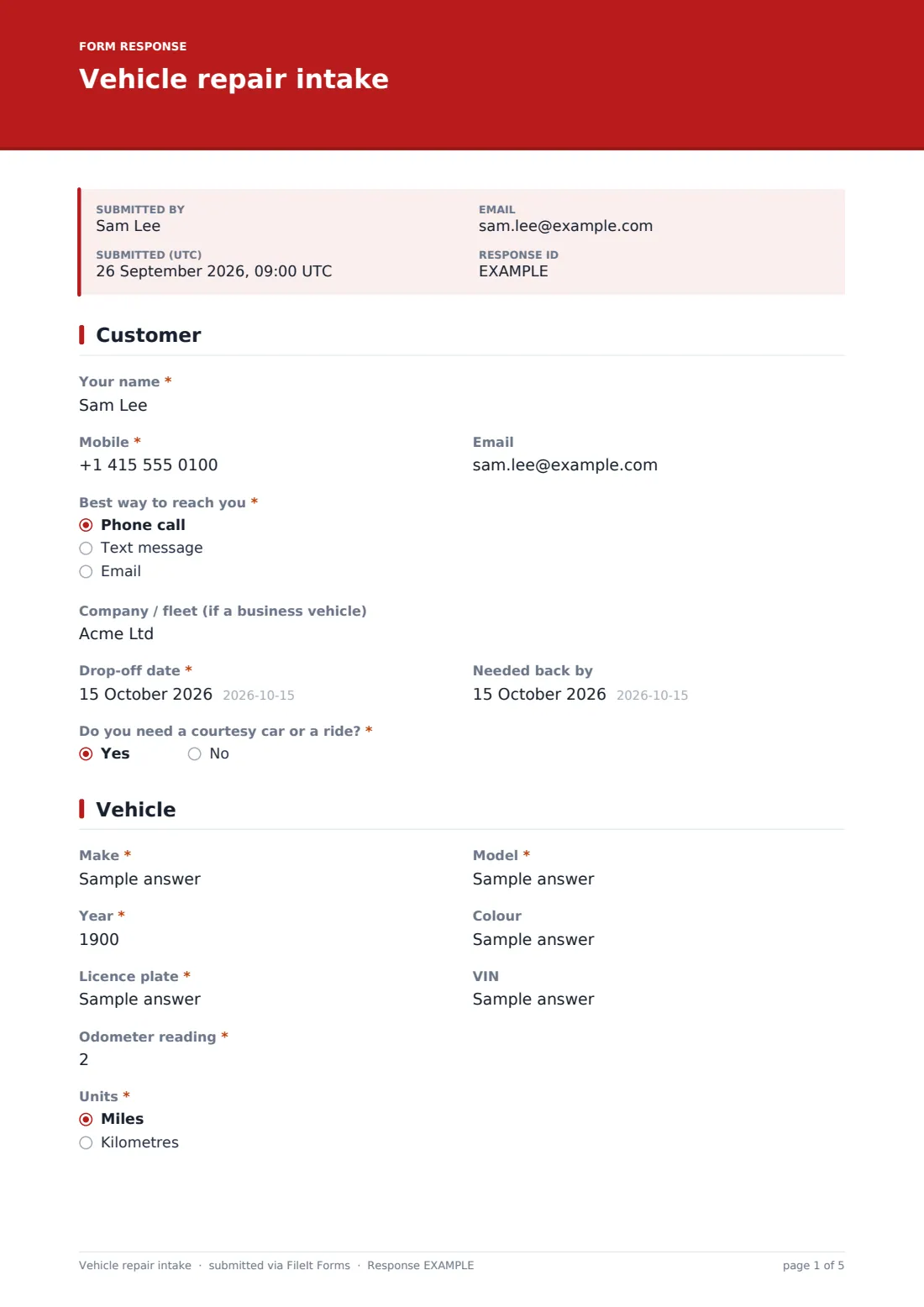
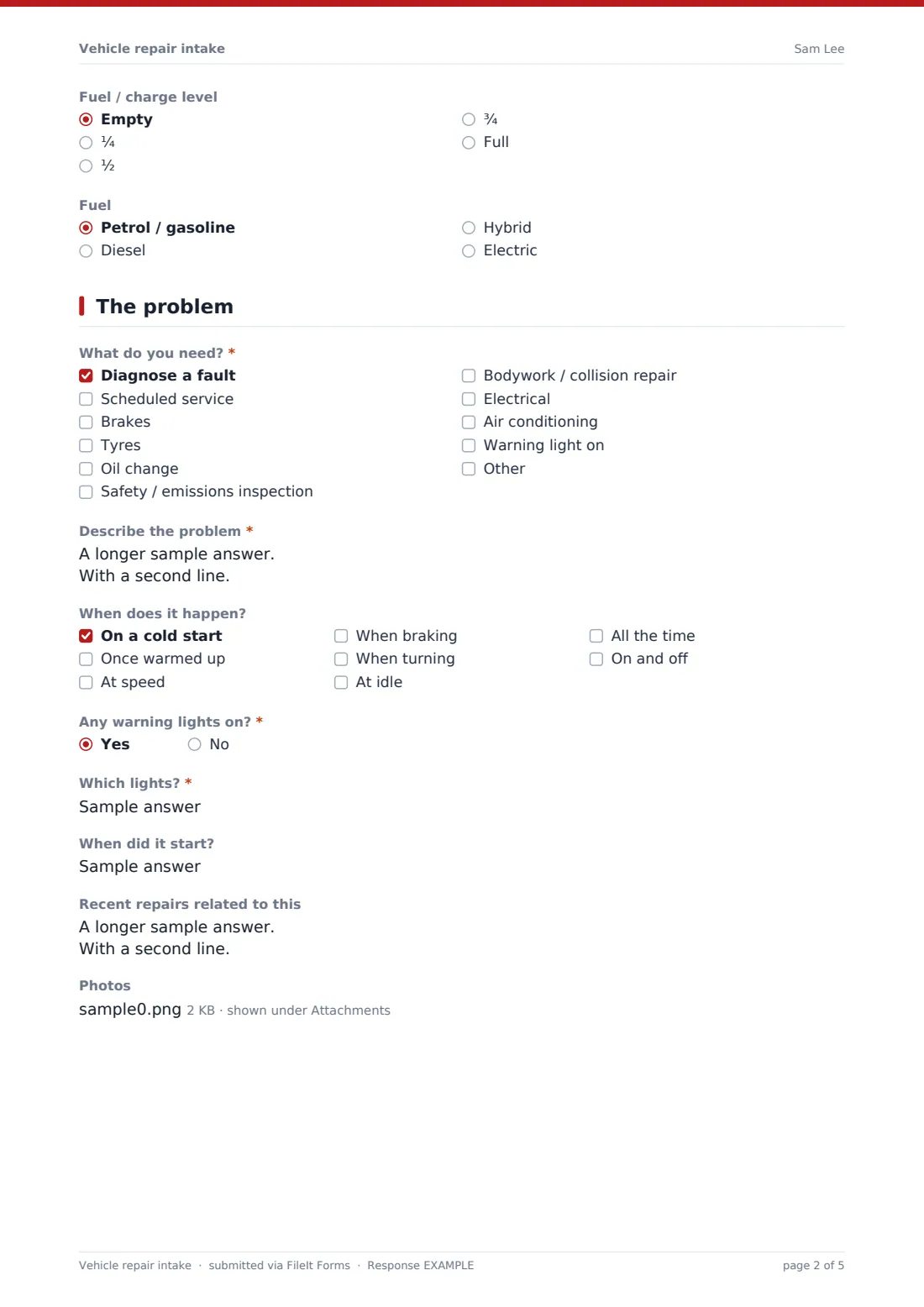
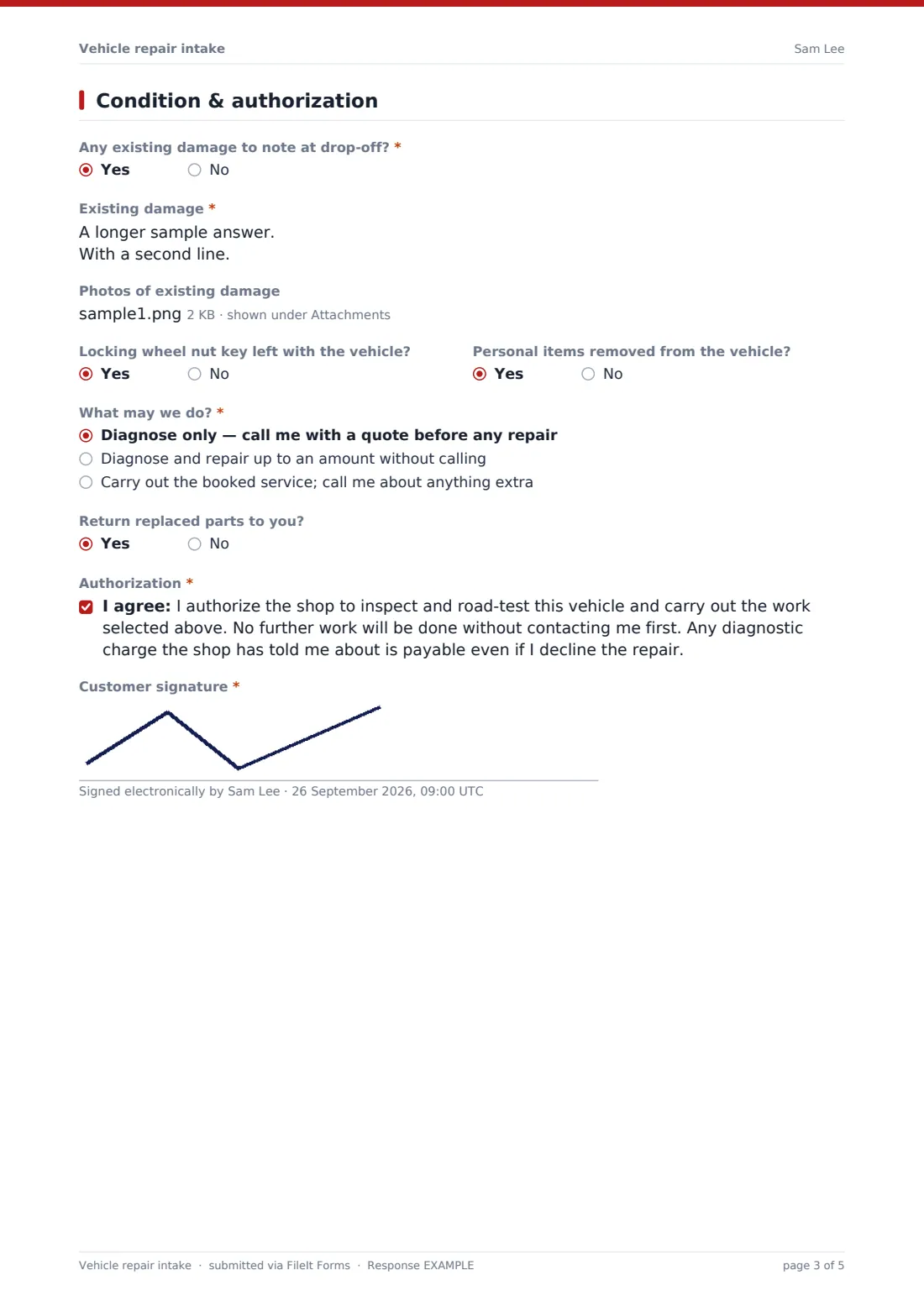
What is the vehicle repair intake form template?
Most disagreements at a repair shop come from the check-in: a scratch that was "already there", work the customer says they didn't authorize, or a vague "it's making a noise". A proper intake form settles all three before the car goes into the workshop.
This template records the customer and how to reach them, the vehicle, odometer reading and fuel level, and the problem in detail — when it happens, warning lights, and when it started. The last page records existing damage with photos and the customer's authorization: diagnose only, repair up to a limit, or the booked service only.
Each intake is filed as a PDF in your FileIt vault with the customer's signature and photos, and the customer can receive a copy.
- Best for
- Independent garages, mechanics, body shops and tyre centres
- Filled in by
- The customer at drop-off, often with a service advisor
- Time to complete
- About 4–6 minutes
- Includes
- Symptom checklist, damage photos, repair limit, signed authorization
Who uses a vehicle repair intake form?
- A customer drops a car off before work with an intermittent fault
- A body shop records existing damage before a collision repair
- A fleet manager authorizes repairs up to a limit on a company van
- A tyre centre checks in a car for new tyres and alignment
- A mobile mechanic records the car and problem at the customer's home
- A key-drop customer checks in online before the shop opens
Questions on this vehicle repair intake form
36 questions over 4 pages · includes signature, file upload, conditional questions, multiple pages, consent checkbox.
1 Customer
- Your name*
- Mobile*
- Best way to reach you* Phone call · Text message · Email
- Company / fleet (if a business vehicle)
- Drop-off date*
- Needed back by
- Do you need a courtesy car or a ride?*
2 Vehicle
- Make*
- Model*
- Year*
- Colour
- Licence plate*
- VIN
- Odometer reading*
- Units* Miles · Kilometres
- Fuel / charge level Empty · ¼ · ½ · ¾ · Full
- Fuel Petrol / gasoline · Diesel · Hybrid · Electric
3 The problem
- What do you need?* Diagnose a fault · Scheduled service · Brakes · Tyres · Oil change · Safety / emissions inspection · Bodywork / collision repair · Electrical · Air conditioning · Warning light on
- Describe the problem*
- When does it happen? On a cold start · Once warmed up · At speed · When braking · When turning · At idle · All the time · On and off
- Any warning lights on?*
- Which lights?* asked only when it applies
- When did it start?
- Recent repairs related to this
- Photos
4 Condition & authorization
- Any existing damage to note at drop-off?*
- Existing damage* asked only when it applies
- Photos of existing damage asked only when it applies
- Locking wheel nut key left with the vehicle?
- Personal items removed from the vehicle?
- What may we do?* Diagnose only — call me with a quote before any repair · Diagnose and repair up to an amount without calling · Carry out the booked service; call me about anything extra
- Repair limit* asked only when it applies
- Return replaced parts to you?
- Authorization*
- Customer signature*
The vehicle repair intake form, page by page
1 Customer
The customer's name, mobile, email and preferred contact method (call, text or email) come first, with a company or fleet name for business vehicles. The drop-off date and whether a courtesy car or ride is needed are required, and a needed-back-by date is optional.
2 Vehicle
Make, model, year, licence plate and odometer reading with units are required. Colour, VIN, fuel or charge level and fuel type are optional.
3 The problem
The customer ticks what they need, from diagnosis and servicing to brakes, tyres, bodywork, electrical and air conditioning, and describes the problem in their own words. A checklist records when it happens — cold start, warm, at speed, braking, turning, idle, always, or on and off. Warning lights require details if yes. When it started, related recent repairs and photos are optional.
4 Condition & authorization
A required question asks about existing damage; if yes, a description is required and photos can be added. Questions about the locking wheel nut key and personal items follow. The customer chooses what the shop may do: diagnose only, repair up to an amount (which must be entered), or the booked service with a call about anything extra. They choose whether replaced parts are returned, agree to the authorization statement and sign.
Make the template yours
- Edit the authorization statement to match your shop's terms and diagnostic charges
- Replace the service list with the services you offer
- Change the currency of the repair limit
- File intakes by customer or by licence plate
- Share the form as an online check-in link for key-drop customers
- Add a field for your job card or repair order number
Tips for a better vehicle repair intake form
- Walk round the vehicle with the customer and photograph any damage together
- Ask when the problem happens — it's the fastest route to a diagnosis
- Always record the odometer and fuel level
- Confirm the repair limit before starting any work
- Call before exceeding what's authorized, every time
- Keep replaced parts if the customer asked for them
Every response becomes a PDF in your vault
The intake is filed as a PDF in your FileIt vault with photos and the customer's signature, and the customer can receive a copy by email.
Service advisors typically work from the Responses table to plan the day's jobs, then file invoices in the same customer folder.
- Start from this template. It opens in the FileIt Forms designer — change any question, add pages, set the rules for when questions appear.
- Share it. Turn on a public link, or send it to people by email, each with their own link. They don’t need a FileIt account.
- Get the answers as PDFs. Each response is saved as a PDF in the vault folder you choose, with uploaded files attached — and listed in a Responses table you can export to CSV.
Vehicle repair intake form: frequently asked questions
Is this vehicle repair intake form template free?
Yes. It's included with the Forms app on every FileIt account, including the free plan, and you can edit any question to fit the way you work.
Can customers check in before they arrive?
Yes. Share the form link for online check-in, and the customer fills it in and signs on their phone.
How does the repair limit work?
If the customer chooses "Diagnose and repair up to an amount", they must enter the amount. Anything over it needs another call.
Can I record existing damage?
Yes. A required question asks about existing damage; if yes, a description is required and up to eight photos can be added.
Can I change the authorization wording?
Yes. Edit the statement to match your terms, including any diagnostic charge you apply.
Does it work for motorcycles or vans?
Yes. The vehicle fields are general, and you can rename labels if needed.