What is the vehicle insurance claim form template?
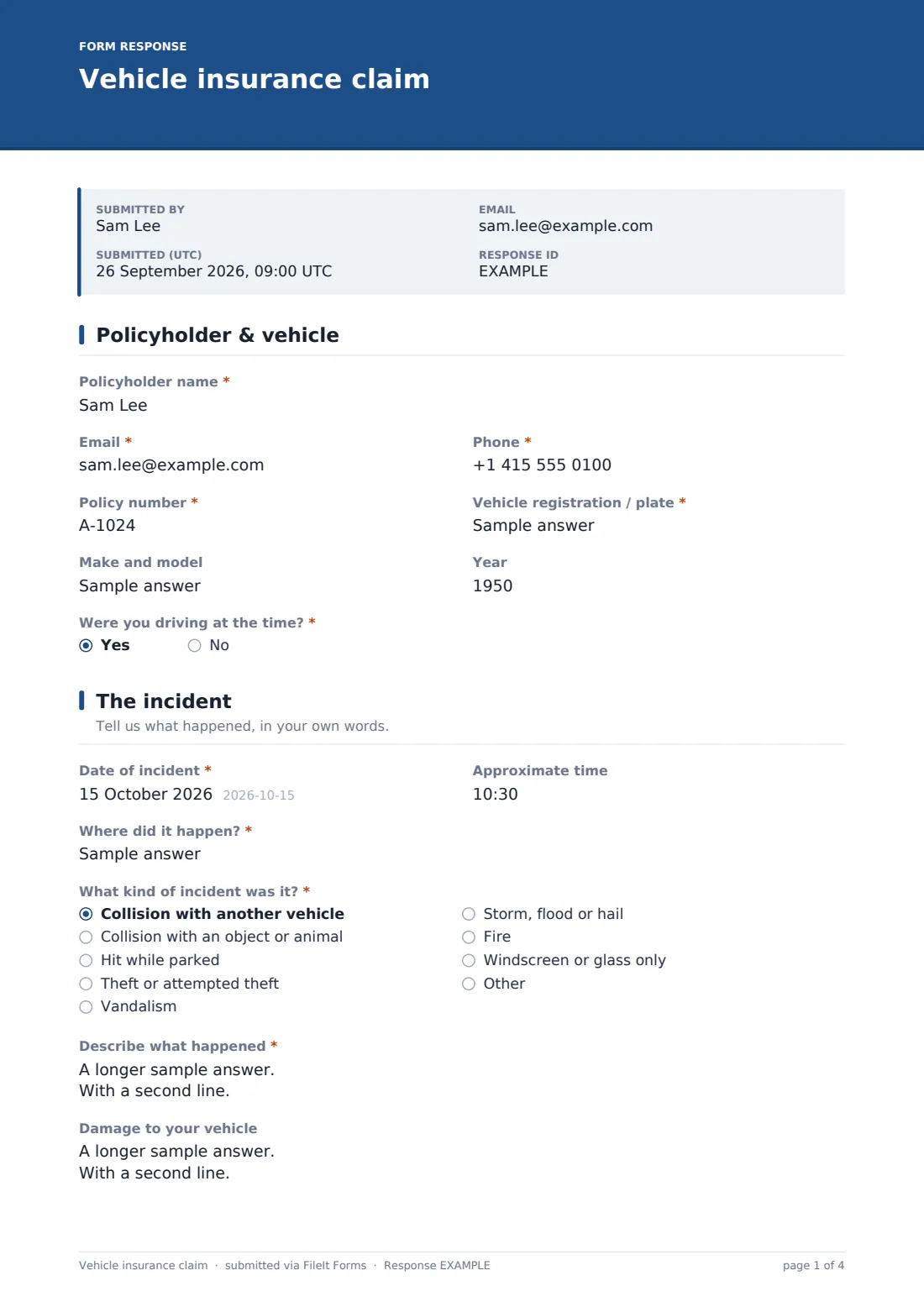
When something happens to a car, the last thing anyone wants to do is dig out a paper claim form or retype the same details into an email. This template gives you a structured online form to record a collision, theft, vandalism or weather damage while the details are still fresh — policy number, what happened, who else was involved, and any photos or police reference.
Filling it in online rather than over the phone or by email means nothing gets missed: the form only asks about the other driver if there was one, only asks for a police reference if the incident was reported, and only asks where the vehicle is now if it can't be driven. That keeps a straightforward "hit while parked" claim short, while still capturing everything needed for a more complicated collision.
Once submitted, FileIt saves the whole thing — including any photos or repair quotes attached — as a single PDF in your vault, so the claim record and its evidence stay together instead of scattered across emails and phone photos.
- Best for
- Drivers reporting an accident, theft, vandalism or damage to their insurer
- Filled in by
- The policyholder or the driver involved in the incident
- Time to complete
- About 10 minutes, longer with photos to attach
- Includes
- Conditional questions for the other driver, injuries and police report, plus signature and file uploads
Who uses a vehicle insurance claim form?
- A driver reporting a collision with another vehicle shortly after it happens
- Someone returning to a car that was hit while parked, with no other party present to exchange details with
- Reporting a theft, attempted theft or vandalism, alongside the police reference number
- A family or small business with more than one driver, using the same form each time so every claim looks the same
- A broker or agency collecting first-notice-of-loss details from a client before passing them to the insurer
- A windscreen or glass-only claim that doesn't need the full incident description other claim types do
- Recording a weather-related claim such as storm, flood or hail damage to a parked vehicle
Questions on this vehicle insurance claim form
37 questions over 5 pages · includes signature, file upload, conditional questions, multiple pages, consent checkbox.
1 Policyholder & vehicle
- Policyholder name*
- Email*
- Phone*
- Policy number*
- Vehicle registration / plate*
- Make and model
- Year
- Were you driving at the time?*
- Driver's name asked only when it applies
- Driver's licence number asked only when it applies
2 The incident
- Date of incident*
- Approximate time
- Where did it happen?*
- What kind of incident was it?* Collision with another vehicle · Collision with an object or animal · Hit while parked · Theft or attempted theft · Vandalism · Storm, flood or hail · Fire · Windscreen or glass only
- Describe what happened*
- Damage to your vehicle
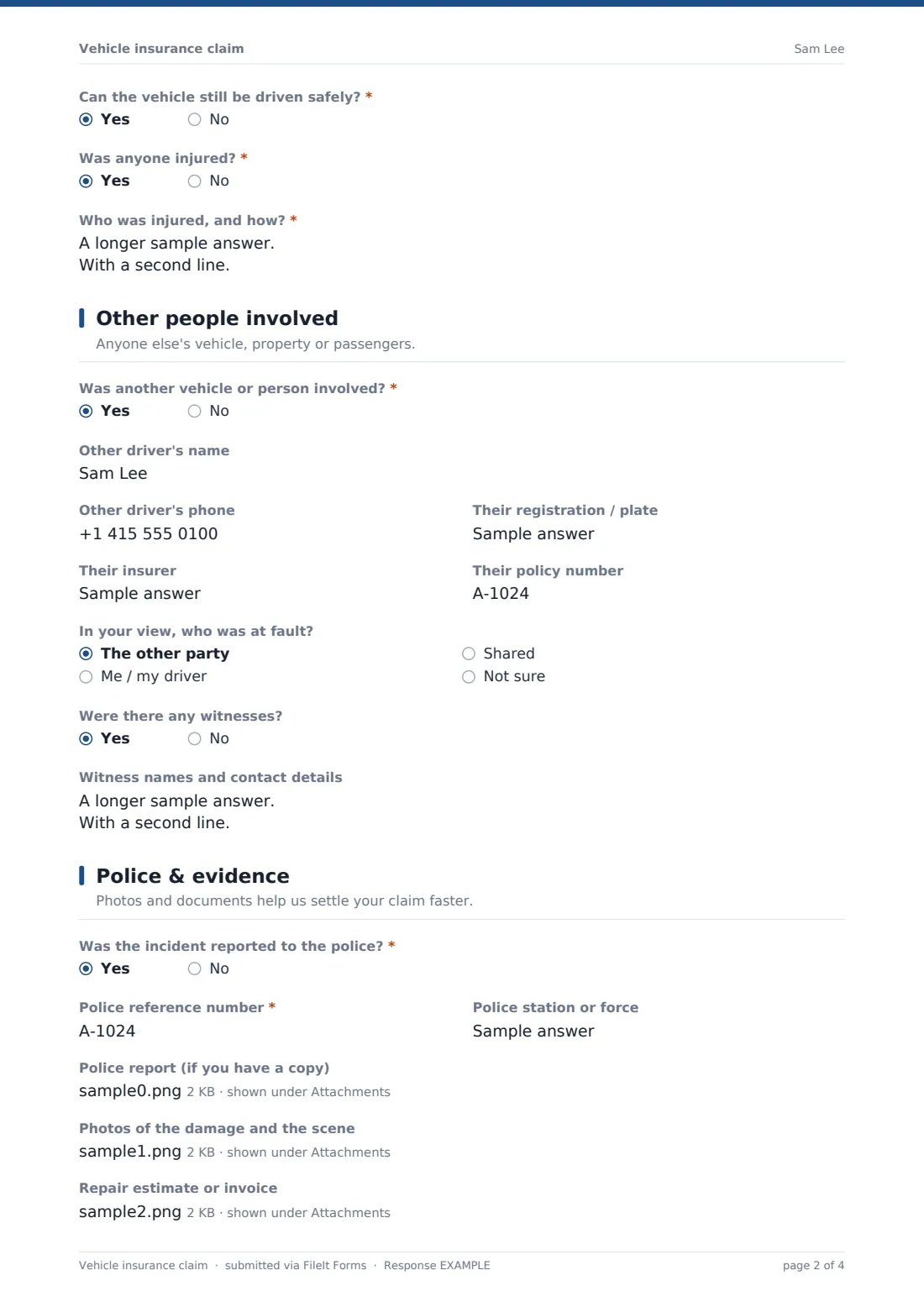
- Can the vehicle still be driven safely?*
- Where is the vehicle now?* asked only when it applies
- Was anyone injured?*
- Who was injured, and how?* asked only when it applies
3 Other people involved
- Was another vehicle or person involved?*
- Other driver's name asked only when it applies
- Other driver's phone asked only when it applies
- Their registration / plate asked only when it applies
- Their insurer asked only when it applies
- Their policy number asked only when it applies
- In your view, who was at fault? asked only when it applies The other party · Me / my driver · Shared · Not sure
- Were there any witnesses?
- Witness names and contact details asked only when it applies
4 Police & evidence
- Was the incident reported to the police?*
- Police reference number* asked only when it applies
- Police station or force asked only when it applies
- Police report (if you have a copy) asked only when it applies
- Photos of the damage and the scene
- Repair estimate or invoice
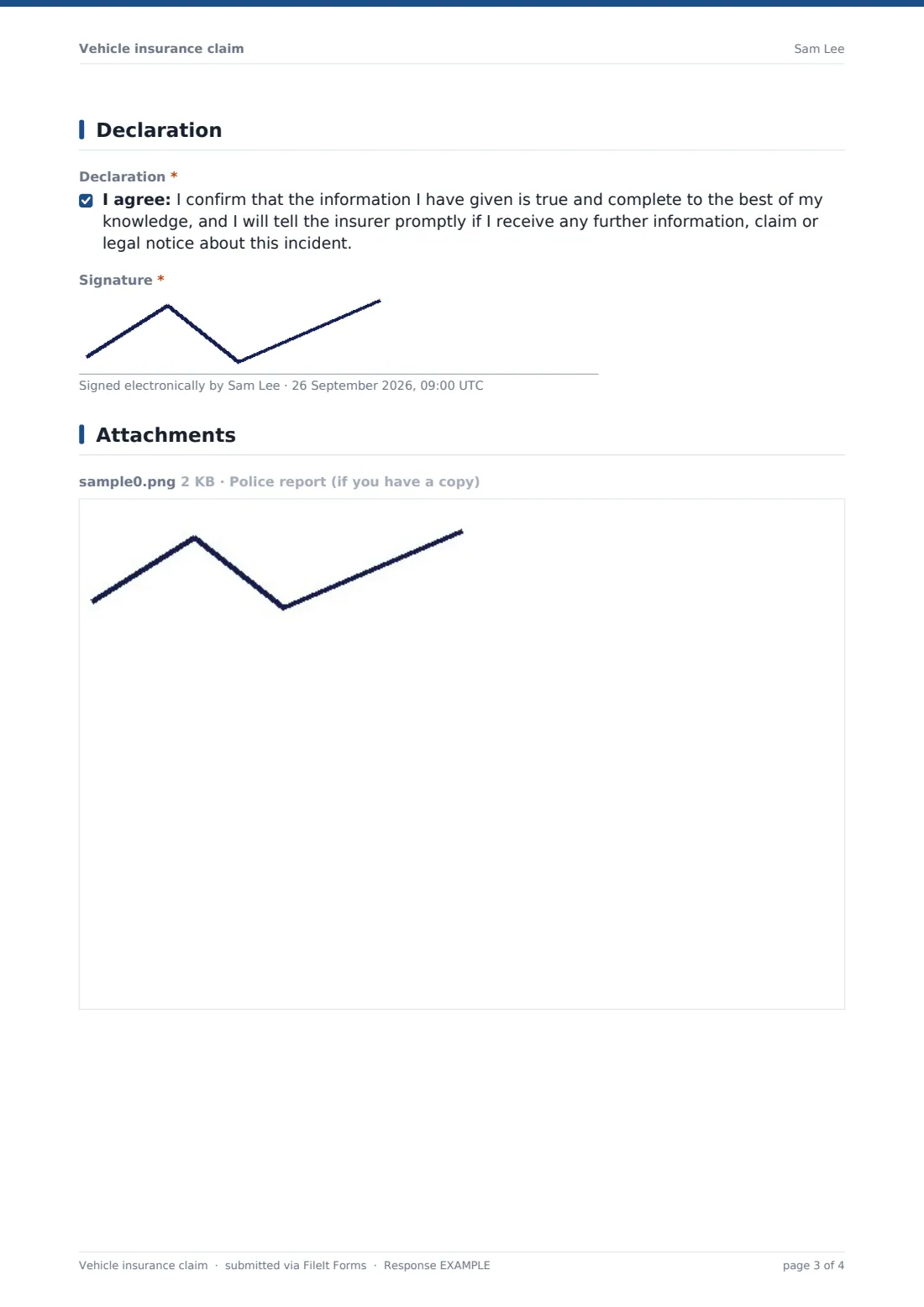
5 Declaration
- Declaration*
- Signature*
The vehicle insurance claim form, page by page
1 Policyholder & vehicle
The form opens with the policyholder's name, email, phone and policy number, followed by the vehicle's registration, make and model and year. A "Were you driving at the time?" question keeps the form accurate when someone else was behind the wheel, or when the vehicle was simply parked: answering No opens fields for the driver's name and licence number.
2 The incident
This page captures the date, approximate time and location, then a "What kind of incident was it?" choice covering collisions with another vehicle or an object, being hit while parked, theft, vandalism, weather, fire, or a windscreen-only claim, with room to specify something else. The "Describe what happened" box prompts for the direction of travel, road and weather conditions and the sequence of events, and there's a separate box for the damage itself.
Two yes/no questions branch sensibly: saying the vehicle can't be driven safely opens a field for where it is now, and saying anyone was injured opens a box asking who was hurt and whether they saw a doctor.
3 Other people involved
If another vehicle or person was involved, answering Yes opens fields for their name, phone, registration, insurer and policy number, plus an honest "who was at fault?" question that's careful to note the insurers will make the actual liability decision. A separate yes/no question for witnesses opens a box for their names and contact details.
When nobody else was involved — a single-vehicle or parked-car claim — the form skips this whole set of questions.
4 Police & evidence
A "was it reported to the police?" question explains that theft, vandalism, injuries and hit-and-runs usually need one, and answering Yes asks for the reference number and station, with an optional upload for a copy of the report. Below that, a photo upload (up to 10 images) covers the scene and the damage, and a separate upload accepts a repair estimate or invoice.
None of the uploads are required, so the claim can still be submitted the same day even if quotes or a police report will follow later.
5 Declaration
The form closes with a plain declaration that the information given is true and complete, and a promise to tell the insurer about any further information, claim or legal notice relating to the incident, followed by a signature drawn on screen.
Make the template yours
- Add a fleet or vehicle ID field if the form is shared across a small business with several company cars
- Route each submission to a specific vault folder per vehicle or per driver so claims stay organized
- Add extra file-upload questions for a breakdown recovery invoice or a courtesy car agreement
- Turn on an emailed PDF copy to the driver so they have their own record while the claim is being handled
- Add notification emails for a broker or fleet manager alongside the account owner
- Adjust the incident-type options to match the kinds of claims you actually see, such as adding a specific weather category
- Set a document title pattern that includes the vehicle registration for easy filing
Tips for a better vehicle insurance claim form
- Take wide shots of the whole scene as well as close-ups of every point of damage, including the other vehicle if it's safe to do so
- Get the other driver's name, phone, registration, insurer and policy number at the scene if you can — it's much harder to track down later
- Note road and weather conditions while they're fresh; "describe what happened" is more useful with specifics than a one-line summary
- Report theft, vandalism or a hit-and-run to the police promptly and keep the reference number for the claim
- Attach receipts or a repair estimate as soon as you have them rather than waiting for the claim to be fully resolved
- Fill the form in as soon as possible after the incident — details like exact time and sequence of events fade quickly
Every response becomes a PDF in your vault
Once the claim is submitted, FileIt saves it as a PDF in the vault folder you've set, along with any photos, police report or repair quote attached, and the account owner gets a notification. If a copy to the respondent is turned on, the driver who filled in the form also receives their own PDF by email.
From there, most people forward the PDF to their insurer or broker if it wasn't submitted directly to them, and use the Responses table to track multiple claims over time or export them to CSV. Because each claim is a complete, dated record with its evidence attached, it's easy to refer back to later if the claim is queried.
- Start from this template. It opens in the FileIt Forms designer — change any question, add pages, set the rules for when questions appear.
- Share it. Turn on a public link, or send it to people by email, each with their own link. They don’t need a FileIt account.
- Get the answers as PDFs. Each response is saved as a PDF in the vault folder you choose, with uploaded files attached — and listed in a Responses table you can export to CSV.
Vehicle insurance claim form: frequently asked questions
Is this car insurance claim form template free?
Yes. It's included with FileIt's Forms app on every plan, including free, and every question in it can be edited to match your own process.
Does the driver need a FileIt account to fill this in?
No. Share the form by public link or send it directly by email — the person completing it doesn't need a FileIt account.
How do I get a copy of the submitted claim?
Each submission is saved automatically as a PDF in the vault, and you can turn on an emailed PDF copy to the person who filled in the form as well.
Do I have to report every incident to the police first?
No — the police fields only appear if you say the incident was reported. The form works just as well for a minor bump that wasn't reported.
What if the other driver's insurance details aren't known yet?
Leave those fields blank and submit what you have; you can always follow up later since the answers are saved as a normal editable record before submission.
Can I use this for a motorbike or van instead of a car?
Yes — the vehicle fields are generic (registration, make/model, year) and work for any road vehicle, and you can rename labels in the designer if you want to be specific.
Can more than one person submit a claim through the same link?
Yes, the form allows multiple responses by default, so it works well shared with several drivers in a household or small fleet.