What is the new website questionnaire form template?
Quoting a website from a first phone call is risky. Whether the client needs an online shop, a booking system or a second language, whether their content is written, and whether they have a logo at all can each change the price and timeline dramatically.
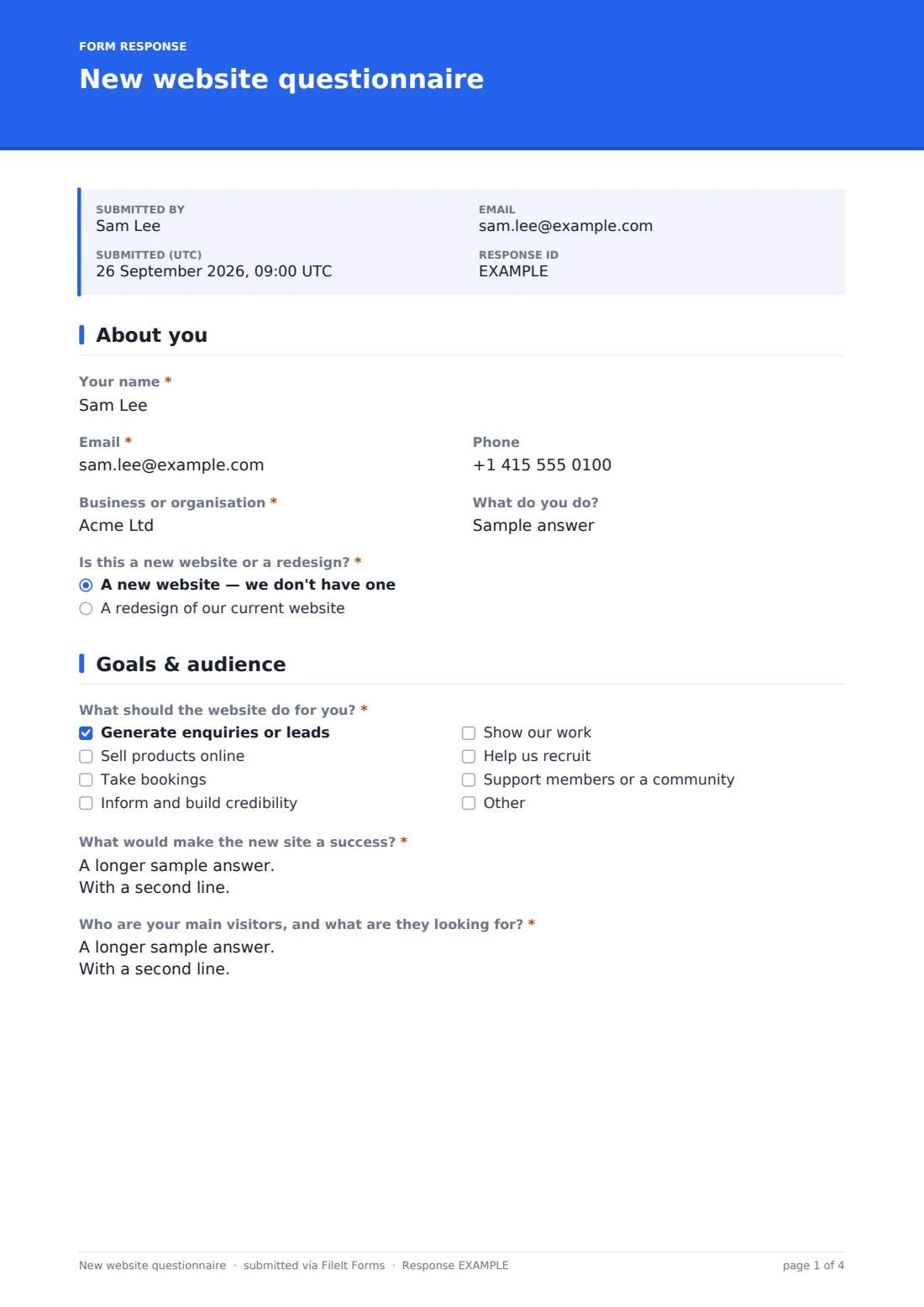
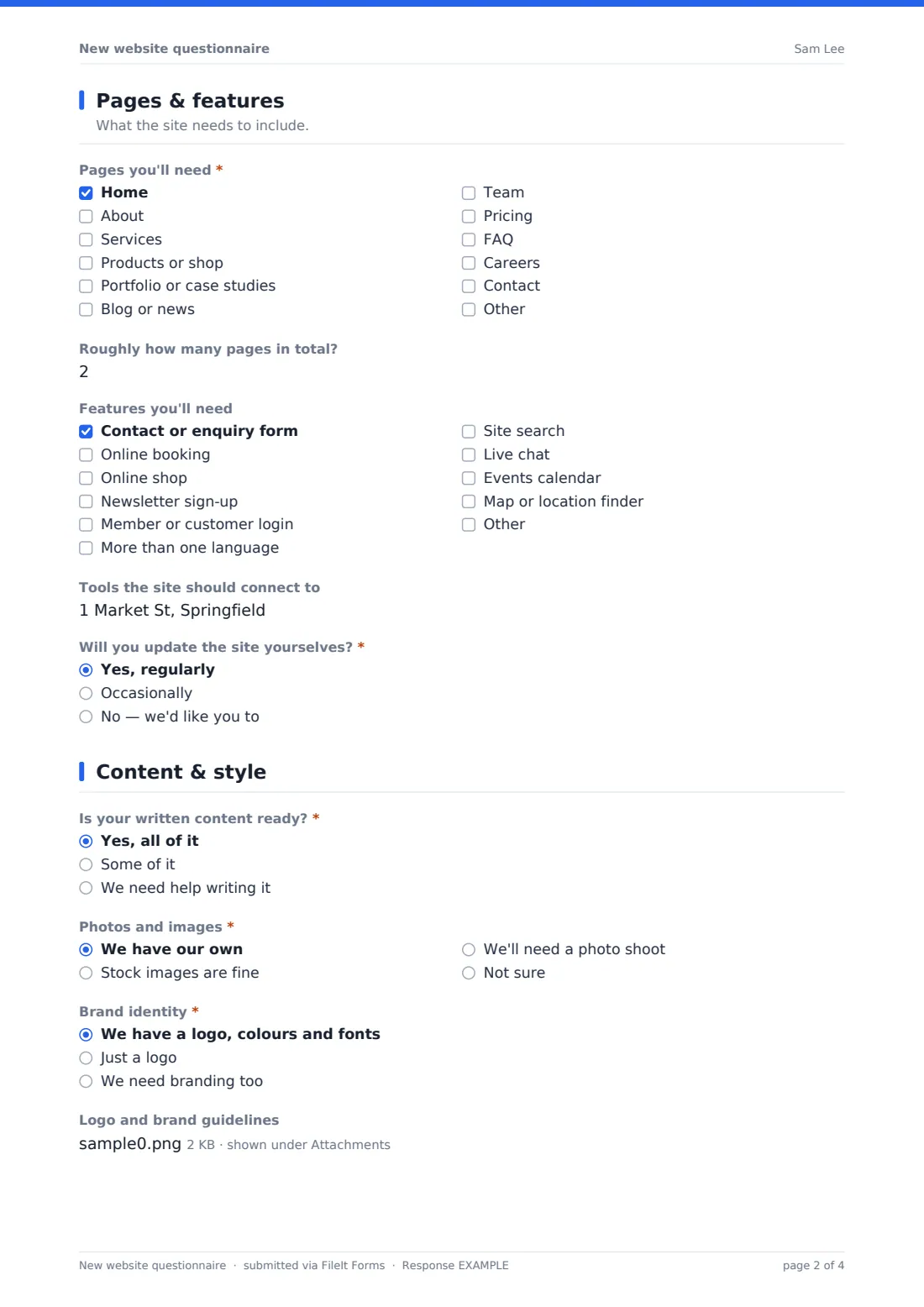
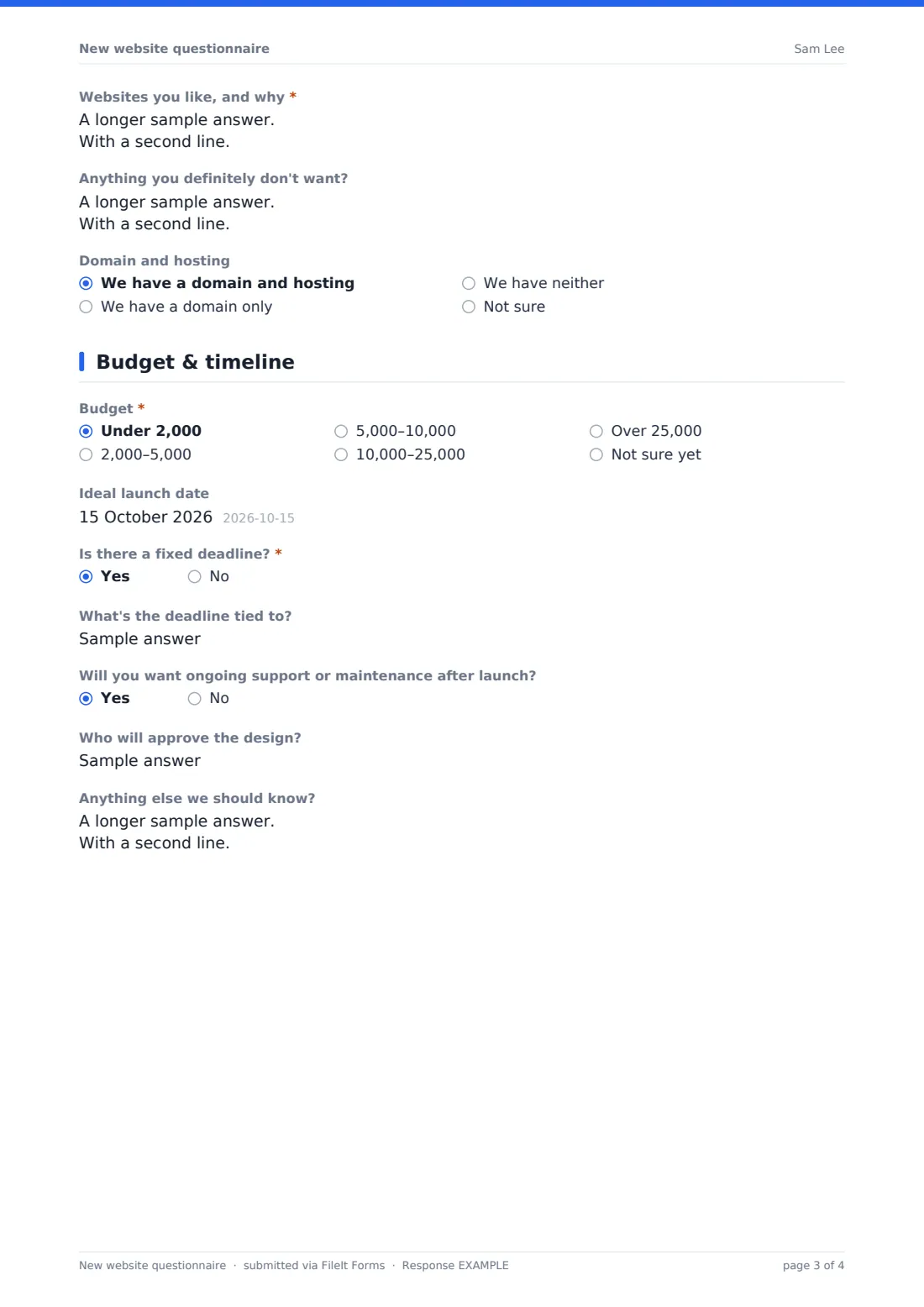
This new website questionnaire asks clients those questions in a clear order: who they are and whether it's a new site or a redesign; what the site should achieve and who visits it; the pages and features they need; how ready their content, photos and branding are, plus sites they like; and finally budget, launch date and who approves the design.
Every questionnaire is saved as a PDF in your FileIt vault with the client's brand files attached, giving you what you need to write an accurate proposal.
- Best for
- Web designers, developers and digital agencies
- Filled in by
- Prospective or new clients planning a website
- Time to complete
- About 10-15 minutes
- Includes
- Redesign-only questions, feature follow-ups for shops and multiple languages, and brand file uploads
Who uses a new website questionnaire form?
- A freelance web designer qualifying enquiries before a discovery call
- An agency collecting requirements to write a fixed-price proposal
- A developer planning a redesign of a client's outdated site
- A marketing consultant scoping a small business's first website
- A nonprofit gathering input from its team before hiring a designer
- A studio offering website packages that needs to know which one fits
Questions on this new website questionnaire form
32 questions over 5 pages · includes file upload, conditional questions, multiple pages.
1 About you
- Your name*
- Email*
- Phone
- Business or organisation*
- What do you do?
- Is this a new website or a redesign?* A new website — we don't have one · A redesign of our current website
- Current website address* asked only when it applies
2 Goals & audience
- What should the website do for you?* Generate enquiries or leads · Sell products online · Take bookings · Inform and build credibility · Show our work · Help us recruit · Support members or a community
- What would make the new site a success?*
- Who are your main visitors, and what are they looking for?*
- What isn't working on your current site? asked only when it applies
3 Pages & features
- Pages you'll need* Home · About · Services · Products or shop · Portfolio or case studies · Blog or news · Team · Pricing · FAQ · Careers · Contact
- Roughly how many pages in total?
- Features you'll need Contact or enquiry form · Online booking · Online shop · Newsletter sign-up · Member or customer login · More than one language · Site search · Live chat · Events calendar · Map or location finder
- How many products will you sell? asked only when it applies
- Which languages? asked only when it applies
- Tools the site should connect to
- Will you update the site yourselves?* Yes, regularly · Occasionally · No — we'd like you to
4 Content & style
- Is your written content ready?* Yes, all of it · Some of it · We need help writing it
- Photos and images* We have our own · Stock images are fine · We'll need a photo shoot · Not sure
- Brand identity* We have a logo, colours and fonts · Just a logo · We need branding too
- Logo and brand guidelines asked only when it applies
- Websites you like, and why*
- Anything you definitely don't want?
- Domain and hosting We have a domain and hosting · We have a domain only · We have neither · Not sure
5 Budget & timeline
- Budget* Under 2,000 · 2,000–5,000 · 5,000–10,000 · 10,000–25,000 · Over 25,000 · Not sure yet
- Ideal launch date
- Is there a fixed deadline?*
- What's the deadline tied to? asked only when it applies
- Will you want ongoing support or maintenance after launch?
- Who will approve the design?
- Anything else we should know?
The new website questionnaire form, page by page
1 About you
The client gives their name, email, phone, business and what they do, then says whether this is a new website or a redesign. A redesign asks for the current website address.
2 Goals & audience
The client ticks what the site should do — generate enquiries, sell products, take bookings, build credibility, show work, help recruit or support a community — and explains what success would look like. They describe their main visitors, and redesign clients also say what isn't working on their current site.
3 Pages & features
A checklist of pages covers home, about, services, shop, portfolio, blog, team, pricing, FAQ, careers and contact, with an estimate of the total number of pages. Features include contact forms, booking, an online shop (which asks how many products), newsletter sign-up, member login, more than one language (which asks which languages), search, live chat, events and maps. The client lists tools the site should connect to and whether they'll update it themselves.
4 Content & style
The client says whether their written content is ready, where photos will come from, and what brand identity they have; anyone with a logo can upload it with their brand guidelines. A required question asks for websites they like and why, followed by anything they definitely don't want and whether they already have a domain and hosting.
5 Budget & timeline
The client chooses a budget band and an ideal launch date, and says whether there's a fixed deadline and what it's tied to. They say whether they'll want ongoing support, name who will approve the design, and add anything else.
Make the template yours
- Change the budget bands to your currency and the packages you offer
- Remove features you don't build, or add ones you specialise in
- Add a question about the platform the client prefers, if you work with several
- Put your typical project timeline in the cover text so budgets and dates are realistic
- Route questionnaires to a Prospects folder, then move them to the client's folder once they sign
- Add a link to your portfolio in the confirmation message
Tips for a better new website questionnaire form
- Read the websites-they-like answer closely — it tells you more than any style question
- Ask about content early; waiting for copy is one of the most common causes of delay
- Check whether the client actually has access to their domain before you plan a launch date
- Clarify who approves the design, especially in larger organisations
- Use the page and feature answers to structure your proposal so clients see you listened
- Follow up on 'Not sure' answers in your discovery call rather than guessing
Every response becomes a PDF in your vault
Each questionnaire is saved as a PDF in your vault with the client's logo and brand guidelines attached. With notifications on, you're emailed when it arrives, and the client gets a copy of their answers.
The Responses table lists every enquiry with its budget and launch date, and you can export it to a CSV to track your pipeline. Proposals and contracts are prepared outside the form.
- Start from this template. It opens in the FileIt Forms designer — change any question, add pages, set the rules for when questions appear.
- Share it. Turn on a public link, or send it to people by email, each with their own link. They don’t need a FileIt account.
- Get the answers as PDFs. Each response is saved as a PDF in the vault folder you choose, with uploaded files attached — and listed in a Responses table you can export to CSV.
New website questionnaire form: frequently asked questions
Is this website questionnaire template free?
Yes. It's a starter template in the FileIt Forms app, and all of its questions can be edited.
Can I use it as a website enquiry form?
Yes. Link to it from your own website's contact page; the questions are written so a prospective client can answer them without a call first.
Do clients need to create an account?
No. Anyone with the link can complete the questionnaire.
Can clients upload their logo?
Yes. Clients who have branding see an upload for their logo and brand guidelines, up to five files.
Does it work for redesigns as well as new sites?
Yes. Choosing a redesign asks for the current site's address and what isn't working on it.
Can we change the budget ranges?
Yes. Edit the budget dropdown in the designer to match your currency and pricing.