
What is the veterinary new client registration form template?
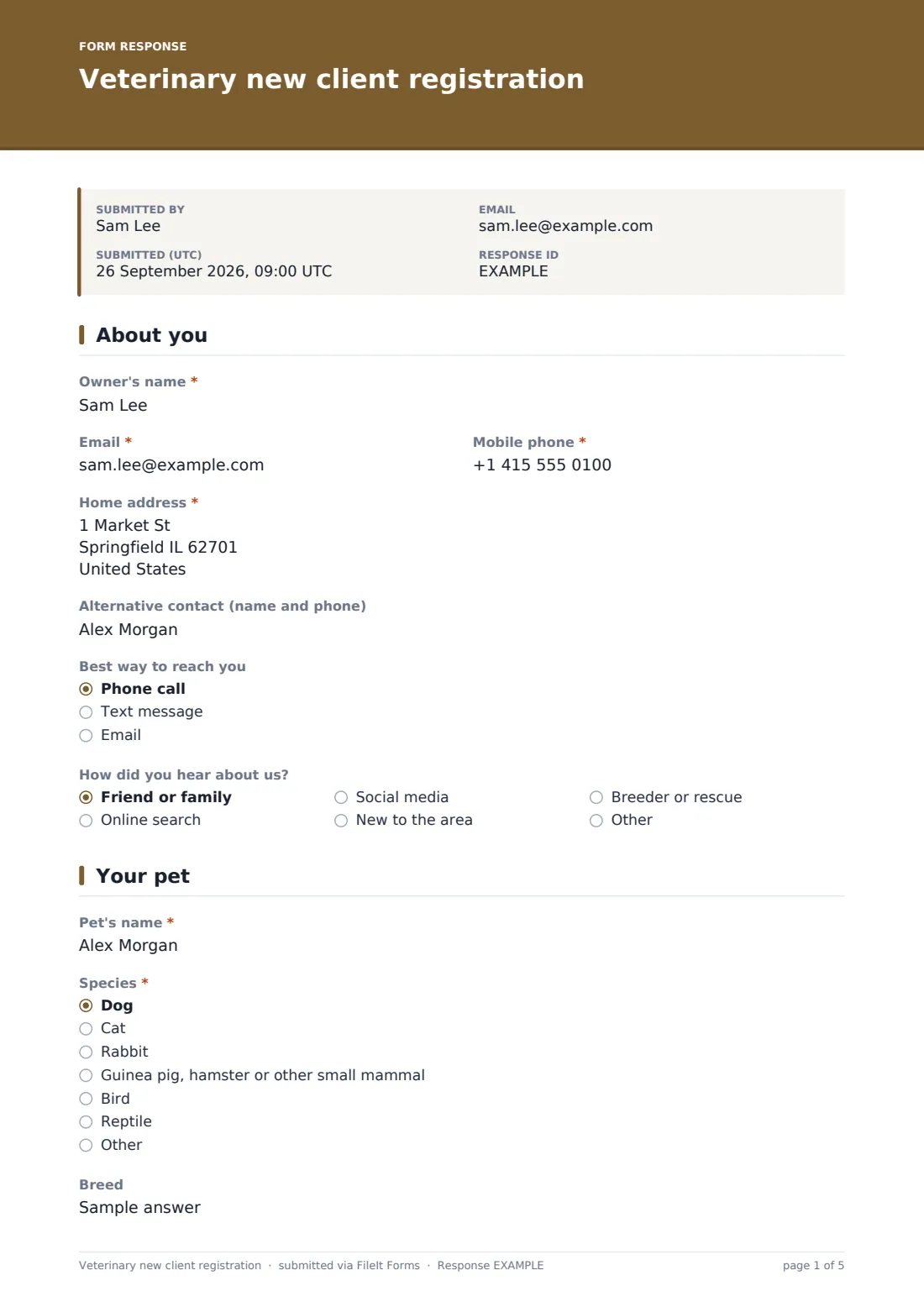
A first vet visit goes better when the team already knows who the animal is, what it's had done before, and what the owner is worried about. This template collects all of it in one go: the owner's contact details, the pet's species, breed, sex and microchip number, vaccination status and preventive care, known conditions and medicines, and any insurance.
Owners can fill it in at home with the vaccination card in front of them, rather than trying to remember booster dates at the reception desk. The form adapts as they go — choosing Other species asks which one, saying the pet is insured asks for the insurer and policy number, and only pets marked up to date are asked for their last vaccination date.
Once signed, FileIt saves the registration as a PDF in the vault folder you pick, with any uploaded records and photo attached, so the clinical team can read it before the consultation.
- Best for
- Veterinary practices, mobile vets and exotic-animal clinics
- Filled in by
- The owner, or someone authorised to bring the animal in
- Time to complete
- About 6–8 minutes per pet
- Includes
- Owner and pet details, vaccination and medical history, handling notes, insurance, signature
Who uses a veterinary new client registration form?
- A small-animal practice registering new clients before their first consultation
- A mobile vet collecting pet and owner details before a home visit
- A practice taking on clients from a clinic that has closed, who all need registering at once
- An exotics vet who needs to know species, diet and history before seeing a reptile or bird
- A clinic that wants handling notes — nervous, may bite, needs a muzzle — flagged before the appointment
- A practice that sends vaccination and preventive care reminders and needs owners' preferences
Questions on this veterinary new client registration form
36 questions over 4 pages · includes signature, file upload, conditional questions, multiple pages, consent checkbox.
1 About you
- Owner's name*
- Email*
- Mobile phone*
- Home address*
- Alternative contact (name and phone)
- Best way to reach you Phone call · Text message · Email
- How did you hear about us? Friend or family · Online search · Social media · New to the area · Breeder or rescue · Other
2 Your pet
- Pet's name*
- Species* Dog · Cat · Rabbit · Guinea pig, hamster or other small mammal · Bird · Reptile · Other
- Which species?* asked only when it applies
- Breed
- Sex* Male — neutered · Male — entire · Female — spayed · Female — entire · Not sure
- Date of birth
- Colour and markings
- Approximate weight
- Microchip number
- Where did your pet come from? Breeder · Rescue or shelter · Private sale or rehoming · Bred at home · Not sure
- Photo of your pet
3 Health history
- Vaccinations* Up to date · Overdue · Never vaccinated · Not sure
- Date of last vaccination asked only when it applies
- Vaccination card or previous vet records
- Previous vet practice
- May we request your pet's records from the previous vet?
- Current preventive care Flea treatment · Worming · Tick treatment · Heartworm prevention · None at the moment
- Known medical conditions, surgeries or injuries
- Current medications and doses
- Allergies or reactions to medicines
- Diet
- Anything we should know when handling your pet? No concerns · Nervous at the vet · May bite or scratch when handled · Reactive to other animals · Usually needs a muzzle
- Reason for the first visit*
4 Insurance & agreement
- Is your pet insured?*
- Insurance company* asked only when it applies
- Policy number asked only when it applies
- Send me reminders for Vaccinations · Flea and worming · Annual check-ups · No reminders please
- Owner's agreement*
- Signature*
The veterinary new client registration form, page by page
1 About you
The owner's name, email, mobile phone and home address, an Alternative contact for emergencies, the Best way to reach you, and How did you hear about us?
2 Your pet
Pet's name, Species (choosing Other asks Which species?), Breed, Sex including neutered or spayed status, Date of birth, Colour and markings, Approximate weight, Microchip number, Where did your pet come from? and an optional photo.
3 Health history
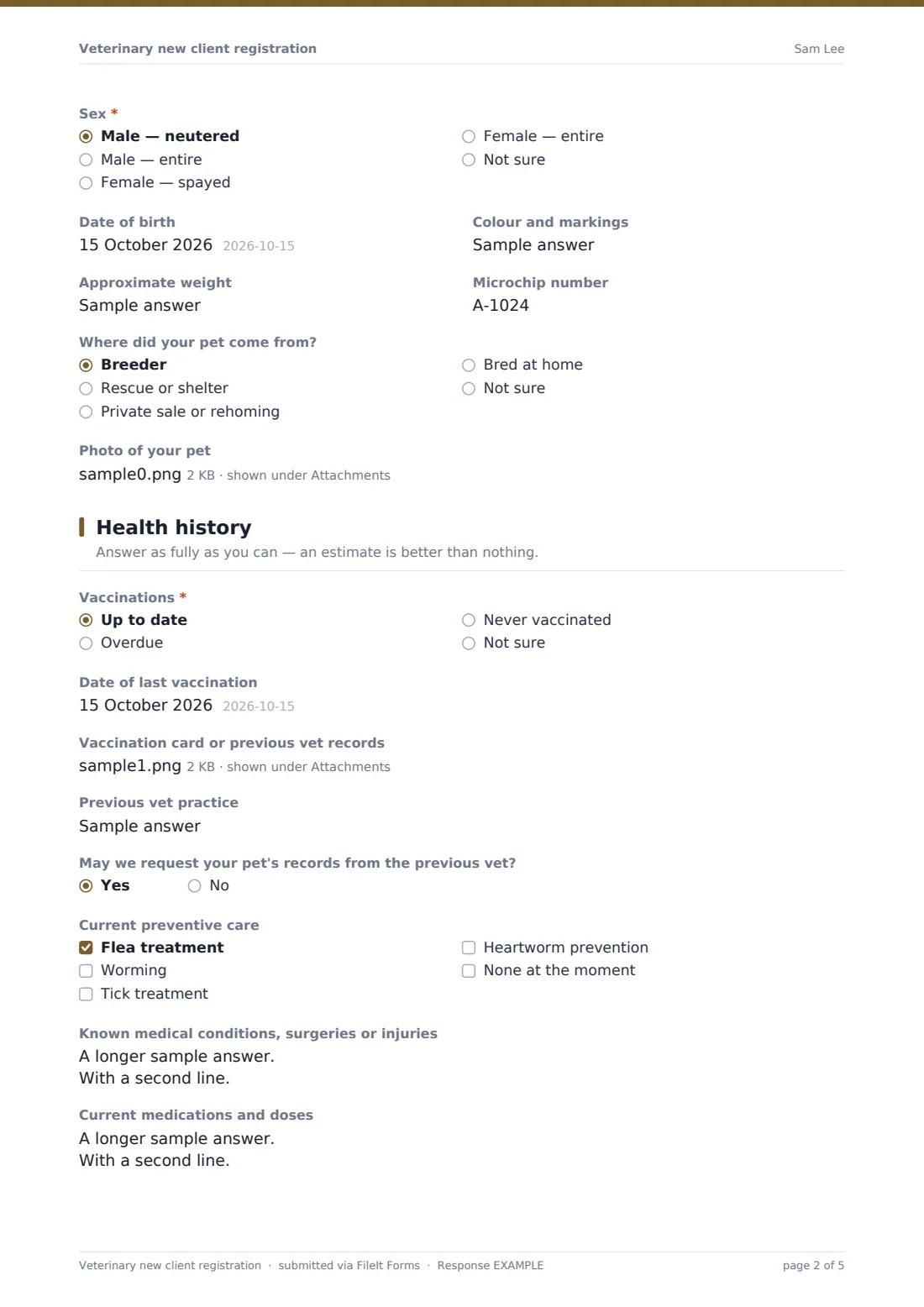
Vaccinations are marked Up to date, Overdue, Never vaccinated or Not sure; up-to-date pets are asked for the date of their last vaccination. Owners can upload vaccination cards or previous records, name their previous vet, and say whether the practice may request records from them.
The page also covers Current preventive care, known medical conditions, current medications, allergies, diet, handling concerns and the Reason for the first visit.
4 Insurance & agreement
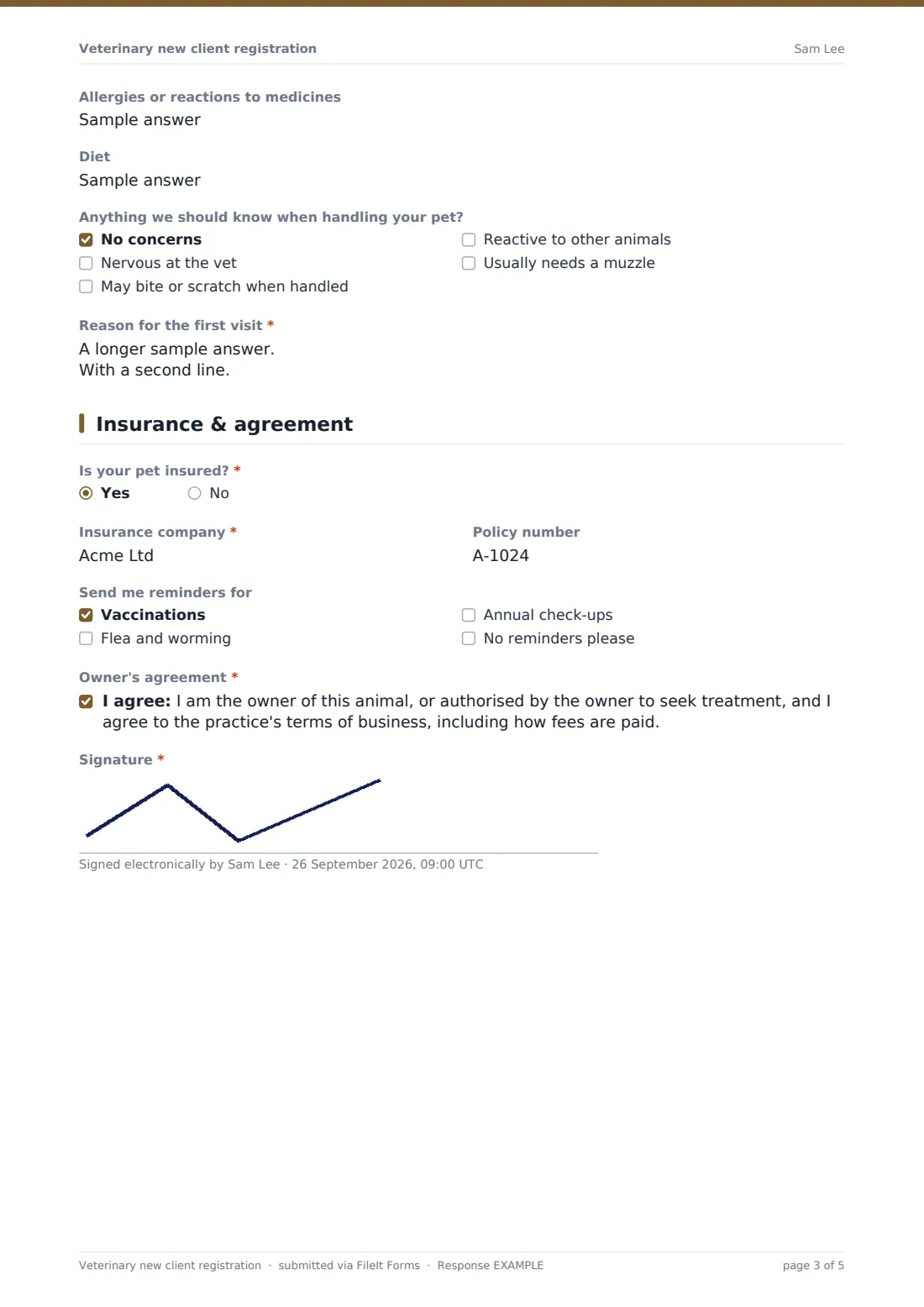
Is your pet insured? — a yes asks for the Insurance company and Policy number. Owners choose which reminders they'd like, then confirm they are the owner or authorised by the owner and agree to the practice's terms of business, and sign.
Make the template yours
- Replace the agreement wording with your practice's own terms of business and fee policy
- Add a second pet section, or ask owners with several pets to submit once per animal
- Tailor the species list to what you see — an equine or farm practice will need different options
- Add questions your clinic always asks, such as travel history or whether the pet is used for breeding
- File registrations under a 'New clients' folder so reception can process them daily
- Turn on the respondent's copy so owners keep a record of what they told you
Tips for a better veterinary new client registration form
- Ask owners to fill this in before the appointment, not in the waiting room — the history is far more complete
- Encourage an upload of the vaccination card; typed booster dates are often guesses
- Read the handling notes before calling a nervous animal in — it can change how the consultation starts
- Request previous records promptly when the owner agrees, so they arrive before any follow-up visit
- Check the microchip number against the chip at the first visit and correct the record if it differs
Every response becomes a PDF in your vault
When the owner signs, FileIt creates a PDF of the registration — owner and pet details, history, insurance, reminders and signature, with uploaded records attached — and files it where you've chosen. You get an email, and the owner can receive their own copy.
Reception staff typically copy the details into the practice management system and request previous records if the owner agreed. FileIt doesn't connect to practice software itself, so the PDF is the record you work from.
- Start from this template. It opens in the FileIt Forms designer — change any question, add pages, set the rules for when questions appear.
- Share it. Turn on a public link, or send it to people by email, each with their own link. They don’t need a FileIt account.
- Get the answers as PDFs. Each response is saved as a PDF in the vault folder you choose, with uploaded files attached — and listed in a Responses table you can export to CSV.
Veterinary new client registration form: frequently asked questions
Is this veterinary registration form free?
Yes. It's a starter template in FileIt's Forms app, included on every plan, and fully editable.
Do owners need a FileIt account?
No. Share a public link or email it to them — they fill it in without signing up.
Can an owner register more than one pet?
The template registers one pet per submission. Owners with several pets submit it once for each, or you can add a second pet page in the designer.
Can owners upload vaccination records?
Yes, up to five PDFs or photos on the Health history page, plus a photo of the pet.
Does it connect to our practice management software?
No. Each registration is saved as a PDF in your FileIt vault, which your team can use to create the record in your own system.
Can I change the consent wording?
Yes. The agreement statement is editable — replace it with your practice's own terms.