
What is the pet boarding intake form template?
Boarding somebody else's pet well means knowing their exact routine — what they eat, when, any medication, and what to do if something goes wrong — not guessing based on a quick chat at drop-off. This template collects all of it in one intake form: owner and stay details, the pet's information, feeding and medication, health and behaviour, and vet details with emergency authorisation.
A verbal handover at drop-off is easy to half-remember by day two of a stay, especially with multiple animals in care at once. A written intake form means feeding amounts, medication doses and behaviour notes are recorded exactly as the owner described them, and can be checked at any point during the stay rather than relied on from memory.
Once submitted, FileIt saves the whole intake as a PDF — vaccination record and pet photo included — in the vault folder for that stay, so it's on hand throughout the booking and easy to find again if the same pet boards with you in future.
- Best for
- Kennels, catteries, pet sitters and boarding facilities
- Filled in by
- The pet's owner, ahead of or at drop-off
- Time to complete
- About 8-10 minutes
- Includes
- Vaccination upload, medication instructions, behaviour flags and emergency vet authorisation
Who uses a pet boarding intake form?
- A boarding kennel or cattery collecting intake details before every stay
- An independent pet sitter standardising what information they gather from owners
- A doggy daycare that needs behaviour and vaccination details on file
- A boarding facility that requires an emergency vet spending authorisation before accepting a pet
- A pet-sitting business managing multiple animals at once and needing clear, written feeding and medication instructions
- A facility building a repeat-client record so returning pets don't need a full re-intake each time
Questions on this pet boarding intake form
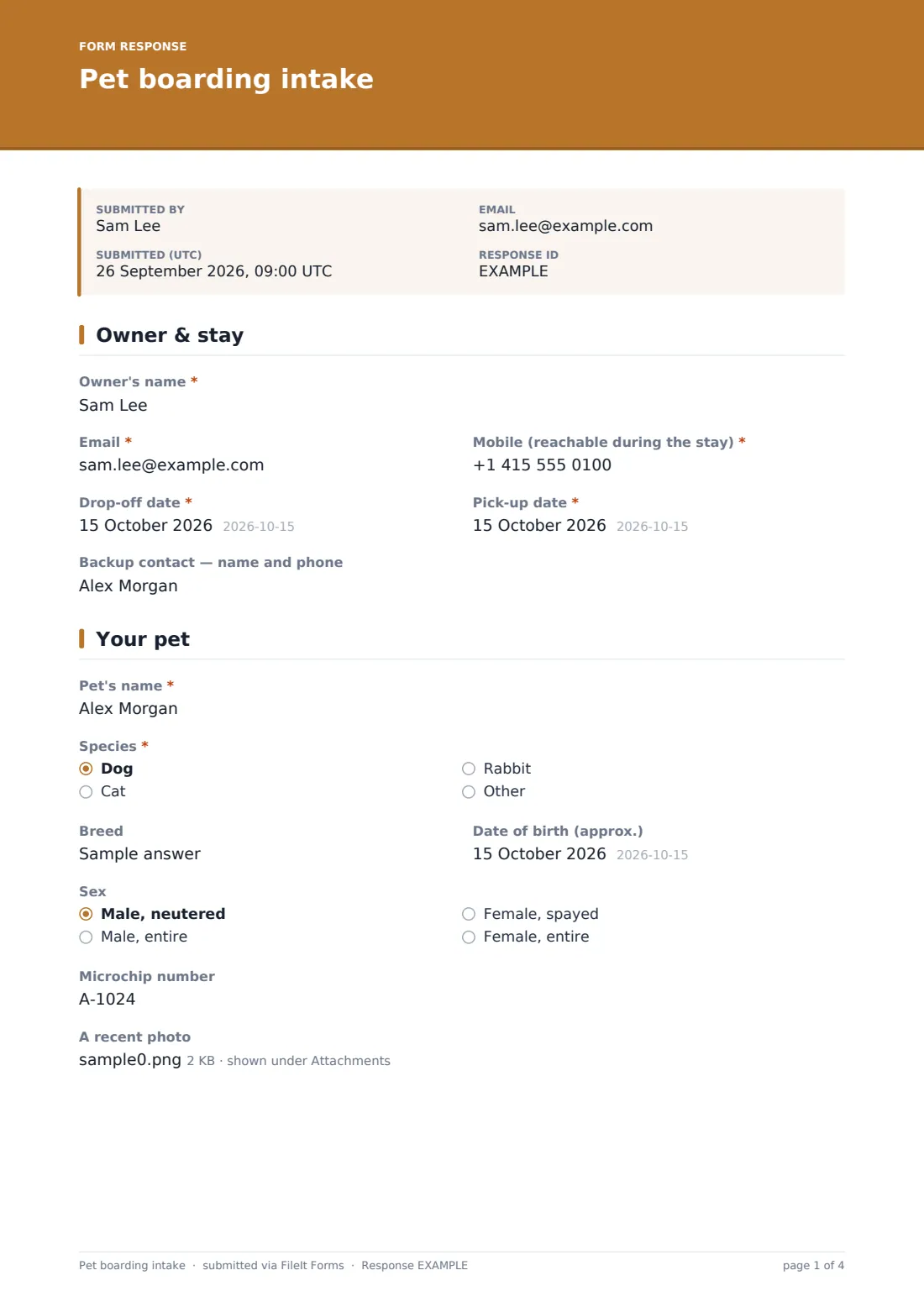
29 questions over 5 pages · includes signature, file upload, conditional questions, multiple pages, consent checkbox.
1 Owner & stay
- Owner's name*
- Email*
- Mobile (reachable during the stay)*
- Drop-off date*
- Pick-up date*
- Backup contact — name and phone
2 Your pet
- Pet's name*
- Species* Dog · Cat · Rabbit
- Breed
- Date of birth (approx.)
- Sex Male, neutered · Male, entire · Female, spayed · Female, entire
- Microchip number
- A recent photo
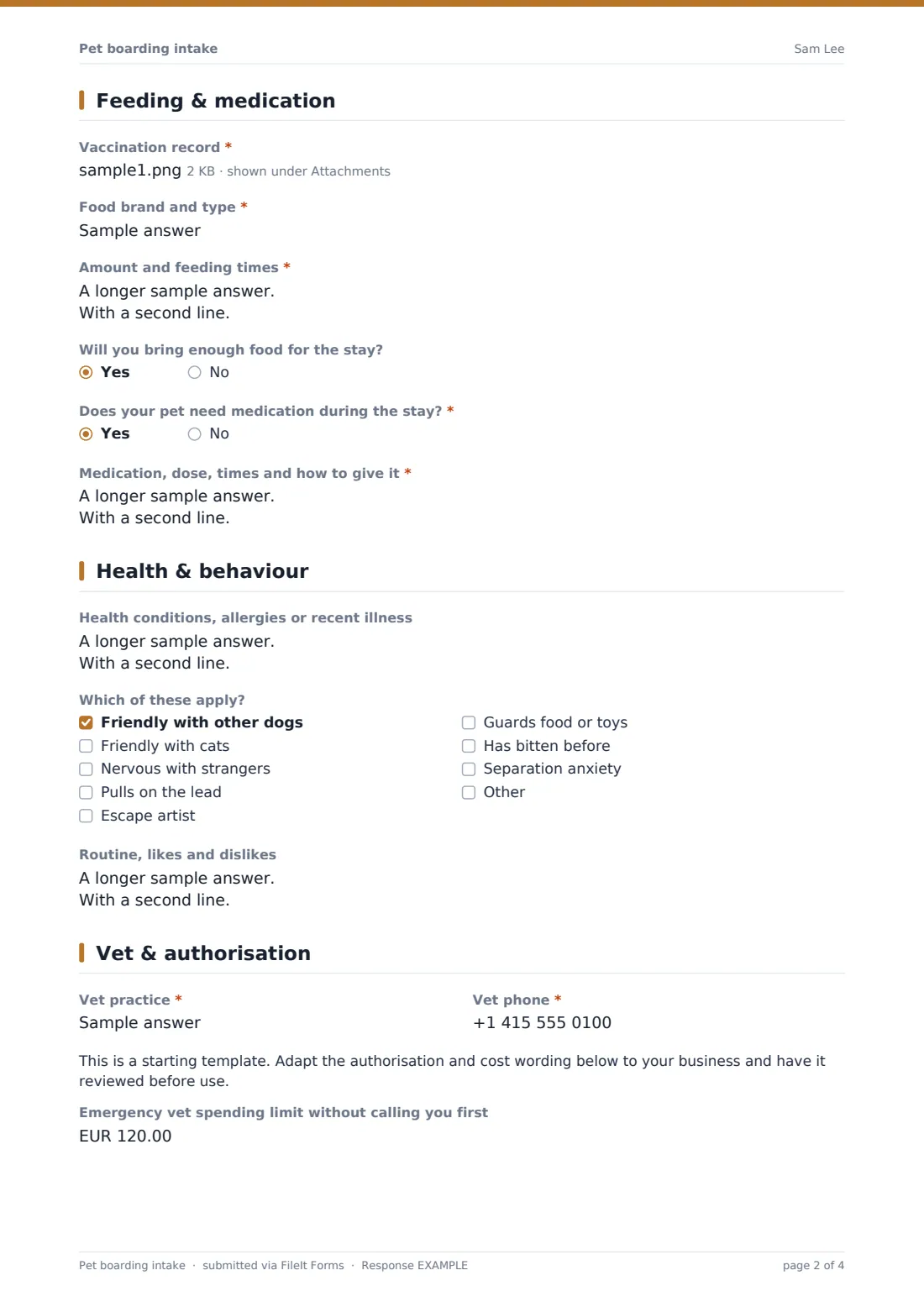
3 Feeding & medication
- Vaccination record*
- Food brand and type*
- Amount and feeding times*
- Will you bring enough food for the stay?
- Does your pet need medication during the stay?*
- Medication, dose, times and how to give it* asked only when it applies
4 Health & behaviour
- Health conditions, allergies or recent illness
- Which of these apply? Friendly with other dogs · Friendly with cats · Nervous with strangers · Pulls on the lead · Escape artist · Guards food or toys · Has bitten before · Separation anxiety
- Please tell us what happened* asked only when it applies
- Routine, likes and dislikes
5 Vet & authorisation
- Vet practice*
- Vet phone*
- Emergency vet spending limit without calling you first
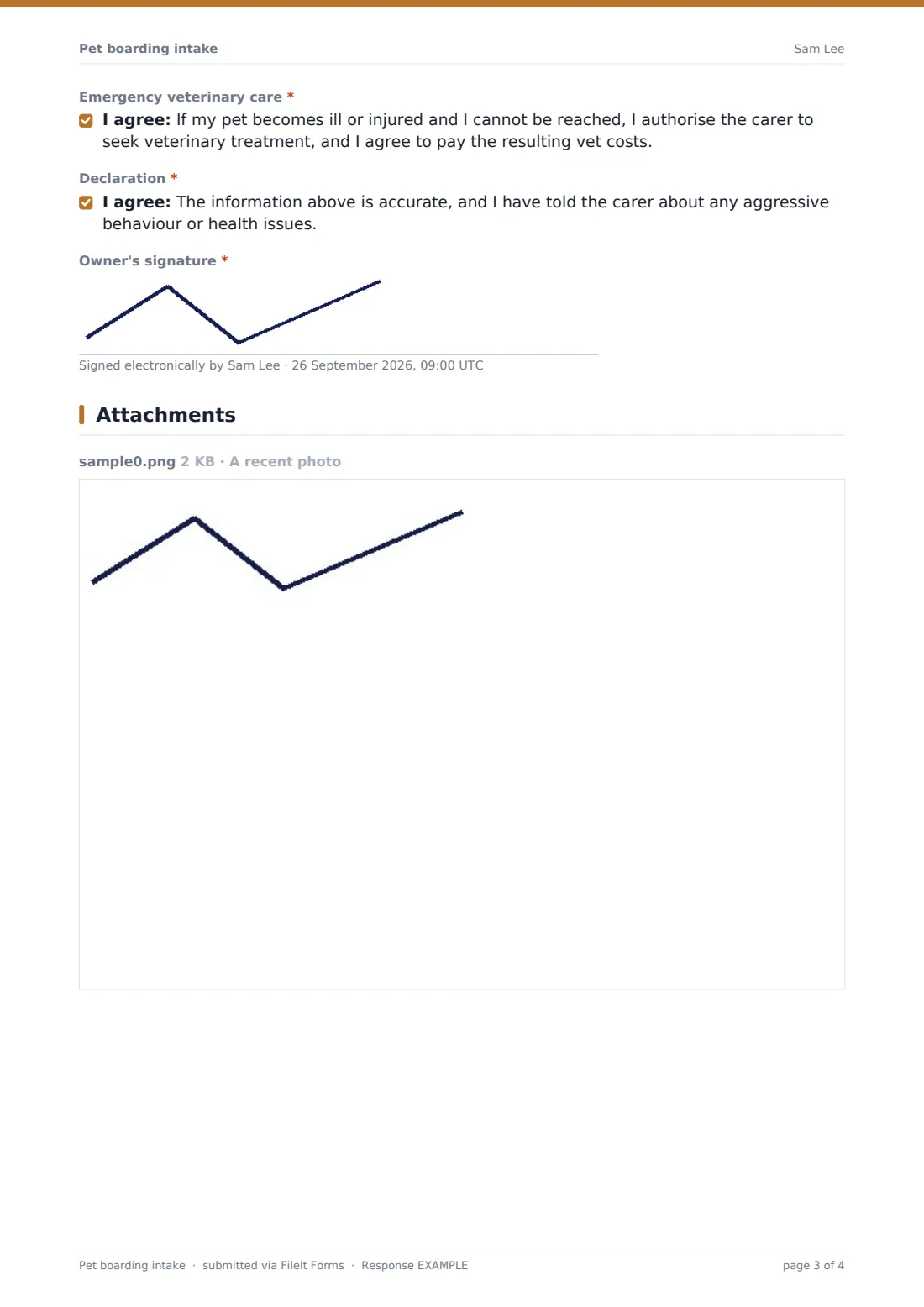
- Emergency veterinary care*
- Declaration*
- Owner's signature*
The pet boarding intake form, page by page
1 Owner & stay
The owner provides their Name, Email and Mobile (reachable during the stay), the Drop-off and Pick-up dates, and an optional Backup contact — someone local who can be reached if the owner can't be. This page sets the basic logistics for the whole stay.
2 Your pet
Details cover the Pet's name, Species (dog, cat, rabbit or other), Breed, approximate Date of birth, Sex, Microchip number, and an optional recent photo — useful for identification and for sharing updates with the owner during the stay.
3 Feeding & medication
A required vaccination record upload comes first, followed by the Food brand and type and Amount and feeding times, with a sample placeholder to guide detailed answers. A yes/no for whether the owner will bring enough food for the stay is followed by a required Does your pet need medication? question — answering yes opens a detailed field for medication, dose, times and exactly how to give it, such as hidden in a treat.
4 Health & behaviour
An open field covers Health conditions, allergies or recent illness, and a checklist flags behaviour traits like friendly with other dogs, nervous with strangers, pulls on the lead, or has bitten before — the last of which opens a required field asking what happened. A Routine, likes and dislikes field lets the owner describe walks, favourite toys, known commands and anything that helps the pet settle.
5 Vet & authorisation
The owner provides their Vet practice and phone number, then an Emergency vet spending limit without calling first (leaving it blank means the sitter always calls before authorising treatment). A required consent authorises emergency veterinary care and agrees to cover resulting costs, alongside a declaration that the information given is accurate, followed by the owner's signature.
Make the template yours
- Adjust the behaviour checklist to match the traits most relevant to your facility, such as noise sensitivity or crate training
- Make the pet photo required if you use it for daily update posts to owners
- Add a question about preferred walk or exercise routine if your facility offers different activity levels
- File each stay under the pet's own vault folder so a boarding history builds up across repeat visits
- Set the emergency spending limit field as required if your policy always needs an explicit figure rather than a blank default
- Turn on the emailed PDF copy so owners have their own record of what they submitted before drop-off
Tips for a better pet boarding intake form
- Ask for the vaccination record before the stay, not at drop-off, so there's time to follow up if anything is missing or out of date
- Read medication instructions carefully and confirm them verbally with the owner at drop-off, even though they're written down
- Take behaviour flags like "has bitten before" seriously and plan staffing or space around them, not just note them
- Set a clear default policy on the emergency spending limit for owners who leave it blank, so staff know exactly when to call first
- Keep completed intakes on file for repeat clients so returning pets don't need to start from scratch each time
Every response becomes a PDF in your vault
As soon as the owner submits the intake, FileIt saves it as a PDF — vaccination record, pet photo and all — in the vault folder for that stay, and your team gets a notification. If enabled, the owner also receives their own PDF copy, giving them a record of exactly what they told you before drop-off.
Facilities typically check the Responses table before each stay begins, confirming vaccinations are current and reviewing feeding, medication and behaviour notes with the staff who'll actually be caring for the pet. Because intakes are saved and searchable, a returning pet's previous stay details are easy to pull up again for comparison.
- Start from this template. It opens in the FileIt Forms designer — change any question, add pages, set the rules for when questions appear.
- Share it. Turn on a public link, or send it to people by email, each with their own link. They don’t need a FileIt account.
- Get the answers as PDFs. Each response is saved as a PDF in the vault folder you choose, with uploaded files attached — and listed in a Responses table you can export to CSV.
Pet boarding intake form: frequently asked questions
Is this pet boarding intake form template free?
Yes, it's included in FileIt's Forms app on every account, including the free plan, and every question can be edited.
Does the pet owner need a FileIt account to fill it in?
No. You send them a link by email or text ahead of drop-off, and they complete it without creating an account.
Do we get the completed intake as a PDF?
Yes, automatically — every submission is saved as a PDF in your FileIt vault, with any uploaded vaccination records or photos attached.
Does the form require proof of vaccination?
Yes, there's a required file upload for the vaccination record, so it's on file before the stay begins.
How does emergency vet authorisation work?
The owner sets an optional spending limit for treatment without being called first, and separately gives consent for the sitter to seek emergency veterinary care and agrees to cover the resulting costs.
Can we flag pets with a bite history?
Yes, the behaviour checklist includes a "has bitten before" option, which opens a required field asking what happened so staff can plan accordingly.
Can owners upload a photo of their pet?
Yes, there's an optional photo upload field, useful for identification and for sharing updates during the stay.
Can we reuse intake details for a returning pet?
The form itself doesn't carry answers forward automatically, but because each intake is saved in the vault, staff can quickly compare a new submission against a pet's previous stay.