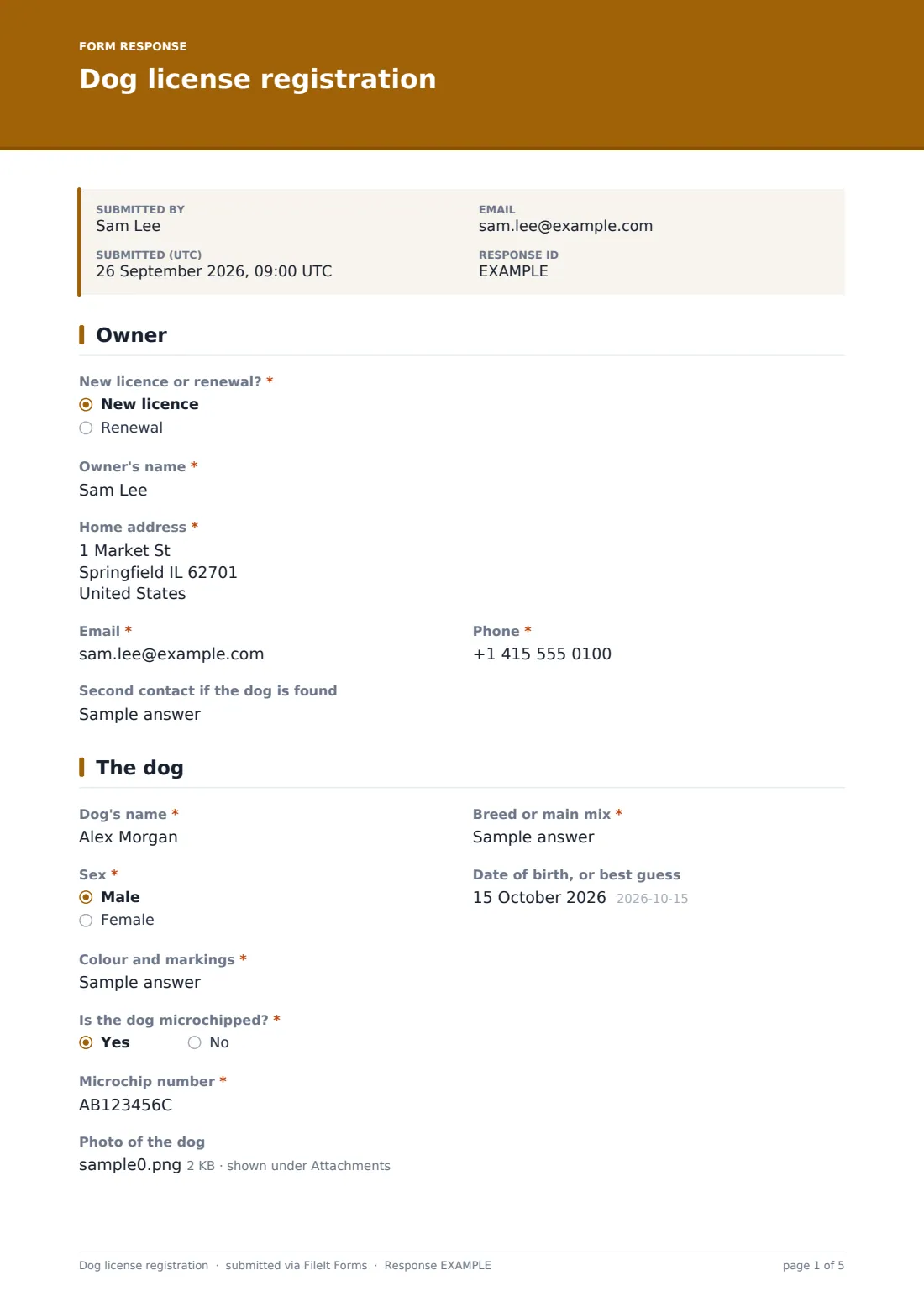
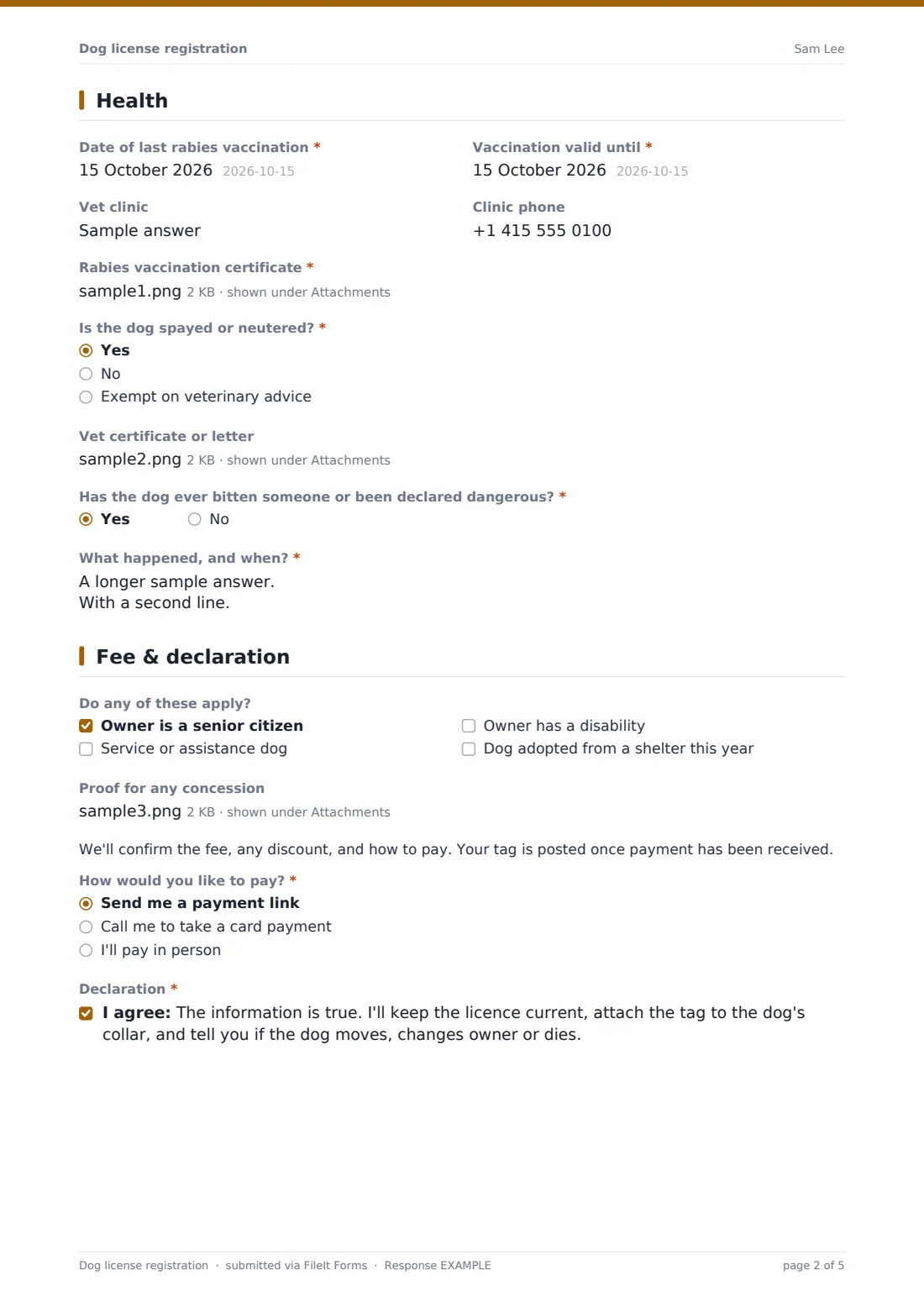
What is the dog license registration form template?
Animal services need to know who owns a dog, how to reach them, what the dog looks like, whether it's microchipped and that its rabies vaccination is current. This form asks for all of that and takes the vaccination certificate as an upload.
It adapts to each dog. Renewals ask for the current tag number. A microchipped dog asks for the chip number, checked against the usual 9 to 15 characters. Spayed or neutered dogs, and those exempt on veterinary advice, can upload a vet's certificate. A bite history asks what happened. Owners can tick concessions such as being a senior citizen or having a service dog and upload proof.
Each registration is saved as a PDF in FileIt. A note tells owners you'll confirm the fee and post the tag once it's paid.
- Best for
- Cities, counties, animal services and local authorities that license dogs
- Filled in by
- Dog owners
- Time to complete
- About 6 minutes with the vaccination certificate ready
- Includes
- New or renewal, tag number, owner, address, contact, second contact, dog's name, breed, sex, birth date, colour, microchip, photo, rabies dates, vet, certificate, spay or neuter, bite history, concessions, payment, declaration
Who uses a dog license registration form?
- A family registering a new puppy
- An owner renewing a licence before it runs out
- A rescue dog adopted from a shelter
- A service dog owner claiming a concession
- An owner who has just moved into the area
Questions on this dog license registration form
28 questions over 4 pages · includes file upload, conditional questions, multiple pages, consent checkbox.
1 Owner
- New licence or renewal?* New licence · Renewal
- Current tag number asked only when it applies
- Owner's name*
- Home address*
- Email*
- Phone*
- Second contact if the dog is found
2 The dog
- Dog's name*
- Breed or main mix*
- Sex* Male · Female
- Date of birth, or best guess
- Colour and markings*
- Is the dog microchipped?*
- Microchip number* asked only when it applies
- Photo of the dog
3 Health
- Date of last rabies vaccination*
- Vaccination valid until*
- Vet clinic
- Clinic phone
- Rabies vaccination certificate*
- Is the dog spayed or neutered?* Yes · No · Exempt on veterinary advice
- Vet certificate or letter asked only when it applies
- Has the dog ever bitten someone or been declared dangerous?*
- What happened, and when?* asked only when it applies
4 Fee & declaration
- Do any of these apply? Owner is a senior citizen · Service or assistance dog · Owner has a disability · Dog adopted from a shelter this year
- Proof for any concession asked only when it applies
- How would you like to pay?* Send me a payment link · Call me to take a card payment · I'll pay in person
- Declaration*
The dog license registration form, page by page
1 Owner
"New licence or renewal?" asks for the current tag number on a renewal. The owner gives their name, home address, email, phone and a second contact if the dog is found.
2 The dog
Name, breed, sex, date of birth, colour and markings, "Is the dog microchipped?" with the chip number, and a photo.
3 Health
"Date of last rabies vaccination", "Vaccination valid until", the vet clinic and phone, and the rabies certificate (required). "Is the dog spayed or neutered?" offers yes, no or exempt, with a vet's certificate upload for yes or exempt. "Has the dog ever bitten someone or been declared dangerous?" asks what happened and when.
4 Fee & declaration
"Do any of these apply?" lists concessions for senior owners, service dogs, disabled owners and dogs adopted from a shelter this year, with a proof upload. A note on the fee and tag, "How would you like to pay?" and a declaration finish the form.
Make the template yours
- Put your licence fees and any multi-year options in the cover text
- Edit the concessions to match the discounts you offer
- Add questions your ordinance requires, such as a kennel licence for several dogs
- Notify animal services by email for every new registration
- Remove the microchip pattern if your region uses a different format
Tips for a better dog license registration form
- Check the vaccination valid-until date covers the licence period
- Follow up any bite history under your own procedures
- Send renewal reminders before licences run out
- Keep the photo with the record to help reunite lost dogs
- Export registrations to CSV for your licence register
Every response becomes a PDF in your vault
Each registration is saved as a PDF in the folder you choose, with the rabies certificate, photo and proofs attached. Animal services is emailed, and the owner gets a copy if you leave that on.
The Responses table lets you search by owner, dog or microchip number. Owners who keep their own FileIt vault can file the rabies certificate there too, so its expiry gets a reminder.
- Start from this template. It opens in the FileIt Forms designer — change any question, add pages, set the rules for when questions appear.
- Share it. Turn on a public link, or send it to people by email, each with their own link. They don’t need a FileIt account.
- Get the answers as PDFs. Each response is saved as a PDF in the vault folder you choose, with uploaded files attached — and listed in a Responses table you can export to CSV.
Dog license registration form: frequently asked questions
Is this dog license template free?
Yes. It's one of the starter templates in the Forms app, included on every FileIt account, and you can edit any question.
Can owners pay the licence fee online through the form?
The form doesn't take payments. Explain the fee and how to pay in the cover text or confirmation message, or contact the applicant afterwards.
Can one form register several dogs?
Each submission is for one dog. Owners with more than one submit the form again for each.
Do owners need a FileIt account?
No. They open your link and fill it in. No account is needed.
Is this the official licence form for our area?
It's a starting point. Check it against your own rules and edit the questions to match what your council or city requires.