What is the lost pet report form template?
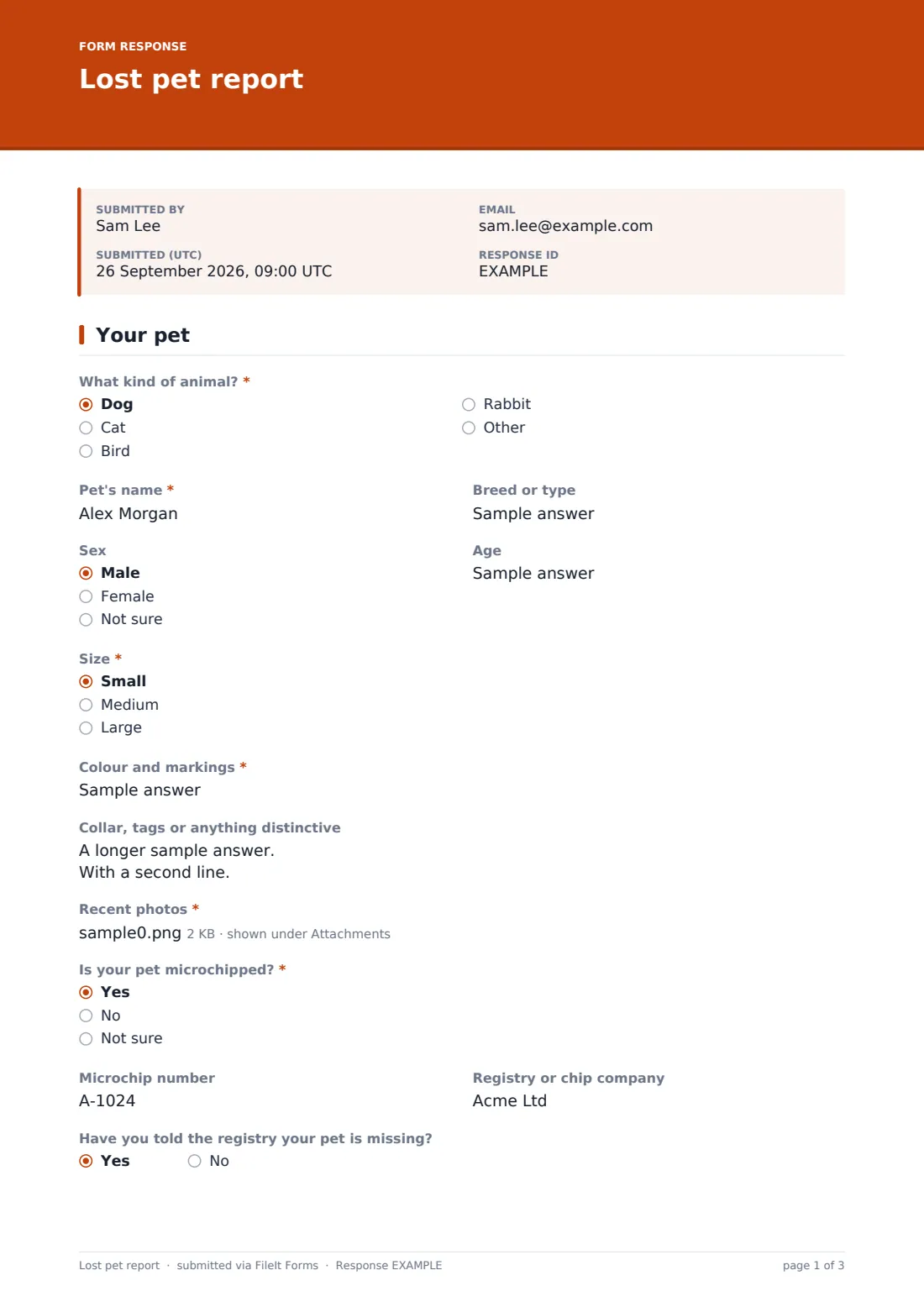
The first hours after a dog slips its leash or a cat doesn't come home are when a good description matters most, and when owners are least able to give one over the phone. This lost pet report walks them through it: what kind of animal, its name, breed, size, colour and markings, collar or anything distinctive, and up to three recent photos.
The form also asks the question volunteers most need answered: what should someone do if they spot the pet? Some animals come when called; others bolt if anyone moves toward them. Microchipped pets get a chip number and registry field, plus a reminder-style question about whether the registry knows the pet is missing.
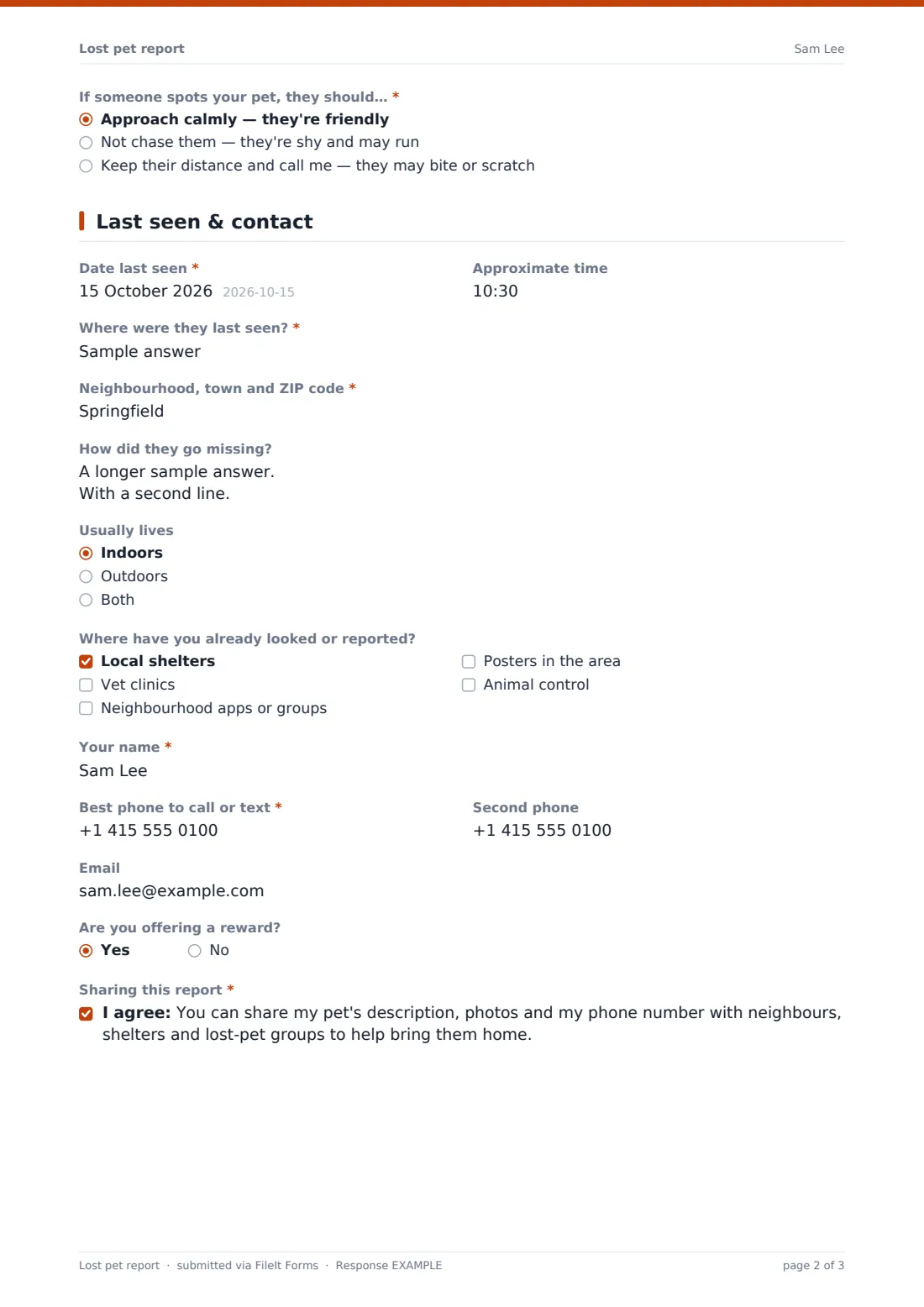
The second page records where and when the pet was last seen, how it got out and where the owner has already searched, then the owner's contact details and a consent to share them. Each report is filed as a PDF in your FileIt vault with the photos attached, ready to forward to shelters or turn into a poster.
- Best for
- Neighbourhood groups, HOAs, animal shelters, rescues and vet clinics
- Filled in by
- Owners of a missing pet
- Time to complete
- About 5 minutes
- Includes
- Description, up to three photos, microchip number and registry, approach advice, last-seen date, time and place, places already searched, contact consent
Who uses a lost pet report form?
- A neighbourhood watch or HOA running a lost-pet alert list
- An animal shelter taking missing pet reports online
- A vet clinic helping clients after a pet escapes
- A volunteer lost-pet recovery group
- An apartment community sharing alerts with residents
Questions on this lost pet report form
27 questions over 2 pages · includes file upload, conditional questions, multiple pages, consent checkbox.
1 Your pet
- What kind of animal?* Dog · Cat · Bird · Rabbit
- Pet's name*
- Breed or type
- Sex Male · Female · Not sure
- Age
- Size* Small · Medium · Large
- Colour and markings*
- Collar, tags or anything distinctive
- Recent photos*
- Is your pet microchipped?* Yes · No · Not sure
- Microchip number asked only when it applies
- Registry or chip company asked only when it applies
- Have you told the registry your pet is missing? asked only when it applies
- If someone spots your pet, they should…* Approach calmly — they're friendly · Not chase them — they're shy and may run · Keep their distance and call me — they may bite or scratch
2 Last seen & contact
- Date last seen*
- Approximate time
- Where were they last seen?*
- Neighbourhood, town and ZIP code*
- How did they go missing?
- Usually lives Indoors · Outdoors · Both
- Where have you already looked or reported? Local shelters · Vet clinics · Neighbourhood apps or groups · Posters in the area · Animal control
- Your name*
- Best phone to call or text*
- Second phone
- Are you offering a reward?
- Sharing this report*
The lost pet report form, page by page
1 Your pet
"What kind of animal?" covers dogs, cats, birds, rabbits and others, followed by the pet's name, breed or type, sex, age and size. "Colour and markings" and "Collar, tags or anything distinctive" describe the pet, and "Recent photos" takes up to three images. "Is your pet microchipped?" — yes opens the microchip number, the registry or chip company, and "Have you told the registry your pet is missing?". The page ends with "If someone spots your pet, they should…": approach calmly, not chase them, or keep their distance and call.
2 Last seen & contact
The owner gives the date and approximate time last seen, "Where were they last seen?" as an address or cross streets, and their neighbourhood, town and ZIP code. They say how the pet went missing, whether it usually lives indoors or out, and where they've already looked or reported: shelters, vet clinics, neighbourhood apps, posters or animal control. Their name, best phone to call or text, a second phone and email follow, then an optional reward question and a required consent to share the description, photos and phone number.
Make the template yours
- Add your service area to the cover text so owners know whether you cover their neighbourhood
- Add a "Found pet" link in the confirmation message pointing to your matching found-pet form
- Add local shelters by name to the "already looked" list
- Add volunteer coordinators to the notification list so alerts go out fast
- Change the species list if you're a specialist rescue
Tips for a better lost pet report form
- Share the photo and the approach advice first; they're what help a stranger act
- Check the microchip question and remind owners to report the pet missing to the registry
- Use the last-seen area to decide which neighbours and groups to alert
- Ask owners to tell you when the pet is home so you can close the alert
- Keep reports on file; patterns in where pets go missing can help prevent the next one
Every response becomes a PDF in your vault
Each report is saved as a PDF in the vault folder you choose, with the photos attached to the same document. You and anyone on the notification list are emailed at once, and the owner gets a copy if they gave an email.
The Responses table lists open reports with search by area, species or colour. Export to CSV to compare against found-pet reports or shelter intakes.
- Start from this template. It opens in the FileIt Forms designer — change any question, add pages, set the rules for when questions appear.
- Share it. Turn on a public link, or send it to people by email, each with their own link. They don’t need a FileIt account.
- Get the answers as PDFs. Each response is saved as a PDF in the vault folder you choose, with uploaded files attached — and listed in a Responses table you can export to CSV.
Lost pet report form: frequently asked questions
Is this lost pet report template free?
Yes. It's included in the Forms app on every FileIt account, including the free plan.
Does FileIt post the report publicly?
No. Reports go to you. You decide where to share them, using the owner's consent on the form.
Can owners upload photos from their phone?
Yes. They can add up to three JPG, PNG or HEIC photos straight from their camera roll.
Do owners need a FileIt account?
No. They open the link and submit the report without signing up.
Can I use it for found pets too?
Duplicate it and change the questions — for example "Where did you find the animal?" and "Where is it now?".