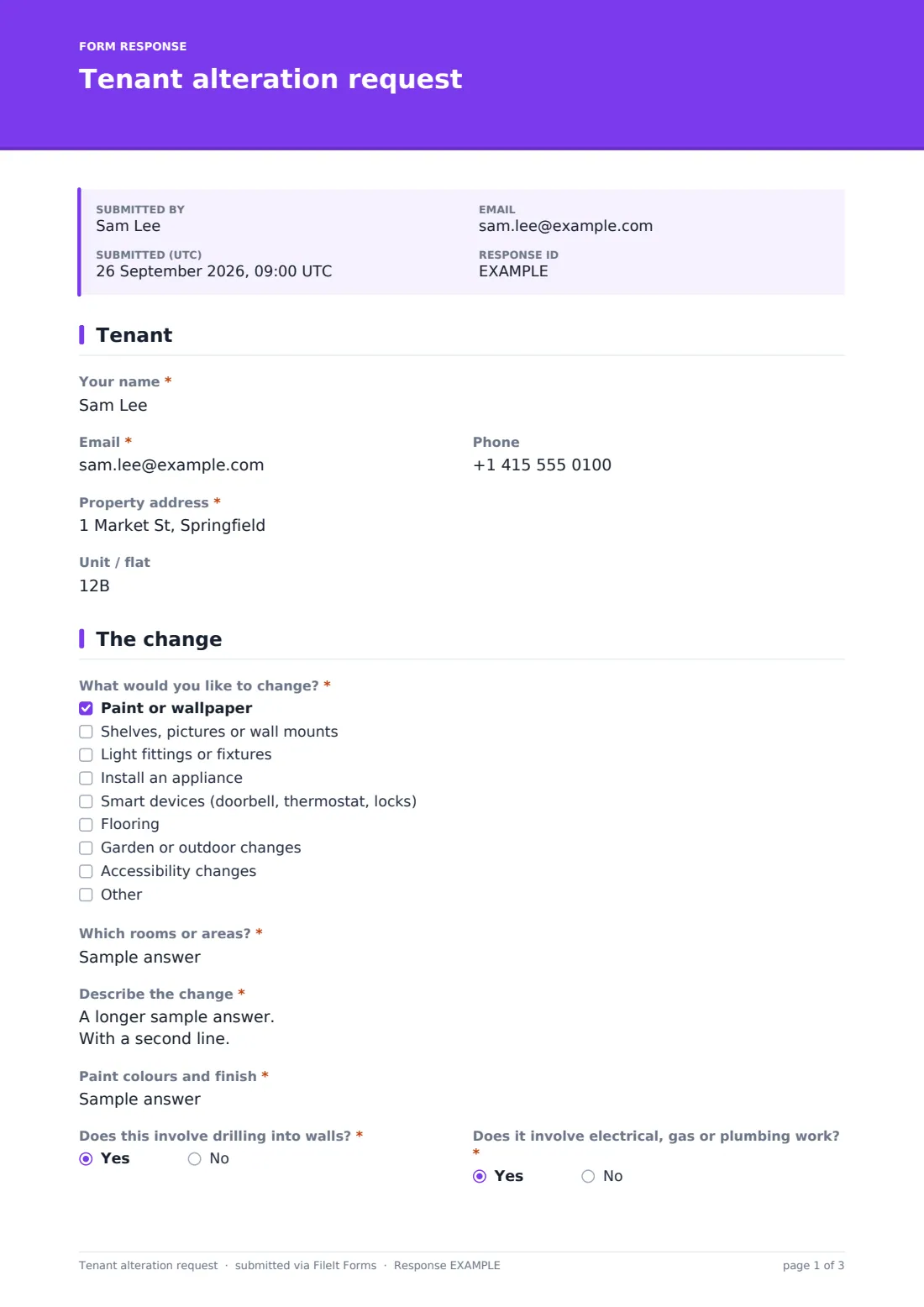
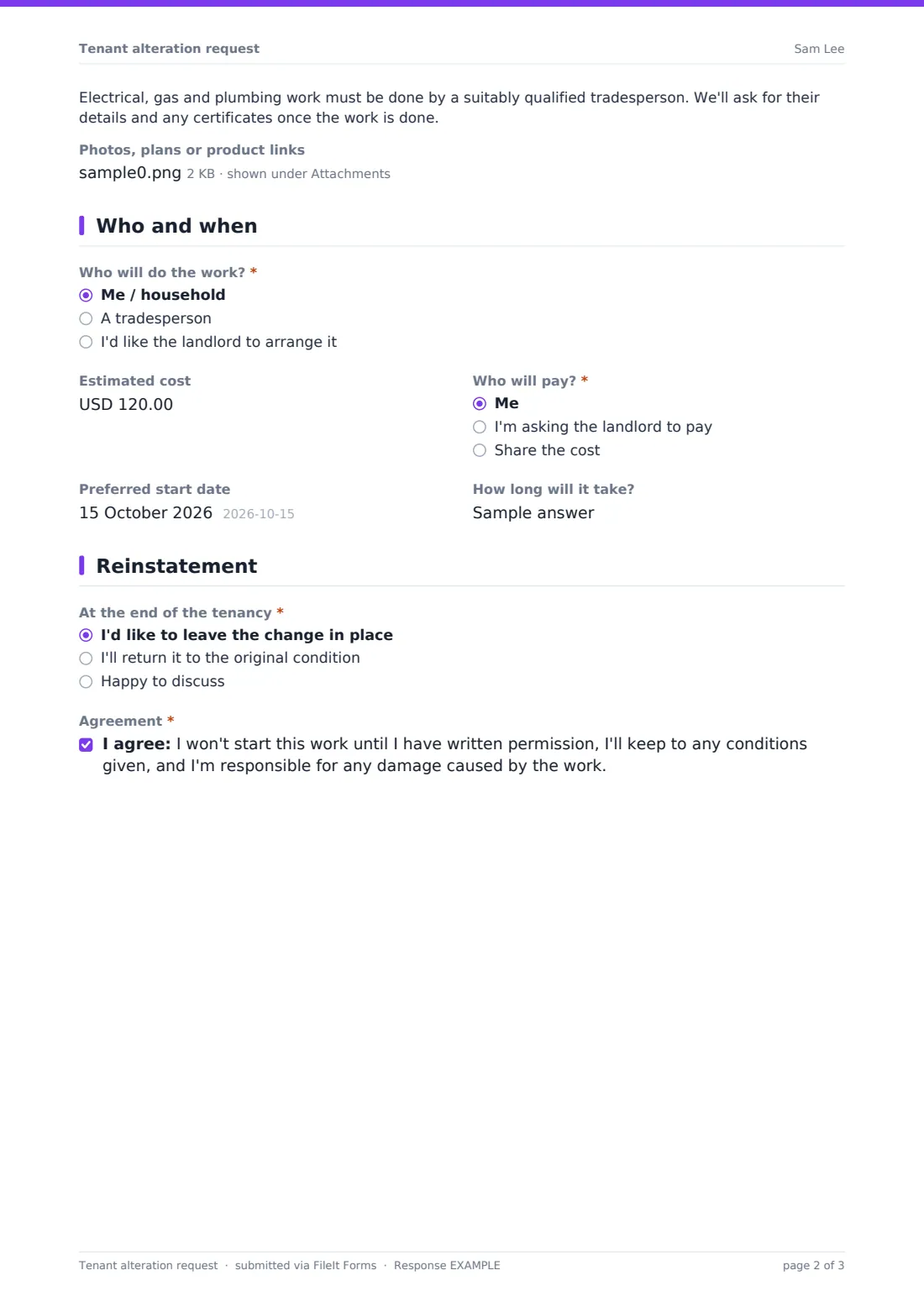
What is the tenant alteration request form template?
Tenants often want to make a rented home their own: a painted bedroom, shelves in the living room, a smart doorbell, a dishwasher where there wasn't one. Most tenancy agreements ask them to get permission first, but "Is it OK if I put up some shelves?" by text leaves no record of what was asked or agreed. A tenant alteration request form gives both sides something specific to refer back to.
This template asks "What would you like to change?" — paint or wallpaper, shelves and wall mounts, light fittings, appliances, smart devices, flooring, garden changes or accessibility changes — and which rooms are affected, with a description and photos or plans. Paint asks for colours and finish; smart devices ask which device and whether it replaces an existing fitting. Electrical, gas or plumbing work shows a note that a qualified tradesperson is needed. It then covers who does the work, cost and who pays, timing, and what happens at the end of the tenancy.
It runs on FileIt's Forms app. Tenants fill it in from a link, and each request is filed as a PDF in your vault with its photos — the start of a record you can add your written decision to.
- Best for
- Landlords, letting agents, property managers and build-to-rent operators
- Filled in by
- The tenant
- Time to complete
- About 5 minutes
- Includes
- Change-type checklist with follow-ups, trade-work note, tradesperson details, cost and reinstatement questions, upload
Who uses a tenant alteration request form?
- A tenant asking to repaint a room
- Mounting a TV or putting up shelves
- Installing a smart doorbell, thermostat or lock
- Plumbing in a dishwasher or washing machine
- Accessibility changes like grab rails
- Garden changes such as a shed or raised beds
Questions on this tenant alteration request form
23 questions over 4 pages · includes file upload, conditional questions, multiple pages, consent checkbox.
1 Tenant
- Your name*
- Email*
- Phone
- Property address*
- Unit / flat
2 The change
- What would you like to change?* Paint or wallpaper · Shelves, pictures or wall mounts · Light fittings or fixtures · Install an appliance · Smart devices (doorbell, thermostat, locks) · Flooring · Garden or outdoor changes · Accessibility changes
- Which rooms or areas?*
- Describe the change*
- Paint colours and finish* asked only when it applies
- Does this involve drilling into walls?*
- Does it involve electrical, gas or plumbing work?*
- Which device, and does it replace an existing fitting?* asked only when it applies
- Photos, plans or product links
3 Who and when
- Who will do the work?* Me / household · A tradesperson · I'd like the landlord to arrange it
- Tradesperson or company* asked only when it applies
- Are they insured? asked only when it applies
- Estimated cost
- Who will pay?* Me · I'm asking the landlord to pay · Share the cost
- Preferred start date
- How long will it take?
4 Reinstatement
- At the end of the tenancy* I'd like to leave the change in place · I'll return it to the original condition · Happy to discuss
- How will you return it to the original condition? asked only when it applies
- Agreement*
The tenant alteration request form, page by page
1 Tenant
Name, email, phone, property address and unit.
2 The change
A checklist of change types, "Which rooms or areas?" and "Describe the change", with sizes, colours and products where possible. Paint asks for colours and finish; smart devices ask which device and whether it replaces an existing fitting. Two yes/no questions ask about drilling and about electrical, gas or plumbing work — the second shows a note that a qualified tradesperson is needed. Up to five photos, plans or product files can be attached.
3 Who and when
"Who will do the work?" — the tenant, a tradesperson (with their name and whether they're insured) or the landlord. Estimated cost, who will pay, a preferred start date and duration follow.
4 Reinstatement
"At the end of the tenancy" — leave the change in place, return it to the original condition (with how), or discuss. The tenant agrees not to start until they have written permission and to take responsibility for any damage caused.
Make the template yours
- Edit the change types to match what your properties allow
- Add your standard conditions for painting or drilling to the cover text
- Change the currency on the estimated cost question
- File requests into a vault folder per property
- Notify the landlord as well as the agent on every request
- Add a tenant signature if you'd like it signed
Tips for a better tenant alteration request form
- Reply in writing, even when the answer is a quick yes
- Attach conditions — colours, contractor, reinstatement — to your permission
- Ask for certificates after any electrical or gas work
- Be reasonable — small changes can help tenants stay longer
- Photograph the area before the work starts
- Keep the request with the move-in inspection for comparison at move-out
Every response becomes a PDF in your vault
Each request is filed as a PDF in your vault with photos and plans attached, and you're notified by email. The tenant receives a copy of their request.
Search the Responses table by property to see every alteration requested over a tenancy, and export to CSV to track decisions.
- Start from this template. It opens in the FileIt Forms designer — change any question, add pages, set the rules for when questions appear.
- Share it. Turn on a public link, or send it to people by email, each with their own link. They don’t need a FileIt account.
- Get the answers as PDFs. Each response is saved as a PDF in the vault folder you choose, with uploaded files attached — and listed in a Responses table you can export to CSV.
Tenant alteration request form: frequently asked questions
Is this tenant alteration request template free?
Yes. It's included in FileIt's Forms app on every plan, including free.
Does submitting the form give permission?
No. It's a request. The tenant agrees not to start until they have your written permission.
Does the tenant need a FileIt account?
No. They fill it in from the link you share.
Can tenants attach photos or plans?
Yes. Up to five images or PDFs.
Can I record my decision on the form?
You can reply by email and keep your answer with the PDF in the vault, or add an internal section to the form in the designer.
Is this suitable for commercial tenants?
It's written for homes, but you can edit the change types and wording for commercial fit-outs.