What is the substitute teacher plan form template?
A good sub plan makes the difference between a productive day and a lost one. The substitute needs to know where to be, what each class should do, where the materials are, which students need extra care, and what to do if the fire alarm goes.
This template walks teachers through all of it: the day and a buddy teacher to ask, the timetable and duties, lesson-by-lesson instructions and materials, attendance, seating plans, students with medical needs or support plans, routines and dismissal, and emergency procedures. It ends with a checklist of what you'd like the substitute to report back.
Each plan is saved as a PDF in your vault, ready to print or send to the office — and you can keep a standing emergency plan on file for unplanned absences.
- Best for
- Classroom teachers, cover supervisors and school offices
- Filled in by
- The teacher who will be absent
- Time to complete
- About 15–25 minutes for a full plan
- Includes
- Timetable, lesson instructions, seating plan uploads, student notes and emergency procedures
Who uses a substitute teacher plan form?
- Planned absences for training, appointments or trips
- A standing emergency sub plan kept on file for unplanned absences
- Multi-day cover during leave
- Cover for specialist subjects where materials are hard to find
- Supporting a new or unfamiliar cover teacher
- School offices gathering cover plans in one place
Questions on this substitute teacher plan form
29 questions over 5 pages · includes file upload, conditional questions, multiple pages.
1 Class & day
- Your name*
- Date of cover*
- Number of days
- Grade / subjects*
- Room
- Nearby teacher to ask for help*
- May the substitute contact you during the day?
- Your phone asked only when it applies
2 Timetable
- Timetable for the day*
- Break, lunch or bus duties
- Free / planning periods
3 Lessons
- Lesson-by-lesson instructions*
- Where to find materials*
- Technology notes
- If students finish early
- Work to collect and where to leave it
4 Students & routines
- How to take attendance*
- Seating plans
- Reliable student helpers
- Students with medical needs
- Students with learning or behaviour support plans
- Students leaving for other classes or appointments
- Behaviour routines and consequences
- End-of-day dismissal
5 Emergencies
- Fire / evacuation route and meeting point*
- Lockdown or shelter procedure
- Main office phone
- Nurse / first aider
- Please leave me a note about Who was absent · What was completed · Any behaviour issues · Students who were helpful · Anything left unfinished
The substitute teacher plan form, page by page
1 Class & day
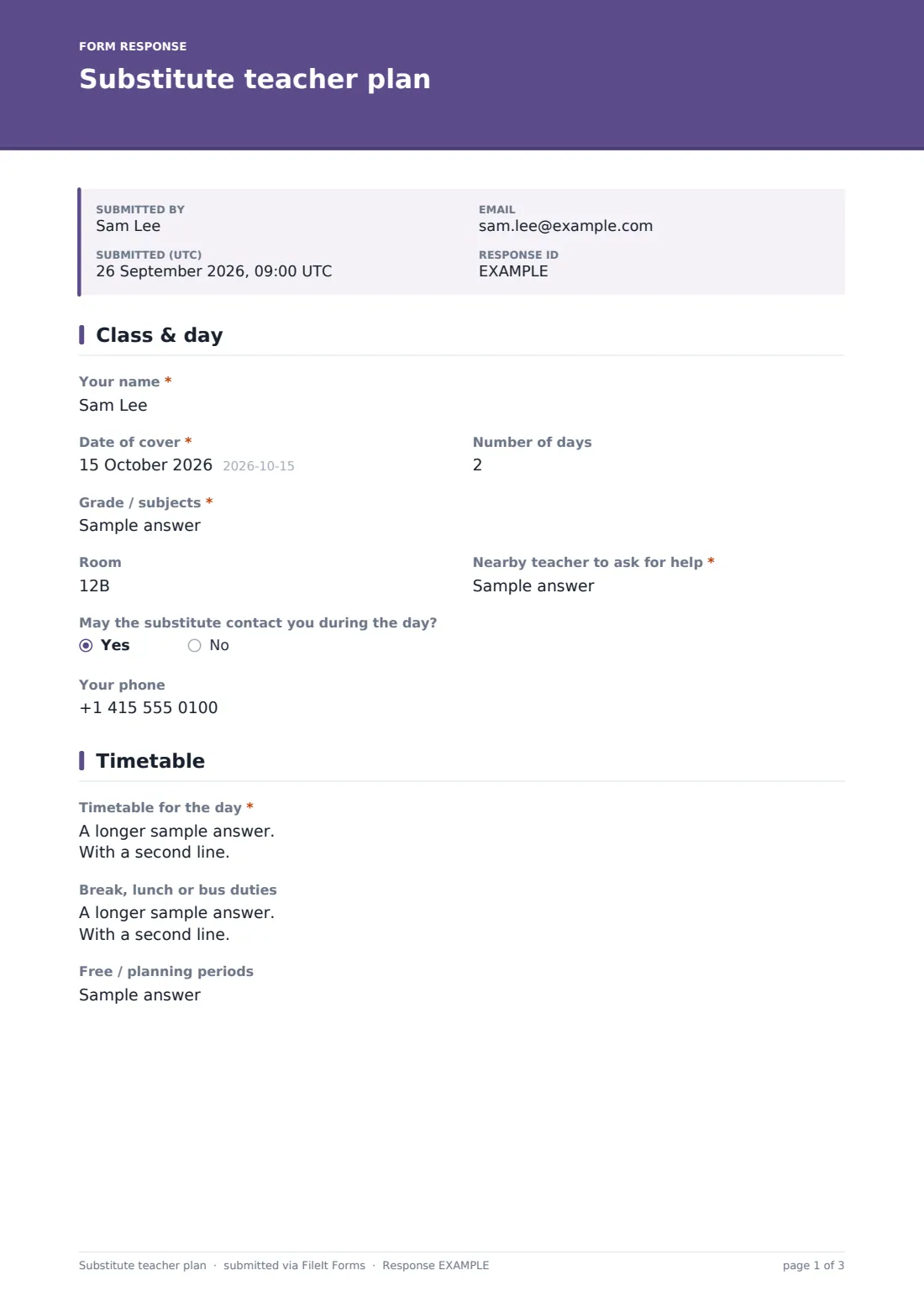
The teacher enters their name, the date and number of days, the grade or subjects, their room and a nearby teacher to ask for help. A yes/no question asks whether the substitute may contact them during the day, opening a phone field if so.
2 Timetable
A required box holds the day's timetable, period by period. Optional fields cover break, lunch or bus duties and free periods.
3 Lessons
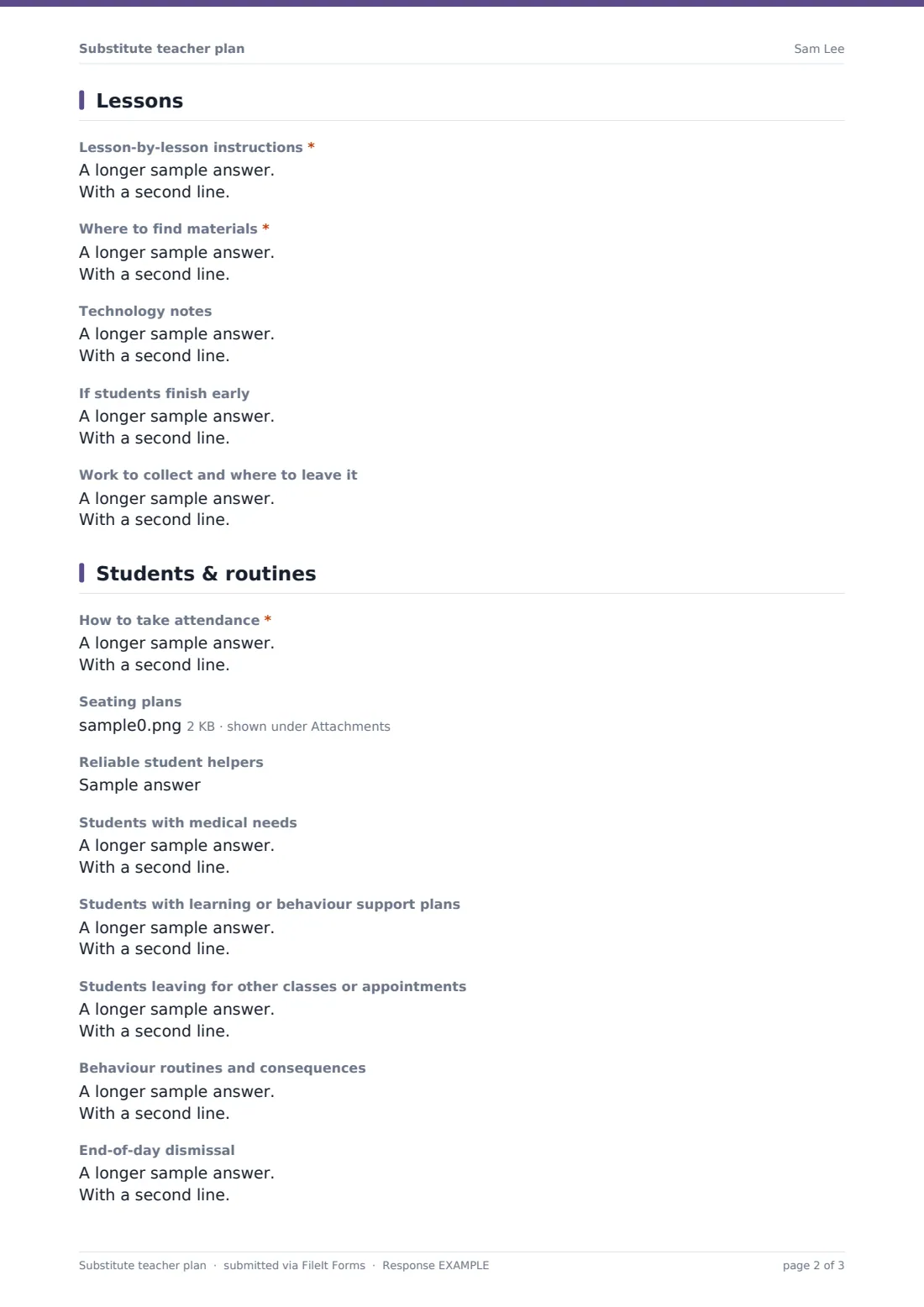
Required: lesson-by-lesson instructions (with page numbers, timings and what counts as finished) and where to find materials. Optional boxes cover technology notes — the help text warns not to write passwords — what to do if students finish early, and where to collect and leave work.
4 Students & routines
The attendance procedure is required. Teachers can upload seating plans and note reliable student helpers, students with medical needs (initials and what to do), students with learning or behaviour support plans, students leaving for other classes, behaviour routines and consequences, and the end-of-day dismissal procedure.
5 Emergencies
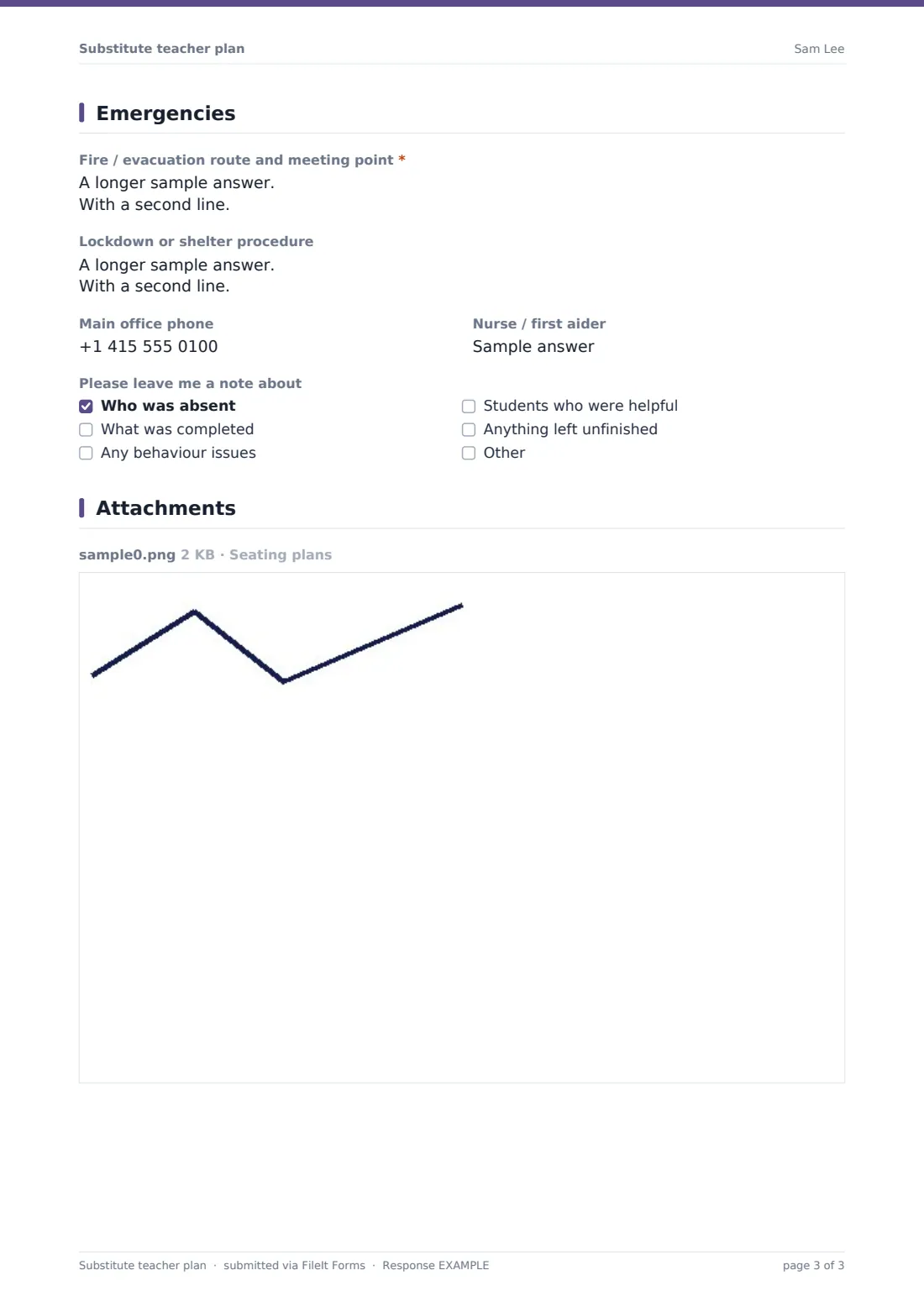
The fire or evacuation route and meeting point is required, with optional lockdown procedure, main office phone and first aider. A final checklist asks the substitute to leave a note about absences, work completed, behaviour, helpful students and anything unfinished.
Make the template yours
- Pre-fill your school's standard emergency procedures in the help text
- Add questions specific to your subject, such as lab safety rules
- Add the cover coordinator to notifications so plans reach the office
- File plans in a folder per teacher or department
- Create a short version for single-period cover
- Add a question on classroom pets, plants or equipment the substitute needs to look after
Tips for a better substitute teacher plan form
- Keep an emergency plan on file at the start of each term
- Plan work a stranger to your class can run without specialist knowledge
- Share only what a substitute needs about individual students
- Never put passwords in the plan — name who can log them in
- Leave more work than you think is needed
- Upload an up-to-date seating plan — it helps the substitute learn names quickly
Every response becomes a PDF in your vault
When the plan is submitted, FileIt saves it as a PDF with the seating plans attached and files it in your chosen vault folder. The form owner — often the office or cover coordinator — is notified, and the teacher can receive a PDF copy.
Offices usually print the plan for the substitute's arrival. The Responses table shows upcoming cover by date so nothing is missed.
- Start from this template. It opens in the FileIt Forms designer — change any question, add pages, set the rules for when questions appear.
- Share it. Turn on a public link, or send it to people by email, each with their own link. They don’t need a FileIt account.
- Get the answers as PDFs. Each response is saved as a PDF in the vault folder you choose, with uploaded files attached — and listed in a Responses table you can export to CSV.
Substitute teacher plan form: frequently asked questions
Is this substitute teacher plan template free?
Yes. It's included with the Forms app on every FileIt account, including the free plan.
Can I attach seating plans?
Yes. Upload up to five seating plans as PDFs, images or Word documents.
Should I include passwords for classroom technology?
No. The form asks you to name who can log the substitute in instead.
How much should I say about individual students?
Only what the substitute needs to keep students safe and learning. First names or initials and what to do are usually enough.
Can I keep a standing emergency plan?
Yes. Submit a general plan at the start of term and the PDF stays in your vault for any unplanned absence.
Do teachers need a FileIt account?
No. Share the form's link with staff and they can fill it in without an account.