What is the lesson plan form template?
Most teachers plan in a mix of slides, sticky notes and memory. That works until someone else needs to see the plan — a mentor, an observer, a cover teacher, or you next year when you teach the same unit again.
This template gives each lesson a consistent shape: the context, the learning objectives and success criteria, a starter, main activities and plenary, adaptations for different learners, and how learning will be checked. A reflection box at the end is there for after the lesson, which is where most of the useful notes for next time come from.
Every plan is saved as a PDF in the vault folder you choose, so a unit's lessons sit together and can be printed, shared or reused.
- Best for
- Teachers, trainee teachers, tutors and course instructors
- Filled in by
- The teacher planning the lesson
- Time to complete
- About 10–20 minutes for a full plan, less for a routine lesson
- Includes
- Objectives and success criteria, a timed lesson sequence, adaptations, assessment methods and file uploads
Who uses a lesson plan form?
- Trainee and newly qualified teachers who need to submit full plans to a mentor
- Formal plans for an observed lesson
- Building a bank of plans for a unit that can be reused next year
- Department-wide planning where everyone uses the same structure
- Tutors and adult educators planning individual sessions
- Leaving a clear plan that another teacher could pick up
Questions on this lesson plan form
29 questions over 5 pages · includes file upload, conditional questions, multiple pages.
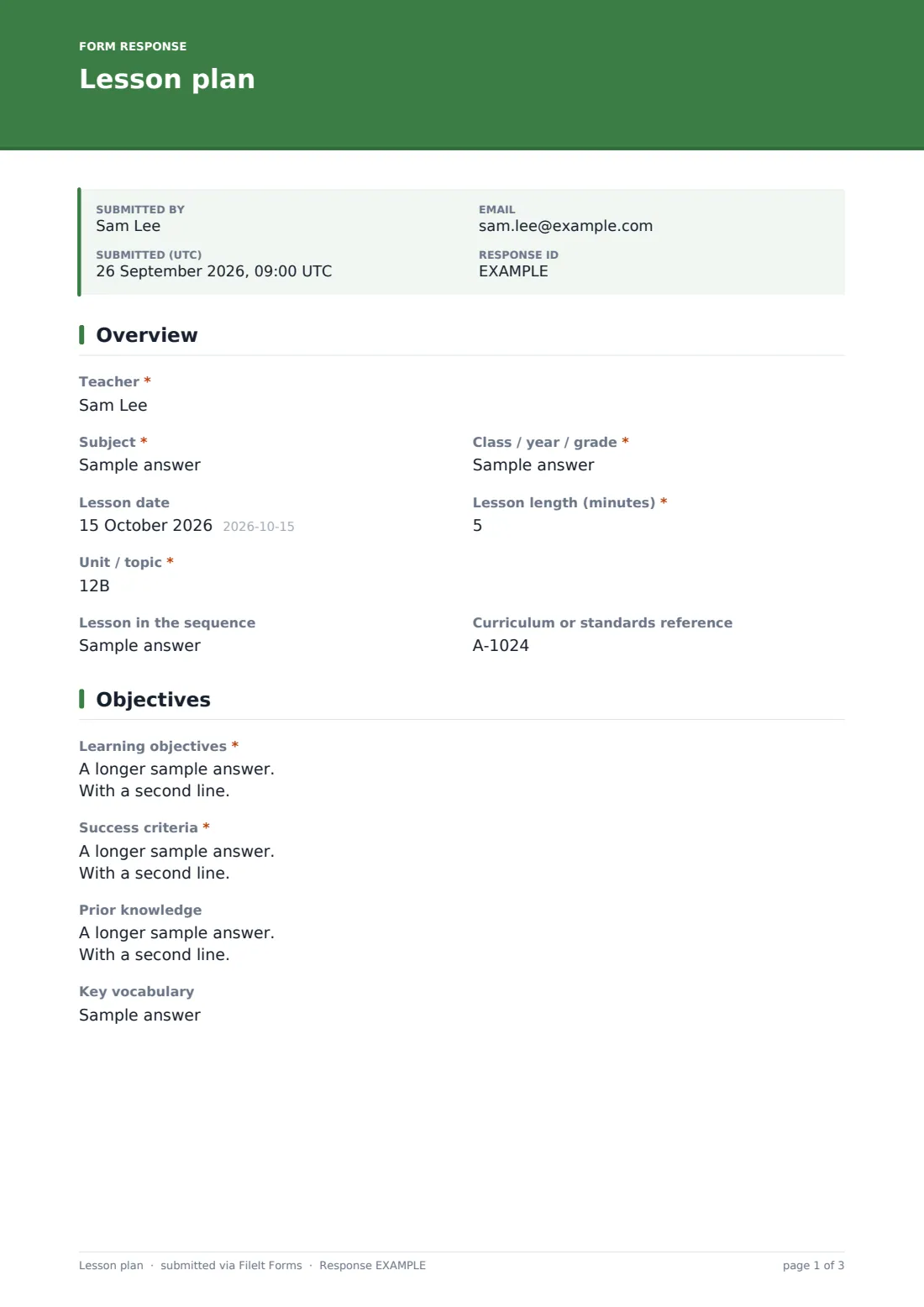
1 Overview
- Teacher*
- Subject*
- Class / year / grade*
- Lesson date
- Lesson length (minutes)*
- Unit / topic*
- Lesson in the sequence
- Curriculum or standards reference
2 Objectives
- Learning objectives*
- Success criteria*
- Prior knowledge
- Key vocabulary
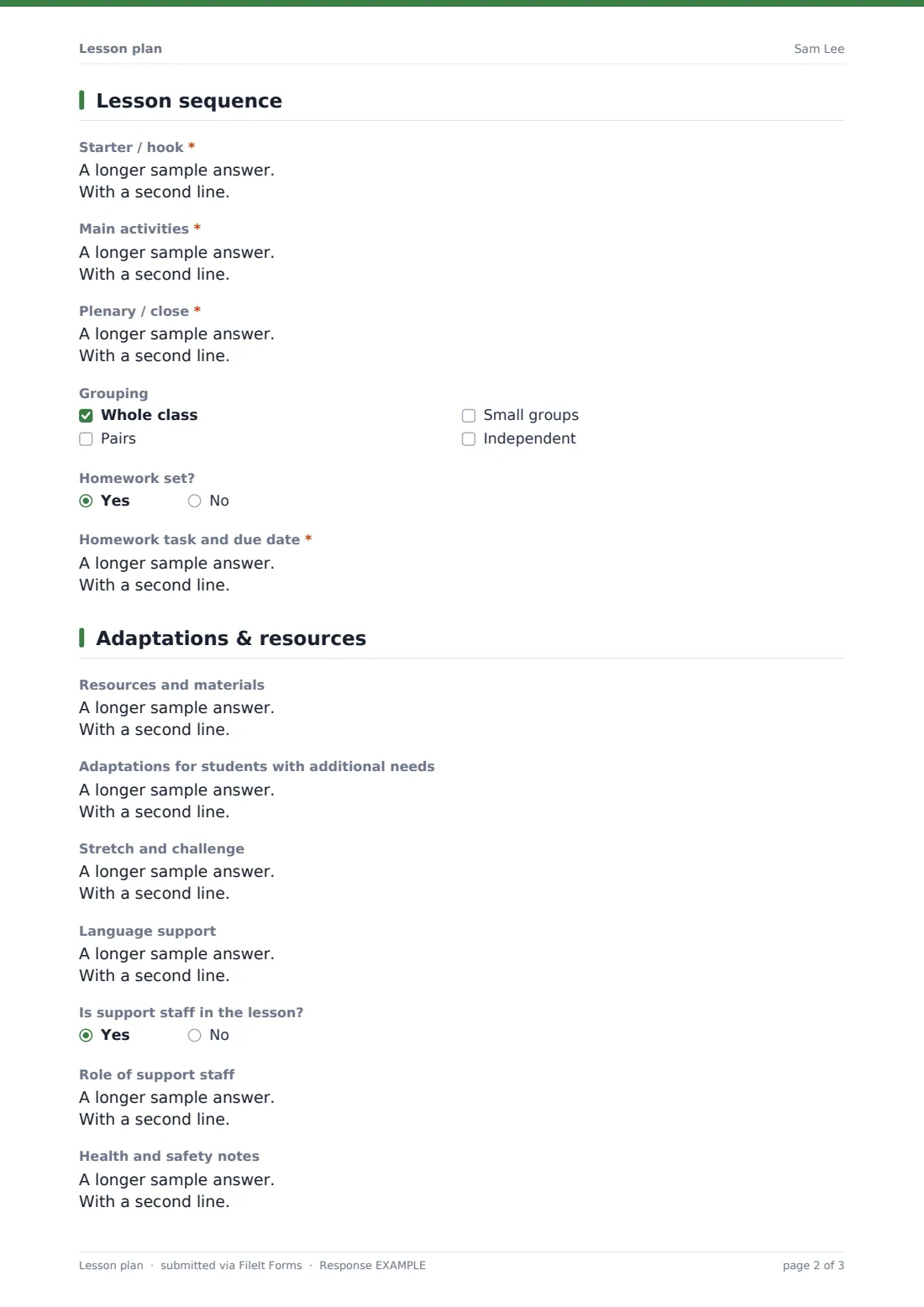
3 Lesson sequence
- Starter / hook*
- Main activities*
- Plenary / close*
- Grouping Whole class · Pairs · Small groups · Independent
- Homework set?
- Homework task and due date* asked only when it applies
4 Adaptations & resources
- Resources and materials
- Adaptations for students with additional needs
- Stretch and challenge
- Language support
- Is support staff in the lesson?
- Role of support staff asked only when it applies
- Health and safety notes
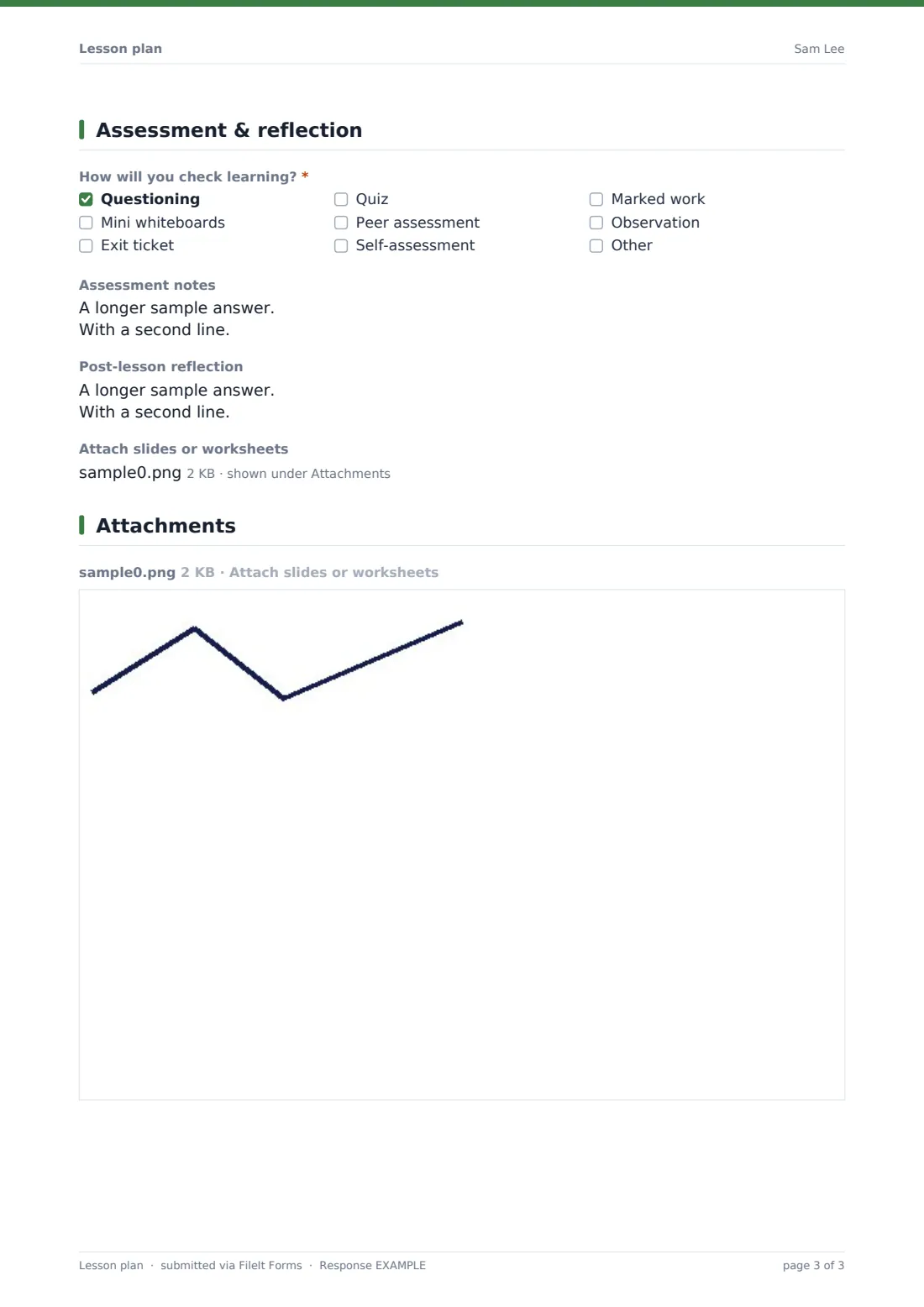
5 Assessment & reflection
- How will you check learning?* Questioning · Mini whiteboards · Exit ticket · Quiz · Peer assessment · Self-assessment · Marked work · Observation
- Assessment notes
- Post-lesson reflection
- Attach slides or worksheets
The lesson plan form, page by page
1 Overview
The teacher enters their name, the subject and class, the date, the lesson length in minutes and the unit or topic. Optional fields record where the lesson sits in the sequence (for example 3 of 8) and any curriculum or standards reference.
2 Objectives
Required boxes hold the learning objectives and the success criteria — how students and the teacher will know the objective has been met. Optional fields cover prior knowledge and likely misconceptions, and key vocabulary.
3 Lesson sequence
The heart of the plan: a starter or hook for the first five to ten minutes, the main activities (with timings, modelling and checks along the way), and a plenary to close — all three required. A checklist records grouping (whole class, pairs, small groups, independent) and a yes/no question about homework opens a required box for the task and due date when the answer is yes.
4 Adaptations & resources
Optional boxes cover resources and materials, adaptations for students with additional needs (the help text suggests initials or plan codes if the plan will be shared), stretch and challenge, and language support. A yes/no question about support staff opens a box for their role, and a final box records health and safety notes for practical work or trips.
5 Assessment & reflection
A required checklist sets out how learning will be checked — questioning, mini whiteboards, exit ticket, quiz, peer or self-assessment, marked work, observation or something else — with a box for notes. The post-lesson reflection is filled in after teaching, and slides or worksheets can be attached as PDFs, Word documents or images.
Make the template yours
- Rename the sequence sections to match your school's lesson structure
- Make the adaptations boxes required for trainee teachers and optional for everyone else
- Add a question linking the lesson to your scheme of work or unit plan
- File plans in a folder per unit or per class so they're easy to find next year
- Add a mentor's email to notifications so trainee plans reach them automatically
- Remove sections you never use to make routine planning faster
Tips for a better lesson plan form
- Write success criteria students could understand themselves — it helps them self-assess
- Keep the main activities box practical: timings, what you'll model and what students will actually do
- Plan your checks for understanding before the lesson, not after
- Refer to individual students by initials or plan codes in a plan others will see
- Fill in the reflection the same day — it's the part you'll value most next year
- Attach the slides or worksheet so the plan is complete on its own
Every response becomes a PDF in your vault
When a plan is submitted, FileIt saves it as a PDF, attaches any uploaded slides or worksheets, and files it in the vault folder you've chosen. You get a notification, and the teacher can receive a copy by email.
Many teachers keep a folder per unit so the PDFs form a ready-made scheme of work. Mentors and heads of department can use the Responses table to review plans across a team, and the CSV export gives a quick list of lessons, units and dates.
- Start from this template. It opens in the FileIt Forms designer — change any question, add pages, set the rules for when questions appear.
- Share it. Turn on a public link, or send it to people by email, each with their own link. They don’t need a FileIt account.
- Get the answers as PDFs. Each response is saved as a PDF in the vault folder you choose, with uploaded files attached — and listed in a Responses table you can export to CSV.
Lesson plan form: frequently asked questions
Is this lesson plan template free?
Yes. It's included with the Forms app on every FileIt account, including the free plan.
Can I use it for a quick plan as well as a formal one?
Yes. Only the essentials are required — the context, objectives, success criteria, starter, main activities, plenary and how you'll check learning. Everything else can be skipped for a routine lesson.
Can I attach my slides?
You can attach up to five files — PDFs, Word documents or images. Export slides as PDF first to attach them.
Can I fill in the reflection after the lesson?
The reflection box is optional, so you can submit the plan beforehand and add a reflection later as a new response, or plan and reflect in one submission after the lesson.
Can a whole department use the same template?
Yes. Share the form's link with colleagues; each plan is filed in your chosen folder and listed in the Responses table.
Can I change the structure to our school's lesson model?
Yes. Every section, label and question can be edited or removed in the Forms designer.