What is the tutoring intake form template?
Before a first tutoring session, a tutor usually needs to know more than just a subject and a name: the student's level, what's coming up (an exam, a report card, a confidence problem), when they're free, and anything that affects how they learn. Chasing that over email or text tends to trickle in one detail at a time. This intake form asks everything up front, in an order that mirrors how a tutoring business actually plans a first lesson.
Putting the intake online instead of in a phone call means nothing gets missed, and the parent or student can answer at their own pace rather than being quizzed live. Conditional logic keeps the form short for anyone it doesn't apply to — for example, exam details only appear if the student says a test is coming up, and questions about learning differences only expand into a follow-up if the family says yes.
Once the form is submitted, FileIt turns the answers into a single PDF filed in the vault folder you choose, so a tutor or coordinator can pull up a student's intake alongside their lesson notes and reports from day one.
- Best for
- Private tutors, tutoring agencies and exam-prep businesses onboarding a new student
- Filled in by
- A parent or guardian, or the student directly if 18 or over
- Time to complete
- About 5-7 minutes
- Includes
- Conditional logic, a confidence scale, file upload, five pages
Who uses a tutoring intake form?
- A tutoring agency asks every new family to complete this before matching them with a tutor
- A private maths or science tutor uses it to understand a student's current level and target grade before the first session
- A language tutor finds out which language a student wants help with, revealed only when "foreign language" is ticked
- A learning centre records exam dates so lessons can be scheduled around test season
- A tutor collects a recent school report so they can see where a student is struggling without asking the family to summarise it
- An online tutoring platform screens for learning differences so a tutor can plan a lesson style that works for the student
- A tutor gathers weekly availability across days and times to plan a recurring lesson slot
Questions on this tutoring intake form
31 questions over 5 pages · includes file upload, conditional questions, multiple pages, ratings.
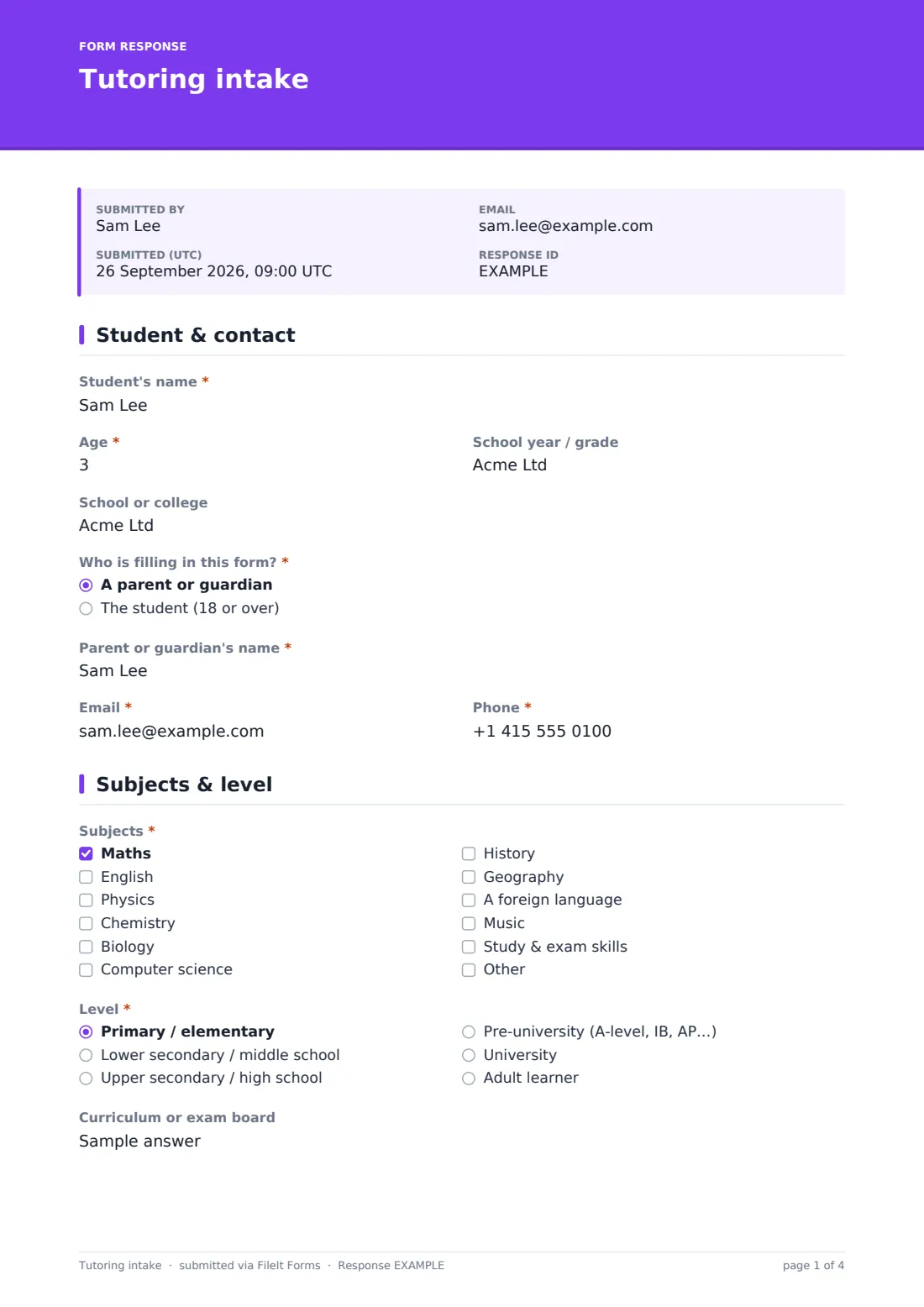
1 Student & contact
- Student's name*
- Age*
- School year / grade
- School or college
- Who is filling in this form?* A parent or guardian · The student (18 or over)
- Parent or guardian's name* asked only when it applies
- Email*
- Phone*
2 Subjects & level
- Subjects* Maths · English · Physics · Chemistry · Biology · Computer science · History · Geography · A foreign language · Music · Study & exam skills
- Which language? asked only when it applies
- Level* Primary / elementary · Lower secondary / middle school · Upper secondary / high school · Pre-university (A-level, IB, AP…) · University · Adult learner
- Curriculum or exam board
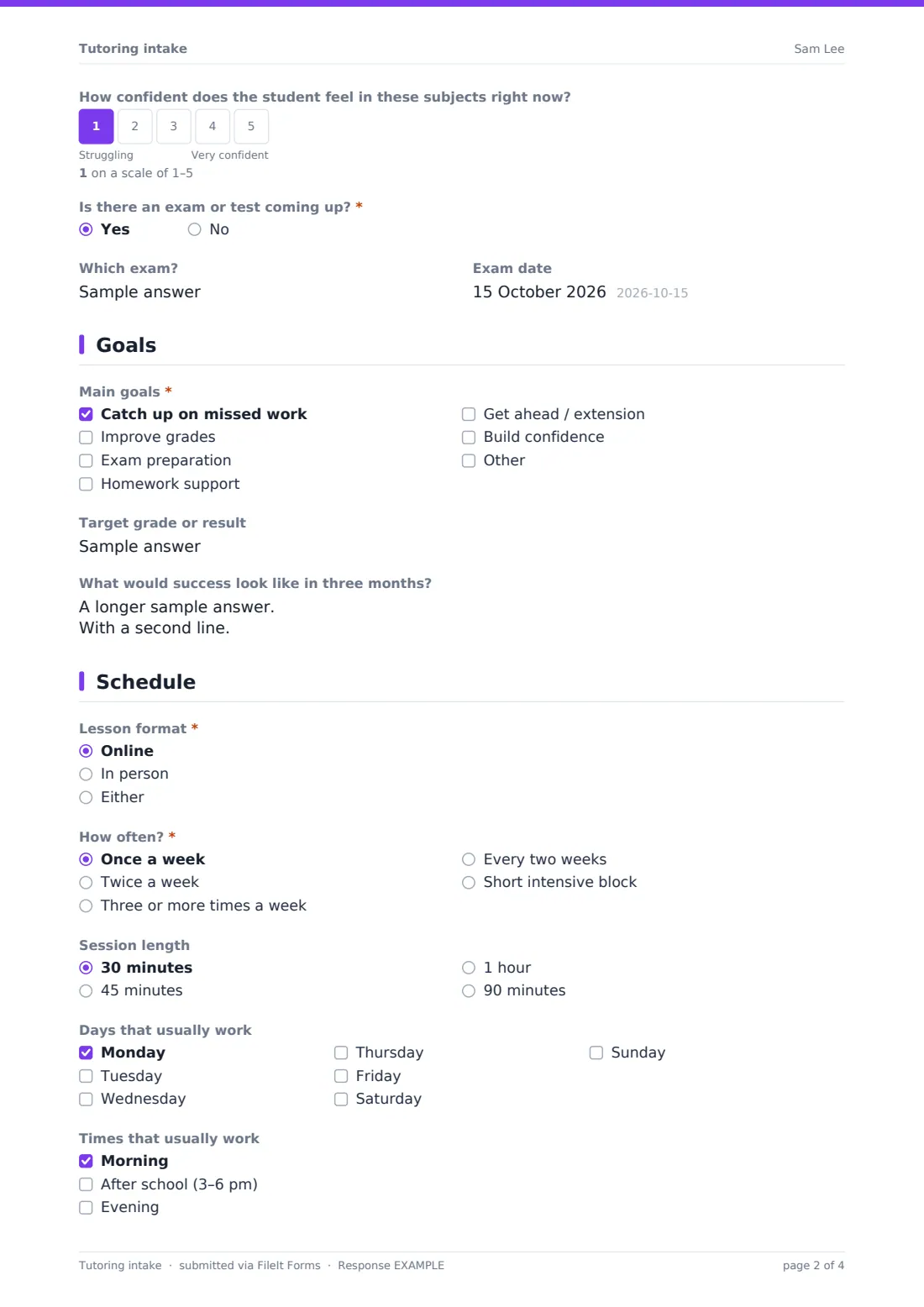
- How confident does the student feel in these subjects right now?
- Is there an exam or test coming up?*
- Which exam? asked only when it applies
- Exam date asked only when it applies
3 Goals
- Main goals* Catch up on missed work · Improve grades · Exam preparation · Homework support · Get ahead / extension · Build confidence
- Target grade or result
- What would success look like in three months?
4 Schedule
- Lesson format* Online · In person · Either
- How often?* Once a week · Twice a week · Three or more times a week · Every two weeks · Short intensive block
- Lesson address asked only when it applies
- Session length 30 minutes · 45 minutes · 1 hour · 90 minutes
- Days that usually work Monday · Tuesday · Wednesday · Thursday · Friday · Saturday · Sunday
- Times that usually work Morning · After school (3–6 pm) · Evening
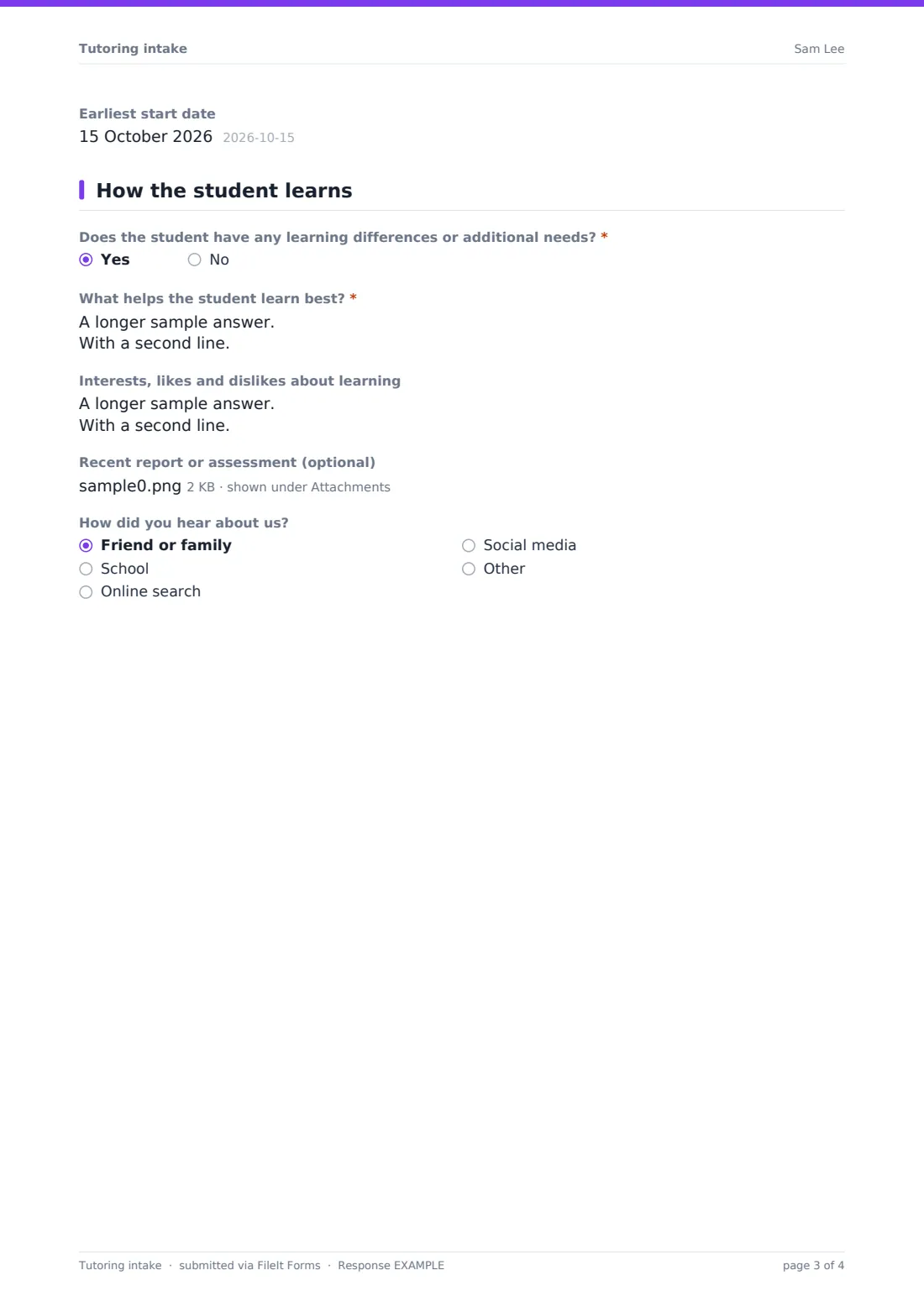
- Earliest start date
5 How the student learns
- Does the student have any learning differences or additional needs?*
- What helps the student learn best?* asked only when it applies
- Interests, likes and dislikes about learning
- Recent report or assessment (optional)
- How did you hear about us? Friend or family · School · Online search · Social media · Other
The tutoring intake form, page by page
1 Student & contact
The form opens with the basics: the student's name, age, school year or grade, and school. A radio question — Who is filling in this form? — decides whether the parent/guardian fields appear, since a minor's form is completed by an adult while a student 18 or over answers for themselves. Email and phone are required so the tutor or coordinator has a direct way to follow up and schedule the first lesson.
2 Subjects & level
Families tick every subject they want help with, from Maths and English through to Study & exam skills, with an "Other" option for anything not listed. If Foreign language is ticked, a follow-up question asks exactly which language. A Level dropdown (from primary through to adult learner) and an optional Curriculum or exam board field — for things like IB, GCSE AQA or Common Core — help match the student to a tutor who knows that syllabus.
A confidence scale from Struggling to Very confident gives the tutor a quick read on where the student stands emotionally, not just academically, and a yes/no question about an upcoming exam reveals fields for the exam name and date only when it applies.
3 Goals
Rather than a single free-text box, the form offers a checklist of common goals — catching up on missed work, improving grades, exam preparation, homework support, getting ahead, or building confidence — plus a field for a specific target grade or result. A more open question, What would success look like in three months?, gives families room to describe what matters to them in their own words.
4 Schedule
This page nails down the practical side of booking lessons: online or in person (with an address field that only appears for in-person lessons), how often the student wants tutoring, preferred session length, and a matrix of days and times that usually work. An earliest start date rounds out the section, so a tutor or coordinator can offer the first available slot that matches.
5 How the student learns
A yes/no question asks whether the student has any learning differences or additional needs — for example dyslexia, ADHD, autism, or a visual or hearing impairment — and only expands into a required follow-up, What helps the student learn best?, if the answer is yes, with a note that a diagnosis is optional and practical tips are most useful. An optional field for interests, likes and dislikes about learning helps a tutor build rapport quickly, and a file upload lets families attach a recent school report or assessment instead of retyping it. A final dropdown asks how the family heard about the tutor or agency.
Make the template yours
- Trim the subject list to only what your tutoring practice actually offers, or add subjects specific to your region's curriculum
- Add a pricing or package question if you want families to indicate a budget or preferred lesson bundle before you quote
- Turn on a maximum number of responses if you can only take on a limited number of new students per term
- File each submission's PDF under the student's own folder, alongside future lesson notes and progress reports
- Add a conditional question for online lessons asking which video platform the family prefers
- Adjust the confirmation message to state your typical response time instead of the default two working days
- Add a follow-up question about siblings if you offer a discount for tutoring more than one child in a family
Tips for a better tutoring intake form
- Keep the learning-needs question optional to describe rather than diagnose — most families find it easier to share what helps than to label a condition
- Ask for a target grade or goal even when it's vague; "more confident in class" is still useful information for a tutor
- Don't ask for more availability detail than you can actually act on — a simple day/time matrix is usually enough for the first match
- Store school reports and assessments securely and only share them with the assigned tutor, not the whole team
- Follow up quickly once a form comes in — families filling in an intake form are usually ready to start soon
- Review the "how did you hear about us" answers periodically to see which referral sources are actually converting to students
Every response becomes a PDF in your vault
The moment a family submits the intake form, FileIt saves their answers as a PDF in your vault, filed under whichever folder you've set up — for example, a folder per tutor or per student. You get an email notification straight away, and if you've turned on the optional copy, the family also receives a PDF of their own answers.
From there, matching a student to a tutor and scheduling the first lesson happens outside the form — usually by reviewing the intake PDF and replying by email or phone. The Responses table lets you filter new intakes and export the list to CSV if you're tracking enquiries across multiple tutors or subjects.
- Start from this template. It opens in the FileIt Forms designer — change any question, add pages, set the rules for when questions appear.
- Share it. Turn on a public link, or send it to people by email, each with their own link. They don’t need a FileIt account.
- Get the answers as PDFs. Each response is saved as a PDF in the vault folder you choose, with uploaded files attached — and listed in a Responses table you can export to CSV.
Tutoring intake form: frequently asked questions
Is this tutoring intake form template free?
Yes. It's one of over 160 templates included in FileIt's Forms app on every plan, including the free plan, and every question can be edited.
Do families need a FileIt account to fill it in?
No. Share a public link or send personal invitations by email — no account is required to respond.
How do we receive the completed intake forms?
Every submission is automatically saved as a PDF in your FileIt vault, and you can browse or export all responses from the Responses table.
Can we ask different questions for younger children versus adult learners?
The template already adjusts for who's filling it in — a parent or the student — and you can add further conditional questions in the designer if you want more differences by age group.
Is it OK to ask about learning differences like dyslexia or ADHD?
The template asks in a general, optional way and focuses on what helps the student learn rather than requiring a diagnosis. If you handle this kind of information, make sure your own privacy practices reflect that.
Can families upload a school report?
Yes, there's a file upload for a recent report or assessment, accepting PDFs, images and Word documents up to 10 MB each.
Can we limit sign-ups if we're fully booked?
Yes — set a maximum number of responses or a closing date in the form's settings so it stops accepting new intakes once you're full.
Can we reuse this for group tutoring instead of one-to-one?
You can edit the template to remove or adjust the one-to-one scheduling questions and add a group size or preferred class question instead.