What is the tutoring session report form template?
Parents paying for tutoring want to know what's happening in the sessions. A quick text after each lesson works for a while, but it's inconsistent, hard to look back on and easy to forget when the week gets busy.
This tutoring session report template takes a tutor a few minutes after each session. It records the tutor, student, subject, level, date, length, format and attendance, with notes for a cancelled or missed session. The progress page covers topics, a simple grid for understanding, accuracy, confidence and focus, a five-point progress rating, what went well, what was hard and how last week's homework went. The last page sets homework with a due date, attaches worksheets, sets the focus for next time and suggests how parents can help.
Each report is filed as a PDF in your FileIt vault, so the tutor and parents build up a session-by-session record of progress across a term.
- Best for
- Private tutors, tutoring agencies, learning centres and homework clubs
- Filled in by
- Tutors, straight after each session
- Time to complete
- About 4 minutes
- Includes
- Session details, attendance, topics, progress grid and rating, what went well, difficulties, last homework, homework set, resources, next focus, parent tips, next session
Who uses a tutoring session report form?
- A private maths tutor sending weekly updates to parents
- A tutoring agency keeping consistent records across its tutors
- A learning centre reporting on small-group sessions
- An online language tutor tracking students in different time zones
- A test-prep tutor showing progress before an exam
- A volunteer homework club logging sessions for families
Questions on this tutoring session report form
23 questions over 3 pages · includes file upload, conditional questions, multiple pages, ratings.
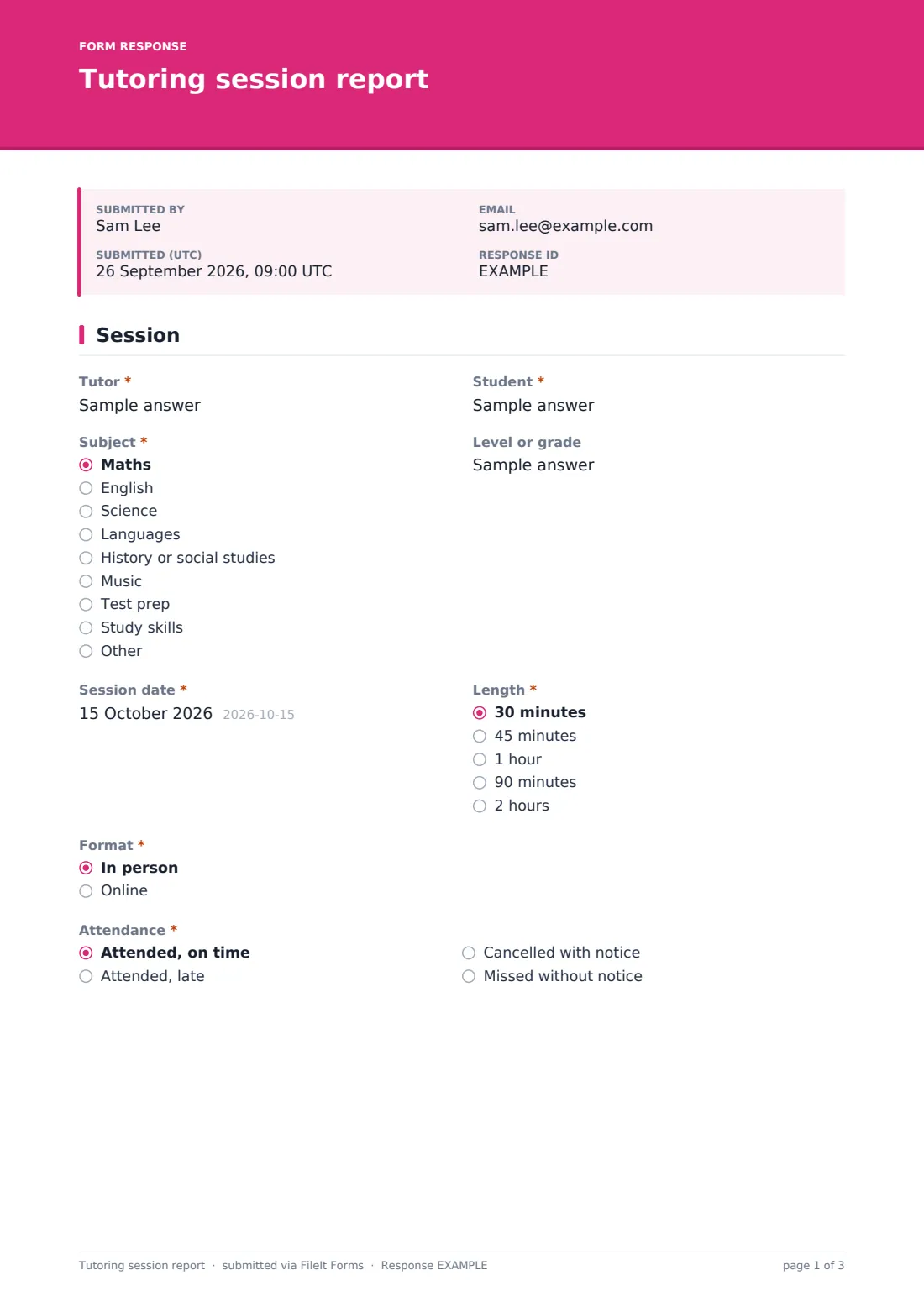
1 Session
- Tutor*
- Student*
- Subject* Maths · English · Science · Languages · History or social studies · Music · Test prep · Study skills · Other
- Level or grade
- Session date*
- Length* 30 minutes · 45 minutes · 1 hour · 90 minutes · 2 hours
- Format* In person · Online
- Attendance* Attended, on time · Attended, late · Cancelled with notice · Missed without notice
- Notes on the missed session asked only when it applies
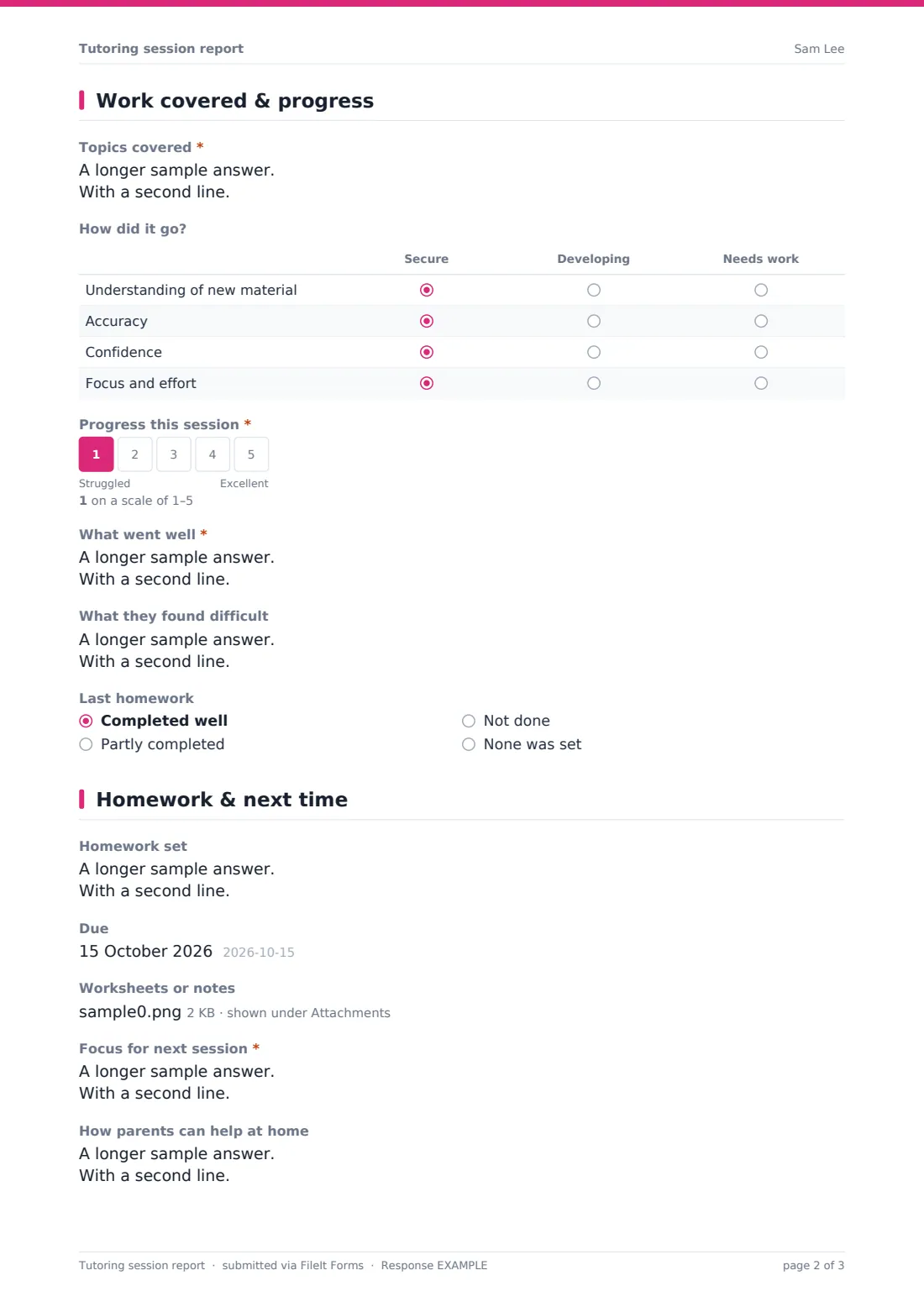
2 Work covered & progress
- Topics covered* asked only when it applies
- How did it go? asked only when it applies Secure · Developing · Needs work
- Progress this session* asked only when it applies
- What went well* asked only when it applies
- What they found difficult asked only when it applies
- Last homework Completed well · Partly completed · Not done · None was set
3 Homework & next time
- Homework set
- Due
- Worksheets or notes
- Focus for next session*
- How parents can help at home
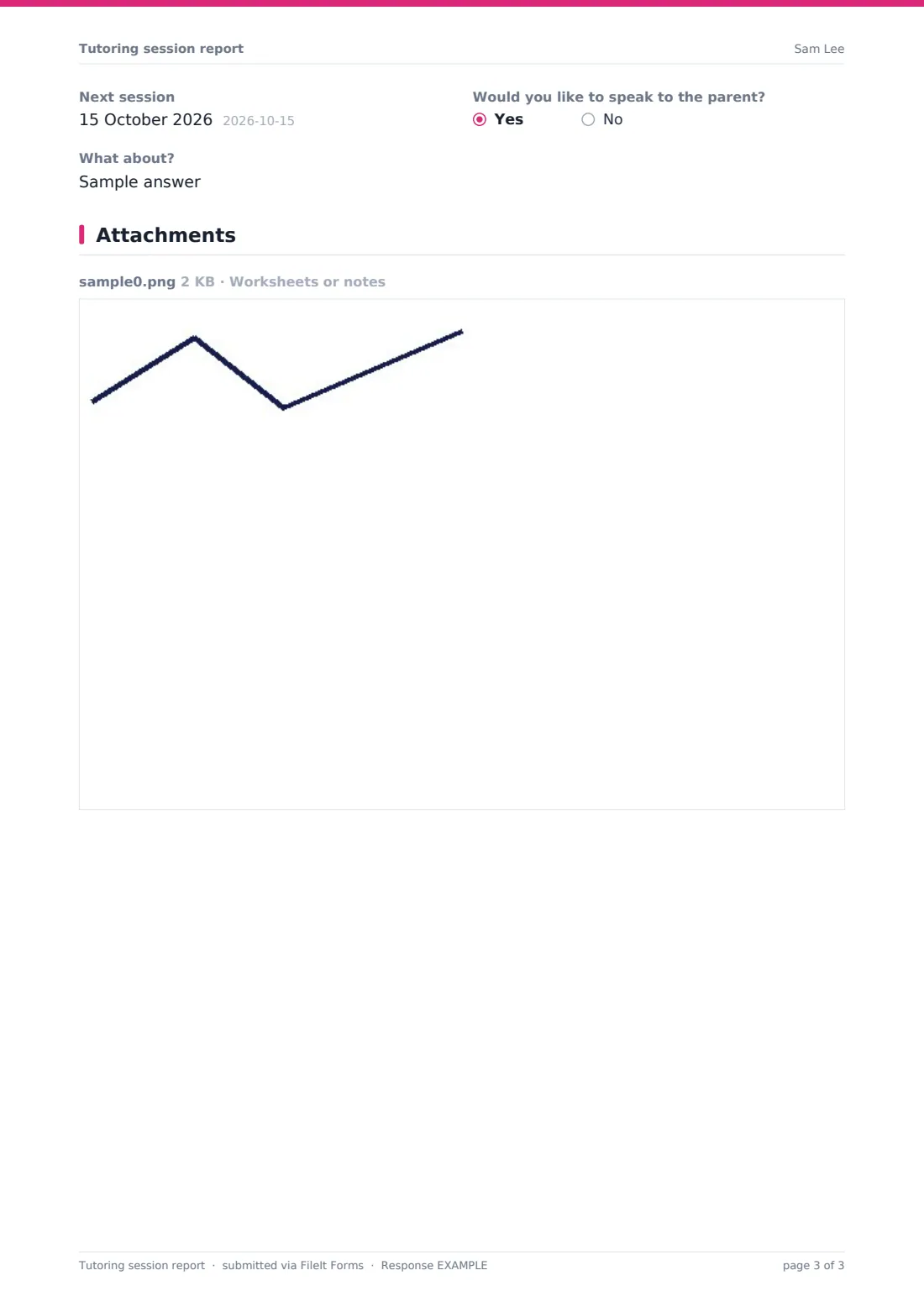
- Next session
- Would you like to speak to the parent?
- What about? asked only when it applies
The tutoring session report form, page by page
1 Session
The tutor records their name, the student, subject, level, session date, length, whether it was in person or online and attendance. A cancelled or missed session opens a notes box and skips the progress questions, which only appear when the student attended.
2 Work covered & progress
The tutor lists the topics covered and rates understanding, accuracy, confidence and focus as secure, developing or needs work, gives an overall progress score from one to five, and notes what went well, what was difficult and how last homework went.
3 Homework & next time
The tutor sets homework with a due date, attaches worksheets or notes, writes the focus for next session and how parents can help at home, adds the next session date and flags whether they'd like to speak to the parent and why.
Make the template yours
- Change the subject list to the subjects you teach
- Add the parent's email to notifications, or send the PDF from the vault
- Rename the grid rows to the skills that matter in your subject
- Add a rate or invoice reference if you bill per session
- Use the agency's accent colour and cover text for a branded report
Tips for a better tutoring session report form
- Fill it in straight after the session while details are fresh
- Be specific about topics; parents value "factorising quadratics" over "algebra"
- Mention one thing that went well in every report
- Keep homework realistic and say how long it should take
- Look back at the PDFs before parent meetings or end-of-term reviews
Every response becomes a PDF in your vault
Each report is saved as a PDF in the vault folder you choose, with any worksheets attached. You can be notified, and add parents to the notification list to send them a copy.
The Responses table shows every session by student and date, and exports to CSV to count sessions or track ratings over time.
- Start from this template. It opens in the FileIt Forms designer — change any question, add pages, set the rules for when questions appear.
- Share it. Turn on a public link, or send it to people by email, each with their own link. They don’t need a FileIt account.
- Get the answers as PDFs. Each response is saved as a PDF in the vault folder you choose, with uploaded files attached — and listed in a Responses table you can export to CSV.
Tutoring session report form: frequently asked questions
Is this tutoring session report template free?
Yes. It's included in the FileIt Forms app on every account.
How do parents receive the report?
Add the parent's email to the form's notification list, or share the PDF from your vault.
Can I use one form for many students?
Yes. The student field tells reports apart, and you can filter the Responses table by student.
Is this the same as the tutoring intake form?
No. The intake form is filled in once before tutoring starts; this report is filled in after every session.
Can I attach worksheets?
Yes. Up to five files can be uploaded with each report.
Do parents need a FileIt account?
No. They receive the report by email or from you.