What is the homeschool learning log form template?
Most homeschooling families keep some kind of record: a notebook of lessons, a spreadsheet of hours, a box of worksheets. The trouble starts when someone asks for it — an annual review, an evaluator, a new school, or simply you at the end of the year trying to remember what was covered in October. This learning log turns each day, week, month or term into one short, consistent entry.
Each entry records the learner, the period it covers, instruction days and hours, the subjects and topics taught, the resources and books used, and the learning activities that happened, from co-op classes to field trips. The last page captures progress by subject on a simple five-step scale, any assessments and results, uploaded work samples, highlights, challenges and goals for next time.
Every submitted entry is saved as a dated PDF in your FileIt vault, so over a year you build a portfolio you can hand over or print without having to assemble it at the last minute.
- Best for
- Homeschooling parents, tutors and home education co-ops
- Filled in by
- The parent or tutor
- Time to complete
- 3–10 minutes per entry
- Includes
- Hours tracking, a progress grid by subject, work-sample uploads
Who uses a homeschool learning log form?
- A parent logs each school day's lessons and hours in a couple of minutes
- A family writes one weekly summary per child every Friday afternoon
- A parent builds an end-of-year portfolio of work samples for an evaluator or review
- A tutor records what a home-educated student covered in a block of sessions
- A family keeps a term summary to share with relatives or a future school
- A co-op leader records the topics covered in a group class
Questions on this homeschool learning log form
26 questions over 3 pages · includes file upload, conditional questions, multiple pages, consent checkbox, ratings.
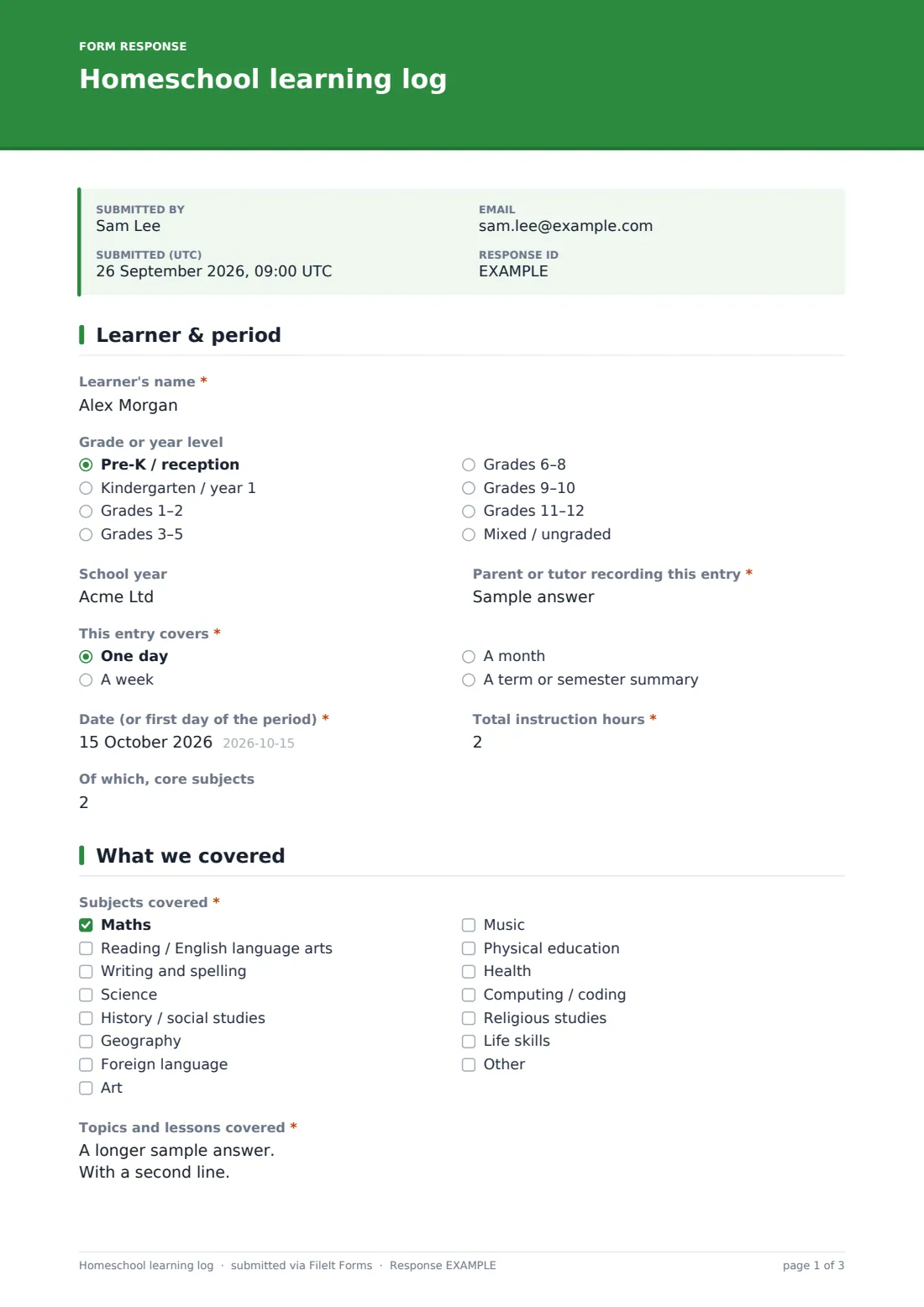
1 Learner & period
- Learner's name*
- Grade or year level Pre-K / reception · Kindergarten / year 1 · Grades 1–2 · Grades 3–5 · Grades 6–8 · Grades 9–10 · Grades 11–12 · Mixed / ungraded
- School year
- Parent or tutor recording this entry*
- This entry covers* One day · A week · A month · A term or semester summary
- Date (or first day of the period)*
- Last day of the period* asked only when it applies
- Instruction days in this period asked only when it applies
- Total instruction hours*
- Of which, core subjects
2 What we covered
- Subjects covered* Maths · Reading / English language arts · Writing and spelling · Science · History / social studies · Geography · Foreign language · Art · Music · Physical education · Health · Computing / coding
- Topics and lessons covered*
- Curriculum, books and resources used
- Learning activities this period Textbook or workbook lessons · Online course or video lessons · Field trip or museum visit · Co-op or group class · Library visit · Hands-on project or experiment · Tutor or outside class · Sport or PE session · Volunteering or community service
- Field trips and visits asked only when it applies
- Tutor, class or co-op name asked only when it applies
- Books read or read aloud
3 Progress & evidence
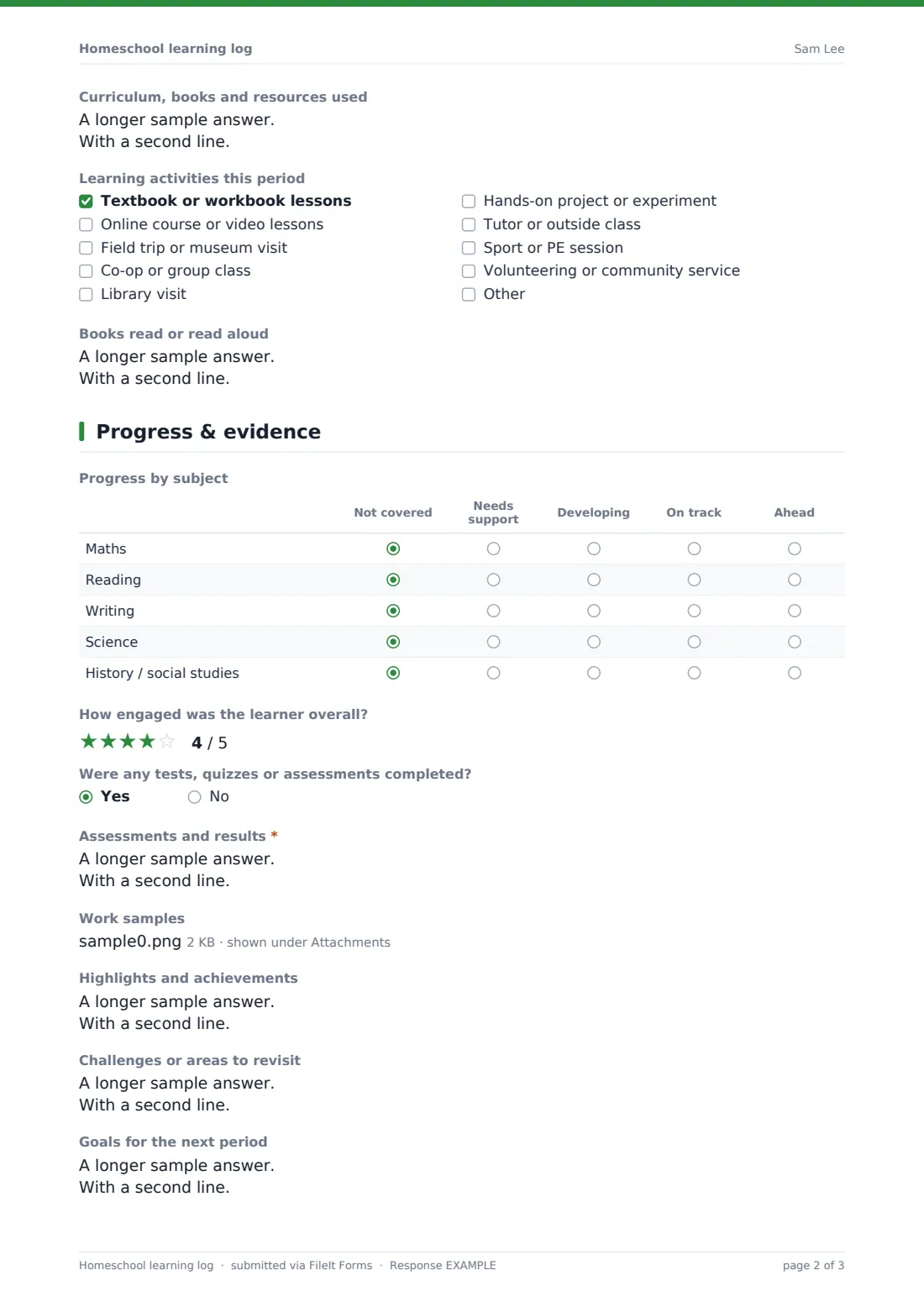
- Progress by subject Not covered · Needs support · Developing · On track · Ahead
- How engaged was the learner overall?
- Were any tests, quizzes or assessments completed?
- Assessments and results* asked only when it applies
- Work samples
- Highlights and achievements
- Challenges or areas to revisit
- Goals for the next period
- Record*
The homeschool learning log form, page by page
1 Learner & period
Enter the Learner's name, an optional Grade or year level and School year, and who is recording the entry. Choose whether it covers one day, a week, a month or a term summary, then give the date. For anything longer than a day the form also asks for the last day of the period and the number of instruction days. Total instruction hours are required, with an optional separate figure for core-subject hours if your area asks for one.
2 What we covered
Tick the Subjects covered from a list of fourteen (maths, reading, writing, science, history, languages, the arts, PE, computing, life skills and more, with an Other option), then describe the Topics and lessons in a line or two per subject. Optional boxes record the curriculum and resources used and books read, and a Learning activities checklist covers workbook lessons, online courses, field trips, co-ops, library visits, projects, tutors, sport and volunteering. Ticking a field trip asks where you went; ticking a tutor or outside class asks for its name.
3 Progress & evidence
A progress grid rates maths, reading, writing, science and history as Not covered, Needs support, Developing, On track or Ahead. A star rating records overall engagement. Answering yes to assessments reveals a box for results. You can upload up to ten work samples as photos, scans or documents, and add highlights, challenges and goals for the next period. A note reminds you that record-keeping rules vary by place, and the entry ends with a confirmation that it's accurate.
Make the template yours
- Swap the subject list and progress-grid rows for the subjects in your own curriculum
- Remove the core-hours question if your area doesn't ask for it, or make it required if it does
- Replace the grade options with the year groups used where you live
- Point the form at a vault folder per child so each learner's entries stay together
- Add a question for the learner's own reflection if they're old enough to write one
- Make work samples required if you're building a portfolio for an annual review
Tips for a better homeschool learning log form
- Log little and often — a two-minute daily entry is easier to keep up than reconstructing a month
- Upload a few work samples each week rather than photographing a whole year's work in June
- Use the same period type all year so hours add up cleanly when you total them
- Check your local home education rules for what counts as instruction time before you start
- Write next period's goals while this one is fresh — they make the next entry quicker
Every response becomes a PDF in your vault
Each entry is saved as a PDF in the vault folder you choose, titled with the form name, so a year of entries lines up in date order ready to print or share. You also get a copy by email if you leave that setting on.
The Responses table shows every entry side by side, which makes it easy to add up hours for the year, see which subjects were covered less often, or pull out the work samples for a portfolio.
- Start from this template. It opens in the FileIt Forms designer — change any question, add pages, set the rules for when questions appear.
- Share it. Turn on a public link, or send it to people by email, each with their own link. They don’t need a FileIt account.
- Get the answers as PDFs. Each response is saved as a PDF in the vault folder you choose, with uploaded files attached — and listed in a Responses table you can export to CSV.
Homeschool learning log form: frequently asked questions
Is this homeschool learning log template free?
Yes, it's included in the Forms app on every FileIt account, including the free plan, and every question can be edited.
Can I log more than one child?
Yes. Fill in one entry per learner, or duplicate the form for each child and send each copy to its own vault folder.
Does this log meet my state's homeschool requirements?
It depends on where you live — record-keeping rules for home education vary. The form is fully editable, so check what your local authority asks for and adjust the questions to match.
Can I attach worksheets and photos?
Yes. The Work samples question takes up to ten files per entry, including PDFs, photos, scans and Word documents.
Do I have to fill it in every day?
No. Each entry can cover one day, a week, a month or a whole term — choose whatever rhythm suits your family.
Where do the entries end up?
Every submitted entry becomes a PDF in your FileIt vault, and all entries are also listed in the form's Responses table.