What is the student progress report form template?
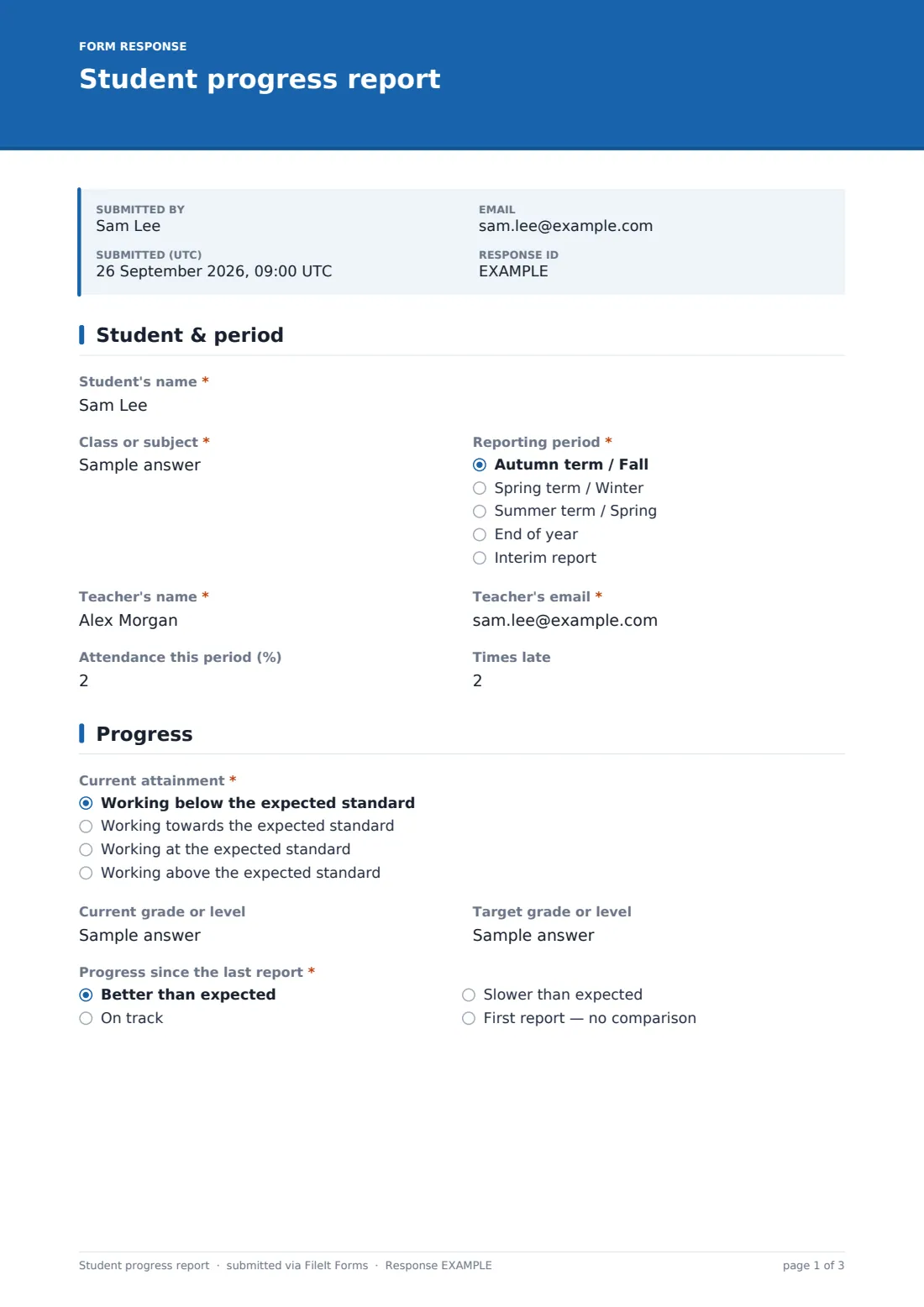
Report season is easier when every teacher fills in the same structure. This template is a single-student progress report that a teacher completes from a link: who the student is and the reporting period, attendance and lateness, where the student is against the expected standard, how much progress they've made since the last report, and how they're doing on six everyday learning habits.
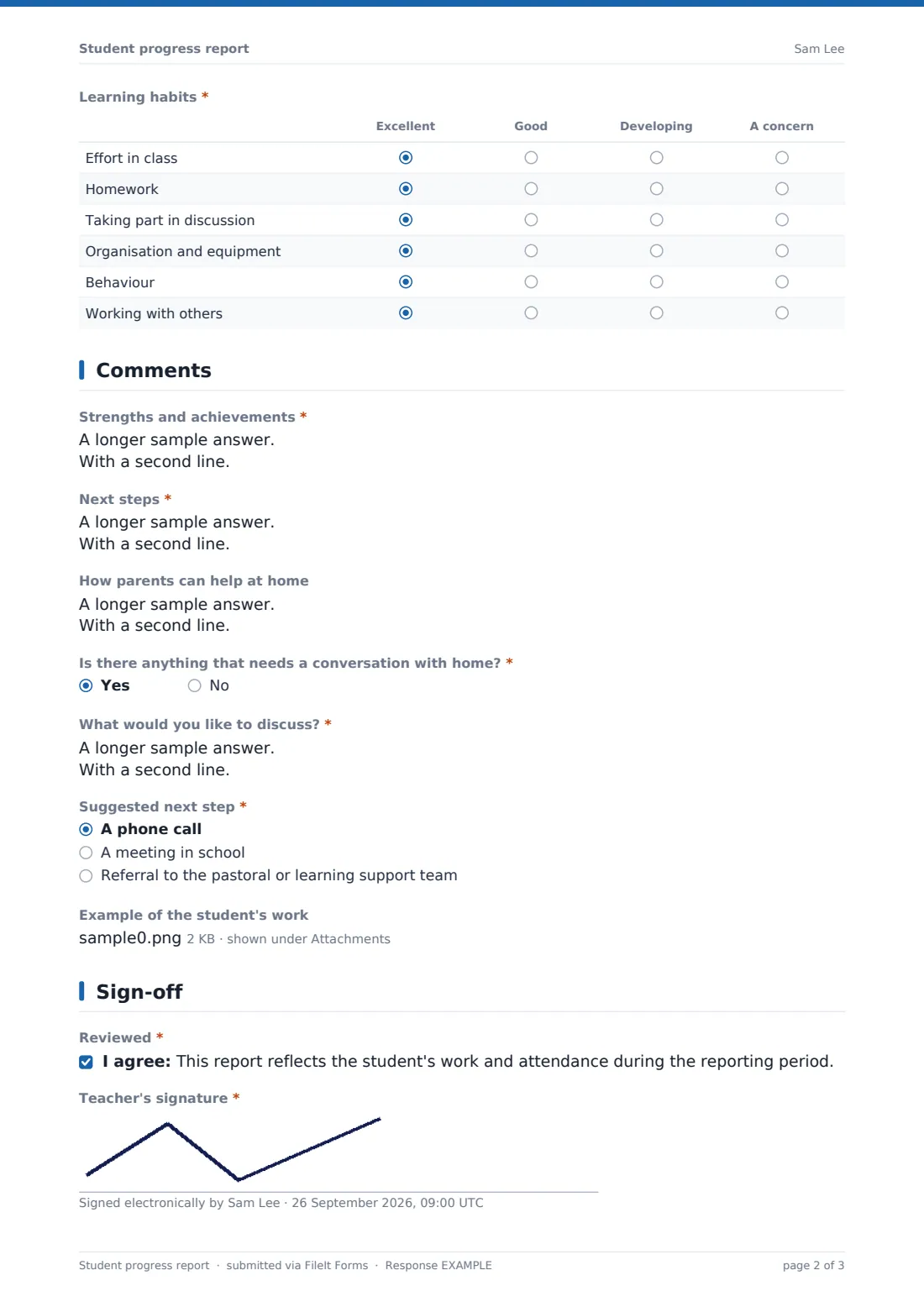
The comments page asks for strengths and achievements, two or three specific next steps and, optionally, how parents can help at home. When something needs a conversation with home, a yes opens a box to describe it and a choice of next step — a phone call, a meeting in school or a referral to the pastoral or learning support team — so heads of year can see which families need contacting. Teachers can attach up to three photos or scans of the student's work.
Each report is signed by the teacher and saved as its own PDF in your FileIt vault. File them in a folder per class or year group, or under the student if you keep a vault record for them, and share the PDF with the family once it has been checked.
- Best for
- Teachers, tutors, small schools, tutoring centres and homeschool co-ops
- Filled in by
- The class or subject teacher
- Time to complete
- About 5 minutes per student
- Includes
- Attendance, attainment and progress, learning-habits grid, comments, work samples, teacher signature
Who uses a student progress report form?
- A subject teacher writes end-of-term reports for each student in a class
- A tutoring centre sends parents a progress update every half term
- A small independent school replaces its word-processed report template
- A homeschool co-op teacher reports to families on a shared class
- A head of year reviews which students have concerns flagged for home
Questions on this student progress report form
23 questions over 4 pages · includes signature, file upload, conditional questions, multiple pages, consent checkbox, ratings.
1 Student & period
- Student's name*
- Class or subject*
- Reporting period* Autumn term / Fall · Spring term / Winter · Summer term / Spring · End of year · Interim report
- Teacher's name*
- Teacher's email*
- Attendance this period (%)
- Times late
2 Progress
- Current attainment* Working below the expected standard · Working towards the expected standard · Working at the expected standard · Working above the expected standard
- Current grade or level
- Target grade or level
- Progress since the last report* Better than expected · On track · Slower than expected · First report — no comparison
- Learning habits* Excellent · Good · Developing · A concern
3 Comments
- Strengths and achievements*
- Next steps*
- How parents can help at home
- Is there anything that needs a conversation with home?*
- What would you like to discuss?* asked only when it applies
- Suggested next step* asked only when it applies A phone call · A meeting in school · Referral to the pastoral or learning support team
- Example of the student's work
4 Sign-off
- Reviewed*
- Teacher's signature*
- Date*
- Checked by a head of department or year?
The student progress report form, page by page
1 Student & period
The student's name, class or subject, reporting period, the teacher's name and email (all required), plus optional attendance as a percentage and the number of times late.
2 Progress
"Current attainment" on a four-step scale from below to above the expected standard, optional current and target grades, and "Progress since the last report" — better than expected, on track, slower, or a first report. A required learning-habits grid rates effort in class, homework, taking part in discussion, organisation and equipment, behaviour and working with others as excellent, good, developing or a concern.
3 Comments
Required "Strengths and achievements" and "Next steps", optional "How parents can help at home", and "Is there anything that needs a conversation with home?" — a yes asks what you'd like to discuss and the suggested next step. An optional upload takes up to three examples of the student's work.
4 Sign-off
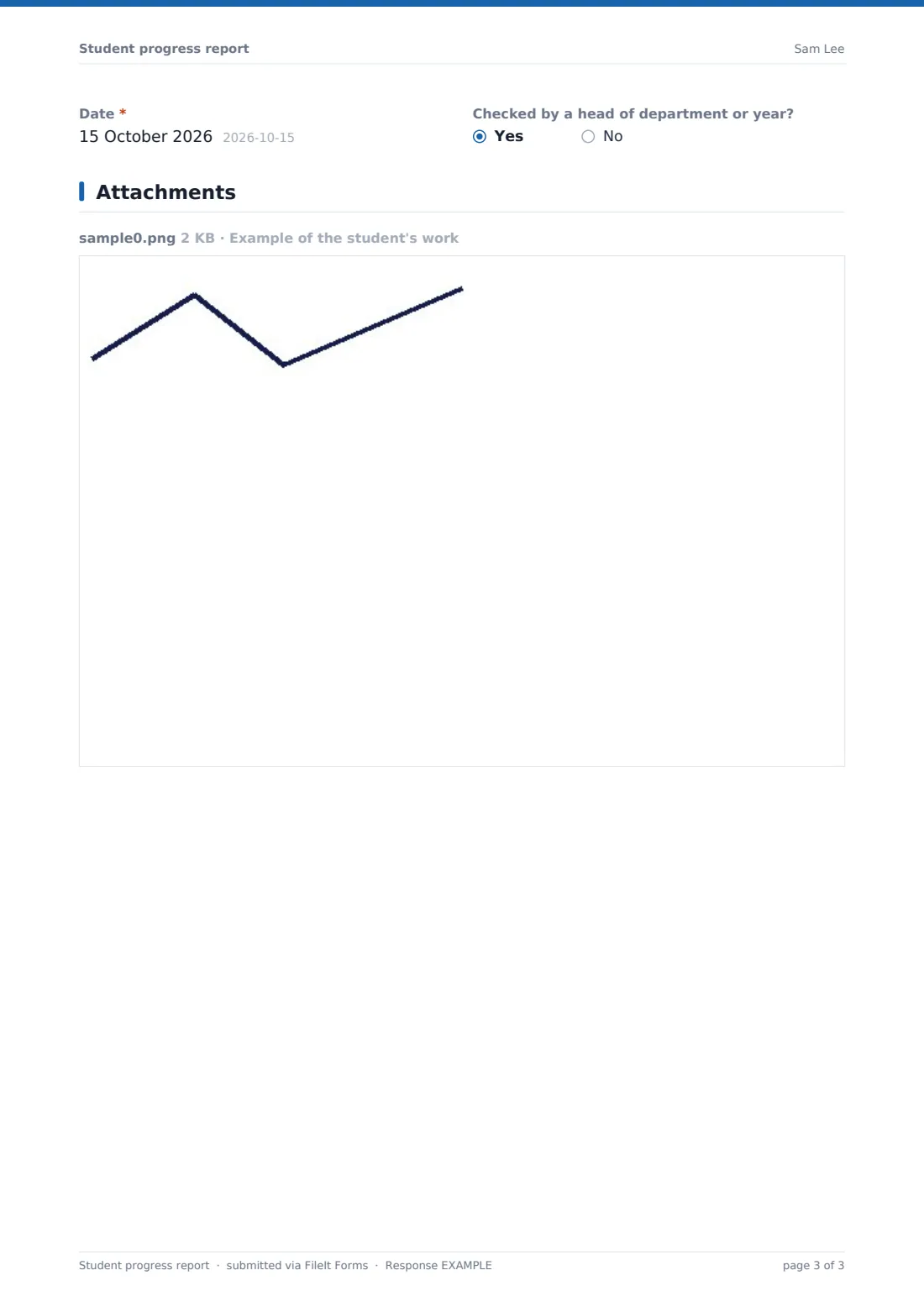
A required confirmation that the report reflects the period, the teacher's signature and the date, and whether a head of department or year has checked it.
Make the template yours
- Rename the attainment steps to your school's grading language
- Change the learning-habits rows to the behaviours your school reports on
- Add a row for each subject if one tutor writes the whole report
- Set the document title to include the class, such as "{form} — {name}"
- Turn off the respondent copy in Settings if teachers don't need their own copy
Tips for a better student progress report form
- Agree a word count for comments across the department so reports read consistently
- Write next steps the student can act on, not general advice like "try harder"
- Use the Responses table to find every report with a concern flagged
- Have a second person read a sample of reports before they go home
- Keep each student's reports in one vault folder so progress is easy to compare over time
Every response becomes a PDF in your vault
Each report becomes a signed PDF in the vault folder you choose, with any work samples filed as attachments, and the account owner is emailed. The teacher's email is the first email on the form, so the teacher receives a copy of what they submitted.
From the Responses table you can search by student, class or period, open any report's PDF and export everything to CSV — handy for a quick view of attainment across a class. Send the checked PDF to parents from the vault.
- Start from this template. It opens in the FileIt Forms designer — change any question, add pages, set the rules for when questions appear.
- Share it. Turn on a public link, or send it to people by email, each with their own link. They don’t need a FileIt account.
- Get the answers as PDFs. Each response is saved as a PDF in the vault folder you choose, with uploaded files attached — and listed in a Responses table you can export to CSV.
Student progress report form: frequently asked questions
Is this progress report template free?
Yes. It's part of the Forms app on every FileIt account, and every question can be changed.
Do parents fill in this form?
No. The teacher fills it in. Parents receive the finished PDF, which you can share from your vault.
Can I attach a piece of the student's work?
Yes. There's an optional upload for up to three photos or scans, filed with the report.
Can several teachers use the same form?
Yes. Share one link with the department. Each report is its own response with its own PDF, and the Responses table shows them all.
Does the form calculate grades?
No. Teachers enter the attainment, grades and ratings themselves.