What is the plumbing job report form template?
A plumbing job report records a call-out from start to finish — the customer and address, the problem they reported, what the plumber actually found, the work carried out and the parts used — and gets the customer to sign it on site. It's the piece of paper that answers "what did you do?" when the invoice arrives, or when the leak comes back six months later.
This template is built for the way plumbers work. "Type of job" covers leaks, blockages, water heaters and boilers, fixtures, pipework, no water or low pressure, routine services and emergencies. A grid of "Checks after the work" records no leaks at joints, normal flow and pressure, free drainage, working isolation valves and hot water reaching temperature. Jobs involving a water heater or boiler open extra questions for the make, type and notes.
It runs on FileIt's Forms app, on a phone or tablet. Photos are attached, the customer signs on screen, and the report is filed as a PDF in your vault — with a copy emailed to the customer if you have their address.
- Best for
- Plumbing businesses, sole traders, property maintenance teams
- Filled in by
- The plumber on site, with the customer signing at the end
- Time to complete
- About 5–10 minutes
- Includes
- Check grid, water heater section, job status follow-up, before/after photos, customer rating and signature
Who uses a plumbing job report form?
- Recording a leak repair with before and after photos
- Documenting a water heater or boiler service
- Leaving a signed record after an emergency call-out
- Logging a temporary repair that needs a return visit
- Maintenance teams covering plumbing jobs across several properties
- Backing up an invoice with parts and labour hours
Questions on this plumbing job report form
28 questions over 4 pages · includes signature, file upload, conditional questions, multiple pages, ratings.
1 Job & customer
- Job number
- Visit date*
- Plumber*
- Arrival time
- Customer*
- Customer email
- Customer phone
- Job address*
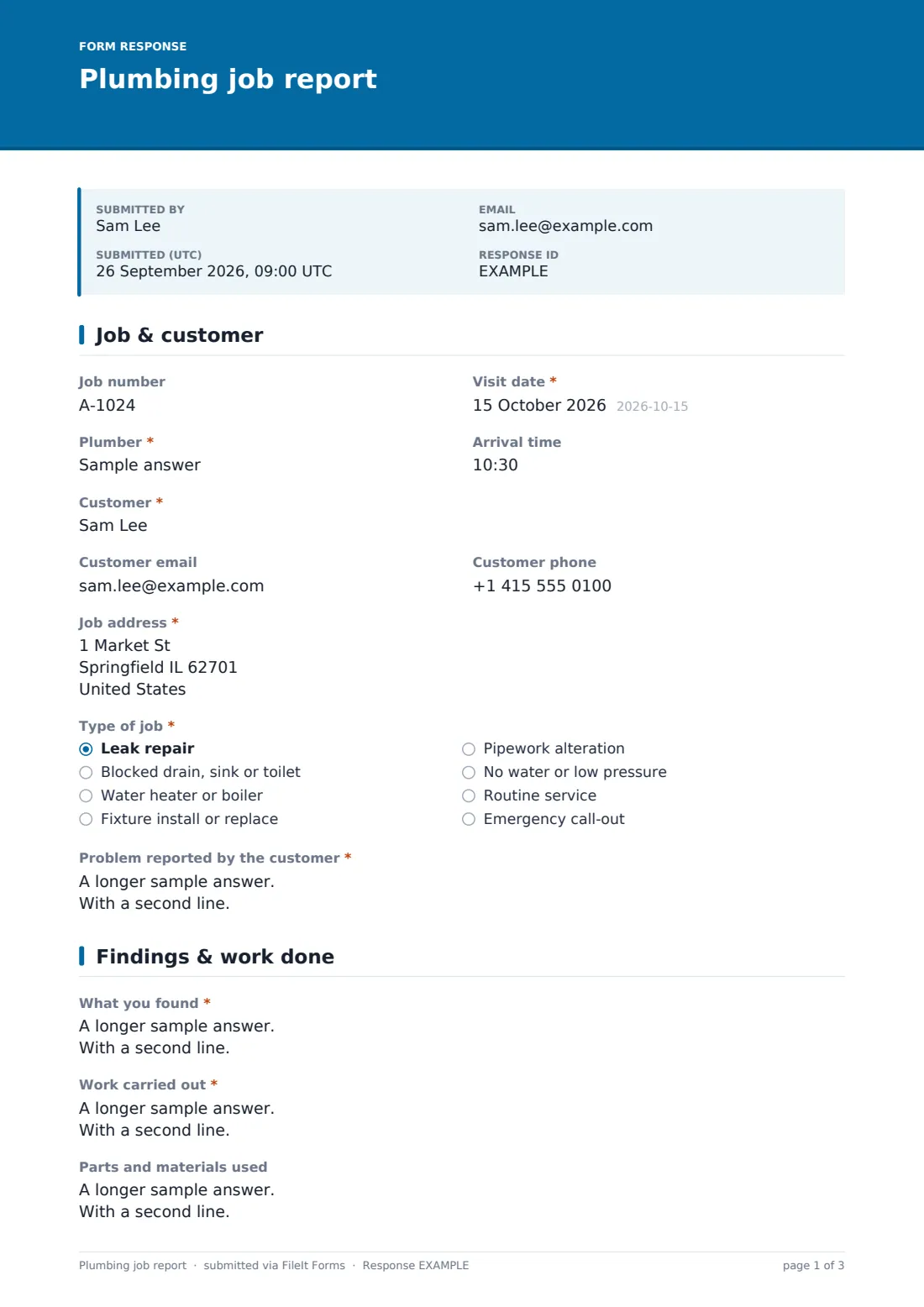
- Type of job* Leak repair · Blocked drain, sink or toilet · Water heater or boiler · Fixture install or replace · Pipework alteration · No water or low pressure · Routine service · Emergency call-out
- Problem reported by the customer*
2 Findings & work done
- What you found*
- Work carried out*
- Parts and materials used
- Labour (hours)
- Was the water supply turned off during the job?*
- Before and after photos
3 Checks
- Checks after the work* Pass · Fail · N/A
- Static water pressure (bar)
- Did the job involve a water heater or boiler?*
- Make and model asked only when it applies
- Type asked only when it applies Gas, storage tank · Electric, storage tank · Combi / tankless · Heat pump · Solar
- Water heater notes asked only when it applies
4 Sign-off
- Job status* Complete · Temporary repair — return visit needed · Waiting for parts · Quote to follow for further work
- What happens next* asked only when it applies
- Advice given to the customer
- Departure time
- How happy are you with the work today?
- Customer signature*
The plumbing job report form, page by page
1 Job & customer
Job number, visit date, plumber and arrival time, then the customer's name, email, phone and job address. "Type of job" and "Problem reported by the customer" set out why you were called.
2 Findings & work done
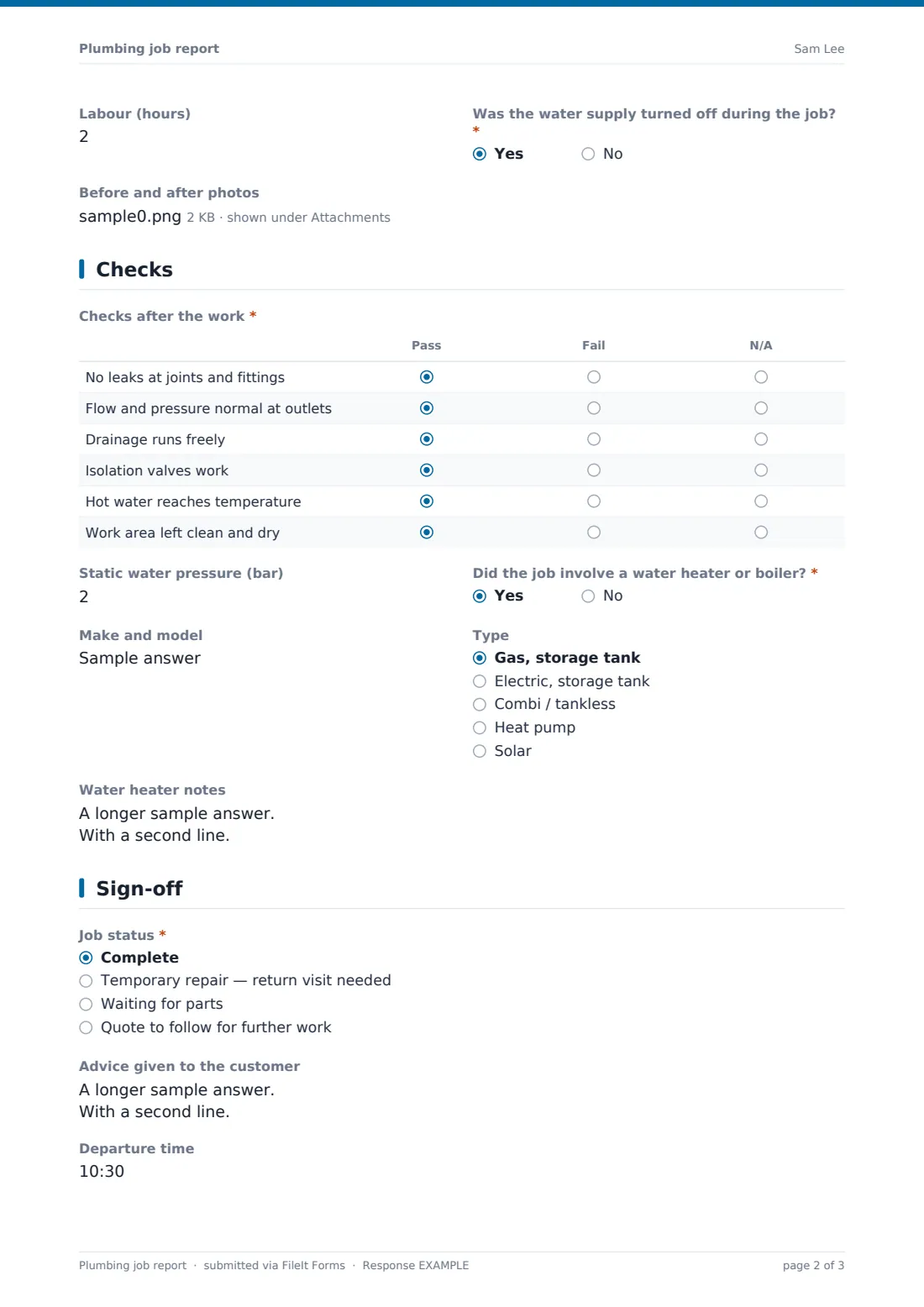
"What you found" covers the cause, location and condition of the system; "Work carried out" describes the repair. Parts and materials are listed line by line, labour is recorded in quarter hours, and a yes/no notes whether the water supply was turned off. Up to six before and after photos can be attached.
3 Checks
"Checks after the work" is a pass/fail/N/A grid: no leaks at joints and fittings, normal flow and pressure, free drainage, isolation valves working, hot water reaching temperature and the work area left clean and dry. Static pressure can be recorded in bar. If the job involved a water heater or boiler, the form asks for make and model, type — gas or electric storage tank, combi or tankless, heat pump or solar — and notes.
4 Sign-off
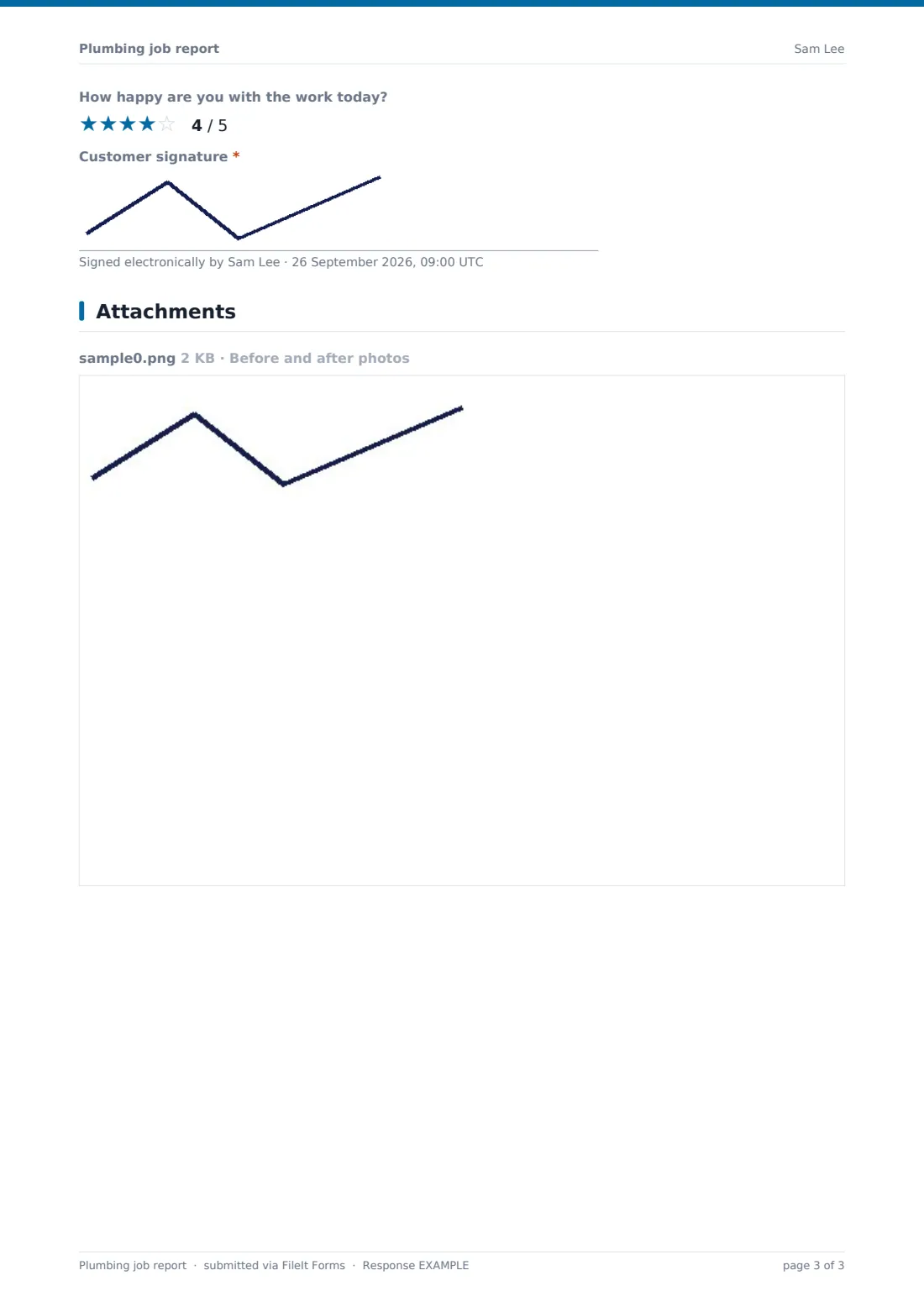
"Job status" is complete, a temporary repair needing a return visit, waiting for parts, or a quote to follow; anything other than complete asks what happens next. Advice given, departure time, an optional customer rating and the customer's signature close the report.
Make the template yours
- Change the pressure unit in the label if you work in psi
- Add your price list items to the parts help text
- Add a second signature for the plumber
- File reports into a vault folder per customer or per property
- Notify the office on every submission so invoicing can start straight away
- Edit the job types to match the work you do most
Tips for a better plumbing job report form
- Take the before photo before touching anything
- Write "What you found" for the customer, not just for yourself
- Be clear when a repair is temporary — it protects you and the customer
- Record the parts used while you're still on site
- Ask for the customer's email so they get their copy automatically
- Use the advice box for anything the customer should keep an eye on
Every response becomes a PDF in your vault
The signed report is filed as a PDF in your vault with the photos attached, and the office is notified by email. If the customer gave an email address, they receive their copy straight away.
Search the Responses table by customer or address to see a property's job history, and export to CSV to reconcile labour hours and parts with your invoices.
- Start from this template. It opens in the FileIt Forms designer — change any question, add pages, set the rules for when questions appear.
- Share it. Turn on a public link, or send it to people by email, each with their own link. They don’t need a FileIt account.
- Get the answers as PDFs. Each response is saved as a PDF in the vault folder you choose, with uploaded files attached — and listed in a Responses table you can export to CSV.
Plumbing job report form: frequently asked questions
Is this plumbing job report template free?
Yes. It's included with the Forms app on every FileIt account, including the free plan.
Can I use it on my phone on site?
Yes. The form works on phones and tablets, photos upload from the camera, and the customer signs on the screen.
Does the customer need a FileIt account?
No. They only sign on your device, and receive their copy by email.
Can I add my own prices?
You can add a currency question for the total or edit the parts question. The form doesn't calculate invoices itself.
What if the job isn't finished?
Choose a status other than complete and the form asks what happens next, so the return visit is on record.
Is this a gas safety record?
No. It's a general job report. Use whatever certificate or record your local rules require for gas work.