What is the personal training intake form template?
A first personal training session goes a lot further when the trainer already knows the client's goals, injury history and schedule, rather than spending half the hour asking questions that could easily have been answered in advance. This template covers all of it — goals, training experience, health history, lifestyle and availability — so the actual first session can focus on movement and assessment.
A quick chat before booking rarely captures everything a trainer needs, and details like a past injury or a medical condition are easy to forget to mention in conversation. A structured online form asks directly, expands to ask for detail only when relevant (an old injury triggers a follow-up, a current condition triggers another), and gives clients time to think properly about their answers rather than being put on the spot.
Once submitted, FileIt saves the whole intake as a PDF in the client's vault folder, with any starting photos attached, ready for the trainer to review and build a first programme around before they ever meet in person.
- Best for
- Personal trainers and coaches taking on a new one-to-one client
- Filled in by
- The client, before their first session
- Time to complete
- About 8-10 minutes
- Includes
- Injury and medical history logic, an availability and scheduling grid, and optional starting measurements
Who uses a personal training intake form?
- An independent personal trainer onboarding a new client before their first session
- A gym offering a paid or complimentary PT consultation as part of membership
- An online coach collecting intake details before building a remote training programme
- A trainer working with clients returning from injury who need a documented history
- A studio standardising intake across multiple trainers so nothing gets missed
- A coach preparing for an event-specific client, such as someone training for a race
Questions on this personal training intake form
28 questions over 4 pages · includes file upload, conditional questions, multiple pages, consent checkbox, ratings.
1 About you
- Full name*
- Email*
- Mobile*
- Date of birth
- Occupation
- Emergency contact name*
- Emergency contact phone*
2 Goals
- Main goal* Fat loss · Build muscle · Get stronger · Endurance / cardio fitness · Prepare for an event · Mobility and posture · General health
- Which event, and when?* asked only when it applies
- What would success look like in 3 months?
- How motivated do you feel right now?
3 Training & health history
- Training experience* New to exercise · Some — on and off · Regular — 2+ times a week · Experienced / competitive
- What activity do you do now? asked only when it applies
- Any current or past injuries, surgery or pain?*
- Tell me about them* asked only when it applies
- Any medical conditions or medication I should know about?*
- Please give details* asked only when it applies
- Your lifestyle right now Poor · Fair · Good · Great
4 Availability & measurements
- Which days suit you?* Mon · Tue · Wed · Thu · Fri · Sat · Sun
- Preferred times Early (before 8am) · Morning · Lunchtime · Afternoon · Evening
- Sessions per week 1 · 2 · 3 · 4 or more
- Where would you like to train? At the gym · At home · Outdoors · Online
- Height (cm)
- Weight (kg)
- Waist (cm)
- Resting heart rate (bpm)
- Starting photos
- Declaration*
The personal training intake form, page by page
1 About you
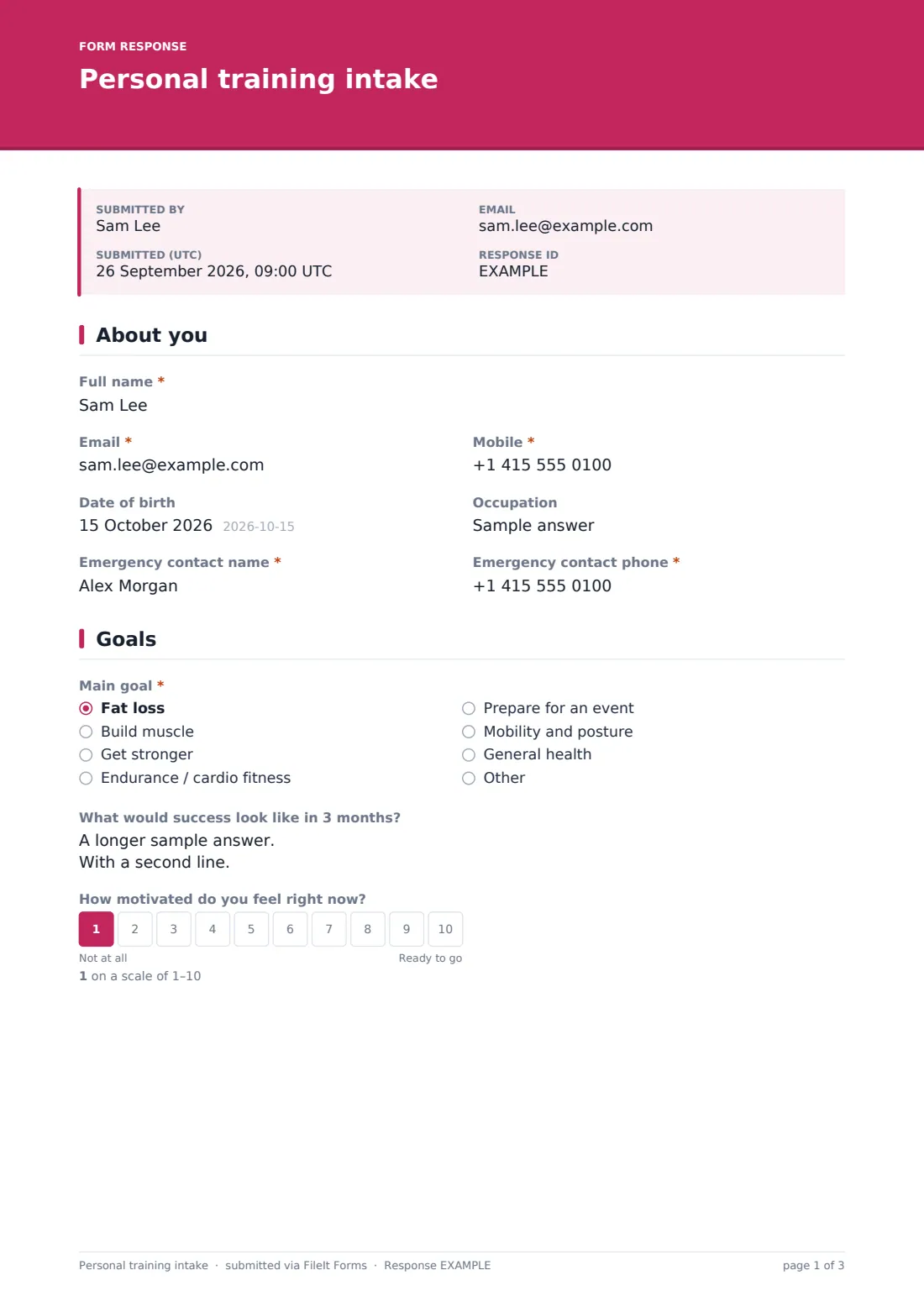
The client provides Full name, Email, Mobile, optional Date of birth and Occupation, and a required Emergency contact name and phone — essential for any in-person training environment. Asking for occupation helps the trainer understand daily activity levels outside the gym.
2 Goals
Clients choose a Main goal — fat loss, building muscle, getting stronger, endurance, preparing for an event, mobility, or general health — and describing an event reveals a field for which one and when. A What would success look like in 3 months? field and a Motivation scale round out the page, giving the trainer both a target and a sense of where the client is starting from mentally.
3 Training & health history
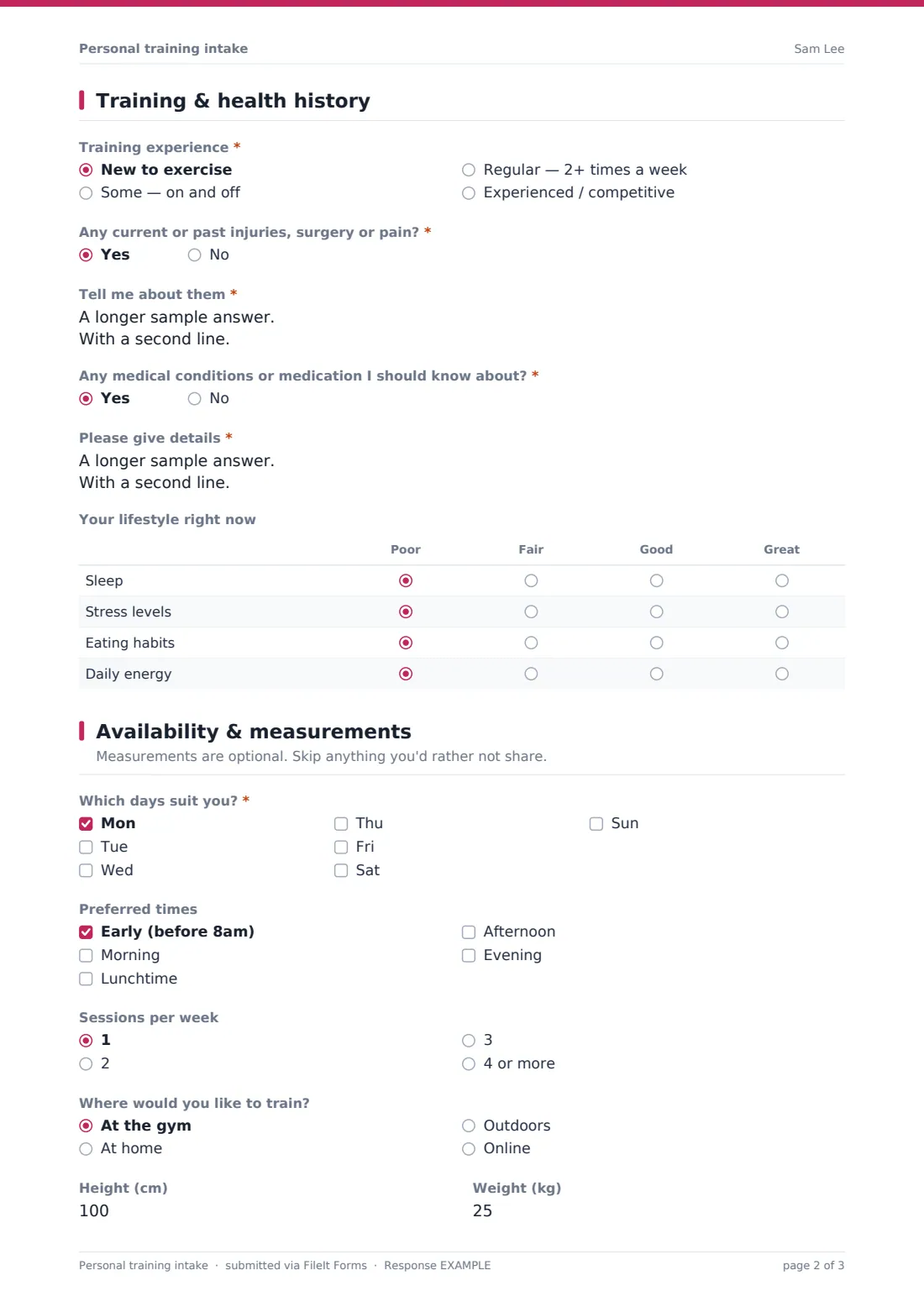
Clients rate their Training experience from new to exercise up to experienced and competitive, with a follow-up on current activity for anyone with prior experience. Two yes/no questions — any current or past injuries, and any medical conditions or medication — each open a required details field when answered yes, so nothing gets glossed over. A lifestyle grid also covers sleep, stress, eating habits and daily energy, rated poor to great.
4 Availability & measurements
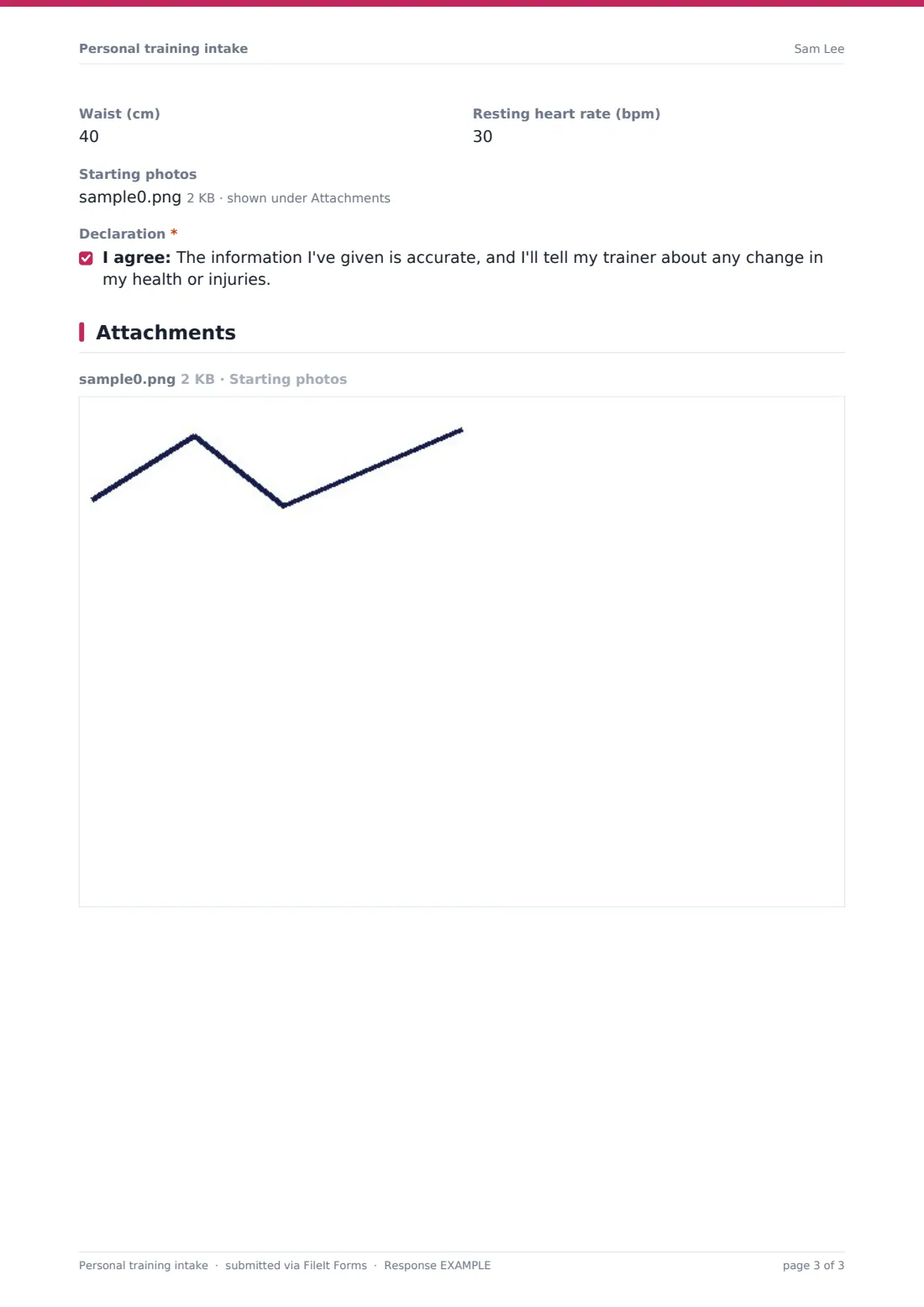
Clients pick which days and times suit them, how many sessions per week they want, and where they'd like to train — gym, home, outdoors or online. Optional measurements (height, weight, waist, resting heart rate) and starting photos can be added for anyone who wants to track progress, with a clear note that only the trainer will see them. A final declaration confirms the information given is accurate.
Make the template yours
- Add sport-specific questions if you specialise in training for a particular event, like triathlons or powerlifting
- Make starting measurements required if your programme always tracks them from day one
- Adjust the lifestyle grid to include questions specific to your coaching approach, like screen time or step count
- File each client's intake under their own vault folder so it sits alongside future session notes and progress photos
- Turn on the emailed PDF copy so clients have their own record of what they shared before training begins
- Add a waiver or liability consent section if your business requires one before the first session
Tips for a better personal training intake form
- Review injury and medical answers carefully before the first session, and adapt the initial assessment accordingly
- Ask follow-up questions in person about anything vague in the free-text fields, rather than assuming you understand the full picture
- Reassure clients that measurements and photos are optional and private, especially for anyone new to training
- Revisit goals periodically rather than only at intake — motivations and priorities shift once someone starts seeing progress
- Keep availability answers realistic by asking clients to commit to a schedule they can actually sustain, not an ideal one
Every response becomes a PDF in your vault
As soon as a client submits their intake, FileIt saves it as a PDF — starting photos and all — in the vault folder set up for them, and the trainer gets a notification straight away. If enabled, the client also receives their own PDF copy, useful for their own records as training progresses.
Most trainers review the PDF before the first session, using the goals and health history to shape the initial assessment and avoid movements that could aggravate a past injury. Because intakes are saved and searchable, it's also easy to look back at a client's original answers months later to see how their goals and lifestyle have changed.
- Start from this template. It opens in the FileIt Forms designer — change any question, add pages, set the rules for when questions appear.
- Share it. Turn on a public link, or send it to people by email, each with their own link. They don’t need a FileIt account.
- Get the answers as PDFs. Each response is saved as a PDF in the vault folder you choose, with uploaded files attached — and listed in a Responses table you can export to CSV.
Personal training intake form: frequently asked questions
Is this personal training intake form template free?
Yes, it's included in FileIt's Forms app on every account, including the free plan, and every question can be edited.
Does the client need a FileIt account to fill it in?
No. You send them a link by email or text, and they complete it without creating an account.
Do we get the completed intake as a PDF?
Yes, automatically — every submission is saved as a PDF in your FileIt vault, with any uploaded photos attached.
Does the form ask about injuries and medical conditions?
Yes, both are asked as yes/no questions, and answering yes opens a required field for details so nothing important gets missed.
Are starting measurements and photos required?
No, they're optional by default, with a note that only the trainer will see any photos uploaded — you can make them required in the designer if your programme needs them.
Can we use this for online or remote coaching clients?
Yes, the availability section includes "online" as a training location option, so it works for in-person and remote coaching alike.
Is this a substitute for a liability waiver?
No — this template focuses on intake information. If your business needs a signed liability waiver, pair this with a separate fitness liability waiver form.
Can we customise the goals and lifestyle questions?
Yes, every field is editable in the designer, so you can tailor the goals, lifestyle grid and other questions to your specific coaching style.