What is the marketing content request form template?
Marketing teams get requests from every direction — a message asking for a poster by Friday, an email about a social post, a hallway conversation about a newsletter item. Without a single intake point, requests get lost, priorities clash and the details needed to start work arrive in pieces.
This marketing content request template gives colleagues one place to ask. They say what they need — from flyers and social posts to emails, presentations, videos and web updates — and give a working title, the purpose, audience, key message and call to action. They then say whether copy is written, attach files, set a priority and due date, and flag anything that needs legal or senior sign-off.
Each request is saved as a PDF in your FileIt vault with its attachments, and the Responses table becomes a simple queue your marketing team can work through.
- Best for
- In-house marketing and communications teams
- Filled in by
- Colleagues in other teams who need marketing content
- Time to complete
- About 5 minutes
- Includes
- Follow-ups for social platforms, print runs, urgent requests and sign-off, plus file uploads
Who uses a marketing content request form?
- A school office requesting a poster and newsletter item for an open day
- A sales team asking for a one-page product sheet
- HR requesting a recruitment post for LinkedIn
- An events team needing invitations, signage and social posts
- A charity's fundraising team asking for a campaign email
- A marketing team of one who needs requests in a consistent format
Questions on this marketing content request form
24 questions over 3 pages · includes file upload, conditional questions, multiple pages.
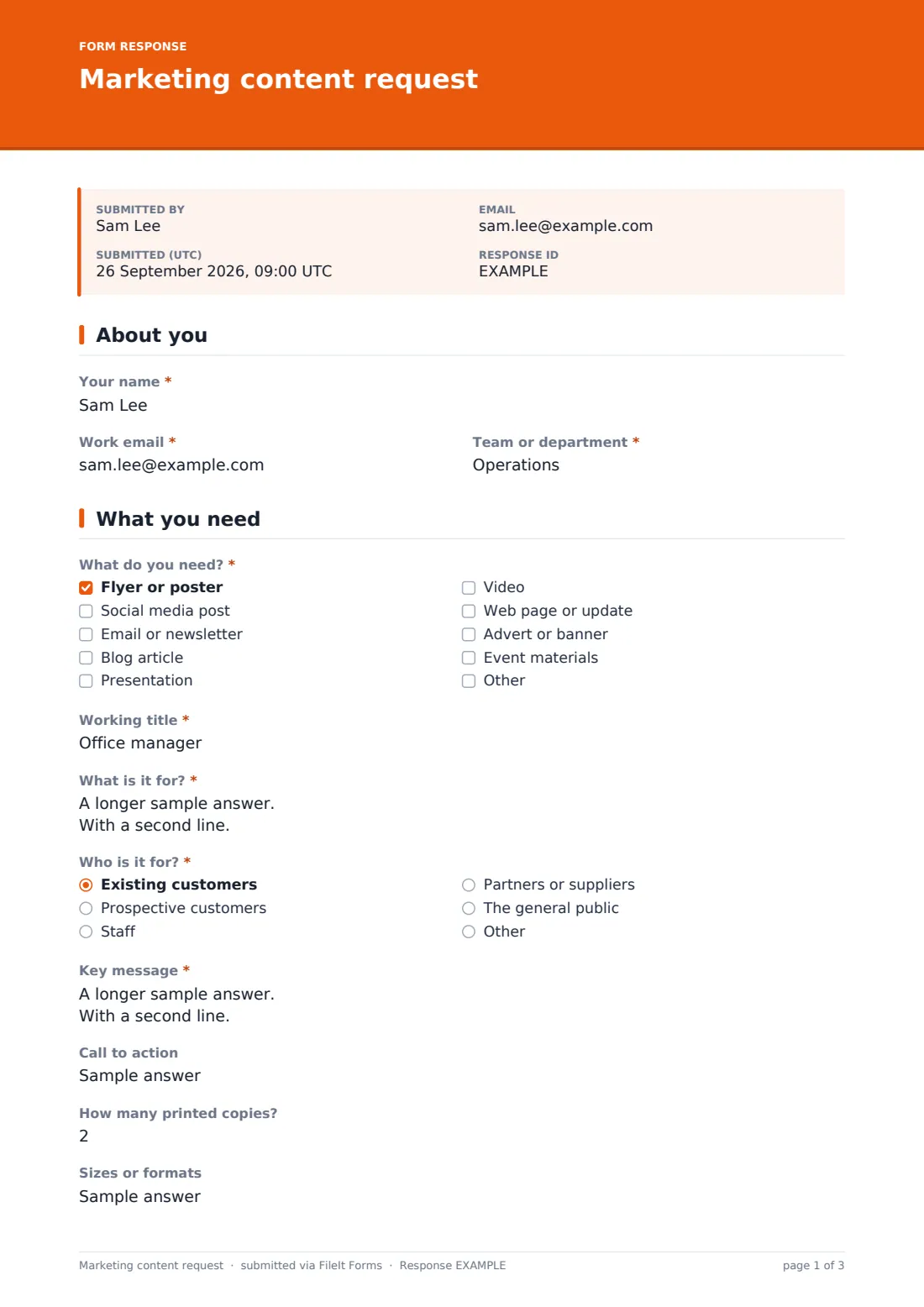
1 About you
- Your name*
- Work email*
- Team or department*
2 What you need
- What do you need?* Flyer or poster · Social media post · Email or newsletter · Blog article · Presentation · Video · Web page or update · Advert or banner · Event materials
- Working title*
- What is it for?*
- Who is it for?* Existing customers · Prospective customers · Staff · Partners or suppliers · The general public
- Key message*
- Call to action
- Which platforms? asked only when it applies LinkedIn · Instagram · Facebook · X · TikTok · YouTube
- How many printed copies? asked only when it applies
- Sizes or formats
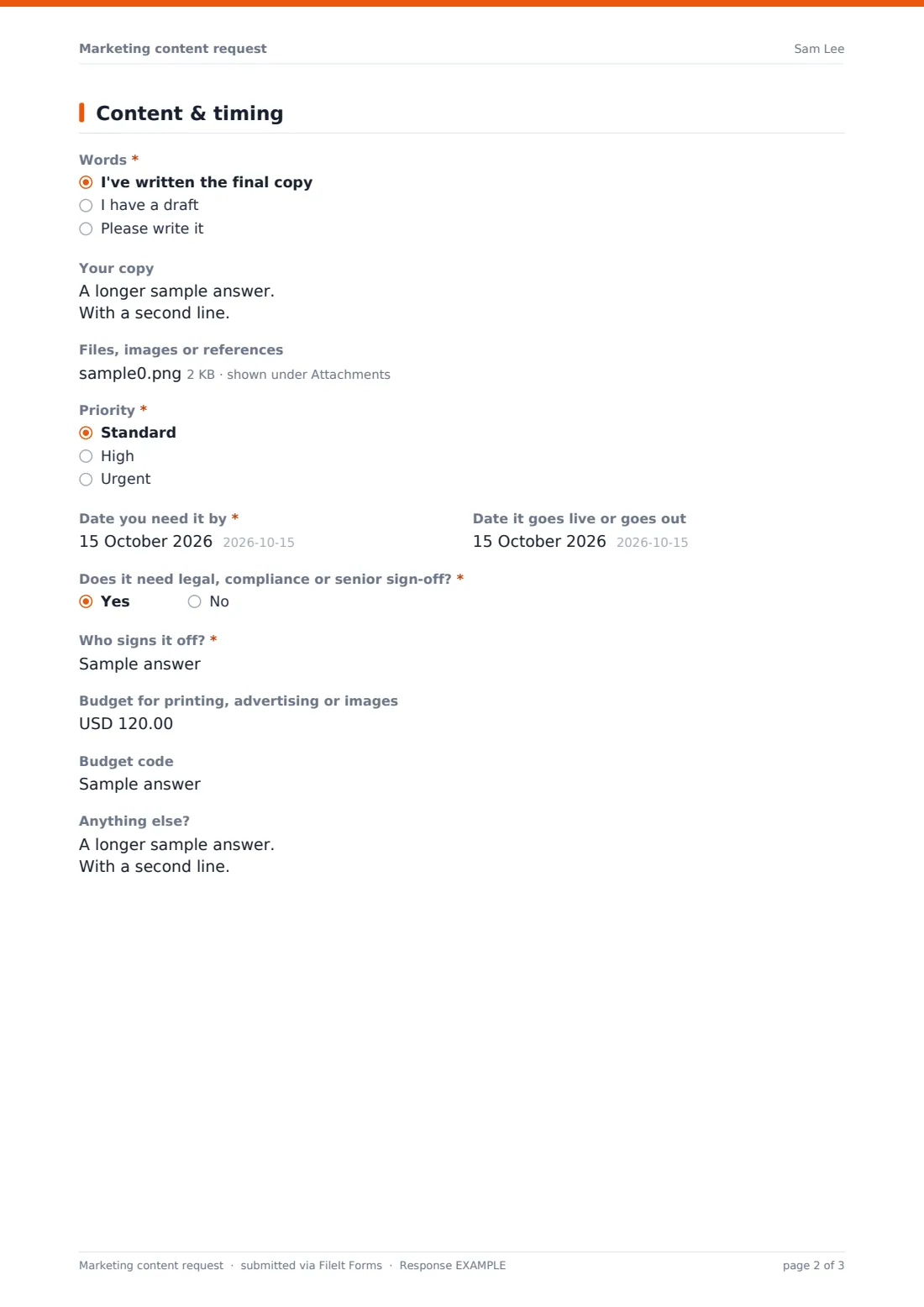
3 Content & timing
- Words* I've written the final copy · I have a draft · Please write it
- Your copy asked only when it applies
- Files, images or references
- Priority* Standard · High · Urgent
- Why is it urgent?* asked only when it applies
- Date you need it by*
- Date it goes live or goes out
- Does it need legal, compliance or senior sign-off?*
- Who signs it off?* asked only when it applies
- Budget for printing, advertising or images
- Budget code asked only when it applies
- Anything else?
The marketing content request form, page by page
1 About you
The requester gives their name, work email and team or department.
2 What you need
The requester ticks every type of content they need: flyer or poster, social media post, email or newsletter, blog article, presentation, video, web page, advert or event materials. They give a working title, what it's for, who it's for, the key message and a call to action.
Ticking social media reveals a choice of platforms, and ticking flyer or poster asks how many printed copies. A final box records sizes or formats.
3 Content & timing
The requester says whether the copy is final, drafted or still to be written; if they have copy, they can paste it in. They can attach up to ten files, such as copy documents, photos, logos or examples.
They set a priority — urgent requests must say why — the date they need it by and the date it goes live. If legal, compliance or senior sign-off is needed, they name who signs it off. An optional budget for printing, advertising or images reveals a budget code field, and there's space for any other notes.
Make the template yours
- Edit the content types to match what your team actually produces
- Add your standard lead times to the cover text, such as ten working days for print
- Replace the team text box with a dropdown of your departments
- Change the budget currency, or remove the budget fields if marketing holds all budgets
- Add your marketing inbox to the notification emails
- Route requests to a Marketing requests folder in your vault
Tips for a better marketing content request form
- Publish realistic lead times so urgent really means urgent
- Push back gently on requests without a clear audience or key message
- Check the sign-off question before you start — late legal review is a common delay
- Group similar requests into campaigns when you can
- Reply with an expected delivery date soon after a request arrives
- Look at requests by team each quarter to plan capacity
Every response becomes a PDF in your vault
Each request is saved as a PDF in your vault with the copy and attached files. With notifications on, the marketing team is emailed straight away, and the requester receives a copy of what they asked for.
The Responses table shows every request with its priority and due date — a simple queue you can sort, filter and export to a CSV. Tracking progress and delivering the finished content happen in your usual tools.
- Start from this template. It opens in the FileIt Forms designer — change any question, add pages, set the rules for when questions appear.
- Share it. Turn on a public link, or send it to people by email, each with their own link. They don’t need a FileIt account.
- Get the answers as PDFs. Each response is saved as a PDF in the vault folder you choose, with uploaded files attached — and listed in a Responses table you can export to CSV.
Marketing content request form: frequently asked questions
Is this marketing request form free?
Yes. It's a starter template in the FileIt Forms app, and every question can be changed.
Can requesters attach their own copy and images?
Yes. They can paste copy into the form or upload up to ten files, including Word, PowerPoint, PDF and image files.
Does it assign requests to someone in marketing?
No. The form collects requests; your team decides who picks each one up.
Can we limit it to people in our organisation?
Share the link only internally, or send personal links to the people who request content.
Can we see all urgent requests at once?
Yes. Filter the Responses table by priority, or export to a CSV and sort by due date.
Can external partners use it?
Yes. Anyone with the link can submit, so partners or franchisees can request materials too.