What is the grade appeal form template?
Grade appeals work best when students explain what went wrong with the process or their circumstances, rather than simply disagreeing with a mark. Free-form emails often miss the key details and leave the panel asking follow-up questions.
This template collects the student's details, the module, assessment, grade and release date, whether it was raised informally first, the grounds for appeal, a written statement, supporting evidence and the outcome the student is asking for. Short notes explain that deadlines apply and that appeals based on academic judgement alone are often not accepted.
Each appeal becomes a signed PDF in your vault with evidence attached, giving panels a consistent record to work from.
- Best for
- Universities, colleges, schools and training providers
- Filled in by
- Students appealing an assessment grade
- Time to complete
- About 15–20 minutes, including the written statement
- Includes
- Grounds checklist, statement, up to eight evidence files, outcome sought and a signature
Who uses a grade appeal form?
- Students appealing a final exam or coursework grade
- Appeals based on an administrative or calculation error
- Appeals where circumstances affected performance
- Requests for a re-mark or second marker
- Schools handling appeals against internal assessment grades
- Keeping appeals consistent for a review panel
Questions on this grade appeal form
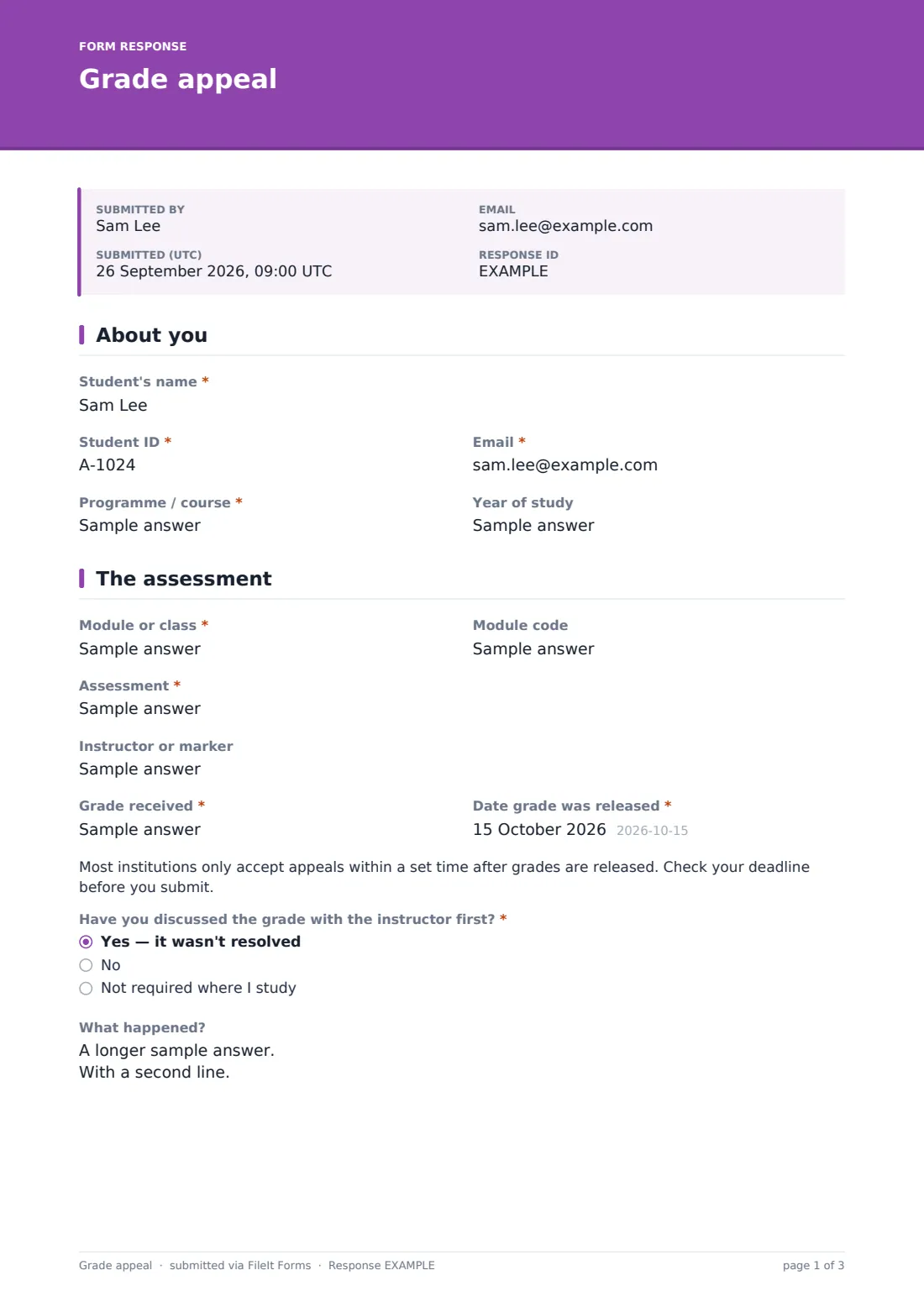
23 questions over 4 pages · includes signature, file upload, conditional questions, multiple pages, consent checkbox.
1 About you
- Student's name*
- Student ID*
- Email*
- Programme / course*
- Year of study
2 The assessment
- Module or class*
- Module code
- Assessment*
- Instructor or marker
- Grade received*
- Date grade was released*
- Have you discussed the grade with the instructor first?* Yes — it wasn't resolved · No · Not required where I study
- What happened? asked only when it applies
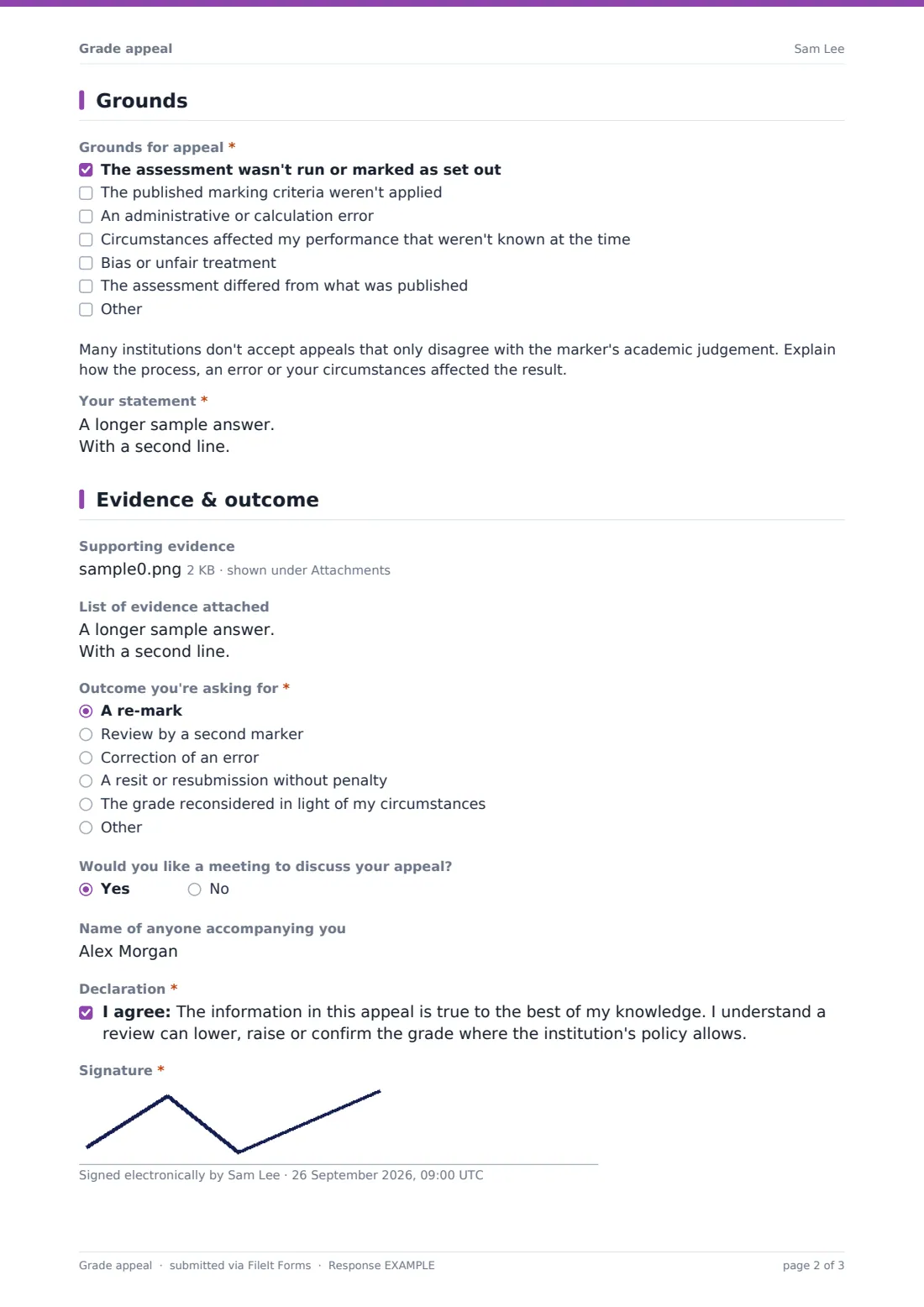
3 Grounds
- Grounds for appeal* The assessment wasn't run or marked as set out · The published marking criteria weren't applied · An administrative or calculation error · Circumstances affected my performance that weren't known at the time · Bias or unfair treatment · The assessment differed from what was published
- Your statement*
- Why weren't these circumstances reported at the time?* asked only when it applies
4 Evidence & outcome
- Supporting evidence
- List of evidence attached
- Outcome you're asking for* A re-mark · Review by a second marker · Correction of an error · A resit or resubmission without penalty · The grade reconsidered in light of my circumstances
- Would you like a meeting to discuss your appeal?
- Name of anyone accompanying you asked only when it applies
- Declaration*
- Signature*
The grade appeal form, page by page
1 About you
The student gives their name, student ID, email and programme, plus year of study.
2 The assessment
Required details: the module, the assessment, the grade received and the date it was released, with optional module code and marker. A note reminds students to check the appeal deadline. The student says whether they discussed the grade with the instructor first; a yes opens a box to say what happened.
3 Grounds
A required checklist covers the grounds: the assessment wasn't run or marked as set out, the published criteria weren't applied, an administrative or calculation error, circumstances not known at the time, bias or unfair treatment, or the assessment differing from what was published. A note explains that many institutions don't accept appeals that only disagree with academic judgement. The student then writes their statement, and ticking circumstances asks why they weren't reported at the time.
4 Evidence & outcome
Students can upload up to eight evidence files and list them. The outcome sought is required — a re-mark, a second marker, correction of an error, a resit or resubmission without penalty, reconsideration in light of circumstances, or something else. They can ask for a meeting and name anyone accompanying them, then sign a declaration that the information is true and that a review can lower, raise or confirm the grade where policy allows.
Make the template yours
- Replace the grounds with those in your own appeals policy
- Add your deadline to the note on the assessment page
- Add a link to your appeals regulations in the cover text
- File appeals in a folder per academic year
- Add the appeals office to notifications
- Remove the meeting question if your process doesn't include hearings
Tips for a better grade appeal form
- Point students to the appeals policy before they start
- Encourage an informal conversation with the marker first where appropriate
- Ask for evidence up front to avoid delays
- Acknowledge each appeal promptly with the timeline for a decision
- Keep appeal records for as long as your regulations require
- Use the same form every time so panels see appeals in a consistent format
Every response becomes a PDF in your vault
When a student submits, FileIt saves the appeal as a signed PDF with evidence attached and files it in the vault folder you've chosen. The appeals office is notified, and the student can receive a PDF copy.
Appeals staff can track appeals by module and date in the Responses table, share the PDF with the panel, and use the CSV export to report on grounds and outcomes over a year.
- Start from this template. It opens in the FileIt Forms designer — change any question, add pages, set the rules for when questions appear.
- Share it. Turn on a public link, or send it to people by email, each with their own link. They don’t need a FileIt account.
- Get the answers as PDFs. Each response is saved as a PDF in the vault folder you choose, with uploaded files attached — and listed in a Responses table you can export to CSV.
Grade appeal form: frequently asked questions
Is this grade appeal template free?
Yes. It's included with the Forms app on every FileIt account, including the free plan.
Can students appeal because they disagree with the mark?
That depends on your institution. The form notes that many institutions don't accept appeals based on academic judgement alone, and you can edit that wording.
Can students attach evidence?
Yes. Up to eight files — PDFs, images or Word documents.
Does the form set a deadline?
It reminds students to check your deadline. You can also set a close date on the form, or add your deadline to the note.
Can I change the grounds for appeal?
Yes. Edit the checklist in the Forms designer to match your regulations.
Do students need a FileIt account?
No. They submit from a link without an account.