What is the employee suggestion box form template?
Most suggestion boxes fail for two reasons: ideas arrive as a single line nobody can evaluate, and nobody hears back. This template fixes the first by asking for the problem as well as the idea, the benefit, and a rough sense of cost and effort. It helps with the second by letting people who give their name get updates.
Staff can attach photos or sketches, estimate savings in money or hours, and say whether they'd like to help put the idea into practice. Anyone who prefers to stay anonymous can — they're told how you'll share which ideas are going ahead instead.
Every suggestion is saved as a PDF in your FileIt vault and listed in the Responses table, ready for your review group.
- Best for
- Any workplace running a suggestion scheme or continuous improvement program
- Filled in by
- Employees, with their name or anonymously
- Time to complete
- About 5 minutes
- Includes
- Problem and idea, benefits checklist, savings estimates, effort and cost, attachments and an anonymity choice
Who uses a employee suggestion box form?
- A permanent digital suggestion box linked from the intranet or a QR poster in the break room
- A continuous improvement or kaizen program on a factory or warehouse floor
- A cost-saving drive where staff estimate the savings of their ideas
- Gathering health and safety improvement ideas from frontline workers
- Collecting sustainability ideas for a green team
- Letting remote staff contribute ideas as easily as office staff
Questions on this employee suggestion box form
18 questions over 3 pages · includes file upload, conditional questions, multiple pages.
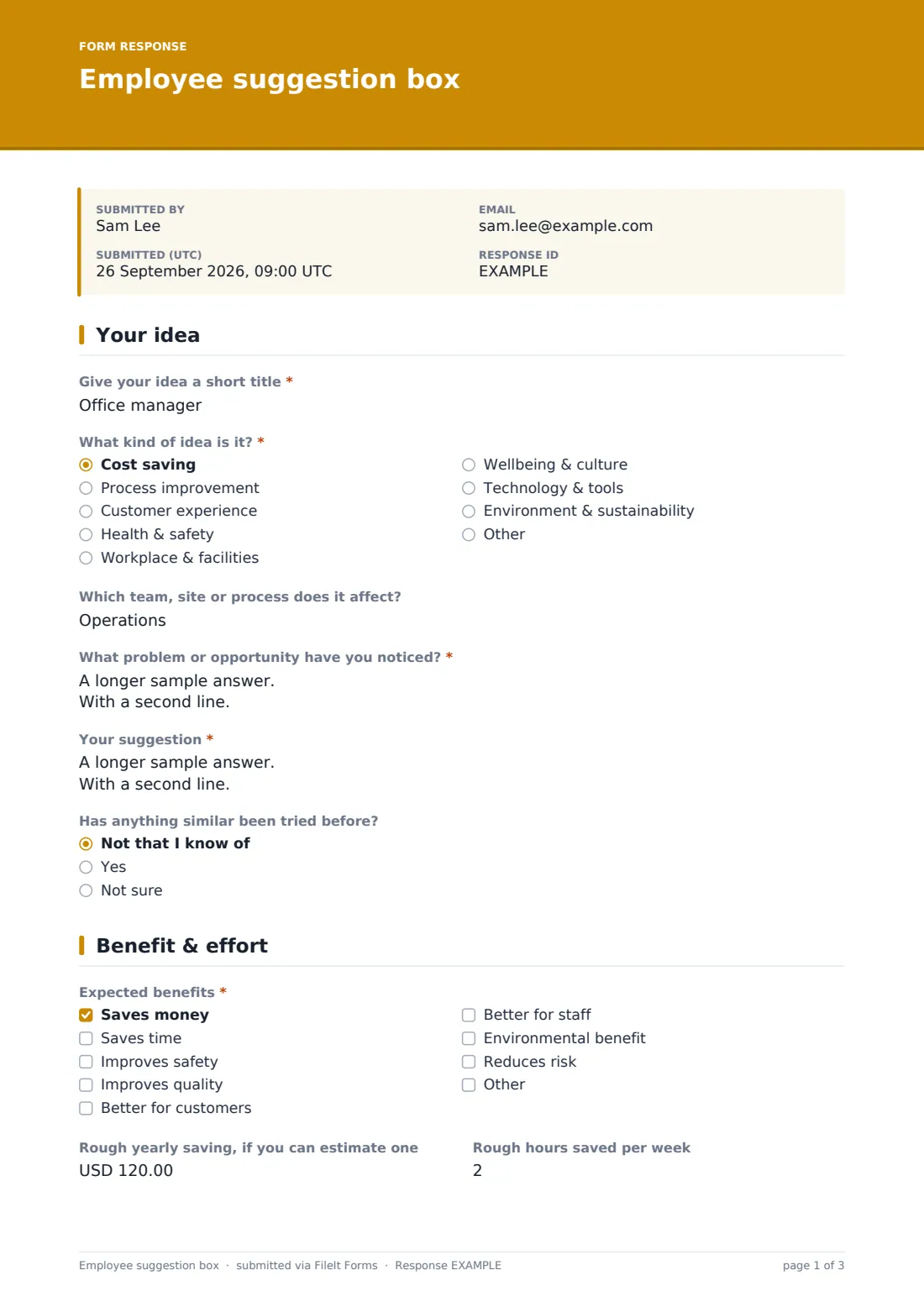
1 Your idea
- Give your idea a short title*
- What kind of idea is it?* Cost saving · Process improvement · Customer experience · Health & safety · Workplace & facilities · Wellbeing & culture · Technology & tools · Environment & sustainability · Other
- Which team, site or process does it affect?
- What problem or opportunity have you noticed?*
- Your suggestion*
- Has anything similar been tried before? Not that I know of · Yes · Not sure
- What happened last time? asked only when it applies
2 Benefit & effort
- Expected benefits* Saves money · Saves time · Improves safety · Improves quality · Better for customers · Better for staff · Environmental benefit · Reduces risk
- Rough yearly saving, if you can estimate one
- Rough hours saved per week
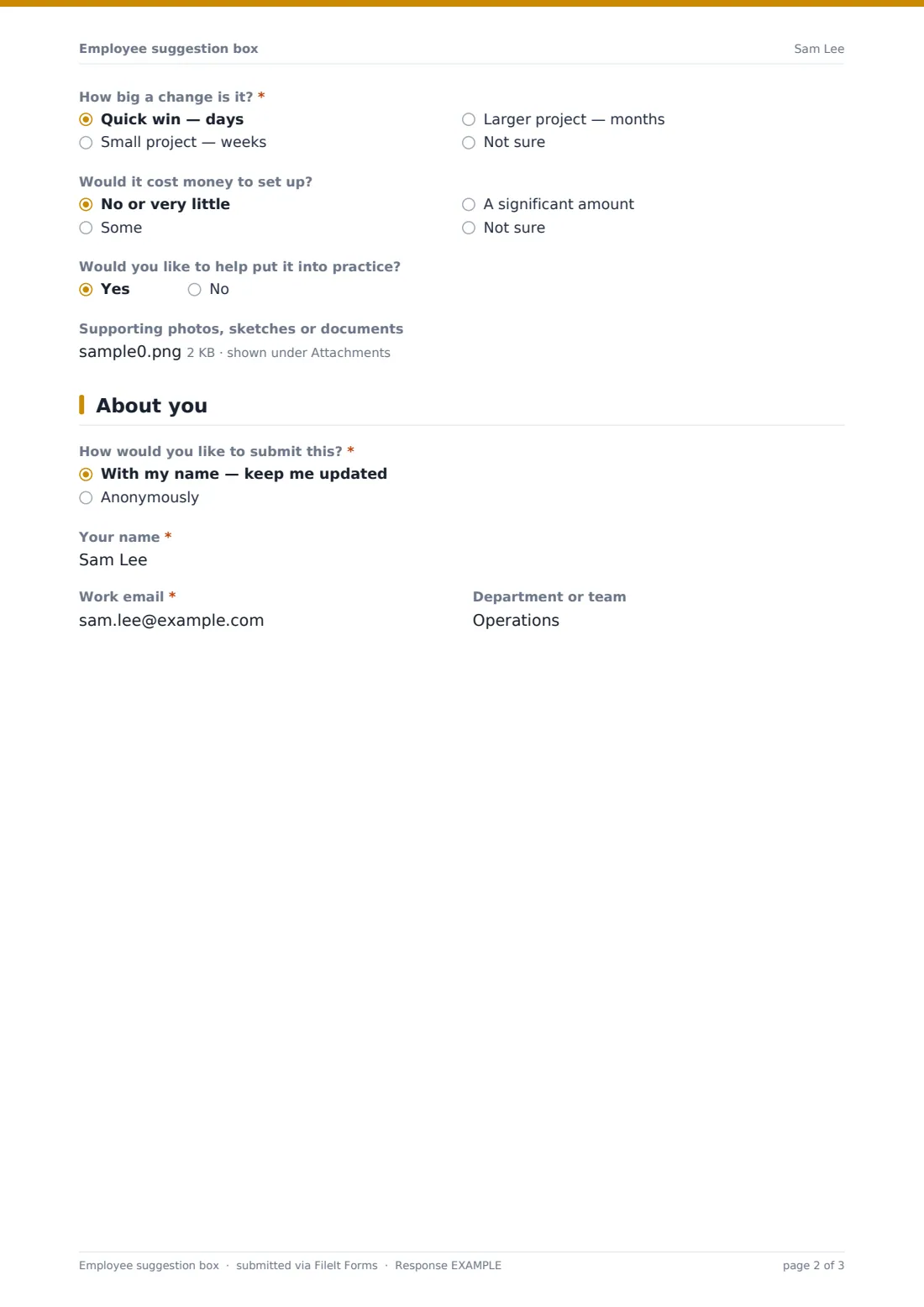
- How big a change is it?* Quick win — days · Small project — weeks · Larger project — months · Not sure
- Would it cost money to set up? No or very little · Some · A significant amount · Not sure
- Would you like to help put it into practice?
- Supporting photos, sketches or documents
3 About you
- How would you like to submit this?* With my name — keep me updated · Anonymously
- Your name* asked only when it applies
- Work email* asked only when it applies
- Department or team asked only when it applies
The employee suggestion box form, page by page
1 Your idea
A short title, a category (cost saving, process, customer experience, health and safety, facilities, wellbeing, technology, environment or other), and the team or process affected. Two required boxes ask what problem or opportunity they've noticed and what they suggest. If something similar was tried before, they can say what happened.
2 Benefit & effort
A required checklist of expected benefits (money, time, safety, quality, customers, staff, environment, risk, or other), optional estimates of yearly savings and hours saved per week, how big a change it is from a quick win to a larger project, and whether it would cost money. They can offer to help and attach up to three photos, sketches or documents.
3 About you
The submitter chooses to put their name to it or stay anonymous. Named submissions ask for name, work email and department. Anonymous ones are shown a short note explaining you'll share progress through team updates.
Make the template yours
- Change the categories to match your improvement themes or departments
- Set the currency for estimated savings
- Add NotifyEmails for the review committee
- Add a site or shift dropdown for multi-site operations
- Remove the anonymous option if your scheme rewards named ideas
- Put a QR code to the public link on posters in break rooms
Tips for a better employee suggestion box form
- Acknowledge named suggestions quickly, even if the review takes longer
- Publish a regular round-up of ideas adopted, declined and why
- Credit the people behind adopted ideas (with their permission)
- Use the effort and cost answers to spot quick wins first
- Treat safety suggestions as reports that may need immediate action
- Keep the form open all year so ideas aren't lost between campaigns
Every response becomes a PDF in your vault
Each suggestion is saved as a PDF in the vault folder you choose and you're notified by email. Named submitters receive a copy of their suggestion.
The Responses table lets your review group filter by category or effort, and export to CSV to track the status of every idea.
- Start from this template. It opens in the FileIt Forms designer — change any question, add pages, set the rules for when questions appear.
- Share it. Turn on a public link, or send it to people by email, each with their own link. They don’t need a FileIt account.
- Get the answers as PDFs. Each response is saved as a PDF in the vault folder you choose, with uploaded files attached — and listed in a Responses table you can export to CSV.
Employee suggestion box form: frequently asked questions
Is this suggestion box template free?
Yes. It's a starter template in the FileIt Forms app, and every question can be edited.
Can employees submit anonymously?
Yes. They choose on the last page. Anonymous suggestions don't ask for a name or email.
Can people send more than one suggestion?
Yes, the form accepts multiple responses from the same person.
Can staff attach photos?
Yes, up to three files — photos, PDFs, Word or Excel documents.
Does the form track the status of each idea?
No. It collects suggestions. Many teams export to CSV and track decisions in a spreadsheet, or reply directly to named submitters.
Do employees need a FileIt account?
No. They open the link, from a computer or phone.