What is the consignment intake form template?
Consignment only works when both sides remember the same deal. Which items came in, what condition they were in, whether the seller agreed to markdowns, and what happens to anything left unsold — those are the details that turn into disagreements months later if they only lived in a conversation at the counter.
This consignment intake form captures the seller's details, a line-by-line list of the items with condition and any flaws, photos and proof of origin, then their pricing preferences, markdown permission, what to do with unsold items and how they'd like to be paid. It closes with an ownership declaration, your consignment terms and a signature.
Every intake is saved as a signed PDF in your FileIt vault, with the photos attached, so you have a dated record of exactly what was agreed for each consignor.
- Best for
- Consignment boutiques, furniture resale shops, vintage stores and charity shops that sell on consignment
- Filled in by
- Sellers bringing items in, at home before a drop-off or at the counter
- Time to complete
- About 5–8 minutes, depending on the number of items
- Includes
- Photo upload, conditional pricing and payout questions, two declarations and a signature
Who uses a consignment intake form?
- A designer resale boutique taking in handbags and clothing from regular consignors
- A furniture consignment store recording pieces before arranging collection
- A vintage shop asking sellers to send photos before they bring items in
- A children's resale shop running seasonal consignment drop-off days
- An antiques dealer recording provenance documents for consigned pieces
- A sports equipment exchange taking bikes and gear on consignment
Questions on this consignment intake form
23 questions over 4 pages · includes signature, file upload, conditional questions, multiple pages, consent checkbox.
1 Consignor
- Your name*
- Email*
- Phone*
- Address
- Have you consigned with us before? Yes · No, this is my first time
- Consignor number asked only when it applies
2 Items
- What are you consigning?* Clothing and shoes · Handbags and accessories · Jewellery and watches · Furniture · Home décor · Art and collectibles · Electronics · Sports and outdoor gear · Children's items
- Number of items*
- Item descriptions*
- Overall condition* New with tags / unused · Excellent — barely used · Good — light signs of wear · Fair — visible wear, priced accordingly
- Any flaws, repairs or missing parts?
- Proof of origin you can provide Original receipt · Certificate of authenticity · Original box or dust bag · Valuation or appraisal · None
- Photos of the items
3 Pricing & payout
- Total asking price you have in mind
- How should items be priced?* Let the shop set prices · Shop sets prices, but not below my minimum · Agree each price with me first
- Lowest total you'd accept asked only when it applies
- Can items be marked down if they haven't sold after 30 days?
- If an item hasn't sold by the end of the consignment period* I'll collect it · Donate it to charity · Contact me to extend or reprice
- How would you like to be paid?* Bank transfer · Cheque · Store credit · Cash at the counter
4 Agreement
- Ownership*
- Consignment terms*
- Date*
- Signature*
The consignment intake form, page by page
1 Consignor
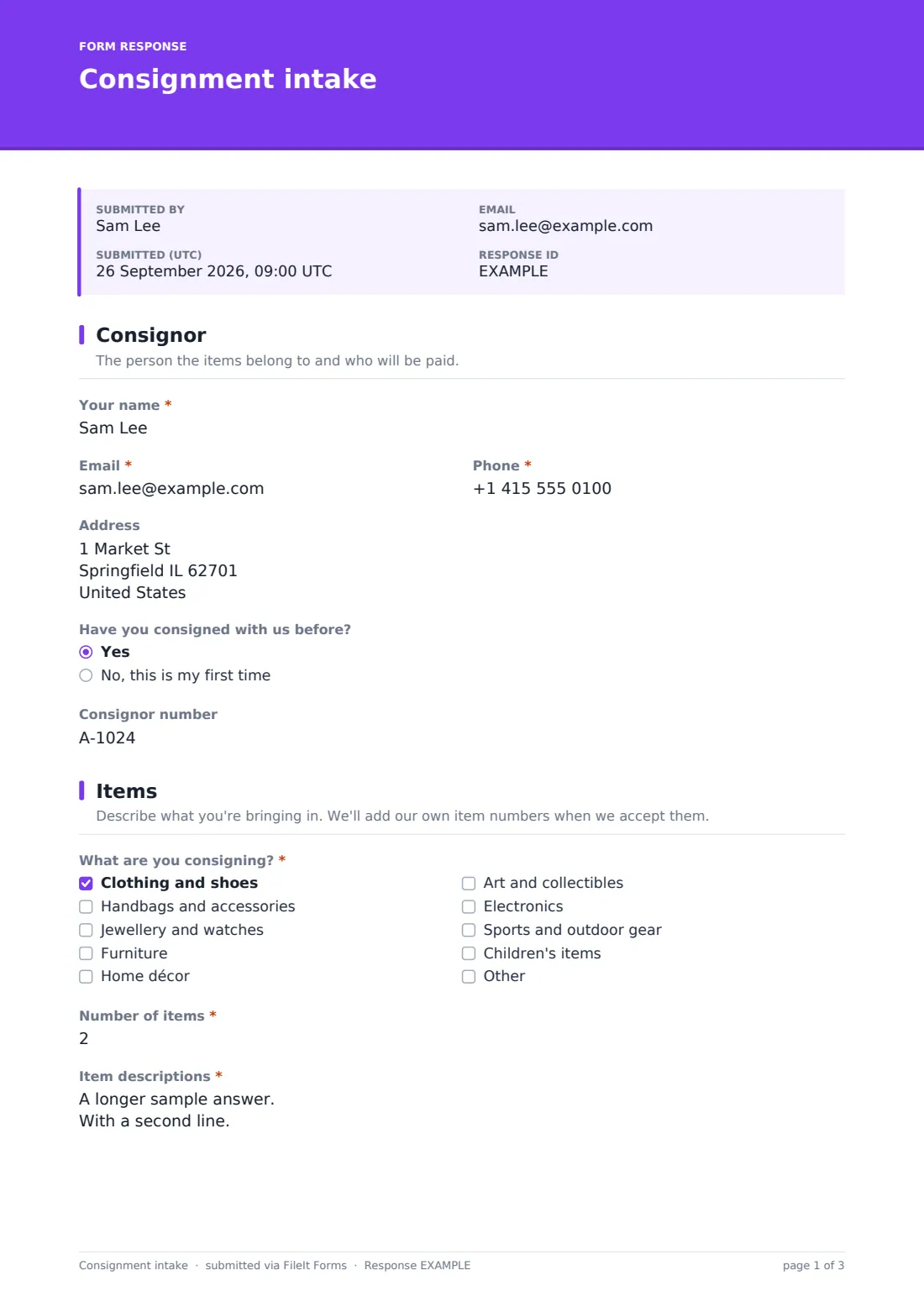
The seller gives their name, email, phone and address, and says whether they've consigned with you before. Returning consignors are asked for their consignor number so the new items can be linked to their existing account.
2 Items
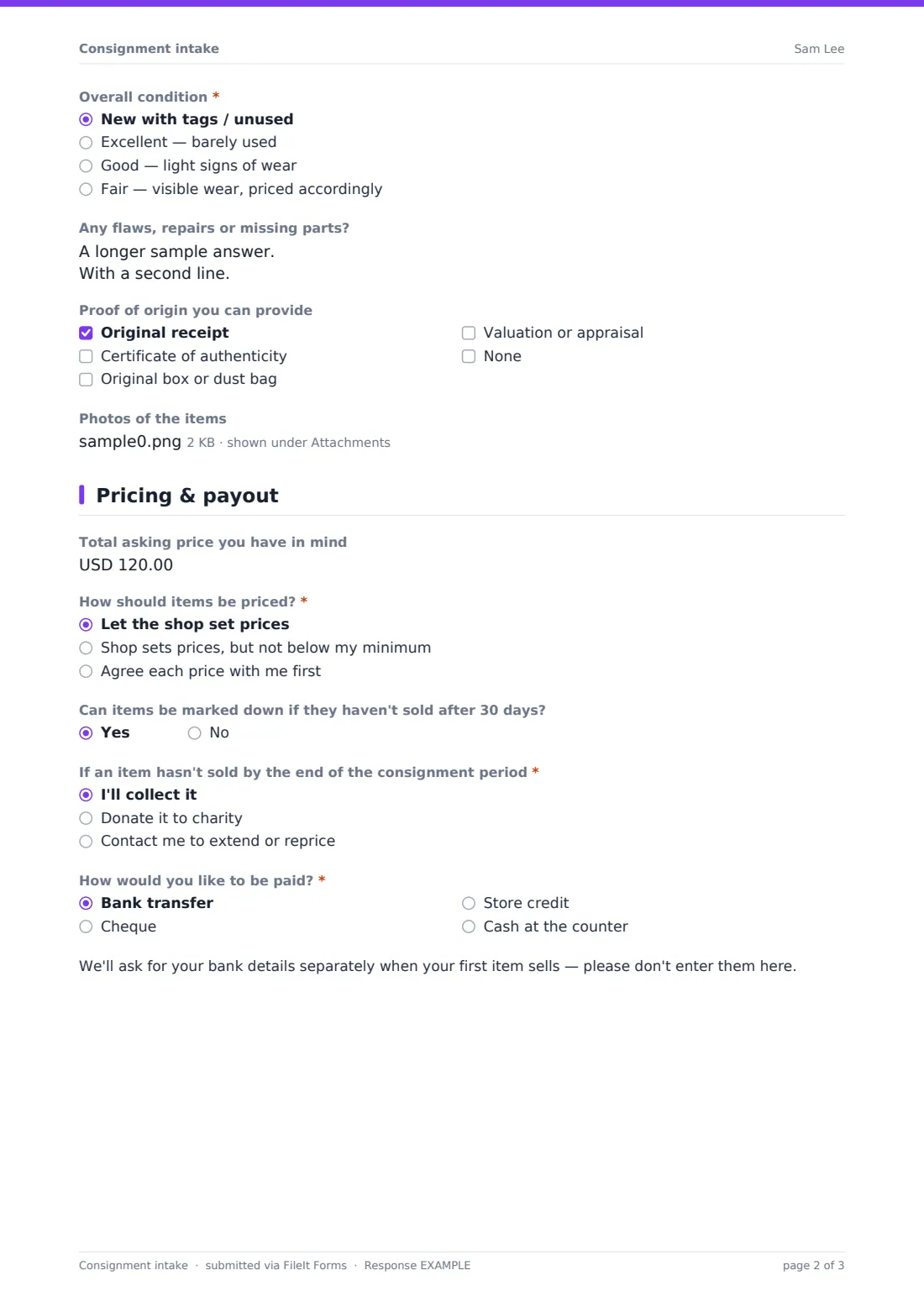
A checklist covers the type of goods — clothing, bags, jewellery, furniture, décor, art, electronics, sports gear and children's items. The seller enters the number of items and a line-by-line description with brand, size and colour, an overall condition from new with tags to fair, and any flaws or repairs. They can tick what proof of origin they have, such as receipts or certificates of authenticity, and upload up to ten photos.
3 Pricing & payout
The seller can note a total asking price, then choose whether the shop sets prices, sets them above a minimum — which reveals a Lowest total you'd accept field — or agrees each price with them first. They say whether items can be marked down after 30 days, what happens to unsold items, and how they'd like to be paid. Choosing bank transfer shows a note that bank details will be collected separately.
4 Agreement
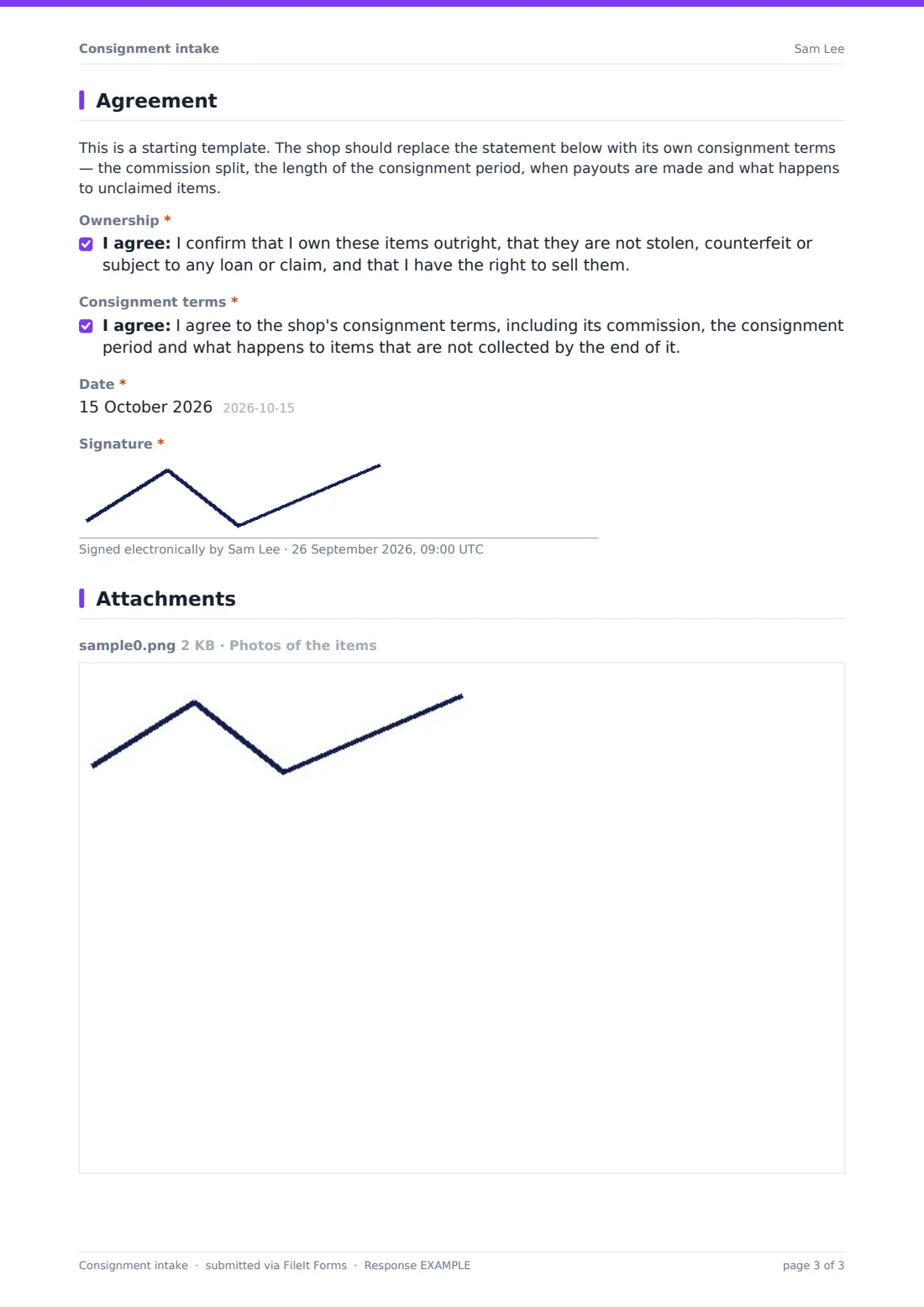
A note reminds the shop to replace the placeholder terms with its own. The seller confirms they own the items outright and that they aren't stolen or counterfeit, agrees to the consignment terms, dates the form and signs.
Make the template yours
- Replace the consignment terms statement with your commission split and consignment period
- Change the markdown question to match your own schedule, such as 20% off after 30 days
- Edit the item types to reflect what your shop actually accepts
- Change the currency on the price fields to your local currency
- Remove the cash payout option if you only pay by transfer or store credit
- File intakes into a vault folder per consignor or per season
Tips for a better consignment intake form
- Ask sellers to fill the form in before they arrive, so drop-off is a quick check rather than a long conversation
- Compare the seller's condition rating with your own inspection and note any difference on the accepted list
- Photograph labels and flaws yourself as well — seller photos are a starting point
- Be clear about when the consignment period starts: the drop-off date or the date items go on the floor
- Never collect bank details on the intake form itself; ask for them securely when a payout is due
- Keep the signed PDF until every item has been sold, returned or donated and the final payout is made
Every response becomes a PDF in your vault
Each intake is saved as a PDF in your FileIt vault, with the item list, photos, pricing choices and the seller's signature together. You're emailed when one arrives, and the consignor can get their own copy to keep.
Use the Responses table to find a consignor's intake quickly, or export to CSV if you track items and payouts in a separate spreadsheet or point-of-sale system.
- Start from this template. It opens in the FileIt Forms designer — change any question, add pages, set the rules for when questions appear.
- Share it. Turn on a public link, or send it to people by email, each with their own link. They don’t need a FileIt account.
- Get the answers as PDFs. Each response is saved as a PDF in the vault folder you choose, with uploaded files attached — and listed in a Responses table you can export to CSV.
Consignment intake form: frequently asked questions
Is this consignment intake form free?
Yes. It's included in the FileIt Forms app on every plan, including free, and you can change any question.
Does the form work out commission or payouts?
No. It records the seller's preferences and agreement. Commission and payouts are handled in your own sales or accounting system.
Can sellers upload photos from their phone?
Yes. The photo question accepts JPG, PNG, HEIC and WebP images, up to ten per submission.
Are the consignment terms included?
The form ships with a general placeholder statement. You should replace it with your shop's own terms — commission, consignment period and unclaimed items — before publishing.
Do sellers need a FileIt account?
No. Anyone with the link can fill it in and sign without an account.
Can staff fill it in at the counter for a seller?
Yes. Open the form on a tablet or counter computer and hand it to the seller to review and sign.