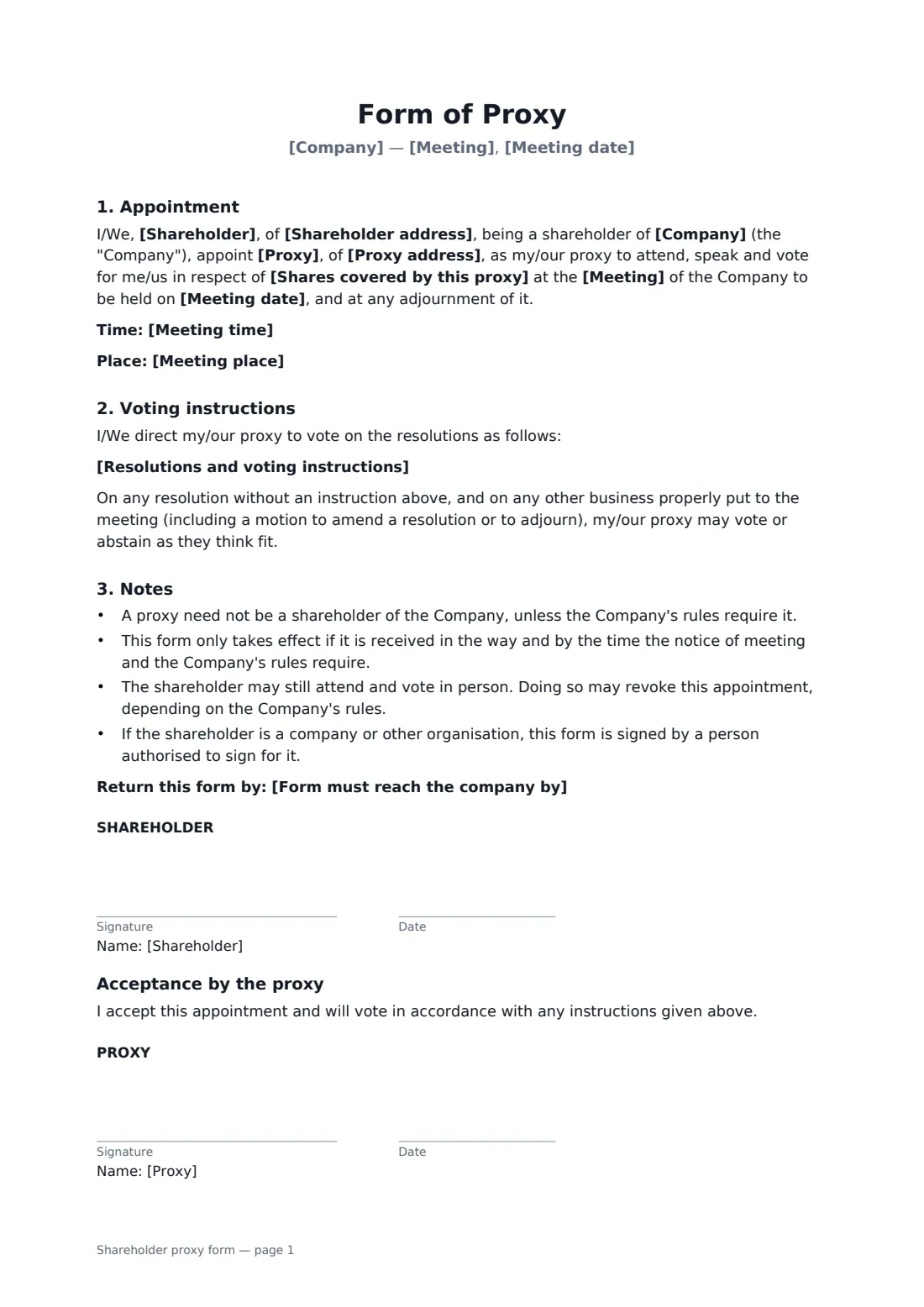
What is a shareholder proxy form?
A shareholder appoints someone to attend and vote for them at a company's general meeting, with an optional voting instruction for each resolution. Start from this template in FileIt eSignature: fill in the blanks, add the people who sign, and send it. Everyone signs online and the signed PDF is filed in your vault.
What you fill in
12 blanks, then the name and email of each person who signs: shareholder, proxy.
1 The meeting
- Company*
- Meeting* annual general meeting · general meeting · special meeting of shareholders · class meeting
- Meeting date*
- Meeting time
- Meeting place
2 The shareholder
- Shareholder*
- Shareholder address
- Shares covered by this proxy*
3 The proxy
- Proxy*
- Proxy address
4 Voting instructions
- Resolutions and voting instructions
- Form must reach the company by
5 Who signs
- Shareholder signature and date · Or a person authorised to sign for a corporate shareholder.
- Proxy signature and date · Signs to accept the appointment.
What the shareholder proxy form covers
- Appointment
- Voting instructions
- Notes
- Acceptance by the proxy
Sign it online in minutes
- Fill in the blanks. Names, dates and amounts go straight into the agreement — the preview shows exactly where.
- Name who signs. Tick “This is me” for your own part. FileIt builds the PDF with every signature, date box on the right line, and you can check or move anything before sending.
- Send it. Each signer gets a secure link and signs from any device — no account needed. The signed PDF, with an audit trail and a Certificate of Completion, is filed in your vault and emailed to everyone.