What is a board meeting minutes?
Companies are generally required to keep minutes of directors' meetings, and good minutes protect the directors: they show what was considered, who was there, which interests were declared and what was decided. Auditors, investors, banks and, in a dispute, courts may all ask to see them.
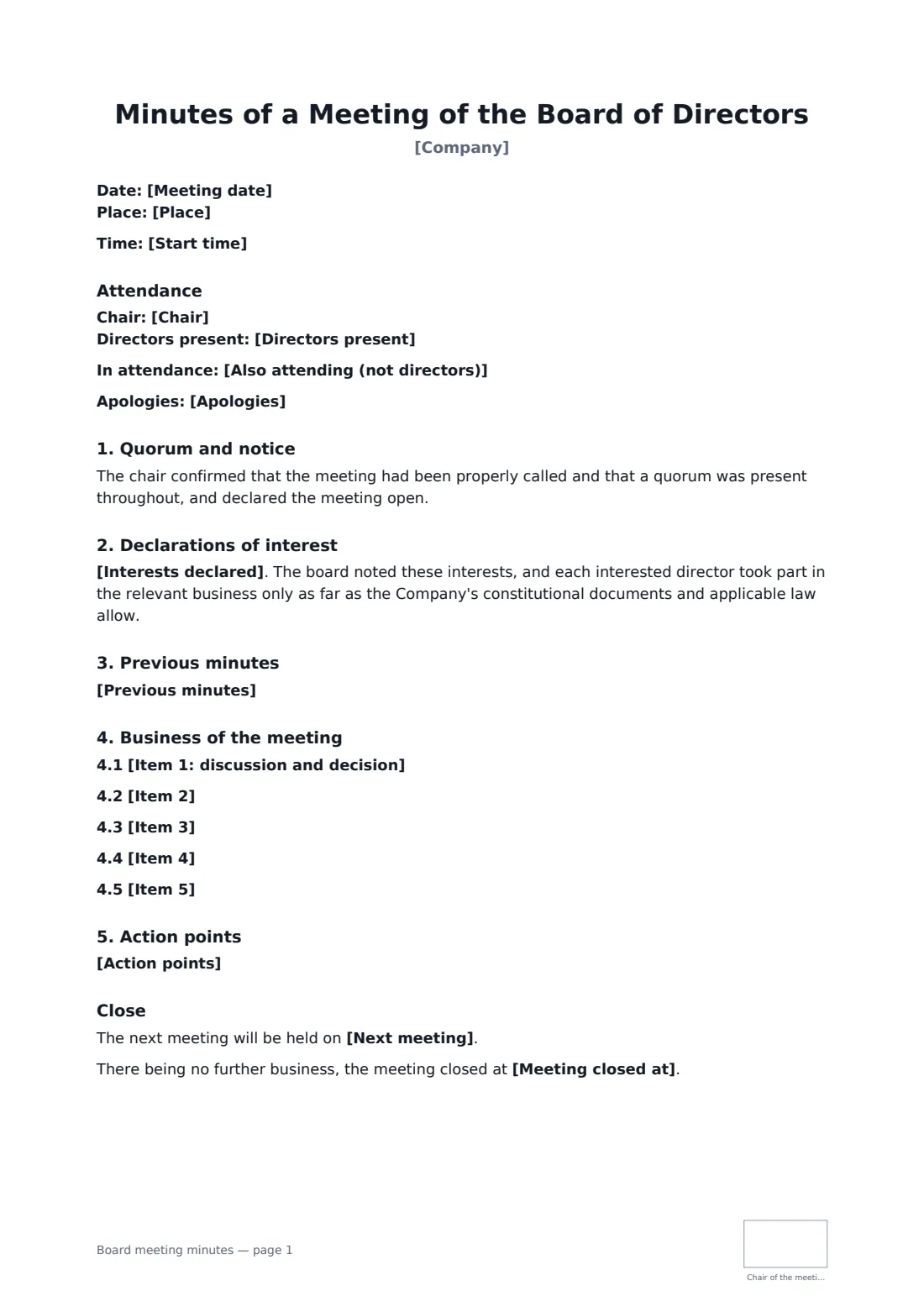
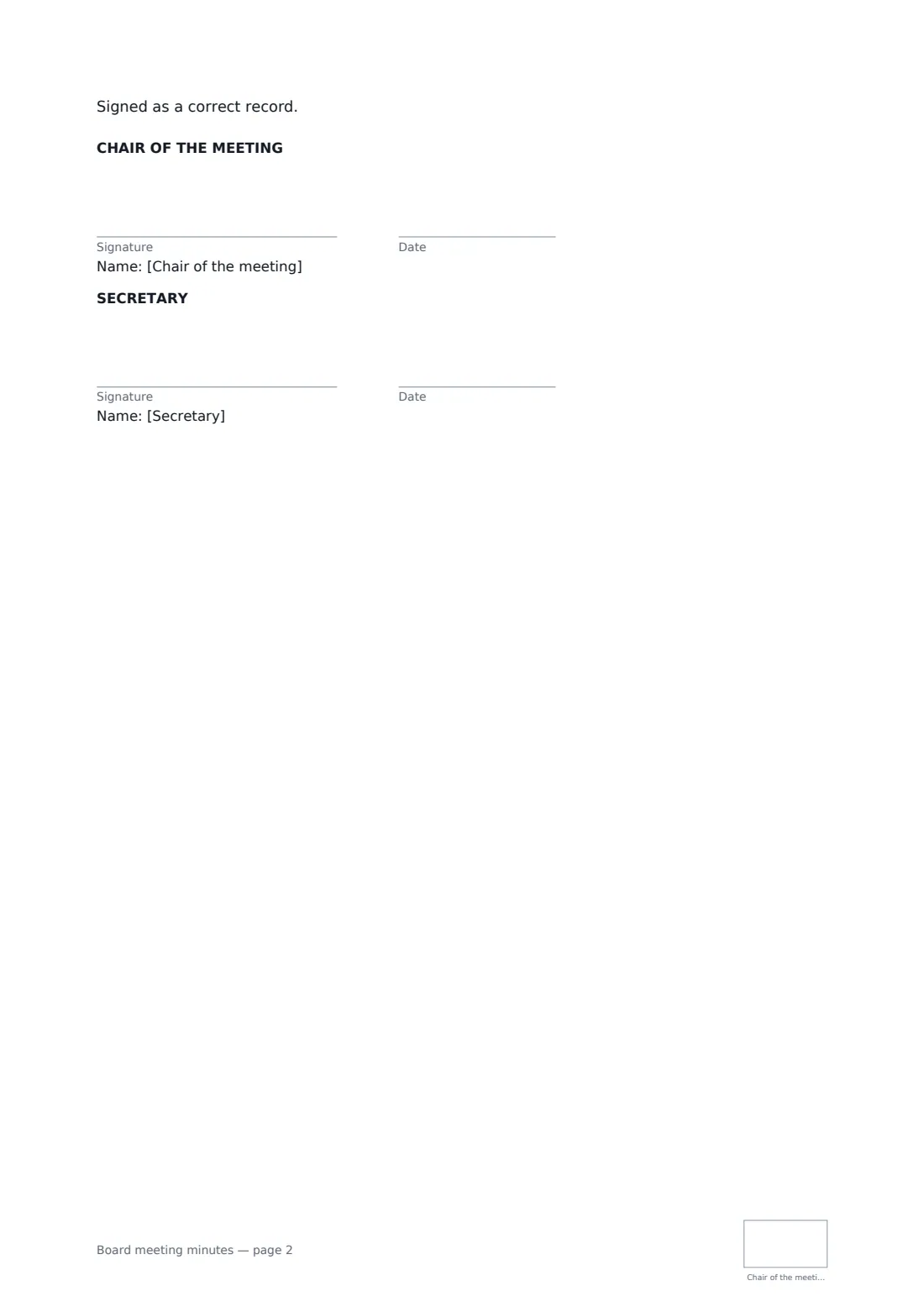
This template records the date, place and time, the chair, directors present and others attending, apologies, quorum and notice, declarations of interest, approval of previous minutes, up to five items of business with discussion and decisions, action points with owners and deadlines, the next meeting date and closing time. The chair and secretary sign it as a correct record, with the chair initialling each page.
- Best for
- Regular and ad-hoc board meetings of private companies and non-profits
- Signed by
- The chair and the secretary
- Records
- Attendance, quorum, interests, decisions, actions
- Length
- 1–2 pages
When to use a board meeting minutes
- Quarterly board meetings reviewing trading and budgets
- A meeting that approves accounts or a major contract
- A non-profit board's regular meeting
- A subsidiary board meeting for group compliance
- Recording decisions an auditor or bank will ask about
What you fill in
18 blanks, then the name and email of each person who signs: chair of the meeting, secretary.
1 The meeting
- Company*
- Meeting date*
- Start time
- Place*
2 Attendance
- Chair*
- Directors present*
- Also attending (not directors)
- Apologies
- Interests declared
3 Business
- Previous minutes* The minutes of the previous meeting were approved as a correct record. · The minutes of the previous meeting were approved with the corrections noted. · There were no previous minutes to approve.
- Item 1: discussion and decision*
- Item 2
- Item 3
- Item 4
- Item 5
4 Close
- Action points
- Next meeting
- Meeting closed at
5 Who signs
- Chair of the meeting signature and date, initials on every page
- Secretary signature and date, initials on every page · The company secretary, or whoever took the minutes.
What the board meeting minutes covers
- Attendance
- Quorum and notice
- Declarations of interest
- Previous minutes
- Business of the meeting
- Action points
- Close
Using the board meeting minutes, step by step
1 Enter the meeting details
Company, date, time and place, including whether anyone joined by video.
2 Record attendance
List the chair, directors present, others attending and apologies. Note any interests declared.
3 Write up each item
For each item, summarise the discussion and record the decision exactly. Add action points with an owner and a date.
4 Approve and sign
Circulate the draft, then send for signature by the chair and secretary. The signed minutes are kept in your FileIt vault.
Tips before you send it
- Write minutes soon after the meeting while memories are fresh.
- Record decisions and the main reasons, not a word-for-word transcript.
- Many companies approve minutes at the next meeting before the chair signs.
- If the board makes a formal decision a bank or registry needs, also prepare a board resolution.
Sign it online in minutes
- Fill in the blanks. Names, dates and amounts go straight into the agreement — the preview shows exactly where.
- Name who signs. Tick “This is me” for your own part. FileIt builds the PDF with every signature, date and initials box on the right line, and you can check or move anything before sending.
- Send it. Each signer gets a secure link and signs from any device — no account needed. The signed PDF, with an audit trail and a Certificate of Completion, is filed in your vault and emailed to everyone.
Board meeting minutes: frequently asked questions
Who signs board minutes?
Usually the chair of the meeting, often after the board approves them at the next meeting. The secretary or minute-taker commonly signs too.
How long must minutes be kept?
It depends on local company law, and often it is many years. Keep the signed PDF in your vault with the company's records.
What is the difference between minutes and a resolution?
Minutes record the whole meeting. A resolution records one specific decision, often in a form a third party can rely on.
Can minutes be signed electronically?
In most places, yes. Check your company's rules if they say otherwise.